

Honen
StudyFetch, Inc. · Leaning
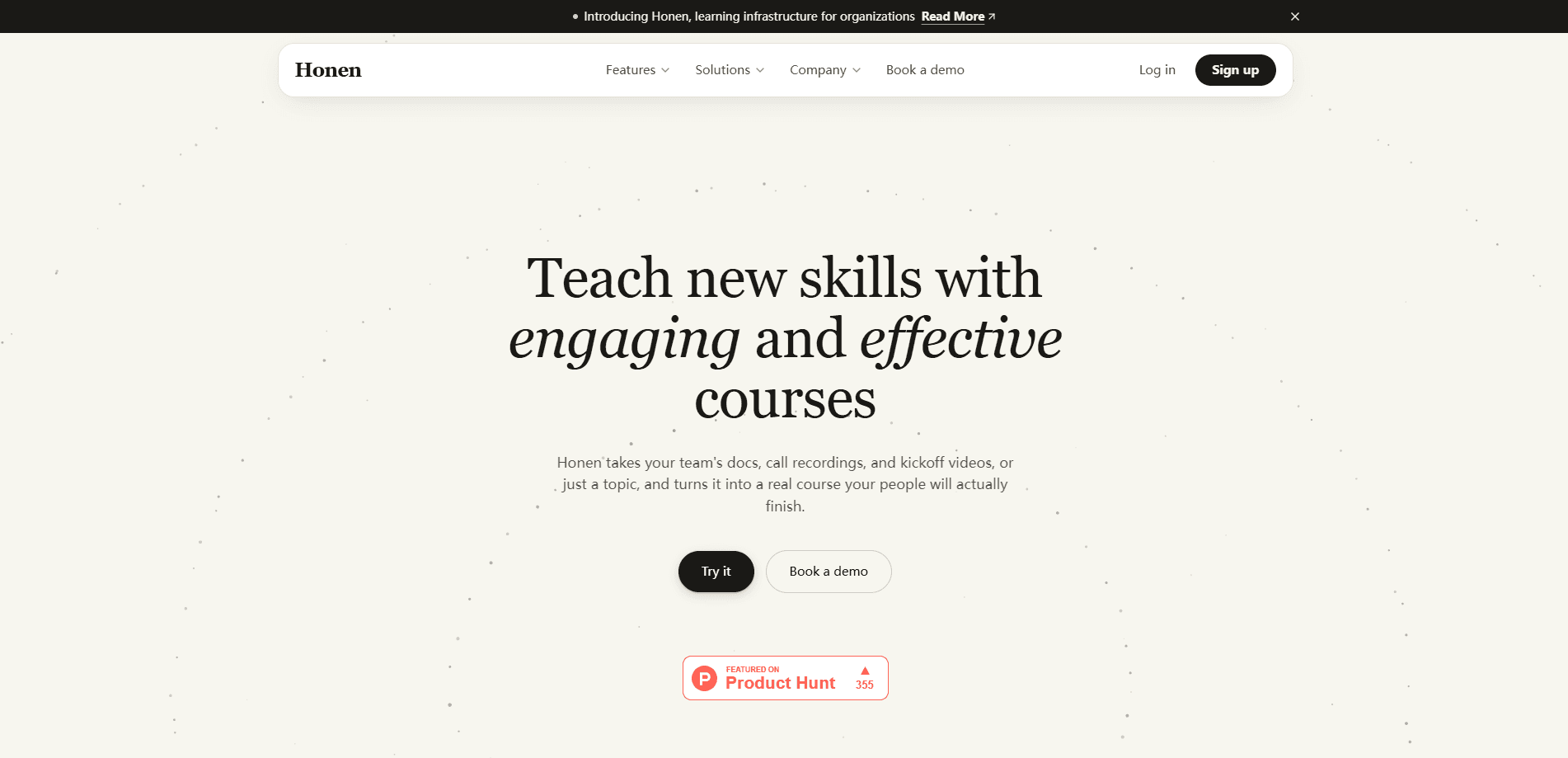
Honen is an AI course creation platform from StudyFetch, Inc. that turns your documents, videos, recordings, or a plain topic into complete, interactive courses. You approve the outline first, then AI builds the lessons, practice, and assessments, and you refine any part through chat. Finished courses run inside Honen itself or get pushed into an existing LMS through LTI, SCORM, or cmi5, which is the detail that makes it useful for teams rather than just solo learners.
About Honen
What Is Honen
Honen is a teaching and learning platform built around one core promise: you should be able to turn knowledge you already have into a course people can actually finish. It connects five stages in one place, so a document you upload and the analytics you read later live in the same workspace. The pipeline covers knowledge sources, AI authoring, the learner experience, delivery into an LMS, and measurement of what people learned. Five stages, one workspace.
The course generator is the hook, but the pitch goes beyond content production. Each generated lesson pairs with reading material, flashcards, quizzes, lectures, podcasts, comics, games, and an AI chat tutor. It works as an online course builder and a wider e-learning platform, not just a single-purpose tool. The video lessons feel different in practice.
Honen also cites its sources, so a learner can open the passage a quiz question came from instead of trusting the output blindly. That traceability matters if you're building compliance or onboarding material where a wrong answer has real consequences. It's the kind of safeguard corporate training software usually skips.
The platform is priced and designed for people who make courses on purpose. If you want a one-off study aid for a single exam, the AI tutor is overkill. The free trial is enough to find that out. For most people, a plain AI course generator would do the job faster. There's also a self-directed gap, since the deepest value, like team analytics and shared workspaces, sits in the paid Team tier.
Getting Started
- Create an account and start a free trial on the Personal or Team plan.
- Start a course from a topic, uploaded files and videos, or material already sitting in your shared Knowledge Base.
- Review the AI-generated outline, adjust units and learning goals, then approve the structure and let it build.
- Edit any lesson, activity, or assessment in chat, or highlight a passage to target a specific rewrite.
- Publish the course inside Honen, share it as a course site, or export it to your LMS as SCORM, LTI, or cmi5.
Product Information
A quick look at Honen's pricing, supported platforms, and performance.
Best for
The users, tasks, and scenarios where this tool fits best.
Users
- Corporate trainers
- Instructional designers
- Self-directed learners
Tasks
- Converting a lengthy document into a structured course
- Building a safety or compliance refresher
- Producing multi-format lessons from one draft
Scenarios
- Onboarding a new hire who needs to move fast
- Refreshing a certification course that keeps going stale
- Running a study group without a formal curriculum
Key features
AI Course Generation From Any Source
You can start with a topic, uploaded documents, videos and recordings, or items already stored in your Knowledge Base. Honen drafts a full course outline, then waits for your approval before it builds the lessons. That approval step keeps you in control of the structure instead of accepting whatever the model imagined. So what if the outline misses the mark? You adjust it before a single lesson gets written.
Nine Learning Formats From One Prompt
A single course can spin out reading material, flashcards, quizzes, lectures, podcasts, comics, games, jam sessions, and AI chat. Most creators would otherwise need separate tools for each format. Here, the same source content feeds all of them, so a learner who struggles with reading can switch to a podcast without losing the thread. That's real flexibility.
Source Citations and Traceable Content
Every generated reading connects back to the original document, and learners can open the cited passage without leaving the lesson. You also choose how much of the source to expose, from just the name to the full document. For compliance training, this is the difference between a quiz that's auditable and one that isn't. Big difference.
Conversational Editing and Learner Preview
Editing happens in chat. Ask the AI to rewrite a lesson, add practice, or revise the whole course, or highlight a passage in the learner preview to show exactly what should change. Reviewing the actual learner view while you edit removes the guesswork of imagining how a lesson will look.
Knowledge Base and Workspace Assistant
Training and learning content pulls from your connected internal docs and systems, not just ad hoc uploads. The Team plan adds a workspace assistant, and Enterprise adds a knowledge base chatbot available in Slack, Teams, and SMS so learners can ask questions where they already work. Handy.
LMS Delivery and Course Sites
Courses live in Honen, publish as a branded Site with your own domain, or export to an existing LMS through LTI 1.3, SCORM, or cmi5. A Site can be public or members-only, with enrollment and progress tracking built in. This flexibility means you don't have to abandon tools your organization already pays for. That matters.
Analytics and Progress Tracking
Team dashboards show completion, surface learning gaps, and flag what learners should tackle next. The data feeds decisions about which content to revise instead of leaving trainers to guess. Deep analytics sit behind the Team and Enterprise tiers, not the solo plan. That's a pain for small teams.
Voice AI Tutor
A voice tutor sits alongside each learner, answering questions in the context of the current lesson. It adapts to how that person learns, which is a big part of the platform's appeal for self-paced study. The tutor is included even on the entry Personal plan. No extra cost.
Pros and cons
Pros
- Generates complete courses, not just quizzes or flashcards, from documents, videos, or a bare topic.
- Source citations let learners and reviewers trace an answer back to the original passage.
- Delivers into existing LMS platforms through LTI, SCORM, and cmi5, so LMS integration is handled without rebuilding anything.
- Nine learning formats per course give learners real choices in how they study.
- Team and Enterprise plans are SOC 2 Type II certified, and the company states it doesn't train AI on your content there.
Cons
- No free tier. The trial is time-limited, so long-term use always costs money.
- The entry price of $20/mo buys a single learner seat, and Team plans force a 5-seat minimum, which stings for a two-person setup.
- The most useful team features, like shared workspaces and analytics, are locked behind the paid tiers.
- Reviewing AI output still takes real effort. The first draft saves typing, not judgment.
Frequently asked questions
Honen builds complete, interactive courses from material you already have, such as documents, videos, or a topic you type in. It also hosts those courses, delivers them to an LMS, and tracks how learners progress.
Related content
Explore related tools, skills, and articles for Honen.
Honen Alternatives

HireKey
HireKey · Voice & Language · Productivity · LeaningHireKey is an AI job search copilot built by a former tech recruiter. It checks role fit, tailors resumes, runs interview practice and tracks every application.

Lune
Retrograde Labs · Productivity · LeaningLune is a research search engine for scientific AI agents. It runs as an MCP server that lets Claude, ChatGPT and Cursor search peer-reviewed computer science papers and cite them.
Coddy
Coddy · Coding · LeaningCoddy is a gamified platform to learn to code through short interactive lessons in 20+ languages, with a browser editor, an AI tutor and free certificates.