

hq0
hq0 · Productivity
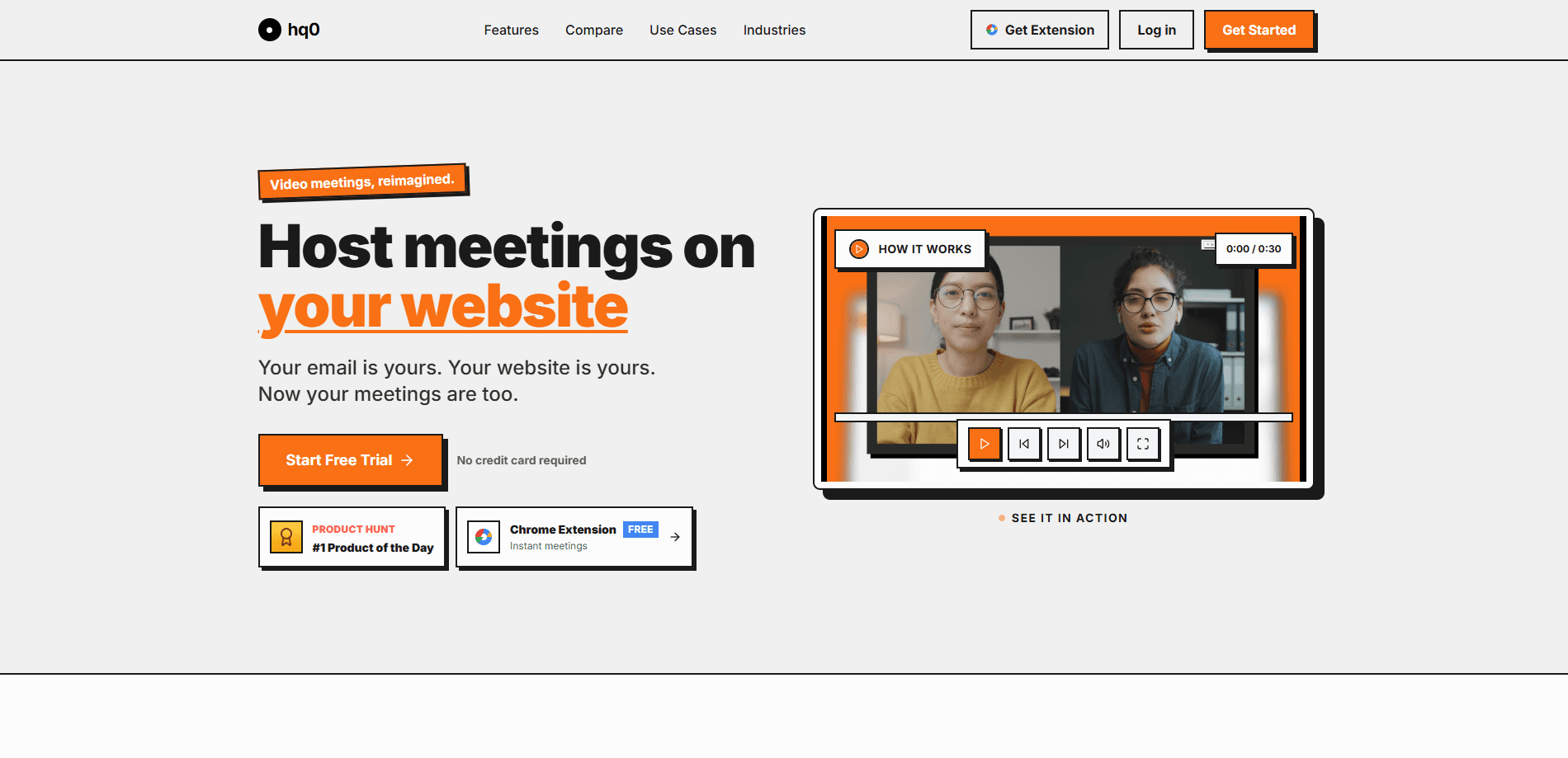
hq0 is a branded video meeting platform that hosts customer calls on your own link instead of a generic third-party room. Each meeting runs at something like meet.yourcompany.com/kickoff, so the room carries your name and colors from the first click. Recording, transcript, and summary all happen inside the call itself. No bot joins your participant list. No guest downloads anything. hq0 then sends the recap, replay, decisions, and next steps according to the preferences you set. In short, it runs video meetings on your domain and keeps the follow-up on brand. It's built for sales teams running discovery calls, onboarding sessions, and demos where the post-call work matters as much as the meeting itself.
About hq0
What Is hq0
hq0 is customer meeting software designed around one irritation: standard notetakers make guests sit through a bot they never agreed to meet. The product flips that. You host video meetings on your domain through a single branded link, and the AI meeting notes come from inside the room rather than from a third-party recorder that crashes the guest list.
The company pitches a brand-first experience. A prospect clicking meet.yourcompany.com/kickoff lands in a space that looks like yours, not like a tool you happen to pay for. Under the hood, recording, transcript, and summary are generated in the meeting, and after the call those outputs are delivered however you've set your preferences. Think of it as white-label video meetings with the notes built in. The catch is that hq0 is a young, focused tool. It does one job. If you need a sprawling suite with chat, whiteboards, and a huge app directory, you'll feel the gap fast.
Who is it for? Mainly teams that live on external calls, where a stranger in the room is a real friction point and the recap is what actually moves a deal forward. For an internal standup, that same polish is probably overkill. Useful there? Not really.
Getting Started
- Create your hq0 account and add your domain, so meetings can live under a link like meet.yourcompany.com.
- Name your first meeting room (for example, /kickoff) and set the branding you want guests to see.
- Share the branded link with your customer; they join in the browser with no bot waiting on the guest list.
- Let the meeting run. Recording, transcript, and summary are captured inside the room as you talk.
- Set how recaps go out, then review the replay, decisions, and next steps after the call ends.
Product Information
A quick look at hq0's pricing, supported platforms, and performance.
Best for
The users, tasks, and scenarios where this tool fits best.
Users
- Sales teams running discovery and demo calls
- Customer success and onboarding managers
- Small agencies and consultancies
Tasks
- Sending a recap after a call
- Recording a client session without a bot
- Keeping external meetings on brand
Scenarios
- Weekly discovery calls with new prospects
- A first onboarding session with a new client
- Post-demo follow-up
Key features
Meetings on your own domain
hq0 gives each meeting a link on your domain, so guests see meet.yourcompany.com instead of a random room URL. That single change puts your brand on the invitation, the waiting screen, and the room itself. For teams whose customers judge a vendor by how polished the first interaction feels, it matters more than it sounds. Small detail. Big impression.
Notes captured inside the room
Recording, transcript, and summary are generated in the meeting rather than by a separate recorder joining as a participant. That means no bot in the guest list and nothing for attendees to install. The trade-off is scope: hq0 is built for its own rooms, so it won't follow you into meetings hosted elsewhere. That's the catch.
Flexible recap delivery
After the call, hq0 sends the recap, replay, decisions, and next steps according to preferences you set. You can shape who gets what, rather than pushing one default email to everyone. It's the difference between a pile of raw transcript and a list someone actually reads. Worth the setup.
Brand-led room experience
The room and the link are built around your company identity, which keeps external calls from feeling like a generic video tool. If your business runs on client trust, the details are the point. Trust is built early.
Focused on external calls
hq0 doesn't try to be a full collaboration suite. It aims at customer meetings, where a stray bot or an off-brand link is a genuine annoyance. That narrowness makes it easy to learn. It also means it isn't the place for internal chat or project boards.
Pros and cons
Pros
- Branded meeting links on your own domain, so guests never land in a generic room.
- Notes, recording, and transcript happen inside the call, so there's no bot in the participant list.
- Recap delivery is configurable, letting you decide what each person receives after the call.
- Simple, single-purpose setup that a small team can adopt without a rollout project.
Cons
- No API is publicly documented, so automating hq0 into an existing CRM or workflow isn't an option right now.
- Because notes only work in hq0's own rooms, teams that also meet on other platforms will still need a second notetaking tool.
- As a young product, the feature set is narrow; there's no chat, whiteboard, or app directory to fall back on.
Frequently asked questions
hq0 hosts customer meetings on your own domain and captures the recording, transcript, and summary inside the room. It then sends out the recap, replay, decisions, and next steps based on your settings, so you skip both the notetaker bot and the manual follow-up.
Related content
Explore related tools, skills, and articles for hq0.
hq0 Alternatives

Base Code
Base44 (Wix) · Coding · ProductivityBase Code is a shared cloud development environment from Base44. Teammates describe changes to an existing GitHub codebase in chat, preview them live and send them back as pull requests.

Knocket
Knocket (Tencent RTC team) · Productivity · Business · ChatbotKnocket is a free live chat and contact page tool that lets visitors message you from your website, app, or a shareable link, with every reply handled from Telegram or one inbox.

FloorGen
Vinit Kumar (FloorGen) · Productivity · China AIFloorGen is a browser-based floor plan maker that turns a sentence or a sketch into an editable 2D plan and a 3D walkthrough. Export to PDF, DXF or video, and draw without an account.