

Hypefury
Hypefury · Productivity · Marketing
Hypefury is a cross-posting and scheduling app for creators. It publishes posts to Bluesky, Threads, LinkedIn, Instagram, and TikTok, and turns one text post into images, reels, and carousels.
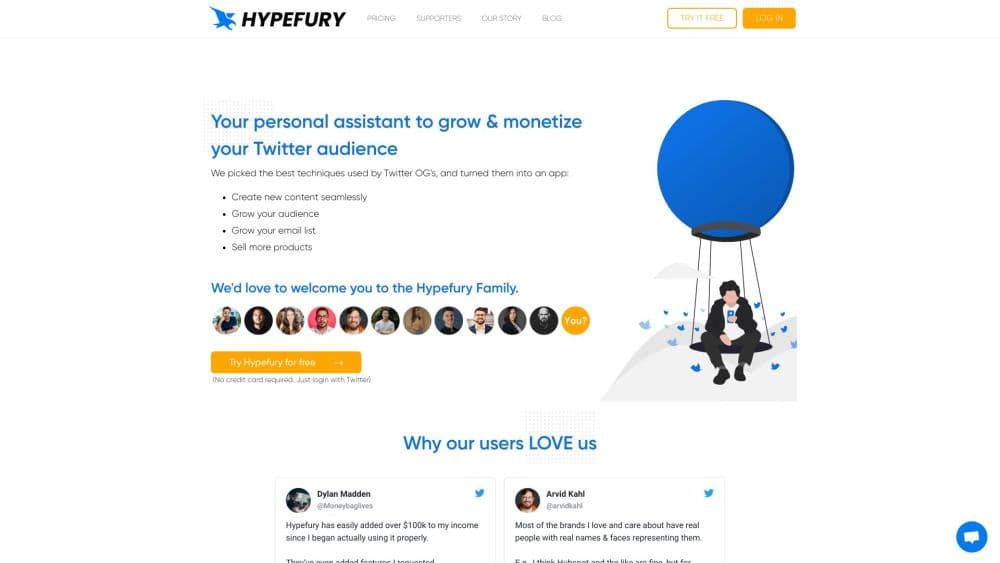
About Hypefury
What Is Hypefury
Hypefury is a scheduling and automation tool built for people who grow an audience on social media. It works as a cross-posting tool too: you write a post once in this creator scheduling app, queue it, and it goes out across every channel you've connected. The tool started life as a way to schedule Twitter threads, and it has since moved to Bluesky, Threads, LinkedIn, Instagram, and TikTok. Twitter/X is no longer supported.
The product leans on two jobs. The first is publishing: a distraction-free editor, a shared queue, and one-click cross-posting mean you can draft a week of content in one sitting. The second is turning posts into leads. Autoplugs add an automatic first comment under posts that perform well, and autoDMs send a link to anyone who replies with a trigger keyword. Those two features are why most creators pick it over a plain scheduler.
Where it fits depends on how you post. Anyone running a single account gets the basics in the cheapest plan. Creators who publish across several networks and want the engagement and analytics tools need the higher tier. The main limit is reach: Hypefury is a publishing layer, not a full social suite, so it doesn't replace a community manager or a design tool.
Getting Started
- Create an account at hypefury.com and start the 7-day trial. There's no permanent free plan, so the trial is how you test it.
- Connect your channels. Pick one network on the Flexible plan, or connect all of them on Full. Supported platforms are Bluesky, Threads, LinkedIn, Instagram, and TikTok.
- Write a post in the editor. Use the inspiration library and writing prompts if you're stuck, or draft something original.
- Schedule it. Queue single posts, threads, or evergreen content that repeats on a loop.
- Turn on automation. Add an autoplug comment to push a link, or set an autoDM trigger keyword to collect replies into an email list.
Product Information
A quick look at Hypefury's pricing, supported platforms, and performance.
Best for
The users, tasks, and scenarios where this tool fits best.
Users
- Solo creators and personal brands
- Newsletter and course sellers
- Virtual assistants and ghostwriters
Tasks
- Scheduling a week of posts in one sitting
- Cross-posting one post to several networks
- Repurposing older posts
- Growing an email list from social replies
Scenarios
- Running a content calendar across five platforms
- Reviving a post that did well months ago
- Handing posting off to a VA
Key features
Cross-Posting to Multiple Networks
Hypefury connects to Bluesky, Threads, LinkedIn, Instagram, and TikTok and publishes the same post across all of them. You write in one editor and choose which channels receive it. A text post can also be turned into an Instagram image, an Instagram reel, a TikTok video, or a LinkedIn carousel with one click. That last step is the part plain schedulers miss: repurposing without leaving the app.
Autoplugs and AutoDMs
Autoplugs post an automatic first comment under a tweet or post that's performing well, and only then, so reach doesn't take a hit on average posts. The comment can point at a newsletter, a course, or a product page. AutoDMs go further: anyone who replies or comments with a set trigger keyword gets a direct message with your link. Together they turn attention into email subscribers without manual work.
Distraction-Free Editor and Inspiration Library
The editor is deliberately bare, just text and a queue, so you can write a full week's worth of content in one sitting. If you stall, an inspiration library pulls in top-performing posts from creators across more than 15 niches, alongside thread hooks and prompts. The AI writer learns from your own past posts and drafts new ones in a voice close to yours, which you can edit before scheduling.
Engagement Builder
The engagement builder shows you the accounts worth replying to in your niche. You can watch specific users, track keywords, or import a Bluesky list, then work through a focused reply queue instead of scrolling. The goal is to hit the accounts that matter in a short window and skip the noise. This is the tool that separates growth-focused creators from people who only schedule and wait.
Analytics and Content History
Hypefury tracks likes, retweets, impressions, profile clicks, and follower growth for the posts you publish. You can sort and filter that history to see what your audience actually responds to. Posts you publish outside Hypefury get imported into the same history daily, so the view covers your whole account, not just what ran through the tool.
Flexible vs Full Plans
The pricing splits by reach rather than by feature gates hidden deep in menus. Flexible costs $6/month for one channel, with an extra $6/month for each added platform, and includes unlimited scheduling, 2 Tweetshots a day, autoplugs, and Instagram autoDMs. Full costs $19/month and connects every supported channel at no extra charge, raising Tweetshots to 5 a day and unlocking the full analytics and AI toolset. Pick the plan by how many networks you actually run.
Pros and cons
Pros
- One pipeline publishes to Bluesky, Threads, LinkedIn, Instagram, and TikTok, so you skip manual copy-paste between apps.
- AutoDMs and autoplugs push followers toward an email list, which a plain scheduler can't do.
- Repurposing is built in: a text post becomes an image, reel, carousel, or video without a separate design step.
- The Full plan connects every channel for a flat monthly price, which is cheaper than stacking separate tools per network.
- Account sharing means a VA or ghostwriter can post on your behalf.
Cons
- There's no free plan. You get a 7-day trial and then it's paid from $6/month, so it isn't the pick for someone who just wants a no-cost scheduler.
- Twitter/X support was dropped, so anyone still building on X needs a different tool.
- The cheapest tier covers only one channel. Running several networks means either paying per platform or jumping to Full.
- It's a publishing and automation layer, not a full management suite. There's no built-in inbox for every comment and mention across platforms.
Frequently asked questions
Hypefury schedules and automates social media posts for creators. You write a post once, queue it, and it publishes across the channels you've connected, with optional automation that turns replies into email subscribers.
Related content
Explore related tools, skills, and articles for Hypefury.
Hypefury Alternatives

Udon
Udon · Coding · ProductivityUdon turns an Apple Silicon Mac into a home server you run from a browser, with container controls, file shares, and an optional AI sysadmin.

offstage
offstage cloud · Coding · Productivityoffstage gives AI coding agents and CI jobs a real Mac: a fresh macOS account on Apple silicon, driven over an API and billed by the second.

BotBus
Chengdu Tuyang Tusen Technology Co., Ltd. · Coding · ProductivityBotBus lets you control AI coding agents from your phone and watch: approve commands, start tasks and read results while the code stays on your desktop.