

証明写真アプリ-AIが履歴書・パスポート・免許の写真を作成し
LEETA TECHNOLOGY · Image
AI ID Photo is a smartphone app from LEETA TECHNOLOGY that turns selfies into compliant ID photos for resumes, passports, licenses and exams, with an AI background remover and print layouts.
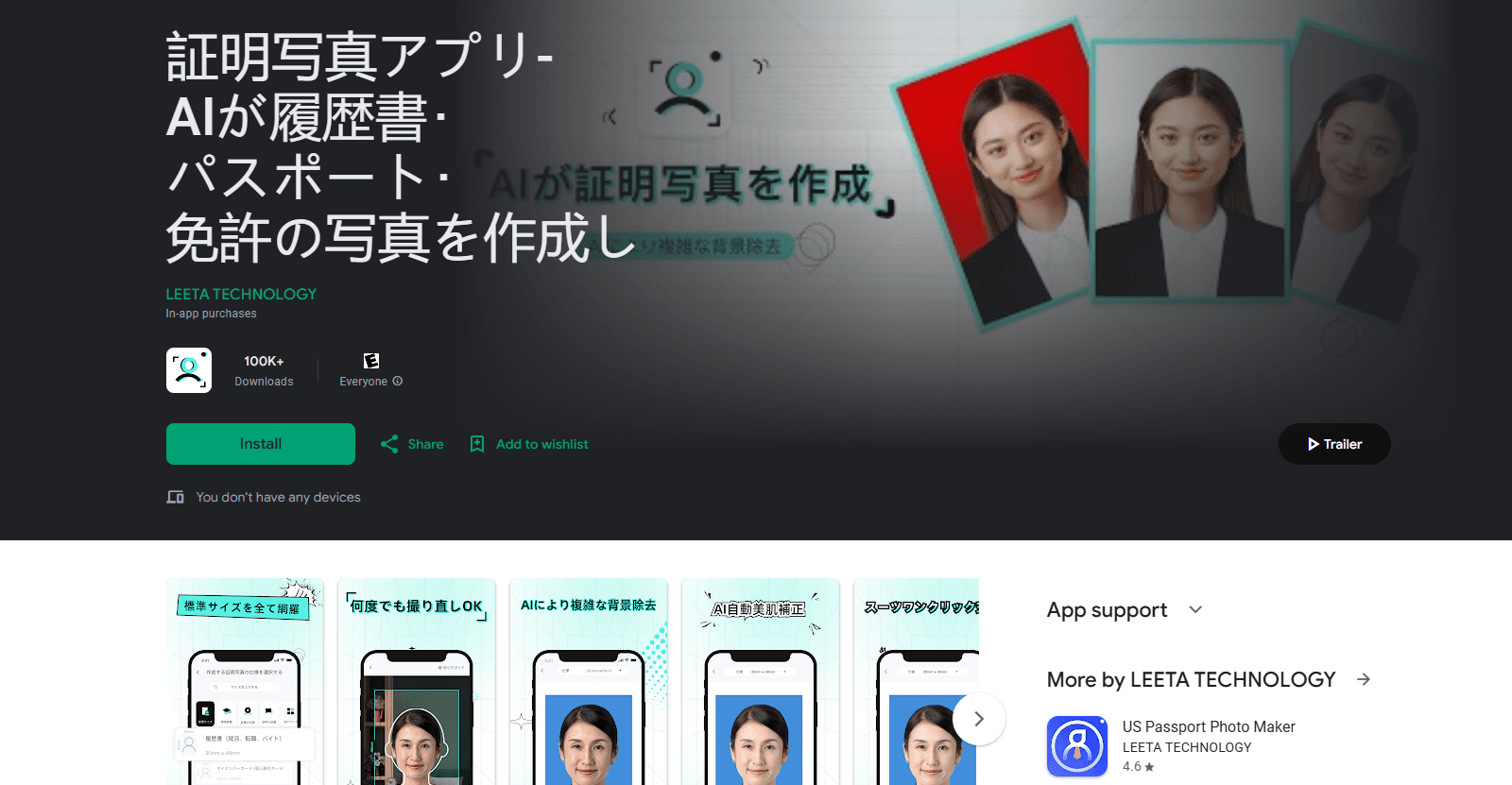
About 証明写真アプリ-AIが履歴書・パスポート・免許の写真を作成し
What Is AI ID Photo
AI ID Photo is an Android app built for people who need a standards-compliant identification photo and would rather not book a studio. You pick a size, take or upload a picture, and the app handles cropping, background cleanup and light retouching before you save the result.
The pitch is speed and coverage. The developer says a finished photo takes about 30 seconds, and the app ships hundreds of preset sizes that match the rules for Japanese documents like resumes, My Number cards, driver's licenses and exam applications, plus visas for countries such as the US, China, Canada and Vietnam.
The main limitation is cost and control. Editing and previewing are free and unlimited, but saving the final file requires payment, and the app leans on AI correction that you cannot fine-tune by hand. It also runs on Android only.
Getting Started
- Install AI ID Photo from Google Play and open it. No account or sign-up is required.
- Choose the document type and size you need from the preset list, or pick a custom size.
- Take a new photo with the built-in camera or upload one from your gallery.
- Let the app detect your face, remove or recolor the background, and correct your posture, then review the preview.
- Save the finished photo, then print it at a convenience store like Lawson or FamilyMart, or at home on glossy paper.
Product Information
A quick look at 証明写真アプリ-AIが履歴書・パスポート・免許の写真を作成し's pricing, supported platforms, and performance.
Best for
The users, tasks, and scenarios where this tool fits best.
Users
- Job seekers
- Students and exam candidates
- Parents handling family paperwork
Tasks
- Preparing passport and visa photos
- Swapping a background or outfit
- Building print sheets
Scenarios
- Last-minute applications
- Renewing documents at home
- Batch family photos
Key features
Three-Step Creation in About 30 Seconds
AI ID Photo walks you through size selection, shooting or uploading, and saving. The developer claims the whole flow takes roughly 30 seconds, and you can retake photos as many times as you like before committing to a final file.
AI Face Detection and Background Remover
The app detects your face outline and cuts you out of a busy background, then lets you pick a replacement color such as white, blue or red. That means a photo taken against a messy wall can still meet the background rules your document requires.
Automatic Posture Correction
If your head is tilted, your chin is up or your shoulders are uneven, the AI straightens the shot for you. It is a useful safety net when nobody is around to tell you the framing looks off.
Natural AI Beauty Retouching
Face retouching brightens skin tone and reduces blemishes while keeping features that make you recognizable. The goal is a clean photo that still looks like you, not an over-smoothed portrait.
One-Tap Suit Templates
The app ships dozens of business suit options you can switch into with one tap. If you are shooting in casual clothes, you can still submit something that reads as formal.
Hundreds of Document Sizes
Presets cover resumes, passports, My Number cards, driver's licenses and many exams, plus visa sizes for multiple countries. Common examples include 40x30 mm for resumes and 45x35 mm for passports.
Automatic Print Layouts
Instead of arranging copies yourself, the app builds a print sheet once you pick your photo paper size. You can print it later at a convenience store or on a home printer with glossy paper.
Cloud Storage for 180 Days
Saved photos stay available in the app for 180 days, so you can download them again from your album later. It saves you from re-shooting when a document request comes up months after the first one.
Pros and cons
Pros
- Covers hundreds of ID photo sizes, including Japanese documents and multiple country visa formats.
- AI background removal and recoloring handle photos taken in imperfect conditions.
- Unlimited free retakes, so you only pay when you are happy with the result.
- No account required, and the app shows no ads.
- Print layouts are generated automatically, which cuts the guesswork out of printing.
Cons
- You cannot save the final photo for free, so the app is not truly cost-free for anyone who needs the file.
- Manual fine-tuning is limited because the app relies on automatic AI correction.
- It is Android only, so iPhone users need a different tool.
- The interface and size presets are heavily oriented toward Japanese documents and users.
Frequently asked questions
AI ID Photo is free to download and you can edit and preview photos at no cost, but saving the final image requires payment through in-app purchases. Reviewers mention a standard price around 650 yen per save, with discount coupons sometimes reducing it.
Related content
Explore related tools, skills, and articles for 証明写真アプリ-AIが履歴書・パスポート・免許の写真を作成し.
証明写真アプリ-AIが履歴書・パスポート・免許の写真を作成し Alternatives

Google EmbeddingGemma 2
Google DeepMind · Writing · Image · CodingGoogle EmbeddingGemma 2 is a 740M-parameter open model that turns text, code, images, audio, and video frames into vectors in one 768-dimension space, running on phones and laptops.

Tractionwave
TractionWave · Image · MarketingTractionWave is an AI attention heatmap tool for static ads. Upload a PNG or JPG and it returns predicted attention, ranked hotspots, and fixes before you spend budget.

Imejis.io
Imejis.io · Image · MarketingImejis.io is an AI design studio for agents and marketing teams. Describe an image in plain words, and it writes the copy, builds the layout, reflows it to every size, then exports a finished file.