

illustration.app
illustration.app · Image
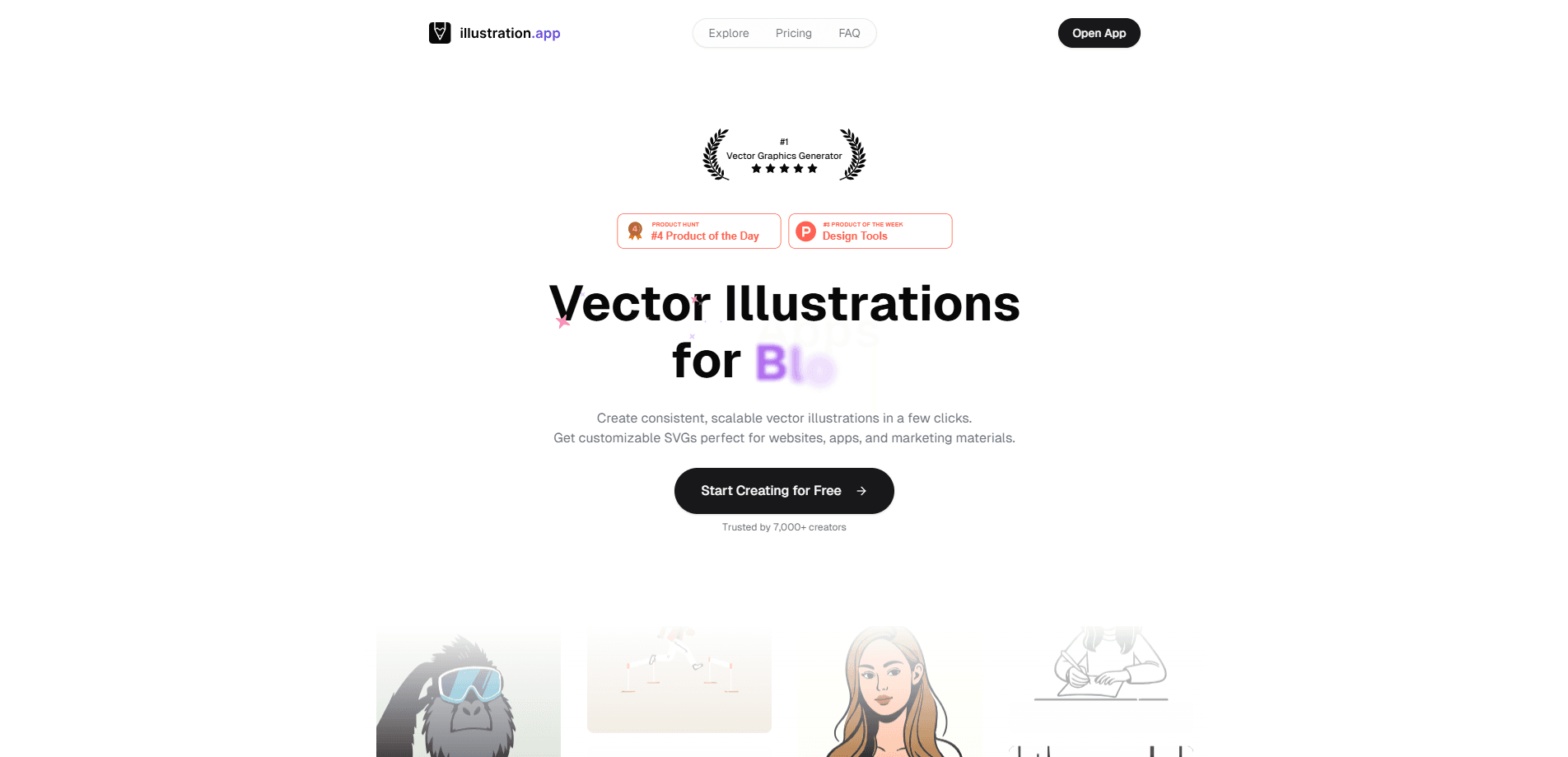
illustration.app is an AI illustration generator that turns text prompts into custom vector illustrations in seconds, exports them as SVG or PNG, and keeps your visual style consistent.
About illustration.app
What Is illustration.app
illustration.app is a web-based AI illustration generator built for people who need original visuals fast. It targets the people who keep running into the same wall: finding the right illustration eats up hours, hiring a designer is expensive, and stock images never quite match a brand.
The tool generates flat, stylized illustrations rather than photorealistic art, so it fits cleanly into product pages, tutorials, and marketing material. You describe what you want, pick a style, and export the result as a scalable vector file.
The main limitation is scope. illustration.app draws illustrations, not portraits or complex scenes, and every generation burns credits from your monthly allowance.
Getting Started
- Sign up for an account at illustration.app and pick a plan that matches how many illustrations you generate each month.
- Open the playground and describe the illustration you need in the prompt box.
- Choose one of the built-in styles, or upload a reference image to guide the look.
- Generate the illustration, refine the prompt if needed, then export it as SVG or PNG for use in your design tools.
Product Information
A quick look at illustration.app's pricing, supported platforms, and performance.
Best for
The users, tasks, and scenarios where this tool fits best.
Users
- Product designers
- Marketing teams
- Startup founders
Tasks
- Building cohesive illustration packs
- Turning an idea into a vector asset
- Animating a flat illustration
Scenarios
- Refreshing a landing page before a launch
- Filling empty states and error screens in an app
- Wrapping up course content or documentation
Key features
Text to vector illustration
You type a description and this AI illustration tool returns a finished illustration in seconds. The output is vector-based, so it stays sharp at any size and exports cleanly to design tools.
Illustration Packs
One prompt can produce a whole set of cohesive illustrations instead of a single image. That matters when a product or campaign needs a consistent visual language across dozens of screens and banners.
Reference image guidance
You can upload a photo or sketch to steer what the AI draws. It is a practical way to keep a new illustration close to an existing composition or shape.
SVG and PNG export
Finished work comes out as scalable SVG vectors or standard PNG files. SVG output is why vector illustrations for websites hold up on billboards and mobile screens alike, and why this AI illustration maker beats raster tools for scaling.
Image to GIF animation
A built-in tool adds mild, controlled motion to any illustration and returns a looping GIF. It covers simple animation needs without hiring a motion designer.
Upscaling
An AI upscaler sharpens the resolution of finished illustrations, useful when a small draft needs to become a large hero image.
Six illustration styles
The playground ships with styles like Textured Line, Muted Flat, Rough Sketch Accent, Soft Shade, Bold Outline Flat, and Outline Minimal Blue. Each one keeps a distinct, consistent look across generations.
Commercial license
Every plan includes a commercial license, so illustrations can go into client work, products for sale, and paid campaigns.
Pros and cons
Pros
- Generates illustrations in seconds, turning a task that usually takes days into a short prompt session.
- Exports true vector SVG files, so results scale without losing quality.
- Illustration Packs keep a whole set of visuals visually consistent.
- Commercial license included on every plan.
- Cheaper than hiring an illustrator for small batches, with plans starting at $12/mo.
Cons
- No free tier, so you have to pay before you can test whether the style fits your brand.
- Style range is limited to the built-in flat and vector looks, which will not suit projects that need photorealism.
- Monthly credits cap how much you can generate, and heavy use pushes you toward a higher plan.
- The service is web-only, with no documented public API for automating generation.
Frequently asked questions
It creates custom vector illustrations from text prompts. People use it for landing pages, onboarding screens, blog headers, course material, and marketing visuals.
Related content
Explore related tools, skills, and articles for illustration.app.
illustration.app Alternatives

Google EmbeddingGemma 2
Google DeepMind · Writing · Image · CodingGoogle EmbeddingGemma 2 is a 740M-parameter open model that turns text, code, images, audio, and video frames into vectors in one 768-dimension space, running on phones and laptops.

Tractionwave
TractionWave · Image · MarketingTractionWave is an AI attention heatmap tool for static ads. Upload a PNG or JPG and it returns predicted attention, ranked hotspots, and fixes before you spend budget.

Imejis.io
Imejis.io · Image · MarketingImejis.io is an AI design studio for agents and marketing teams. Describe an image in plain words, and it writes the copy, builds the layout, reflows it to every size, then exports a finished file.