

ima.copilot
Tencent · Productivity · Leaning · China AI
ima.copilot is Tencent's AI knowledge workspace. Save your files, ask questions, and write from your own sources.
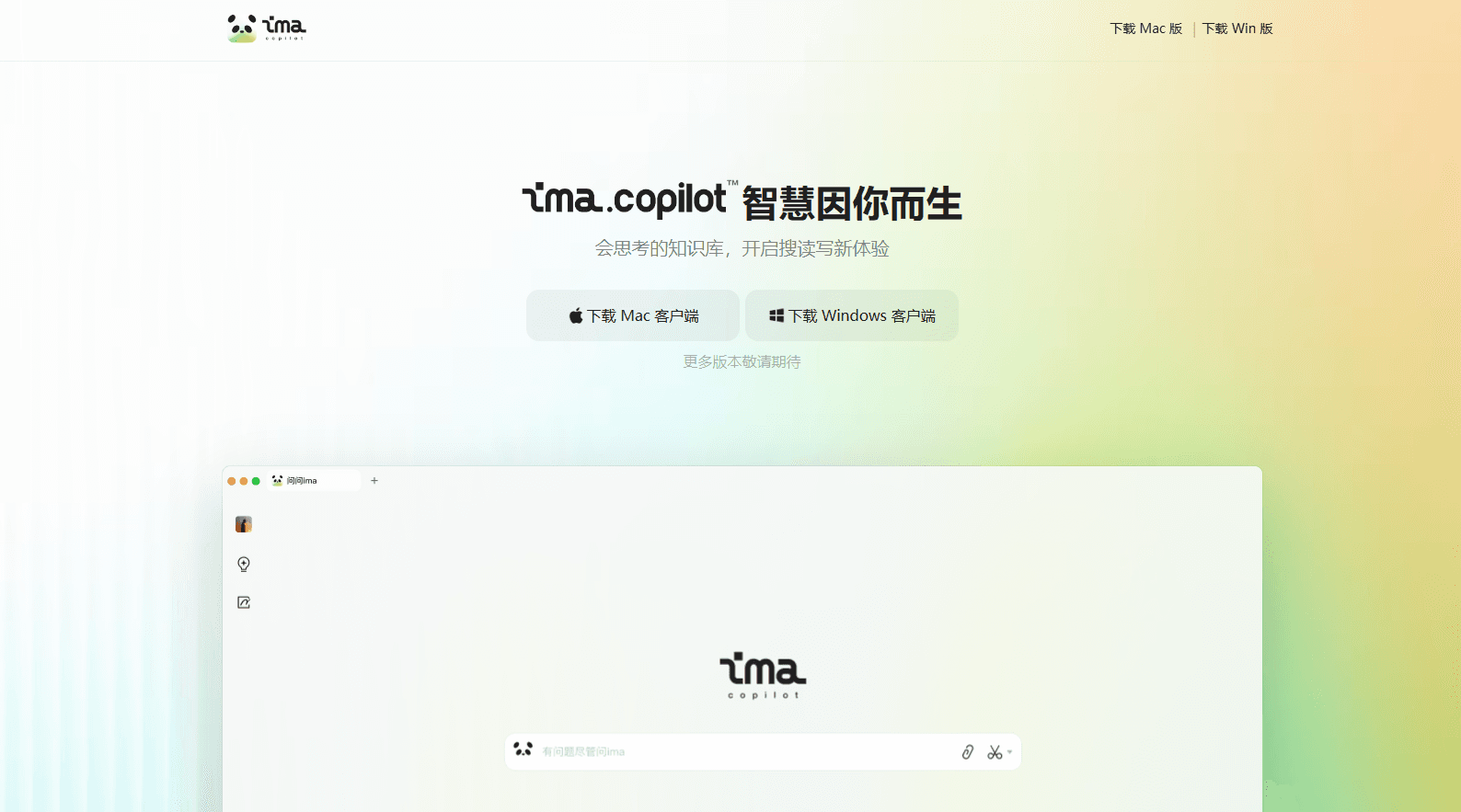
About ima.copilot
What Is ima.copilot
ima.copilot is a knowledge agent from Tencent that mixes three jobs into one app: saving material, asking questions about it, and writing with it. You drop in PDFs, Word files, web links, and notes, and the tool reads them so you can search inside your own material instead of jumping between folders.
Most people who try it are stuck in the same loop. They collect articles, reports, and screenshots, then never open them again because finding the useful part takes longer than the task itself. ima.copilot aims at that gap. Ask plain questions and get answers pulled from documents you actually trust.
The limits matter. It's built around Chinese-language workflows and Tencent's account system, so English-heavy teams may find the interface and source material geared another way. There's no public API, so you can't wire it into your own stack.
Getting Started
- Sign in with a WeChat or QQ account on the ima.copilot website or desktop client.
- Create a knowledge base and upload PDFs, Word documents, web links, or images into it.
- Ask a question in the chat panel and check the cited sources behind each answer.
- Switch to the writing view to draft summaries, notes, or reports from the same base.
- Install the mobile app if you want the base to follow you between devices.
Product Information
A quick look at ima.copilot's pricing, supported platforms, and performance.
Best for
The users, tasks, and scenarios where this tool fits best.
Users
- Students
- Knowledge workers
- Researchers
Tasks
- Document Q&A
- Meeting and lecture notes
- Draft writing
Scenarios
- Reviewing a long contract
- Preparing for an exam
- Reading through a stack of saved articles
Key features
Personal Knowledge Bases
You build a base by adding files, links, and notes, either one at a time or in bulk. Each base stays separate. A work project and a personal reading list don't bleed into each other. This is the core of the product, and everything else leans on it. Think of it as AI note taking that actually stays findable.
Answers With Cited Sources
Ask a question and ima.copilot answers from your material, then shows the passages it used. So what's the point of a citation trail? Verification. You can see whether an answer came from your own file or from a web page, which is what separates it from a general chatbot.
Web Search Alongside Your Files
Questions can pull from both your saved documents and the open web in one reply. Useful when your own base is thin on a topic but you still want a grounded answer. Just check anything that comes from outside your files. Web results change, and so does their accuracy.
Writing Assistance
The writing side works as an AI writing assistant that drafts summaries, outlines, and reports from the same sources you've uploaded. It won't write a novel for you. It just saves the blank-page stage when you already have the raw material sitting in a base.
Multi-Device Sync
Your bases follow you across web, desktop, and phone once you sign in. Start reading on a laptop, keep asking on your phone during a commute. Sync needs a steady connection. Very large bases can take a moment to load.
Long-Term Memory Across Sessions
ima.copilot keeps track of preferences and context between conversations, so you don't restate your setup every time. Handy for ongoing projects. It also means the tool holds onto more of your working context over time.
Pros and cons
Pros
- Answers come with source citations, so you can verify where a claim originated.
- Combines document Q&A, web search, and smart Q&A drafting in a single workspace.
- Free to use with no public paid tier blocking core features.
- Runs on web, desktop, and mobile with synced knowledge bases.
Cons
- No public API means you can't connect it to your own tools or scripts.
- The interface and much of the source material skew toward Chinese-language use.
- Ties into Tencent's WeChat and QQ login, which may not suit everyone.
Frequently asked questions
It stores your documents and web pages in an AI knowledge base, answers questions about them with citations, and helps you write from that same material. Think of it as a searchable notebook that can talk back.
Related content
Explore related tools, skills, and articles for ima.copilot.
ima.copilot Alternatives

Udon
Udon · Coding · ProductivityUdon turns an Apple Silicon Mac into a home server you run from a browser, with container controls, file shares, and an optional AI sysadmin.

offstage
offstage cloud · Coding · Productivityoffstage gives AI coding agents and CI jobs a real Mac: a fresh macOS account on Apple silicon, driven over an API and billed by the second.

BotBus
Chengdu Tuyang Tusen Technology Co., Ltd. · Coding · ProductivityBotBus lets you control AI coding agents from your phone and watch: approve commands, start tasks and read results while the code stays on your desktop.