

Image To Video AI Try It Free Online
Viw.AI · Image · Video
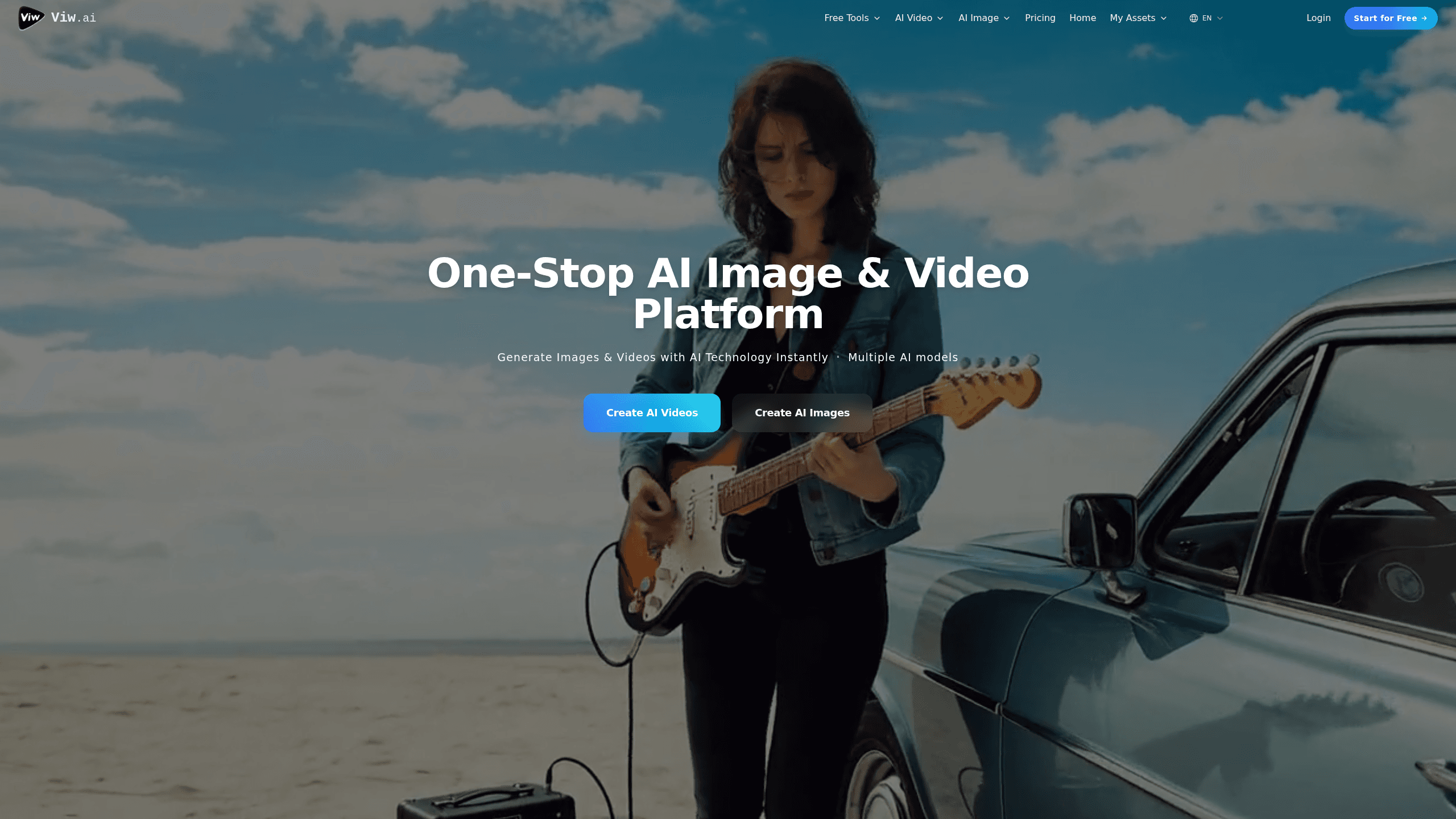
Image To Video AI Try It Free Online is the browser-based video and image studio from Viw.AI, a platform that turns text prompts or a single reference photo into finished video clips and still images. It runs on a mix of premium models, so you can pick the engine that fits your budget instead of being locked to whichever single generator the platform happens to favor. Everything works in the browser, credits pay for each job, and new accounts get free credits to test the waters.
About Image To Video AI Try It Free Online
What Is Image To Video AI Try It Free Online
It's a web service for AI video generation built around one simple idea: pick a model, feed it an image or a prompt, and download the result. The site hosts a wide roster of engines, including Sora 2, Veo 3 and Veo 3.1, Kling 2.6 and 3.0, Hailuo 2.3, Wan 2.5, Seedance, and Vidu for motion, plus image models like Nano Banana Pro and Seedream 4.0 to 5.0 for stills. That roster is the real selling point if you like comparing looks without juggling five separate subscriptions.
The main draw is image to video. Upload a picture, describe the motion you want, and the tool animates it. Results usually land in one to three minutes. Text to video can finish in about 30 seconds, and busy periods stretch to five minutes. Output comes as MP4.
That range matters most when you're comparing how two engines handle the same subject, since running an idea through Kling and then Sora 2 gives you a real side-by-side without paying for two separate subscriptions.
The catch is credits. Every job spends them, and the amount depends on the model and quality level, running from 1 to 240 credits per generation. So what happens when a render fails halfway through? Nothing lost. Failed jobs refund the credits automatically. Free-plan videos stay online for just three days, so you'll want to download anything you like. Paid plans keep clips for at least three months.
Getting Started
- Create an account with an email address. Free credits drop into your balance right away.
- Open the image to video workspace and upload a clear, well-lit photo. Higher-resolution files usually animate better.
- Pick a video model, then type a prompt describing the camera move, action, or mood you want.
- Start the job and wait one to three minutes. Failed generations return your credits automatically.
- Download the MP4 to keep it permanently, especially on the free plan.
Product Information
A quick look at Image To Video AI Try It Free Online's pricing, supported platforms, and performance.
Best for
The users, tasks, and scenarios where this tool fits best.
Users
- Social media creators
- Marketers
- Hobbyists
Tasks
- Animating a still photo
- Making a clip from text
- Editing or restyling images
Scenarios
- Turning a single product shot into a moving ad
- Prepping content the night before posting
- Testing a concept cheaply
Key features
Image to Video Conversion
Upload one photo and describe how it should move. The tool animates the scene, handling camera moves, subject motion, or environmental effects. It's the fastest path from a static image to something you can post, and it works with the same credit system as every other mode.
Multi-Model Video Generation
You're not stuck with one engine. The platform lists Sora 2, Veo 3 and 3.1, Veo 3.1 Lite, Kling 2.6 and 3.0, Hailuo 2.3, MiniMax H3, Wan 2.5 and 2.6, Seedance, and Vidu, among others. Switching models lets you trade quality against cost, which is handy when you want a rough draft before a polished take.
Text to Video
Type a description and get a clip without any image input. Some models finish in around 30 seconds here, which makes it viable for quick brainstorming. Generated motion can fail under heavy server load. Failed jobs don't cost credits.
AI Image Generation and Editing
The AI image generator side runs on Nano Banana Pro, Seedream 4.0 through 5.0, and similar tools. As an AI video editor for still frames, Nano Banana also restyles photos you've already made. You can generate from text, edit an uploaded photo in plain language, merge several pictures, or keep a character consistent across a set. Nano Banana adds an invisible SynthID watermark to every image it touches.
Credit-Based Pricing
Credits are the currency, and each generation spends between 1 and 240 of them depending on the model and quality tier you pick. Free users get a starter balance at signup. Credits don't expire, and failed generations refund automatically, so you're not billed for a broken render.
Video Tools Beyond the Basics
Alongside generation, the platform bundles utility tools: video reframe, video to GIF, video upscale, and Kling 2.6 Motion Control. These handle cleanup and reformatting jobs that would otherwise send you to separate apps, keeping a project inside one workspace and saving the hassle of exporting files between three or four different browser tabs just to finish a single clip.
Commercial Rights on Paid Plans
Paid plans include commercial usage rights for what you generate, according to Viw.AI. That matters if you're producing ad content or client work. Check the Terms of Service for the full ownership details before you rely on a clip for business use.
Pros and cons
Pros
- Wide model selection means you can match engine to budget for each video project.
- Failed generations return credits, so a busted render doesn't cost you money.
- Free starter credits let you test image to video before paying anything.
- Browser-only workflow, no install needed on desktop or laptop.
- Bundled tools like video upscale and reframe reduce app switching.
Cons
- Free-plan videos expire after three days, so anything worth keeping has to be downloaded fast.
- Credit costs vary a lot by model, and the priciest options drain a balance quickly.
- No API is documented, so there's no obvious way to automate generations at scale.
- Generation can fail under high server load, which slows down time-sensitive work.
Frequently asked questions
Yes, to a point. You get free credits when you sign up, and failed generations don't cost anything. Once those run out, you buy credits or subscribe for better rates. There's no unlimited free tier.
Related content
Explore related tools, skills, and articles for Image To Video AI Try It Free Online.
Image To Video AI Try It Free Online Alternatives

X Ray Interpreter
X-ray Interpreter · ImageX Ray Interpreter is a web-based AI radiology tool that turns X-rays, CT scans, MRI, ultrasound, and PET images into plain-language reports. You upload a scan, get a preliminary X-ray interpretation in moments, then ask follow-up questions if something needs explaining. It works as a second opinion and a learning aid, not as a medical diagnosis.

Aieasypic
AIEasyPic · ImageAIEasyPic is an AI image generator that turns plain text prompts into finished artwork in seconds. You can also train custom models on your own photos, swap faces in existing images, and create short video clips from text, all from a browser. It suits casual creators who want quick visuals and hobbyists who want to build a personal model without touching any code.

Chargen
Chargen · ImageChargen is an AI character generator and worldbuilding toolkit built for Dungeons & Dragons and other tabletop RPGs. It turns a one-line idea into a painted character portrait, spins up NPCs, monsters, maps and encounters from the same session, and keeps every creature's details close at hand. The tabletop RPG art side runs on a credit system called Gold, while the text generators stay free for everyone.