

ImagesArt.ai
ImagesArt.ai · Image · Prompts
ImagesArt.ai is an AI video generator that runs the Seedance, Veo and Kling models in one browser tool. Describe a scene or upload a photo and it renders a clip with synced audio.
About ImagesArt.ai
What Is ImagesArt.ai
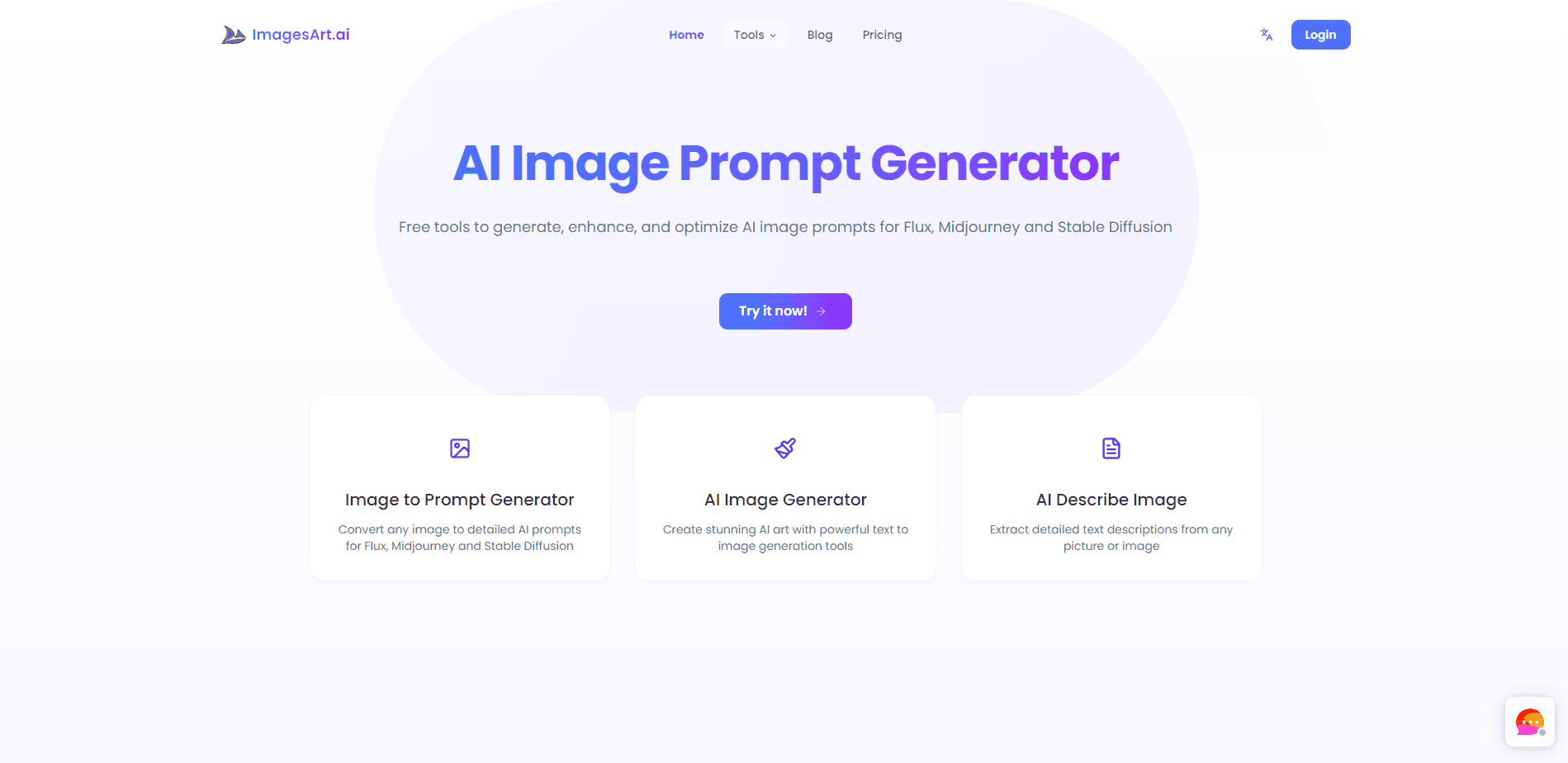
ImagesArt.ai is a web platform for generating AI video and images without installing anything. You describe a scene or upload a photo, pick a model, and the site renders the result in the browser. As an AI art tool and a video generator in one, it bundles several leading models behind one interface and one credit balance, so you do not need separate accounts for Seedance, Kling or Veo.
The pitch is speed over setup. New accounts start with 15 free credits, enough for a short test clip, and no credit card is required to begin. The platform offers text to video, image to video, start-end frame and reference workflows, plus image generation up to 4K. Audio is generated in the same pass as the picture, so dialogue, ambience and effects stay in sync.
Two limits matter before you commit. Free credits run out fast, and higher resolutions such as 1080p and 4K sit behind paid plans. The site also does not publish a public API or developer documentation, so it suits hands-on creators more than teams that need to automate generation in code.
Getting Started
- Create a free account on imagesart.ai; 15 credits are added automatically and no card is needed
- Choose a mode such as text to video or image to video, then pick a model from the dropdown
- Write a prompt describing motion, camera and sound, or upload a start image or reference frame
- Hit Create, preview the clip, then download it or buy a plan for higher resolution and more credits
Product Information
A quick look at ImagesArt.ai's pricing, supported platforms, and performance.
Best for
The users, tasks, and scenarios where this tool fits best.
Users
- Social media creators
- Small business owners
- Hobbyists who want to explore AI video
Tasks
- Turning a photo into motion
- Building ad and promo clips
- Generating images from text
Scenarios
- Testing a video idea before a full production
- Filling a content calendar fast
- Prototyping for clients
Key features
Multiple Models in One Dropdown
ImagesArt.ai gathers Seedance 2.5, Seedance 2.0 (Mini, Fast and full), Kling 3.0, Veo 3.1 Lite, Gemini Omni Flash and Grok Imagine 1.5 behind a single model picker. You switch models without opening another site or paying for another subscription. That removes most of the friction for anyone who compares output styles.
Native Audio in the Same Pass
Every model generates sound alongside the picture, so dialogue, ambience and effects arrive in sync rather than being added afterward. Write a line in quotes and the character speaks it with matching mouth movement. Audio does not cost extra credits.
Four Generation Modes
The platform supports text to video, image to video, start-end frame and reference workflows on the same credit system. Start-end frame locks the first and last images and fills the motion between them, which helps for reveals and transformations. Reference mode steers the look from a supplied image.
Up to 4K Output
Renders range from 360p quick drafts up to 4K for final delivery. The free tier caps at 480p, while 720p, 1080p and 4K unlock on paid plans. For content that needs to look sharp on a large screen, the higher tiers are the practical ones.
Transparent Credit Pricing
The exact credit cost appears on the Create button before you generate, so the spend is clear up front. You can buy a monthly plan or a one-off credit pack, and no hidden fees sit on top.
Browser-Based Workflow
Everything runs in the browser with no download or install. That keeps the tool usable on a laptop that would struggle to run a local video model, and it means your projects live in the cloud rather than on one machine.
Pros and cons
Pros
- Several top video and image models sit behind one login and one credit balance
- Audio is generated with the video, so lip-sync and effects line up without extra steps
- A free tier with 15 credits and no card requirement lowers the cost of trying it
- Credit cost is shown before you generate, which keeps spending predictable
Cons
- Free credits are small, so you hit the paywall after only a couple of test clips
- 1080p and 4K output are locked behind paid plans, which limits free-tier quality
- No public API or developer docs, so teams that need automated, code-driven generation should look elsewhere
Frequently asked questions
ImagesArt.ai generates AI video and images from text prompts or uploaded photos. You can make short social clips, product and promo videos, or up to 4K stills without installing software.
Related content
Explore related tools, skills, and articles for ImagesArt.ai.
ImagesArt.ai Alternatives

Google EmbeddingGemma 2
Google DeepMind · Writing · Image · CodingGoogle EmbeddingGemma 2 is a 740M-parameter open model that turns text, code, images, audio, and video frames into vectors in one 768-dimension space, running on phones and laptops.

Tractionwave
TractionWave · Image · MarketingTractionWave is an AI attention heatmap tool for static ads. Upload a PNG or JPG and it returns predicted attention, ranked hotspots, and fixes before you spend budget.

Imejis.io
Imejis.io · Image · MarketingImejis.io is an AI design studio for agents and marketing teams. Describe an image in plain words, and it writes the copy, builds the layout, reflows it to every size, then exports a finished file.