

Immersity AI
Leia Inc. · Image · Video
Immersity AI is a web and mobile tool from Leia Inc. that turns 2D photos and videos into depth animations, depth maps, and spatial video for social posts, ads, and mixed reality headsets.
About Immersity AI
What Is Immersity AI
Immersity AI is the 3D conversion studio from Leia Inc., the Silicon Valley company that builds lightfield display hardware. You upload a flat image or a clip, the model estimates depth for every pixel, and the app returns a file that shifts with parallax when you tilt a phone or look around inside a headset.
The product started as LeiaPix, a free browser converter that got popular with artists who wanted cheap depth animation for their feeds. The May 2024 rebrand added paid tiers, video conversion, spatial photo export, and a developer API. The free web tier didn't survive the change. Browser conversions are subscription only now, and the no-cost option moved to the mobile apps, where exports carry a watermark.
Two limits matter before you pay. Results depend on how well the model reads depth cues, so flat, low-contrast scenes with mirrors or thin hair often need manual depth painting. And a subscription buys credits, not unlimited runs, which means a heavy batch can eat a month of allowance in an afternoon.
Getting Started
- Create an account at app.immersity.ai and pick a plan. The iOS and Android apps let you test Immersive Motion with a watermark before you spend anything.
- Upload a photo or video, or paste a link to album art. The 2D to 3D converter takes JPG, PNG, HEIC, and the common video containers.
- Check the depth map and paint over missed edges with the brush, then choose a motion preset or drag your own camera path.
- Pick an output: MP4 or GIF motion, stereo pair, anaglyph, spatial photo, or a raw depth map.
- Download the file for social, or load it on a headset to check how the parallax holds up at full size.
Product Information
A quick look at Immersity AI's pricing, supported platforms, and performance.
Best for
The users, tasks, and scenarios where this tool fits best.
Users
- Social media creators
- 3D artists and XR designers
- Small ad teams
Tasks
- Turning a still photo into a looping motion clip
- Prepping spatial photos for Apple Vision Pro
- Building depth maps for compositing
Scenarios
- Album art motion for a music release
- Concept previews during a client pitch
- Converting archive footage for a VR screening
Key features
Depth Animation From One Image
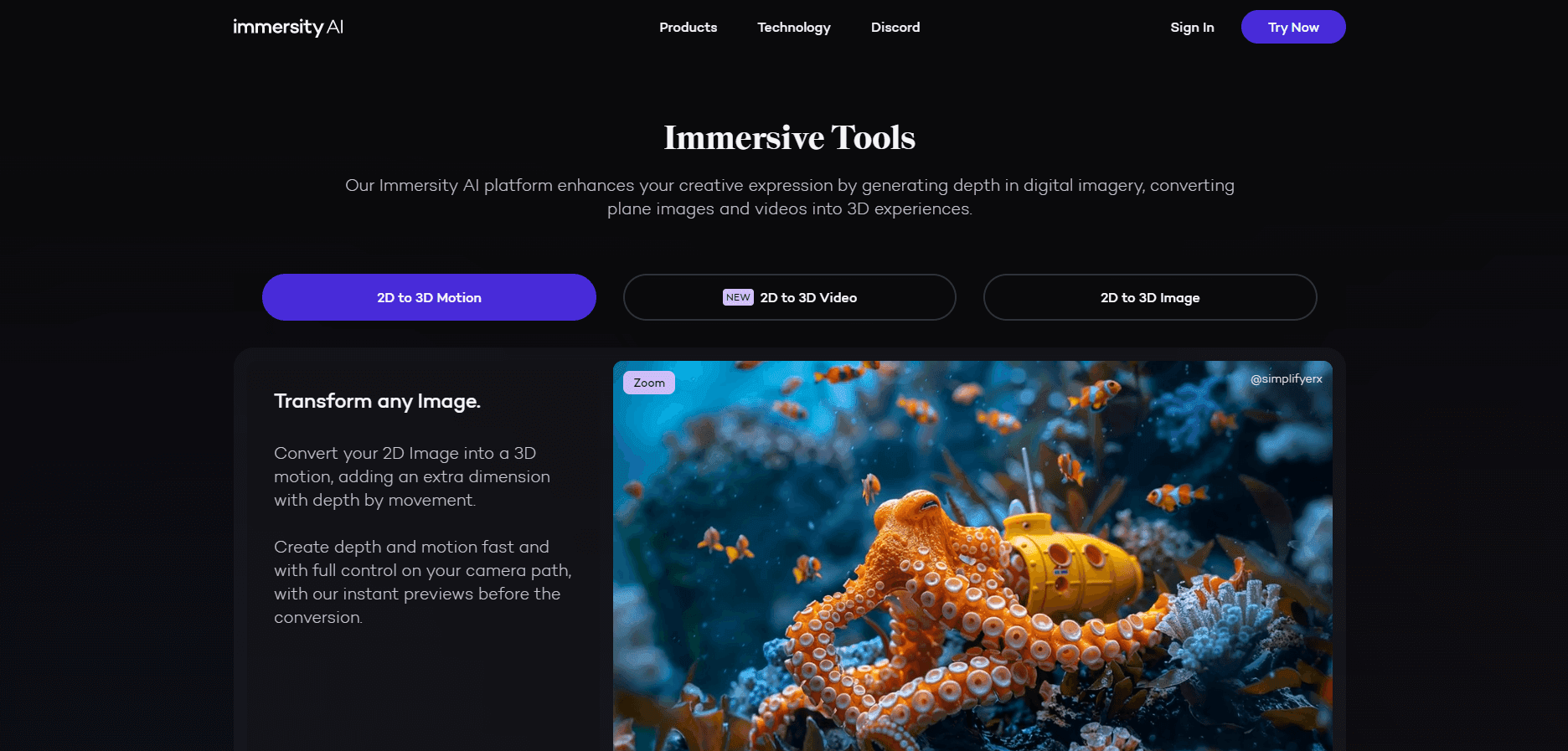
Immersive Motion bends a still photo into a short clip with believable parallax. You pick a preset camera move or draw your own path, and the tool re-renders the frame from a slightly different angle at every step. This is the feature most people come for, and it works best on shots with clear foreground separation.
Depth Map Editing
Every conversion produces an editable depth map, and you can paint corrections with a brush before rendering. The PNG export reaches 4K. That manual pass is what separates Immersity from one-click novelty apps: a weak automatic depth result is fixable instead of final.
3D Video Conversion
Video input gets a temporally consistent depth pass, so depth doesn't flicker between frames. Output covers side-by-side, half side-by-side, top-bottom, anaglyph, and depth map files in MP4 or MKV. A 60 fps source costs twice the credits of a 30 fps one.
Spatial Photo and Album Motion
Two Apple-specific exports stand out. Spatial Photo writes a HEIC file with an embedded depth layer for Vision Pro, and Apple Music Album Motion renders the animated album art format Apple uses inside its player.
Stereo Output Formats
One conversion can leave as a parallel pair, a cross-eyed pair, a red-cyan anaglyph, or a top-bottom frame for a 3D TV. That spread matters when several clients each want a different container from the same source clip.
Developer API
Leia publishes an API that returns disparity maps from 2D images, so a pipeline can request depth without anyone clicking through the web app. The AI 3D image generator behind the app and the API runs on the same depth model.
Pros and cons
Pros
- Depth editing is built in, so a weak automatic pass doesn't ruin the shot.
- Output formats cover the common stereo and headset targets in a single run.
- The free mobile apps let you judge 3D photo animation quality before paying.
- 4K conversion is included on every paid tier.
Cons
- Credits burn fast on video. A single 4K minute can cost hundreds of credits.
- There's no free web tier, and the pricing FAQ confirms mobile free exports stay watermarked.
- Automatic depth struggles with mirrors, glass, and fine hair, which adds cleanup time on those shots.
Frequently asked questions
Only partly. The iOS and Android apps export watermarked Immersive Motions at no cost, but the web converter has no free tier and no trial. Paid plans start at $4.99 per month.
Related content
Explore related tools, skills, and articles for Immersity AI.
Immersity AI Alternatives

Google EmbeddingGemma 2
Google DeepMind · Writing · Image · CodingGoogle EmbeddingGemma 2 is a 740M-parameter open model that turns text, code, images, audio, and video frames into vectors in one 768-dimension space, running on phones and laptops.

Tractionwave
TractionWave · Image · MarketingTractionWave is an AI attention heatmap tool for static ads. Upload a PNG or JPG and it returns predicted attention, ranked hotspots, and fixes before you spend budget.

Imejis.io
Imejis.io · Image · MarketingImejis.io is an AI design studio for agents and marketing teams. Describe an image in plain words, and it writes the copy, builds the layout, reflows it to every size, then exports a finished file.