

Inner AI
Inner AI · Productivity · AI Detection · Chatbot
Inner AI is an all-in-one AI workspace that puts AI chat models, an AI content generator, and media tools into one plan for teams.
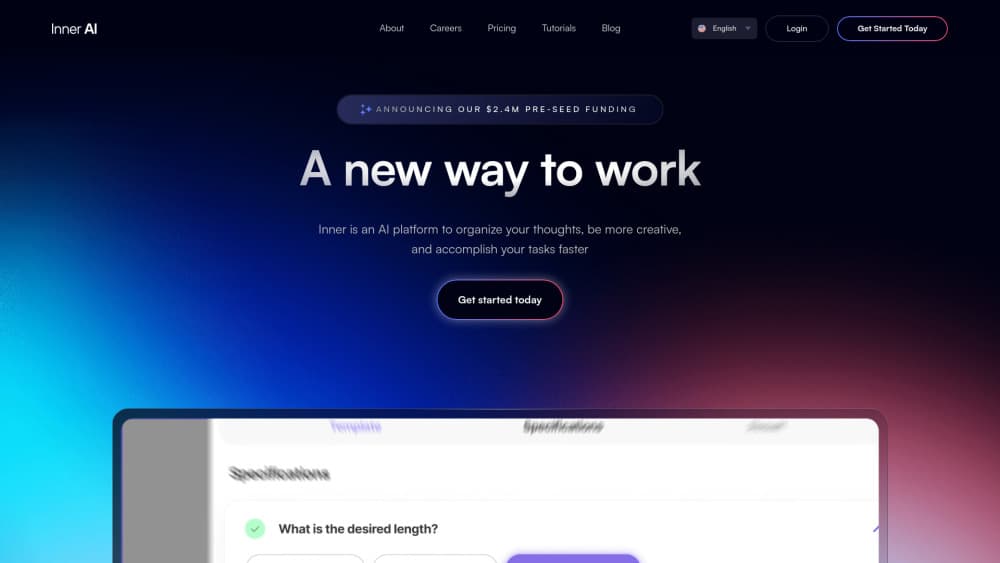
About Inner AI
What Is Inner AI
Inner AI is an all-in-one AI platform that rolls the paid models most people subscribe to separately into one account and one bill. Chat, documents, code, images, video, and presentations all live in the same project folder. No more six browser tabs to finish one task.
The pitch is consolidation. A marketing team that needs copy, a hero image, and a slide deck can produce all three without bouncing between tools, and the company pays one invoice instead of five separate subscriptions that each renew on their own schedule. Inner AI states it offers the major models at roughly a tenth of their list price. That's a claim worth testing against your own usage before you commit.
The honest limits matter. It's a wrapper, not a model builder. Your experience depends on whichever models Inner settles on for the month. Availability of specific models can change, and the interface is thinner than what you'd get from a dedicated image or video editor that spends years polishing a single workflow.
Getting Started
- Sign up free at innerai.com with an email address or Google account.
- Pick a workspace and invite teammates if you're setting this up for a group.
- Choose your task type (chat, document, image, video, or presentation) from the dashboard.
- Select a model from the picker, then write your prompt or choose a prompt template.
- Save the finished output into a project folder, or export it to your own tools.
Product Information
A quick look at Inner AI's pricing, supported platforms, and performance.
Best for
The users, tasks, and scenarios where this tool fits best.
Users
- Marketing teams
- Small businesses
- Agencies managing client work
Tasks
- Drafting marketing copy
- Creating visuals and video
- Building presentations
- Converting existing content into training courses
Scenarios
- A launch week where copy, images, and slides all need to ship at once
- Onboarding training for new hires
- Research and competitive analysis
Key features
Multiple chat models in one window
Inner AI gives you access to a rotating roster of leading chat models, so you can compare answers from different systems without separate logins. The company positions this as access to the paid models teams really use, all behind one subscription. If a model gives you a weak answer, switch and rerun the same prompt instead of pasting it into another tab.
Documents and more than 250 prompt templates
The document tools ship with a large library of pre-written prompts organized by department: marketing, HR, sales, finance, and legal. You pick a template, fill in the details, and the platform drafts the first version. It's a real shortcut for people who know what they want to say but not how to prompt for it.
Image, audio, and video generation
More than 50 models cover media generation inside the same workspace. A team can produce an ad image, a voiceover, and a short video without buying three separate creator subscriptions. It won't match a specialist editor on fine control. For fast social and campaign assets, it's enough.
Custom AI assistants
You can build as many assistants as you need, each one set up to handle a specific job such as writing, task organization, data analysis, or contract review. Set the assistant's instructions once and reuse it across the team, so everyone on a project gets consistent output from the same starting point instead of each person improvising their own prompts from scratch every single time.
Projects and folders
Every chat, document, and asset can be filed into a named project. For anyone juggling multiple clients or campaigns, that structure is the difference between a usable archive and a scrolling mess. Folders keep the focus on the work, not the search bar. That's the whole point of an AI workspace.
Inner Academy courses
The platform includes training courses with certificates, taught by instructors and aimed at getting a team productive with AI. If your organization is rolling out AI tools and needs people to actually learn them, this saves buying a separate course subscription.
Pros and cons
Pros
- Consolidates several paid AI subscriptions into one account and one bill, which simplifies both budgeting and access management.
- Covers text, image, audio, video, presentations, and documents in a single interface, so most tasks don't require leaving the platform.
- The 250-plus prompt library lowers the barrier for people who are new to prompting.
- Projects and reusable assistants help teams keep client work organized and output consistent.
- Available on web, mobile, and tablet, so work can follow you between devices.
Cons
- It's an aggregator, not a model creator, so you depend on Inner AI's model lineup and can't pick anything it doesn't include.
- Model availability shifts over time, which means a workflow built around one specific model might need rethinking later.
- Media generation tools offer less fine control than dedicated image or video apps, a real limitation for professional creative work.
Frequently asked questions
It's an AI assistant for teams, built for content creation, research, and document work. Teams use it to write copy, generate images and video, build presentations, and organize all of it into projects without paying for several separate AI tools.
Related content
Explore related tools, skills, and articles for Inner AI.
Inner AI Alternatives

Base Code
Base44 (Wix) · Coding · ProductivityBase Code is a shared cloud development environment from Base44. Teammates describe changes to an existing GitHub codebase in chat, preview them live and send them back as pull requests.

Knocket
Knocket (Tencent RTC team) · Productivity · Business · ChatbotKnocket is a free live chat and contact page tool that lets visitors message you from your website, app, or a shareable link, with every reply handled from Telegram or one inbox.

FloorGen
Vinit Kumar (FloorGen) · Productivity · China AIFloorGen is a browser-based floor plan maker that turns a sentence or a sketch into an editable 2D plan and a 3D walkthrough. Export to PDF, DXF or video, and draw without an account.