

Interactive Avatar
Interactive Avatar · Image · Chatbot
Interactive Avatar is a web platform for building real-time AI avatars you embed on a site or app. It pairs animated 3D faces with live conversation, so visitors talk to a responsive digital human, not a chatbot.
About Interactive Avatar
What Is Interactive Avatar
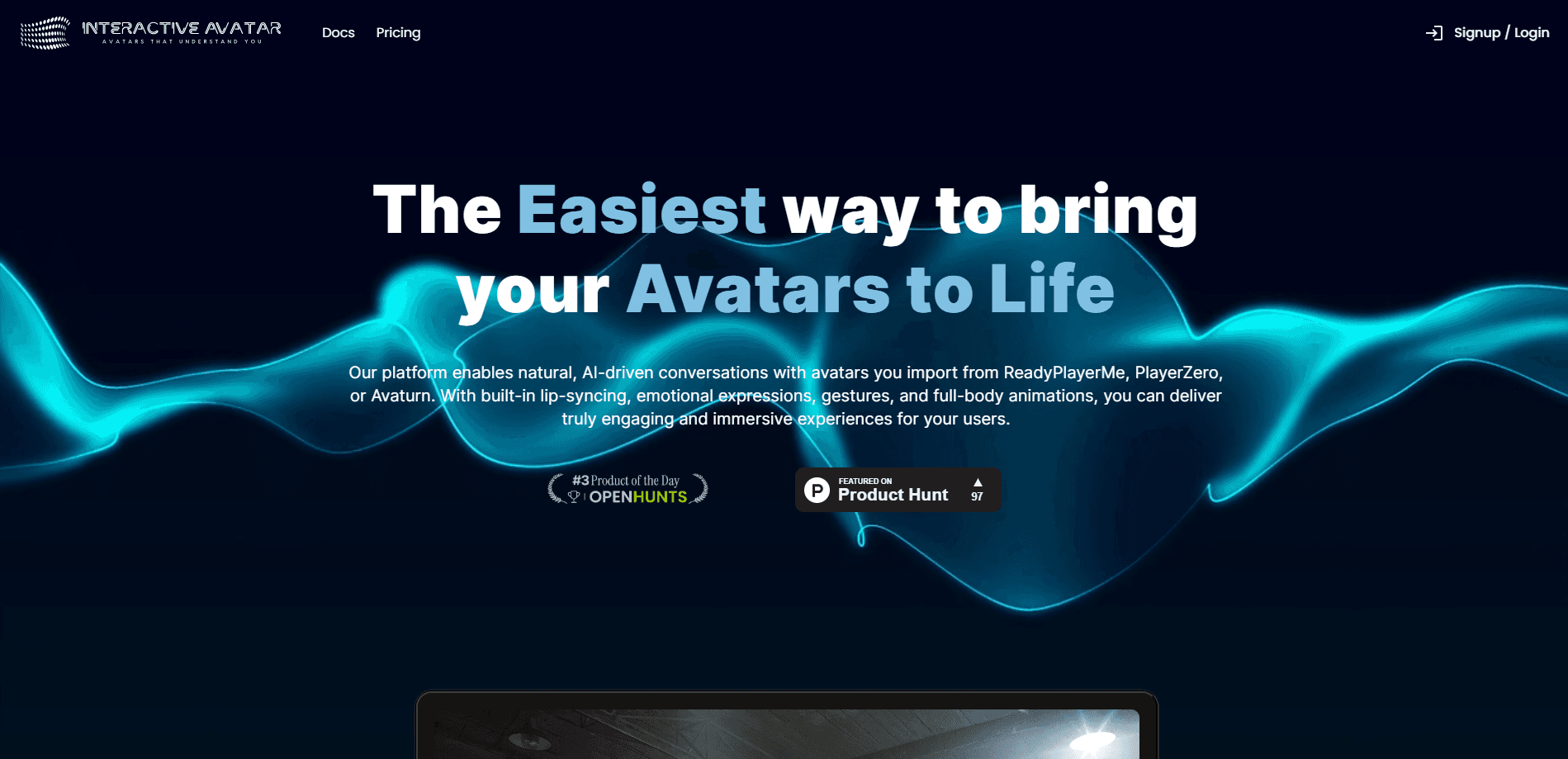
Interactive Avatar is an AI avatar platform for creating and deploying talking digital humans on the web. You upload or design a 3D avatar, give it documents to draw on, set its voice and tone, then drop it into a page with an avatar widget, a full landing page, or a developer avatar SDK. Visitors open a live voice conversation with it, and the avatar answers with lip-sync, facial expressions, and gestures that match its words.
The main problem it solves is engagement. A text chatbot is easy to ignore. An animated face that listens, reacts, and speaks holds attention, which matters for sales pitches, demos, and support desks. You can also point the avatar at your own uploads, so it answers using your real content instead of guessing. Real-time Human Avatars add a photorealistic option powered by Avaturn and OpenAI.
The biggest limitation sits at the front door. The team has stopped actively developing and maintaining the site. Browsing and existing use still work, but new registrations and account creation are closed, so you can't sign up as a fresh user. That makes it a poor fit for anyone starting from scratch today.
Getting Started
- Create an account and pick a setup type, then browse preset avatars or design a branded character.
- Add documents to the knowledge base and set voice, tone, and personality so replies match your content.
- Copy the embed snippet or widget code and paste it into your site, or wire up the SDK with your API key.
- Open the avatar, test a live conversation, and adjust the camera, lighting, and voice until it feels right.
- Review conversation summaries and leads in your dashboard, then follow up.
Product Information
A quick look at Interactive Avatar's pricing, supported platforms, and performance.
Best for
The users, tasks, and scenarios where this tool fits best.
Users
- Ecommerce and SaaS founders who want a conversational avatar on a product or checkout page rather than another text widget.
- Customer support and sales teams that field the same questions daily and want a spoken front line that logs leads.
- Web developers who prefer a drop-in SDK over building real-time avatar streaming from scratch.
Tasks
- Embedding a talking guide that answers questions about a product and captures visitor details.
- Running voice conversations from your own documents, so replies use your content and need no manual training.
- Replacing a static video or chatbot with an avatar that reacts with expressions and gestures during a chat.
Scenarios
- A homepage demo where a visitor sees an avatar respond in real time before they sign up.
- A support page that deflects routine questions and hands a summary and sentiment score to your team.
- A product walkthrough where the avatar gestures toward features while it explains them aloud.
Key features
Two Avatar Types with Different Trade-offs
Interactive Avatar splits its real-time AI avatars into Type 1 and Type 2. Type 1 runs on the AI and uses your plan's voice minutes, so it carries the full conversation stack. Type 2 runs without the AI layer and gives you full access, and streaming may need a paid plan. Telling them apart early saves confusion, since the two behave differently on things like lip-sync and tracking.
Real-time Human Avatars
A newer option swaps the stylized 3D character for a photorealistic digital human built on Avaturn and OpenAI. These run on your own Avaturn and OpenAI API keys, billed straight to those accounts, and they aren't capped by your plan's voice minutes. Some features still lag behind here, and the changelog notes knowledge base support arrived later, so check what each type actually supports before committing.
Document Memory Without Training
You feed the avatar documents, and it searches and answers from them directly. There's no manual training step and no fine-tuning to wait on. The knowledge base can also translate uploaded content into other languages before storing it, which helps if your audience reads in more than one language.
Embed Anywhere with One Snippet
Deployment comes down to an avatar widget, a full page, or a line of JavaScript. The SDK hands back streams you can route into WebRTC services like LiveKit, Twilio Video, or Agora, so you can swap a user's live camera feed for their animated avatar. Both avatar types initialize through the same loadAvatar() call, which keeps these embeddable avatars simple to wire up.
Expressive, Emotion-aware Delivery
The avatars carry facial expressions, lip-sync, emotional responsiveness, and emotes, and paid plans add AI-controlled gestures and poses. It reads as a face that reacts, not a video on loop. Paid plans also include a voice detector that keeps the back-and-forth from turning into a talking-over match.
Conversation Insights and Lead Capture
Every chat can produce a private summary and a sentiment read, surfacing who the visitor is and what they asked about. Those sit in your account for review and follow-up. For a sales or support team, that turns a casual chat into a qualified lead with context attached.
Pros and cons
Pros
- Embeds on a site, app, or SaaS platform with a widget, a full page, or an SDK.
- Avatar answers from your own uploaded documents, with no manual training.
- Real-time expression, lip-sync, and gestures make conversations feel less robotic.
- Conversation summaries and sentiment analysis surface leads automatically.
- Developer SDK returns streams you can push into WebRTC services.
Cons
- The site is no longer actively maintained, and new account creation is closed, so new users can't sign up.
- Voice minutes are capped per plan, so heavy usage climbs into higher tiers fast.
- Real-time Human Avatars need your own Avaturn and OpenAI keys and support fewer features than the standard type.
- The chat text limit is 200 characters, which stops longer answers from being spoken.
Frequently asked questions
It's a web platform for creating talking AI avatars you embed on a site or app. The avatar holds a live voice conversation, answering with lip-sync, expressions, and gestures rather than plain text.
Related content
Explore related tools, skills, and articles for Interactive Avatar.
Interactive Avatar Alternatives

Google EmbeddingGemma 2
Google DeepMind · Writing · Image · CodingGoogle EmbeddingGemma 2 is a 740M-parameter open model that turns text, code, images, audio, and video frames into vectors in one 768-dimension space, running on phones and laptops.

Tractionwave
TractionWave · Image · MarketingTractionWave is an AI attention heatmap tool for static ads. Upload a PNG or JPG and it returns predicted attention, ranked hotspots, and fixes before you spend budget.

Imejis.io
Imejis.io · Image · MarketingImejis.io is an AI design studio for agents and marketing teams. Describe an image in plain words, and it writes the copy, builds the layout, reflows it to every size, then exports a finished file.