
Interview.Codes
Interview.Codes · Coding · Business
Interview.Codes is an interview prep platform for software engineers, pairing unlimited AI mock interviews and curated coding problems with an integrated code and notes workspace.
About Interview.Codes
What Is Interview.Codes
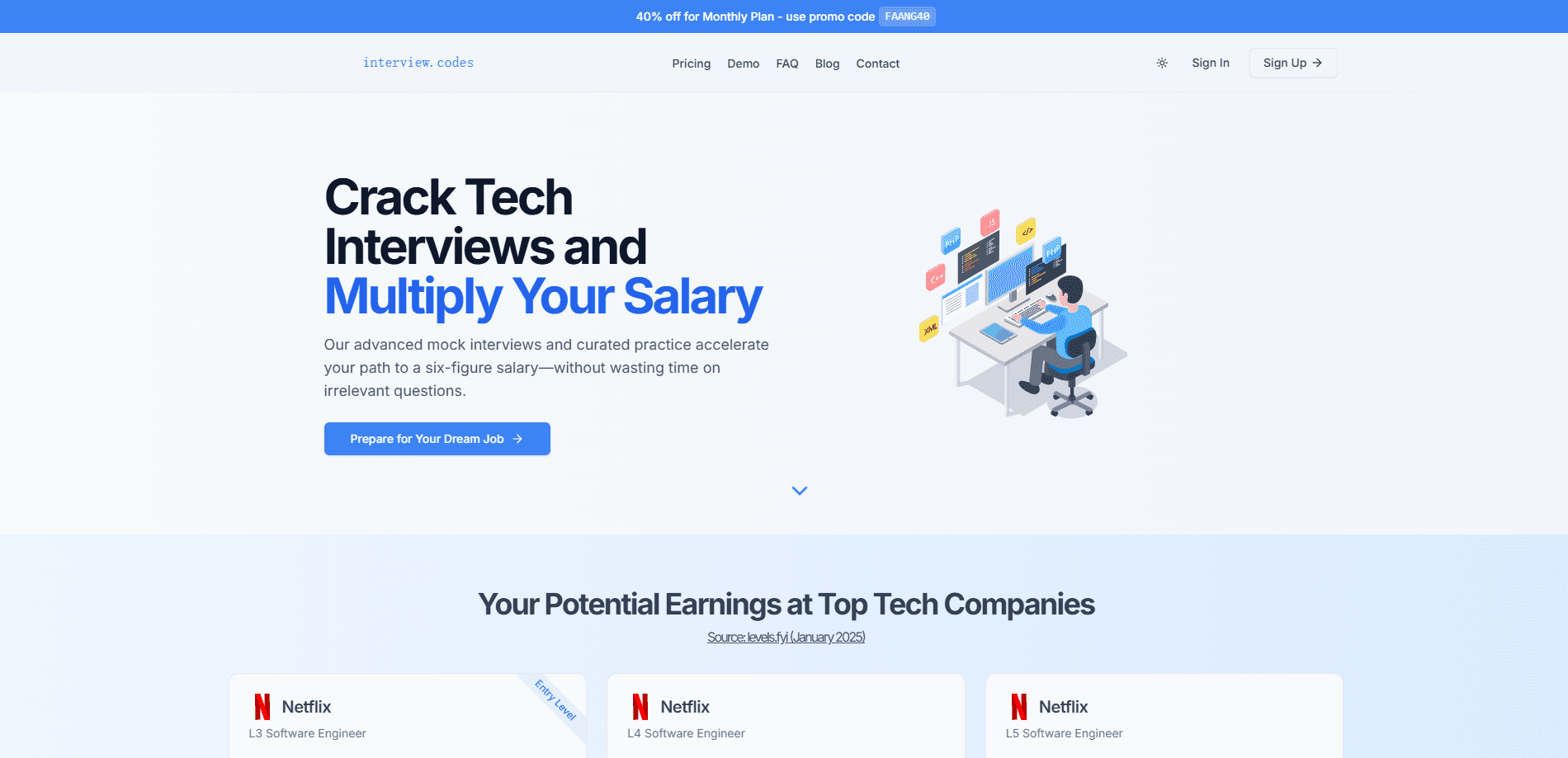
Interview.Codes is a web platform built for software engineers who are preparing for technical interviews at high-paying tech companies. It puts three things in one place: an AI interviewer that runs mock sessions, a set of hand-picked coding problems, and a workspace with a code editor and note-taking area. The idea is to practice the questions that actually show up in interviews rather than drilling material that never comes up.
The audience is working engineers and candidates chasing roles at large tech firms. People switching jobs, mid-level developers aiming at senior positions, and anyone with an interview on the calendar in a few weeks all fit. The platform leans on realistic conditions: a timed session, an interviewer that responds, and feedback that mirrors how real interviewers score code quality and communication.
There are a few limits to weigh first. It is a browser product, so there is no desktop or mobile app. The pricing is subscription-based and leans premium, with no permanent free tier, so it suits people preparing for a specific search rather than casual browsing. The brand's own domain, interview.codes, is now listed for sale, which is worth knowing before you commit to the platform.
Getting Started
- Create an account on the Interview.Codes site, which the platform says takes a couple of minutes.
- Pick a plan: a weekly option aimed at a tight timeline or a monthly subscription for a longer search.
- Open the practice workspace, which holds a code editor, a notes area, and reference material.
- Choose a curated problem or start a mock interview with the AI interviewer.
- Work through the session, then read the detailed feedback on code quality, communication, and problem-solving before the real interview.
Product Information
A quick look at Interview.Codes's pricing, supported platforms, and performance.
Best for
The users, tasks, and scenarios where this tool fits best.
Users
- Software engineers targeting top tech companies
- Mid-level developers aiming at senior roles
- Candidates with an interview weeks away
Tasks
- Running mock technical interviews
- Practicing curated coding problems
- Improving how you explain solutions
- Drilling interview patterns
Scenarios
- A short window before a scheduled interview
- A long job search across several companies
- Preparing away from a full IDE
Key features
AI-powered mock interviews
The core of the platform is a mock interview run by an adaptive AI interviewer. It matches the difficulty to your skill level and asks the kinds of questions that come up in real technical screens. Afterward you get detailed feedback, so a session ends with something concrete to fix rather than a vague sense of how you did. It is the feature people come for, and it drives how the rest of the platform is organized.
Integrated practice workspace
The workspace bundles a code editor, a note-taking area, and interview resources into a single screen. You do not switch between an editor, a scratchpad, and a browser tab while you practice. For anyone rehearsing under time pressure, keeping code and notes together mirrors the flow of a real interview instead of breaking it up.
Curated coding problems
The problem set is hand-picked for actual interview scenarios at big tech companies, rather than scraped together as a giant unsorted list. The claim is that this cuts time spent on material that never appears. For a candidate with limited hours, a shorter list aimed at what gets asked is more useful than a longer one aimed at everything.
Interview pattern training
Interview.Codes teaches the recurring patterns behind interview questions. The goal is that a candidate facing an unfamiliar problem recognizes the underlying shape and reaches for a known approach. Pattern recognition is what separates people who have memorized answers from people who can solve a new question live, which is what the interview actually tests.
Feedback on code quality and communication
Mock sessions return feedback modeled on real evaluation guidelines, covering code quality, communication, and problem-solving. That mix matters because interviews fail for reasons beyond wrong code: a correct solution explained badly still loses points. Getting scored on all three lets candidates see where they actually lose marks.
Everything in one browser workspace
The whole platform runs in the browser, with practice, notes, and problems under one account. There is nothing to install and no separate app to keep in sync. The trade-off is that it is web-only, so anyone who wants to practice offline or on a phone has to work around the browser.
Pros and cons
Pros
- Unlimited AI mock interviews with an interviewer that adapts to your skill level.
- Feedback covers communication and problem-solving, not just whether the code runs.
- Curated problems target real interview scenarios at top tech companies.
- An integrated workspace keeps code, notes, and resources in one place.
- A weekly plan fits a tight preparation timeline without a month-long commitment.
Cons
- No permanent free plan, so trying it means paying.
- Browser-only, with no desktop or mobile app for offline practice.
- Pricing leans premium, which is steep if you only need a few sessions.
- The platform is relatively new, so some features are still being filled out.
- The interview.codes domain is now listed for sale, which raises a question about long-term availability.
Frequently asked questions
Interview.Codes is a technical interview preparation platform for software engineers. It combines unlimited AI mock interviews, a curated set of coding problems, and a workspace with a code editor and notes, aimed at people preparing for interviews at top tech companies.
Related content
Explore related tools, skills, and articles for Interview.Codes.
Interview.Codes Alternatives

Udon
Udon · Coding · ProductivityUdon turns an Apple Silicon Mac into a home server you run from a browser, with container controls, file shares, and an optional AI sysadmin.

offstage
offstage cloud · Coding · Productivityoffstage gives AI coding agents and CI jobs a real Mac: a fresh macOS account on Apple silicon, driven over an API and billed by the second.

BotBus
Chengdu Tuyang Tusen Technology Co., Ltd. · Coding · ProductivityBotBus lets you control AI coding agents from your phone and watch: approve commands, start tasks and read results while the code stays on your desktop.