

Iris
Iris (tryiris.dev) · Coding
Iris is an AI testing platform that writes and runs web tests in plain English. It drives a browser like a real user and reports what breaks.
About Iris
What Is Iris
Iris is a browser-based testing tool for web applications, and it takes its instructions in ordinary sentences instead of code. You describe what you want checked, name the page, and an AI agent opens a browser, clicks through the flow and validates the result the way a person would. The product sits in the quality assurance slot rather than the developer tools slot: it is built for teams who need regression coverage without maintaining a rack of brittle scripts.
The pitch rests on one idea. Traditional automation breaks whenever a selector changes, so engineers spend their weeks repairing tests instead of shipping. Iris reads the page visually and by text, so a moved button or a renamed field usually does not kill the run. The company behind it claims teams spend 70% less time writing and maintaining tests, cover roughly three times more ground, and write about half the code they used to. Those are vendor figures, not independent benchmarks, and they come from a young product.
Two limits are worth stating early. Iris tests web applications, so native mobile apps and desktop software sit outside its reach. And while the platform is open about its architecture and ships an API, the hosted app is a commercial service, so you sign up rather than self-host the whole thing.
Getting Started
- Go to app.tryiris.dev and create an account with an email address or a Google sign-in
- Configure a default AI agent and connect the model provider you want the agent to run on
- Create a project, then add a test by naming it and pasting the target URL
- Describe the scenario in plain language, for example navigate to a site and search for a term, then preview how Iris interprets it
- Run the test or the full suite and read the results, which include a video of the run and the steps that failed
Product Information
A quick look at Iris's pricing, supported platforms, and performance.
Best for
The users, tasks, and scenarios where this tool fits best.
Users
- QA engineers
- Small product teams
- Developers shipping fast
- Non-technical stakeholders
Tasks
- Writing end-to-end tests
- Regression checking
- Authenticated flows
- Visual and accessibility checks
- API validation
Scenarios
- A pull request lands
- A redesign ships
- A small team has no QA staff
- Localization work
- Onboarding a new market
Key features
Plain English Test Authoring
Tests start as sentences, not scripts. You type the scenario, name the page and Iris parses the instructions into an executable flow. A preview step shows how the agent read your words before anything runs, so you catch a misread early. For teams without a trained automation engineer, this is the feature that decides whether tests get written at all.
Multimodal AI Agents
Each agent sees the page and reads its text at the same time, the way a person does. That mix is why Iris claims it handles dynamically loaded content, UI states, network responses and live updates without special scripting. When a site changes, recursive learning lets the agent adjust instead of failing outright, which is the core of the self-healing promise.
Projects, Tests and Runs
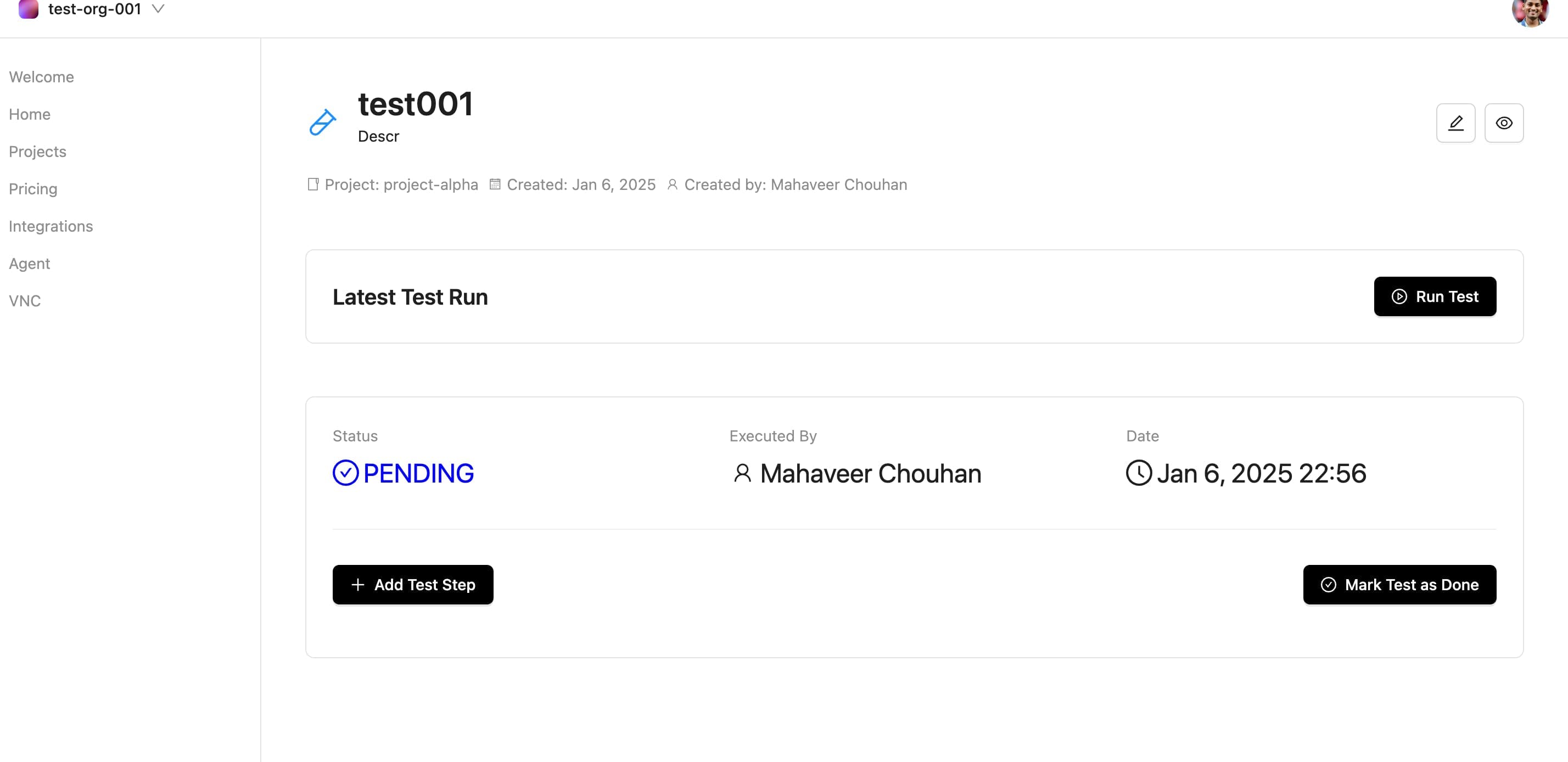
Work lives in projects, and each project holds a set of tests you can run one at a time or all at once. A test bundles its instructions, validation rules, success criteria and its own agent configuration. Every execution is stored as a test run with steps, timing, screenshots and a recording, so a failure comes with evidence rather than a stack trace alone.
Browser Storage and Authenticated Testing
You can seed cookies, localStorage and sessionStorage from project settings, which lets the agent reach screens that sit behind a login. That matters because most of a real app hides behind authentication, and tests that only touch public pages miss the flows that actually break in production.
Integrations and CI/CD Hooks
Iris connects to GitHub for pull request triggers, issue creation and check results, and to Slack and Discord for real-time notifications and failure alerts. It also lists GitHub Actions, CircleCI, Jenkins and GitLab CI among the pipelines it plugs into. The intent is that a test runs on every change and lands in the tool where the team already works.
Open API and Architecture
The platform exposes a tRPC API with token authentication, covering tests, agents, projects and organizations, and it supports batching and filtered queries. Iris documents how its control plane and distributed agent network fit together, and the code sits in a public GitHub organization. There is no TypeScript SDK yet, and the team says one is coming.
Reporting with Visual Evidence
A finished run produces a report with the steps taken, the point of failure, a video recording and the context needed to reproduce the issue. Reports can be shared by email and compared against earlier runs. For a team triaging a bug, the recording usually answers the question faster than a written log.
Pros and cons
Pros
- Tests are written in plain English, so a non-engineer can author and read them
- Self-adapting steps cut the maintenance tax that makes UI suites rot after a redesign
- Ready-made GitHub, Slack, Discord and CI/CD hooks put results where teams already work
- Authenticated flows are testable through configurable cookies and browser storage
- A documented tRPC API with a public GitHub presence gives technical teams room to build on top
Cons
- It only covers web applications, so native mobile and desktop testing is out of scope
- Pricing is not published on the main site, which makes it hard to budget before a sales conversation
- Vendor performance claims like 70% less time come from the company itself and lack independent testing
- The TypeScript SDK is still promised rather than shipped, so integrations mean working against the raw API
Frequently asked questions
Iris is an AI testing platform for web applications. You describe a test in plain English, and an AI agent opens a browser, acts like a real user and checks whether the flow worked. It reports failures with a video, the steps taken and the context to reproduce the bug.
Related content
Explore related tools, skills, and articles for Iris.
Iris Alternatives

Udon
Udon · Coding · ProductivityUdon turns an Apple Silicon Mac into a home server you run from a browser, with container controls, file shares, and an optional AI sysadmin.

offstage
offstage cloud · Coding · Productivityoffstage gives AI coding agents and CI jobs a real Mac: a fresh macOS account on Apple silicon, driven over an API and billed by the second.

BotBus
Chengdu Tuyang Tusen Technology Co., Ltd. · Coding · ProductivityBotBus lets you control AI coding agents from your phone and watch: approve commands, start tasks and read results while the code stays on your desktop.