

ittybit
Ittybit Ltd · Coding
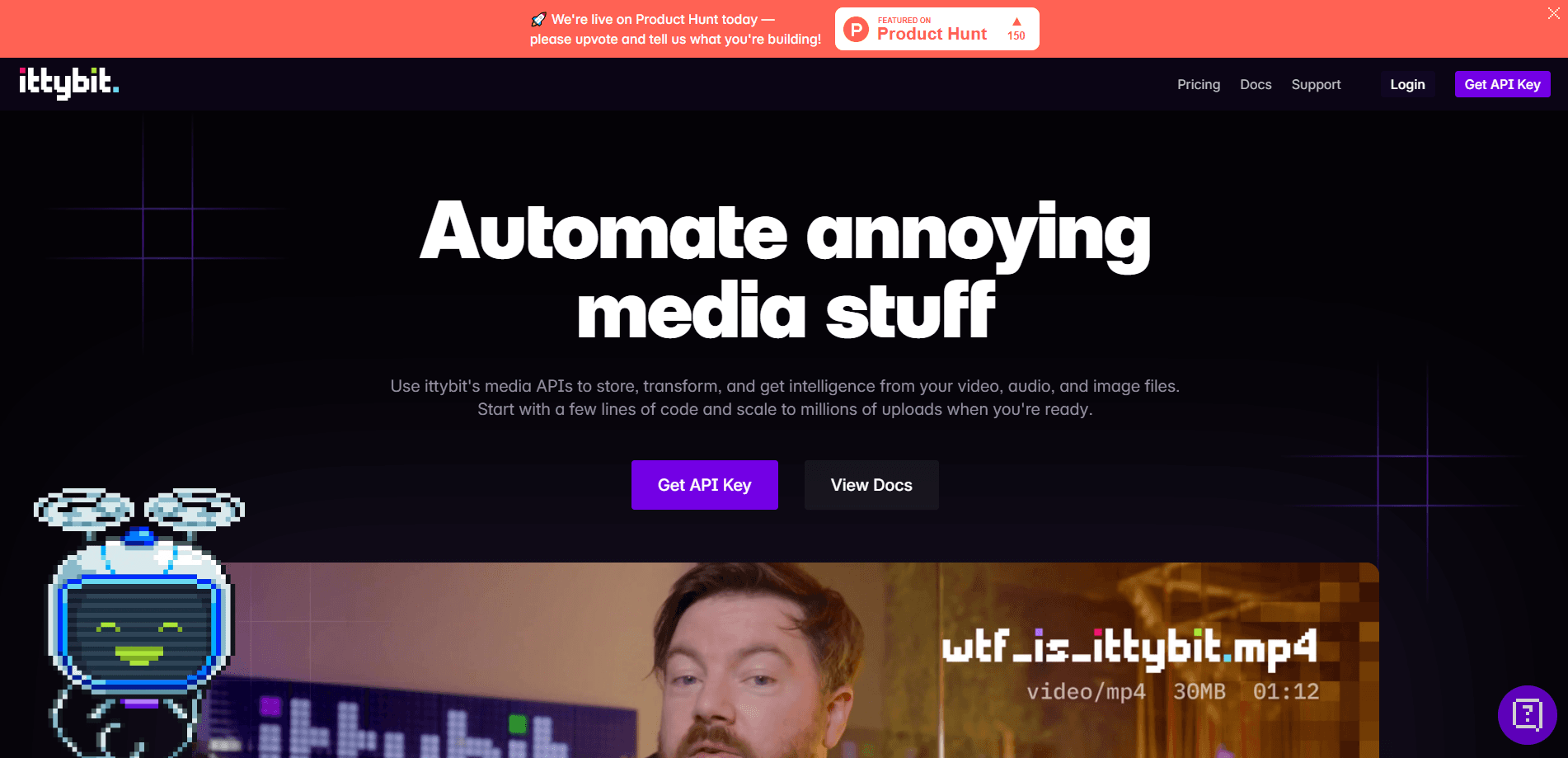
ittybit is a private video library and media API that stores your video files, indexes every frame with AI, and lets your team, clients, or agents search and share them.
About ittybit
What Is ittybit
ittybit keeps all your videos in one place and makes them searchable. Teams that shoot brand films, client calls, tutorials, and ads end up with footage scattered across Zoom, Google Drive, Dropbox, Vimeo, and expired Frame.io links. ittybit pulls those files together, transcodes each one for playback, and builds a rich index from what is said, shown, or written on screen.
The AI layer sits on top of that index. Computer vision models read every frame, shot, and scene, while audio models transcribe speech and sound effects. You can search for a visual detail like a logo, a location, or an action, not just a spoken word. An MCP server then hands the same library to ChatGPT, Claude, Gemini, or Grok, so an agent can upload, tag, and search videos on your behalf. Permissions stay scoped to whoever is logged in, and the company says it never trains models on customer data.
The main limit is scope. ittybit is built for teams that treat video as a managed asset, so a solo creator who just wants a cheap place to park a few clips will pay for intelligence features they never touch. Storage, bandwidth, and AI processing all count against plan limits, and the smallest plan covers one user only.
Getting Started
- Sign up at app.ittybit.com and start the 7-day free trial.
- Upload videos by dragging them into the browser, pushing them through the API, or asking an agent to add them over MCP.
- Import and sync existing files from storage services such as Amazon S3, Google Drive, Dropbox, Vimeo, YouTube, or Zoom.
- Organize clips with folders, tags, and metadata, then let the AI index titles, chapters, subtitles, and transcripts.
- Share a video through an embed, a branded preview page, or a permission rule, and track what happens in the analytics view.
Product Information
A quick look at ittybit's pricing, supported platforms, and performance.
Best for
The users, tasks, and scenarios where this tool fits best.
Users
- Marketing and brand teams
- Agencies managing client work
- Developers and agent builders
Tasks
- Finding a specific moment in long footage
- Turning raw video into structured assets
- Hosting and delivering video on your own site
Scenarios
- Reviewing a stack of recorded client calls
- Launching a public video with restricted access
- Auditing how a video performed
Key features
Video intelligence that reads the picture, not just the words
Most tools stop at a speech-to-text pass. ittybit runs computer vision and visual understanding models over every frame, shot, and scene, so you can search for objects, locations, brands, and actions. The audio side handles speech, sound effects, and silences, and the company claims 98% word accuracy across more than 90 languages. The result is an index that treats visuals as first-class content.
Natural-language search across every moment
Type a phrase in plain language and ittybit returns the videos and the exact moments where something is said, shown, or written. It matches exact words, similar words, and related concepts, and it looks inside the frame rather than only the transcript. For teams sitting on hundreds of hours of footage, that turns an afternoon of scrubbing into a single query.
AI chat that cites its answers
You can ask questions about a single video or your whole library and get answers backed by citations and timestamps. Beyond answering, the assistant runs jobs: change access rules, bulk rename clips, or tag every matching video at once. Bots only answer from videos the logged-in user can already see, so a private folder stays private.
An MCP server that plugs into your agents
One click connects your library to ChatGPT, Claude, Gemini, Grok, and other MCP clients. Agents can upload, move, and tag videos, search for moments, and set access rules, and you can chain those tools with whatever else the agent can reach. Permissions follow the user, and write actions require a confirmation step before anything changes.
Private by default, with fine-grained sharing
Every video starts private and is encrypted at rest. When you do share, you choose the level: public, limited, or password-protected. Access rules can restrict viewing to specific locations, domains, and IP addresses, and revoking access blocks all URLs immediately. Time-limited signed URLs cover one-off handoffs without exposing the file.
Embeds and branded preview pages
A single line of code drops a customizable, ad-free player into your site, product page, or learning portal, with adaptive streaming served from a global CDN. Every public or limited video also gets a hosted preview page where you can add your logo, pick colors and layout, and use your own domain. If you would rather run your own player, you still get direct access to every file and manifest.
Analytics that separate people from bots
Analytics cover views, unique viewers, and watch time across the whole library or a filtered set, with per-video heatmaps, retention, and completion rates. You also see where viewers are, when they watch, and which devices they use. A dedicated split for human, agent, and bot views keeps automated traffic from distorting the picture.
Pros and cons
Pros
- Pulls video from more than a dozen sources, including S3, Google Drive, Dropbox, Vimeo, YouTube, and Zoom, and can keep syncing new additions.
- Visual search finds on-screen objects, text, and actions, which transcript-only tools miss.
- MCP support lets ChatGPT, Claude, Gemini, and Grok work directly with your library.
- Granular access rules and signed URLs give agencies a clean way to share with clients.
- No AI training on customer data, and storage is encrypted at rest.
Cons
- There is no free plan, so testing past the 7-day trial means paying at least $19/mo.
- Storage, bandwidth, and AI hours all count against limits, and going over requires opting into overages.
- The Starter tier supports a single user, which rules it out for even small teams.
- AI processing is metered by the hour, so heavy indexing can burn through an allowance quickly.
Frequently asked questions
ittybit is a video library and media API for teams that want to store videos, search what happens inside them, and share clips securely. It combines hosting, AI indexing, player embeds, and analytics in one product.
Related content
Explore related tools, skills, and articles for ittybit.
ittybit Alternatives

Udon
Udon · Coding · ProductivityUdon turns an Apple Silicon Mac into a home server you run from a browser, with container controls, file shares, and an optional AI sysadmin.

offstage
offstage cloud · Coding · Productivityoffstage gives AI coding agents and CI jobs a real Mac: a fresh macOS account on Apple silicon, driven over an API and billed by the second.

BotBus
Chengdu Tuyang Tusen Technology Co., Ltd. · Coding · ProductivityBotBus lets you control AI coding agents from your phone and watch: approve commands, start tasks and read results while the code stays on your desktop.