

Janus Pro
DeepSeek · Image
Janus Pro is an open-source multimodal AI model from DeepSeek that both reads images and creates them. It runs inside one Transformer architecture, with separate visual pathways for understanding and generation, so a single model can describe a photo and then draw a new one from a text prompt. The 7B version scores higher than DALL-E 3 on the GenEval text-to-image benchmark, and the weights ship under an MIT license you can download and run on your own hardware. The free web demo at janusai.pro lets you try the multimodal AI model without installing anything, and it works as a casual text-to-image generator too.
About Janus Pro
What Is Janus Pro
Janus Pro is DeepSeek's answer to a stubborn problem in AI: most models either understand images or generate them, and rarely do both well. It solves this by splitting its visual encoding into two paths, one for reading images and one for producing them, while keeping a single Transformer to process everything. The name comes from the two-faced Roman god, which fits a model that looks at pictures and paints them.
It's built on DeepSeek's own language models and handles text-to-image generation at 384x384 resolution. Because the weights are open, you can download the 1B or 7B variant, run it locally, and use it commercially without paying a license fee. That sets it apart from closed models you can only reach through an API.
The limits matter too. Output resolution is low by modern standards, so fine details and small text in generated images can come out soft. OCR accuracy wobbles for the same reason. And running the 7B model locally needs a decent GPU, which rules out lightweight machines. Is that a dealbreaker? For casual use, no.
Getting Started
- Open janusai.pro in a browser if you just want to try it, then pick the multimodal understanding or the text-to-image tab.
- Upload an image or type a prompt, depending on which task you want, and submit.
- For local use, clone the Janus repository from GitHub and set up a Python environment with PyTorch.
- Download the Janus-Pro-1B or Janus-Pro-7B weights from Hugging Face into a local folder.
- Launch the demo script and open the local address it prints, then run your own prompts offline.
Product Information
A quick look at Janus Pro's pricing, supported platforms, and performance.
Best for
The users, tasks, and scenarios where this tool fits best.
Users
- AI researchers
- Developers on a budget
- Hobbyists curious about text-to-image generation
Tasks
- Image captioning and visual Q&A
- Text-to-image generation
- Multimodal experiments
Scenarios
- Prototyping an image feature without signing up for a hosted API.
- Testing a prompt on the free online demo before downloading several gigabytes of weights.
- Studying how decoupled visual encoding changes the quality of generated images.
Key features
Unified Understanding and Generation
The selling point is one model doing two jobs. Janus Pro reads an image and answers questions about it, then switches to generating a new image from a text prompt. Most open models pick one side. DeepSeek claims the split encoding lets it do both without the performance hit that usually comes from forcing one encoder to handle conflicting tasks. That's the whole pitch.
Separate Visual Pathways
DeepSeek routes understanding and generation through different encoders. Image understanding uses a SigLIP-L vision encoder at 384x384, while generation relies on a vector-quantized tokenizer with a downsample rate of 16. Keeping the two apart is what the company says fixed the role conflict in older unified models. For you, that means cleaner captions and steadier image output from the same download. One model, two jobs.
Strong Benchmark Scores
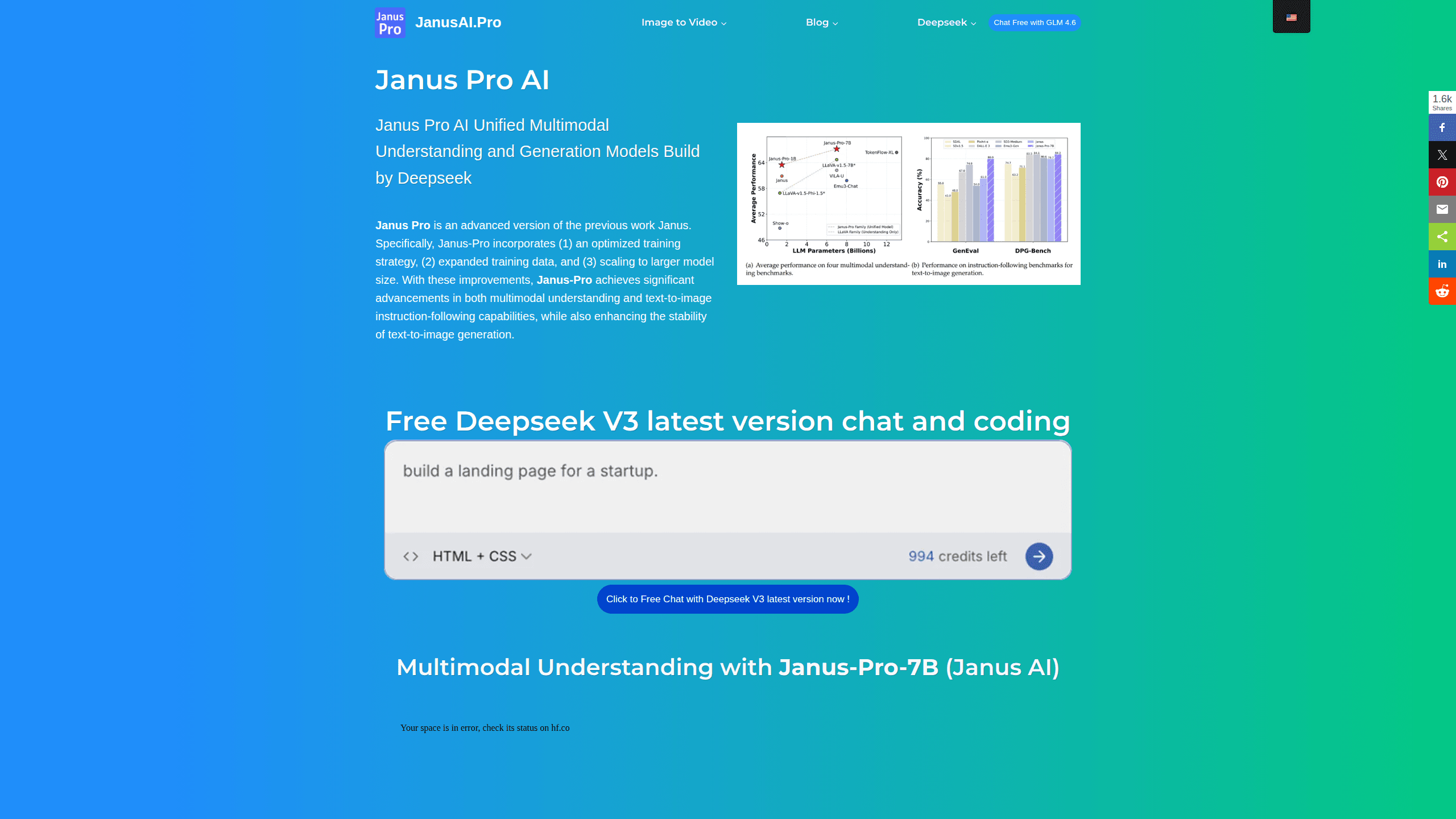
According to DeepSeek, Janus-Pro-7B hit 79.2 on the MMBench understanding test and 0.80 on GenEval, the text-to-image instruction-following benchmark. That 0.80 tops DALL-E 3 at 0.67 and Stable Diffusion 3 Medium at 0.74. Benchmark wins don't always translate to better pictures in practice. They do show the model is competitive with far larger and more expensive closed systems that you can't download or inspect on your own hardware.
Open Weights Under MIT
The 1B and 7B versions are downloadable from Hugging Face, and the code repo is MIT licensed, which permits commercial use. You can run the model offline, fine-tune it on your own data, or drop it straight into a product without asking DeepSeek for permission first. The model weights themselves follow DeepSeek's own model license, so read that clause carefully before you ship anything commercial that leans on Janus Pro.
Runs on Consumer Hardware
The 7B model can run on a single modern GPU with enough VRAM, and the 1B version fits on much less. That makes local deployment realistic for individuals, not just labs. A community plugin also brings Janus Pro into ComfyUI, so you can wire image description and generation into an existing workflow. Small footprint. Real results.
Free Online Demo
If you don't want to install anything, janusai.pro hosts a browser demo for both tasks. Traffic can be heavy, and its own page notes that it sometimes gets congested. It's the fastest way to see whether the model's output style suits you before you commit disk space to a download. No setup. No signup.
Pros and cons
Pros
- Handles image understanding and text-to-image generation in one model, which is rare in open releases.
- Free to download and run, with an MIT-licensed code repo that allows commercial use.
- Two sizes means the 1B model can run on modest hardware while the 7B targets quality.
- Strong published benchmark results that beat DALL-E 3 on GenEval instruction following.
- A free web demo lets you test it without any setup.
Cons
- Output is capped at 384x384, so generated images look low-resolution next to modern generators.
- Low resolution also hurts fine details and OCR, meaning small text in images is often unreadable.
- Running the 7B model locally needs a capable GPU, and downloads are several gigabytes.
- There's no official hosted API, so you're on your own for serving it at scale.
Frequently asked questions
Janus Pro handles two jobs: understanding images and generating them from text. You can ask it what's happening in a photo, or type a prompt and get images back. It's aimed at research, prototyping, and anyone who wants an open multimodal AI model they can run themselves.
Related content
Explore related tools, skills, and articles for Janus Pro.
Janus Pro Alternatives

X Ray Interpreter
X-ray Interpreter · ImageX Ray Interpreter is a web-based AI radiology tool that turns X-rays, CT scans, MRI, ultrasound, and PET images into plain-language reports. You upload a scan, get a preliminary X-ray interpretation in moments, then ask follow-up questions if something needs explaining. It works as a second opinion and a learning aid, not as a medical diagnosis.

Aieasypic
AIEasyPic · ImageAIEasyPic is an AI image generator that turns plain text prompts into finished artwork in seconds. You can also train custom models on your own photos, swap faces in existing images, and create short video clips from text, all from a browser. It suits casual creators who want quick visuals and hobbyists who want to build a personal model without touching any code.

Chargen
Chargen · ImageChargen is an AI character generator and worldbuilding toolkit built for Dungeons & Dragons and other tabletop RPGs. It turns a one-line idea into a painted character portrait, spins up NPCs, monsters, maps and encounters from the same session, and keeps every creature's details close at hand. The tabletop RPG art side runs on a credit system called Gold, while the text generators stay free for everyone.