

JDoodle.ai
JDoodle · Coding
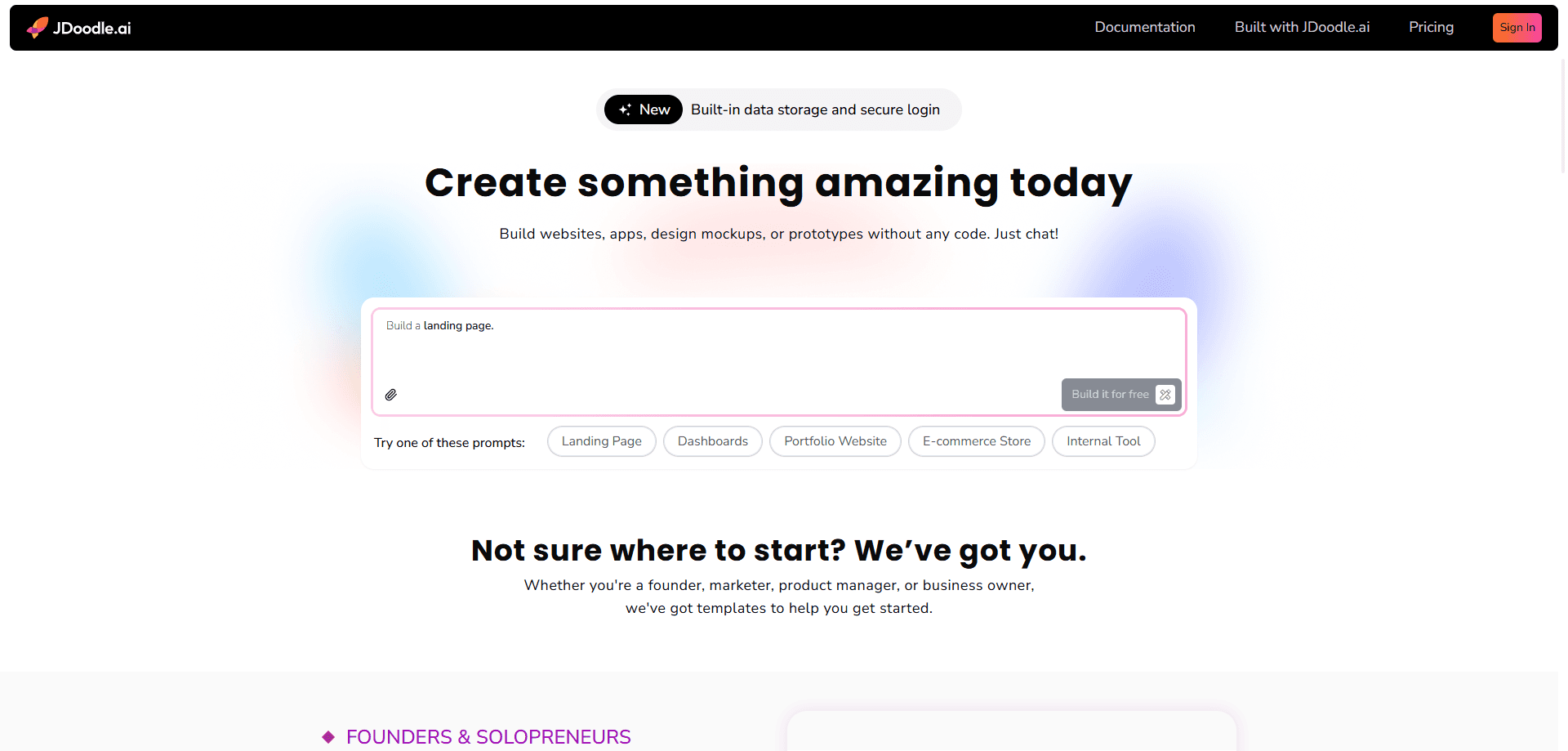
JDoodle.ai is an AI no-code app builder that turns a written prompt into a working web application. It handles the front end, a built-in database, integrations, and automated testing, so people without a development background can prototype or ship a small app. As a no-code development platform, it suits makers, founders, and internal teams who want to test an idea fast.
About JDoodle.ai
What Is JDoodle.ai
JDoodle.ai is an AI app builder built for people who have an idea but don't want to hand-write the whole stack. You describe what the app should do in plain language, and the platform generates the screens, the data layer, and the logic behind them. The pitch is simple. Skip the boilerplate. Start from something that already runs.
It comes from JDoodle, a company best known for its online code editor and compiler used by schools and developers. That heritage shows up in the product's focus on running real code, not just static mockups. You get a web app you can click through, connect to data, and push toward a real release.
The biggest limit is expectation management. A prompt-to-app platform gets you to a working prototype quickly, but complex, production-grade software with heavy customization usually still needs a human developer at some point. That's the trade-off. If you treat JDoodle.ai as a fast starting point rather than a replacement for engineering, it does its job well.
Getting Started
- Open the JDoodle.ai site and create an account, or sign in with an existing JDoodle login.
- Describe your app in the prompt box. Be specific about the screens, the data you want to store, and what each button should do.
- Review the generated app, then refine it by asking for changes in the same chat.
- Connect any external services you need, such as a payment or messaging tool, through the built-in integrations.
- Run the automated tests, then publish or export the app to share it with others.
Product Information
A quick look at JDoodle.ai's pricing, supported platforms, and performance.
Best for
The users, tasks, and scenarios where this tool fits best.
Users
- Non-technical founders
- Product managers
- Students and learners
Tasks
- Building an internal tool
- Prototyping a customer-facing idea
- Creating a simple CRUD app
Scenarios
- Validating an idea over a weekend
- Replacing a spreadsheet workflow
- Pitching an idea to a client or manager
Key features
Prompt-to-App Generation
You type a description and the platform produces a working web app, not just a wireframe. It builds the interface and wires up the underlying logic so the result actually runs. That's the whole point. For people who've been stuck at the "I have an idea" stage, this is the feature that moves things forward.
Built-In Database
The generated app comes with a database already in place, which removes one of the more tedious setup steps in app development. You can store records, pull them back into the interface, and adjust the structure as the app grows. It saves you from stitching together a separate backend service just to hold your data, and that alone is worth the price of admission for most small teams.
Integrations
JDoodle.ai connects to outside services so your app can do more than sit on its own. You can plug in tools for payments, messaging, or other common needs without writing the glue code yourself. For a prototype that needs to feel real, this closes the gap between demo and usable product.
Automated Testing
The platform runs automated tests against what it builds, which is unusual for a no-code tool. Tests catch the obvious breakages before you show the app to anyone else. Not ideal to skip them. It won't replace a careful human review, but it means you're not shipping something that falls over the moment a user clicks a button.
Multi-Language Support
The generated apps can be built around various programming languages, so the output isn't locked to a single stack. That matters if you later want a developer to take over and extend the work. It also means the code you end up with can fit more naturally into an existing project, which makes the handoff far less painful when the prototype turns into something real.
Chat-Based Refinement
After the first version, you keep iterating by talking to the builder. Ask for a new field, a different layout, or a change in behavior, and it updates the app. That loop matters more than the first draft you get, because almost no app is ever right on the very first try, and the tool earns its keep by how well it handles the correction rounds that follow.
Pros and cons
Pros
- Turns a plain-language prompt into a running web app, so you skip the usual setup work.
- Ships with a database and integrations already wired in, cutting down on tool-juggling.
- Automated testing is built in, which most no-code builders leave out.
- Backed by JDoodle, an established name in online coding tools.
- Good fit for prototypes and small internal apps where speed matters more than polish.
Cons
- Complex, highly customized production apps will likely still need a real developer, so don't expect to replace an engineering team outright, no matter how quickly the first version comes together.
- Detailed pricing isn't easy to pin down from the site, which makes budgeting harder up front.
- The generated code may need cleanup before it's ready to hand off or scale.
Frequently asked questions
It's used to build web apps from text prompts. You describe what you want, and it generates the interface, the database, and the logic in one place.
Related content
Explore related tools, skills, and articles for JDoodle.ai.
JDoodle.ai Alternatives
Forefront
Forefront · CodingForefront is a web platform for building with open-source AI. It lets you fine-tune leading open-source language models on your own data, evaluate how they perform, and run them through an API or export them to host yourself. Developers who want the convenience of a closed-source platform but insist on owning their models and data are the target audience here.

Startkit
StartKit.AI · CodingStartkit is a boilerplate for building AI SaaS and AI wrapper products. Think of it as an AI startup boilerplate with the boring parts already wired up: authentication, Stripe and Lemon Squeezy payments, usage limits, transactional email, and an AI API starter that talks to OpenAI, Anthropic, Groq, or Llama. You clone the repo, set your price, and start on the part of your product that people actually pay for. It's Next.js under React and Tailwind, so most of the boilerplate code already feels familiar.
Testim
Tricentis · CodingTestim is an AI-powered test automation platform for building and running end-to-end tests across web, mobile, and Salesforce applications. It leans on machine learning to keep tests stable when an interface changes, so teams spend less time fixing broken selectors. Not bad for an automated testing tool you can start using today. You create tests by recording actions in a browser, then optionally add JavaScript when you need more control. It's a solid pick for busy QA teams.