
Kacha
ASTRO INFINITY PTE. LTD. · Image
Kacha is an AI photo and video app that turns everyday selfies into professional headshots, cartoon avatars, artistic portraits and short animated clips.
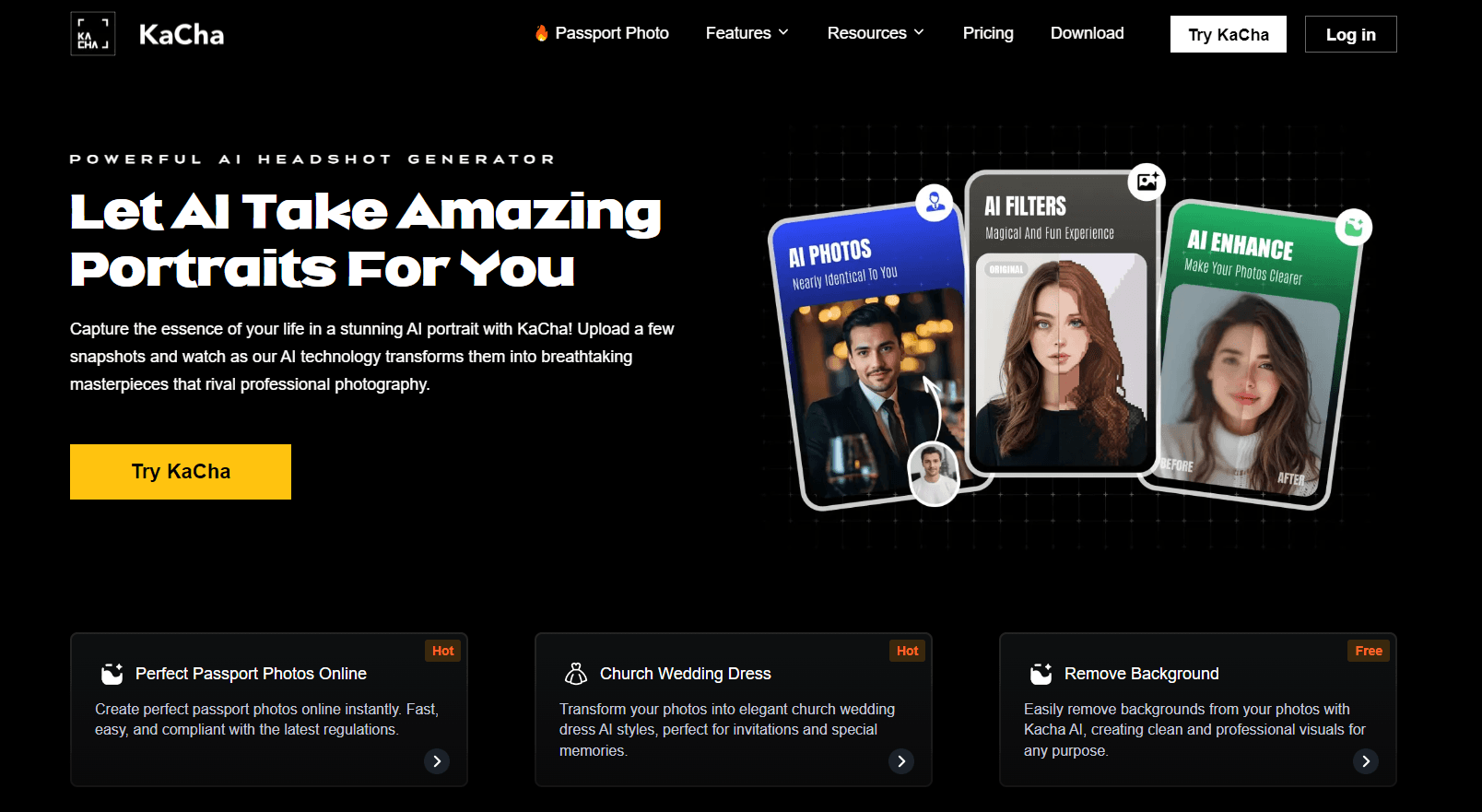
About Kacha
What Is Kacha
Kacha is a mobile app that uses AI to rework ordinary photos into polished images. You upload a handful of selfies and the app generates professional headshots, cartoon avatars, artistic portraits and short videos. It runs on iOS and Android, and a web version handles jobs like background removal and passport photo prep.
The pitch is speed. A headshot shoot that would cost a photographer hundreds of dollars and a booked slot turns into a few taps on your phone. That framing pulls in job seekers, content creators and casual users who just want a better profile picture.
Two limits matter. The app leans on a credit system, so heavy use costs more than the sticker price suggests, and reviews on the app stores complain about that. Output quality also varies by input, so a few clear, front-facing photos work far better than a single blurry one.
Getting Started
- Download Kacha from the App Store or Google Play, or open kacha.ai in a browser
- Upload a few clear selfies, ideally with your face forward and well lit
- Pick a style, such as a corporate headshot, a clay cartoon avatar or a travel scene
- Generate the result, then save it or share it to social media and messaging apps
Product Information
A quick look at Kacha's pricing, supported platforms, and performance.
Best for
The users, tasks, and scenarios where this tool fits best.
Users
- Job seekers
- Content creators
- Casual social media users
- Small business owners
Tasks
- Generating an AI headshot
- Making a cartoon avatar
- Removing a background
- Restoring old photos
- Creating short AI videos
- Preparing a passport or ID photo
Scenarios
- You need a new headshot before a job interview
- A social profile looks stale
- Product photos for a small shop
- A family photo is worn or damaged
- A short clip for a social post
Key features
AI Headshot Generator
Kacha's main draw is turning a handful of selfies into professional headshots. You pick a look, from corporate to creative, and the app produces portraits suited to a resume, a LinkedIn profile or a company bio. It takes over the job a studio session would cover, and the output lands in minutes rather than days.
Cartoon and Avatar Styles
The app ships with a large set of cartoon and avatar filters, including clay and Lego character looks and a yearbook style that generates multiple cute avatars in one pass. These are the features most users come for, since they produce shareable art from a plain photo. New styles get added over time to keep the library current.
Background Removal
A one-tap background remover cuts a subject out of a photo and leaves a clean cutout you can drop onto another background. It's the practical end of the app: product shots for a shop listing, a transparent headshot for a design, or a sticker made from a portrait. The web version offers the same tool without an install.
Photo Enhancement and Restoration
Kacha's enhancement tool sharpens grainy photos and repairs old or damaged ones. The pitch is preserving memories that have faded, and it works on scanned prints as well as phone shots. Results depend on the source quality, so a badly torn photo won't come back whole.
AI Video Generation
Beyond stills, Kacha animates a photo into a short video. You pick a style and the app turns a portrait into a moving clip you can post to social feeds or messaging apps. It's aimed at the short-form video crowd rather than anyone doing serious editing, and it runs from a single image.
Skin Tone, Styling and Scene Controls
Before generating, you can change skin tone, hairstyle, clothing and background. The travel scene feature drops your portrait into landmarks and locations, and the styling controls let you match an outfit to a theme. That mix is what keeps the output from looking like a one-template filter.
Sharing and Export
Finished images export at high resolution and share straight to WhatsApp, Instagram and other platforms from inside the app. There's no separate export step or desktop round-trip, which matters when the whole point is a quick post.
Pros and cons
Pros
- Generates headshots and avatars from a few selfies, so no studio booking is needed
- Wide style range covers corporate portraits, clay cartoons, yearbook looks and travel scenes
- Background remover and photo restoration handle practical jobs beyond avatars
- Works on iOS, Android and the web, with the browser version free for background removal
- Regular style updates keep the avatar library from going stale
Cons
- The credit system means heavier use costs more than the headline price suggests, and app store reviews call this out
- Output quality drops with poor input, so a single blurry or angled photo gives weak results
- The Android version holds a low store rating of around 2.5 stars, largely over billing and refund complaints
- The company does not publish a public API, so teams that want to automate at scale have no clear path
Frequently asked questions
Kacha turns your ordinary photos into finished images. Its main jobs are generating AI headshots, building cartoon avatars, removing backgrounds, restoring old photos and turning a still picture into a short AI video. It's aimed at profile pictures, social media posts and small business visuals.
Related content
Explore related tools, skills, and articles for Kacha.
Kacha Alternatives

Google EmbeddingGemma 2
Google DeepMind · Writing · Image · CodingGoogle EmbeddingGemma 2 is a 740M-parameter open model that turns text, code, images, audio, and video frames into vectors in one 768-dimension space, running on phones and laptops.

Tractionwave
TractionWave · Image · MarketingTractionWave is an AI attention heatmap tool for static ads. Upload a PNG or JPG and it returns predicted attention, ranked hotspots, and fixes before you spend budget.

Imejis.io
Imejis.io · Image · MarketingImejis.io is an AI design studio for agents and marketing teams. Describe an image in plain words, and it writes the copy, builds the layout, reflows it to every size, then exports a finished file.