

Oasis Browser
Kahana · Productivity
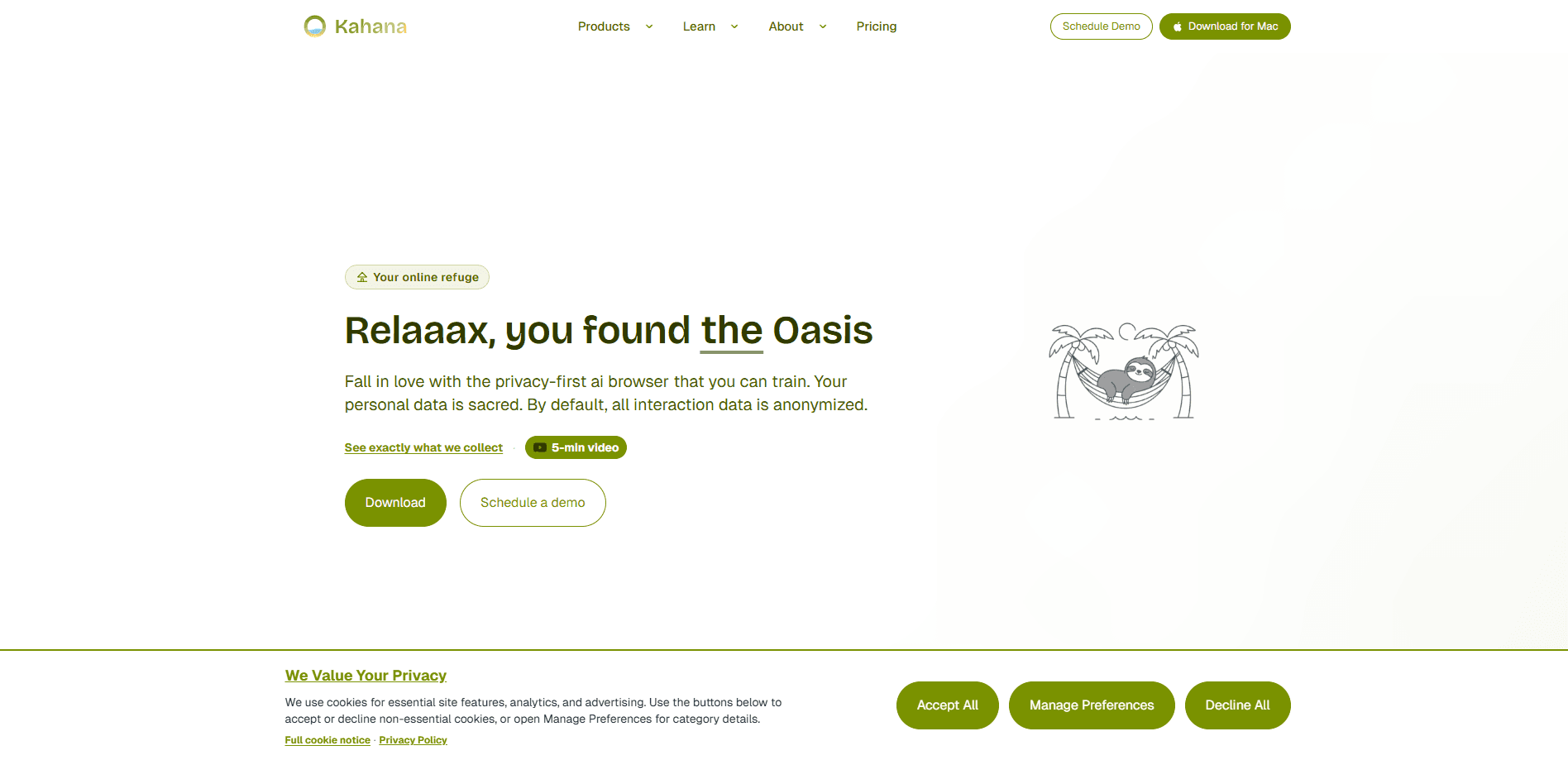
Oasis Browser is a privacy-first AI browser built around control rather than engagement. It blocks ads and trackers out of the box, keeps your interaction data anonymous by default, and lets you train the assistant to match how you actually browse. The goal isn't to shovel more content at you. It's a calmer, quieter window onto the web. Call it a focus browser with transparency about what's running under the hood.
About Oasis Browser
What Is Oasis Browser
Oasis Browser is a web browser that treats privacy as the default, not a setting you have to hunt for. It ships with a built-in ad blocker, so pages load without the pop-ups, banners, and tracker scripts that slow down an ordinary browser and quietly profile you as you go. Why does that matter? Because most "free" browsers pay for themselves by selling your attention.
The second half of the pitch is the AI layer. Alongside standard browsing, Oasis includes an assistant you can train over time. That learning is the product's real hook: instead of a fixed chatbot bolted onto a toolbar, you steer it toward your habits and preferences as you go.
Then there's the data question, which is where a lot of browsers get vague. Oasis says interaction data is anonymized by default, and that you keep control over what's shared and what stays local. Browsing privacy, in other words, isn't an upsell. If you're tired of trading your attention for a free browser, that combination of ad blocking, a trainable assistant, and default anonymity is the whole reason to look at it. The trade-off is maturity. It's a younger, smaller option than Chrome or Edge, so you should expect a narrower extension library and fewer of the conveniences a decade-old browser has collected.
Getting Started
- Download Oasis Browser from its official source and install it on your desktop.
- Open the settings panel and confirm the built-in ad blocker and tracking protection are switched on.
- Sign in or set up a local profile, then choose how interaction data is handled so anonymity stays on by default.
- Spend a session or two using the AI assistant normally, giving it feedback so it learns your preferences.
- Review the permissions and data-sharing screen once the assistant has some context, then adjust what you're comfortable with.
Product Information
A quick look at Oasis Browser's pricing, supported platforms, and performance.
Best for
The users, tasks, and scenarios where this tool fits best.
Users
- Privacy-conscious people who want ad blocking and tracker protection turned on by default, not buried in menus.
- Anyone who wants an AI assistant they can shape over time rather than a fixed chatbot with preset behavior.
- Readers who get distracted by cluttered pages and want a quieter browser for long-form work.
Tasks
- Reading articles and research without pop-ups, autoplay video, or banner ads breaking your focus.
- Running everyday searches and questions through an assistant that already knows your habits.
- Keeping casual browsing from feeding a profile, since interaction data is anonymized by default.
Scenarios
- Settling in for a focused work session where you need the web but not the noise.
- Researching a sensitive topic and wanting reassurance that your activity isn't being packaged and sold.
- Trying out a privacy-first setup without giving up an AI assistant entirely.
Key features
Built-in ad blocking
Oasis blocks ads and trackers without you installing a single extension. The practical effect is quieter pages, quicker loads, and less background profiling. It's a private browser, not a patchwork of add-ons. Because it's part of the browser, there's no add-on to keep updated or that quietly breaks after a site change.
An AI assistant you can train
Most browsers hand you a fixed assistant and call it a day. Oasis lets you shape yours. You give feedback, it adapts, and over time it starts to line up with your habits and preferences. That's a different bet. The assistant gets more useful the longer you use it, not just at launch.
Anonymized interaction data by default
Oasis anonymizes interaction data out of the box instead of making you opt in. In plain terms, what you do while browsing isn't tied back to you by default. No profile. No dossier. For people uneasy about how much a normal browser collects, this is the core selling point.
A calm, focus-first layout
The interface is built to reduce distraction rather than maximize clicks. Fewer interruptions. A cleaner reading surface. No rewards program nudging you back for "one more thing." If your problem is attention, not features, this is aimed at you.
Transparency and user control
Privacy claims mean little without control, so Oasis puts the settings where you can reach them. You can see what's being shared, adjust what isn't, and change your mind later. The design assumption is that you own your data. The browser just holds it for you.
Pros and cons
Pros
- Ad blocking and tracker protection work from the first launch, with no extension setup.
- Interaction data is anonymized by default, so you're not the product.
- The AI assistant adapts to your habits instead of staying fixed.
- A distraction-light interface that doesn't fight for your attention.
Cons
- It's a newer, less established browser, so the extension library is thinner than Chrome's or Edge's.
- Exact pricing and feature details are hard to pin down, since the product's official pages aren't consistently reachable.
- Being a smaller project, you get fewer integrations and less community troubleshooting than mainstream browsers offer.
Frequently asked questions
It's a privacy-first web browser with a built-in ad blocker and a trainable AI assistant. The pitch is a calmer browsing experience where your data is anonymized by default rather than collected and sold.
Related content
Explore related tools, skills, and articles for Oasis Browser.
Oasis Browser Alternatives

Base Code
Base44 (Wix) · Coding · ProductivityBase Code is a shared cloud development environment from Base44. Teammates describe changes to an existing GitHub codebase in chat, preview them live and send them back as pull requests.

Knocket
Knocket (Tencent RTC team) · Productivity · Business · ChatbotKnocket is a free live chat and contact page tool that lets visitors message you from your website, app, or a shareable link, with every reply handled from Telegram or one inbox.

FloorGen
Vinit Kumar (FloorGen) · Productivity · China AIFloorGen is a browser-based floor plan maker that turns a sentence or a sketch into an editable 2D plan and a 3D walkthrough. Export to PDF, DXF or video, and draw without an account.