

Kanbanq : Open alpha
Kanbanq (Christer Papanicolaou) · Productivity
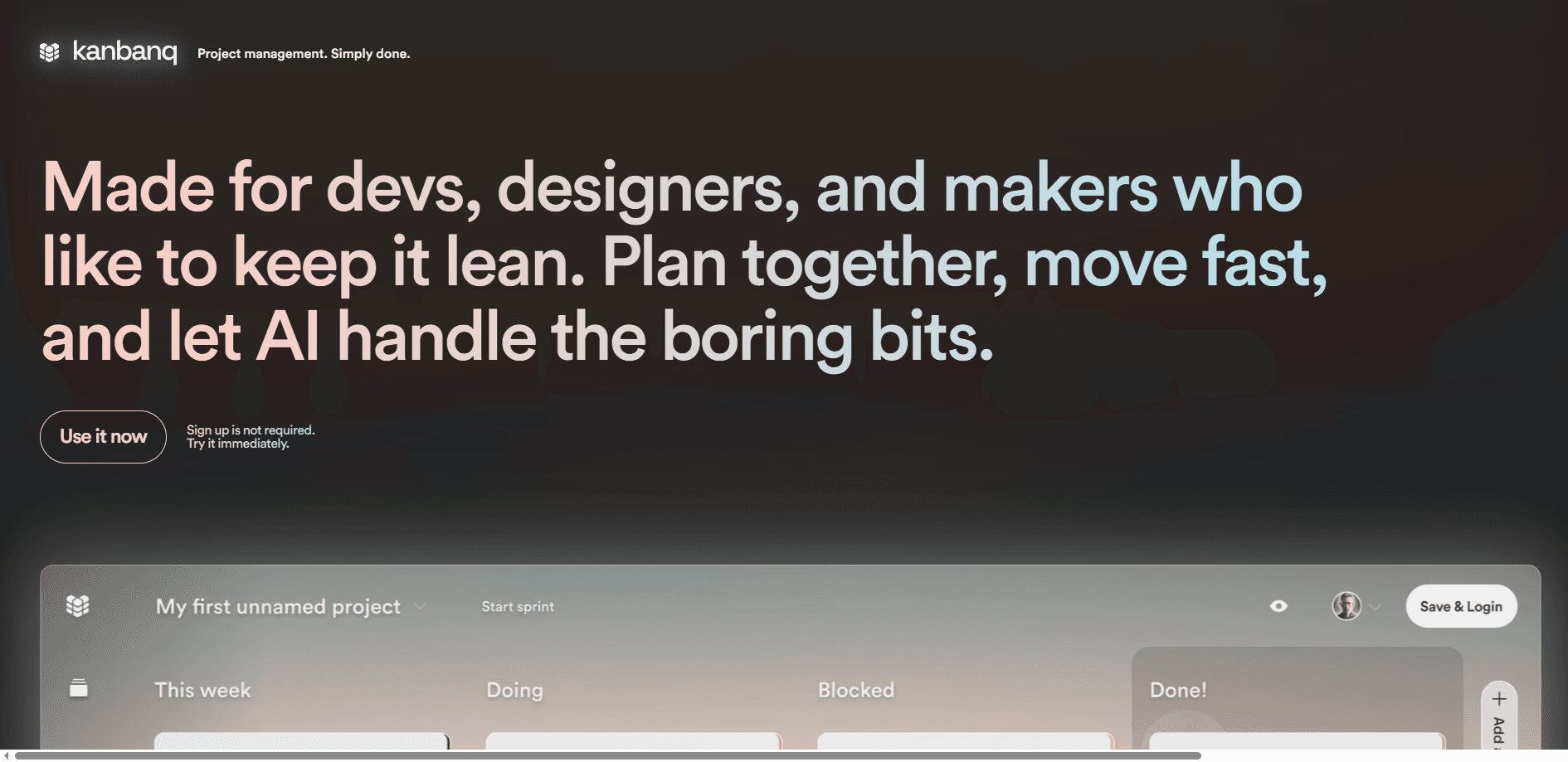
Kanbanq is a minimal, real-time kanban project management tool for small teams and solo devs. It pairs a simple To do, In progress, Done board with AI cycle summaries and a separate backlog.
About Kanbanq : Open alpha
What Is Kanbanq
Kanbanq is an AI project management tool for people who find Linear, ClickUp, or Notion heavier than the work itself. It keeps the core simple: a sprint board with To do, In progress, and Done columns, plus a separate backlog board that works the same way. When a batch of work is finished, you close the cycle and Kanbanq AI gives it a name and emails a summary to your team.
The point is to skip the admin. There are no standups to run and no status write-ups to chase, because the tool writes the wrap-up for you and saves the end-of-week scramble that most small teams put themselves through. Cards update live, so everyone sees the same board at the same time whether they're in the office or working remote.
The trade-off is depth. Kanbanq doesn't try to replace a full agile suite with Gantt charts, workload reports, and permission layers. If you need those, you'll outgrow it. It's also still in open alpha, so features and pricing can shift.
Getting Started
- Open kanbanq.app in a browser. You can try the open alpha without signing up.
- Create a workspace, then add your first tasks to the sprint board.
- Move cards from To do through In progress to Done as work happens.
- Park anything not in the current sprint on the backlog board.
- Close the cycle when a batch is done and let Kanbanq AI name it and email the summary.
Product Information
A quick look at Kanbanq : Open alpha's pricing, supported platforms, and performance.
Best for
The users, tasks, and scenarios where this tool fits best.
Users
- Solo developers and indie makers
- Small studios and creative teams
- Non-technical founders
Tasks
- Running a short sprint
- Managing a backlog
- Breaking down a big task
Scenarios
- A two-person startup tracking a release
- A freelancer juggling client work
- A remote team on a slow connection
Key features
Sprint and Backlog Boards
Kanbanq splits your work across two boards. The sprint board holds what you're doing now; the backlog board handles backlog management for everything else. Both use the same To do, In progress, Done columns, so you don't learn a second layout. That separation is the main reason the tool stays readable as work piles up.
AI Cycle Summaries
When a batch of work is finished, you close the cycle. Kanbanq AI names it, describes what shipped, and emails the summary to your whole team. This is the feature the product is built around: it removes the manual sprint write-up most teams do at the end of a week.
Real-Time Collaboration
Cards update live, and the board shows cursors so you can see who's touching what. Everyone reads the same state at the same time, which matters when teammates work across time zones. There's nothing to refresh and no version to reconcile.
AI Task Breakdown
A rough task can be turned into smaller, actionable cards without you writing each one by hand. It's aimed at the moment when a project feels too vague to start, and it turns that rough idea into a checklist of smaller cards you can actually move across the board one by one.
Offline Mode
The board keeps working when the connection is slow or drops. Cards you change sync back when you're online again. It's a small thing until you're on a train or a weak hotel wifi, when most browser tools simply stop.
Clean Web Interface
Kanbanq runs in the browser on desktop and mobile, with no install and no download. The layout stays out of the way, so the board is the interface. For a tool aimed at small teams, that restraint is the selling point.
Pros and cons
Pros
- The three-column kanban flow needs no setup, so a new user can start in minutes.
- AI cycle summaries replace the end-of-sprint write-up and email the team automatically.
- A separate backlog board keeps future work visible without cluttering the active sprint.
- Real-time updates and offline mode keep the board usable across time zones and weak connections.
- Free to use during the open alpha, with no sign-up needed to try it.
Cons
- It skips advanced agile tooling like Gantt charts, workload reports, and custom permission roles, so larger teams may hit a ceiling.
- The product is in open alpha, which means features and pricing can change without much notice.
- No public API is documented yet, so you can't wire Kanbanq into other tools or automation.
- It focuses on kanban and lightly on sprints, so it isn't built for teams that need heavy backlog grooming and estimation.
Frequently asked questions
Kanbanq is for running a small team's day-to-day work on a kanban board. You plan a sprint, keep a backlog, move cards as you go, and let the AI summarize each finished cycle. It fits solo devs and small teams more than large organizations.
Related content
Explore related tools, skills, and articles for Kanbanq : Open alpha.
Kanbanq : Open alpha Alternatives

Base Code
Base44 (Wix) · Coding · ProductivityBase Code is a shared cloud development environment from Base44. Teammates describe changes to an existing GitHub codebase in chat, preview them live and send them back as pull requests.

Knocket
Knocket (Tencent RTC team) · Productivity · Business · ChatbotKnocket is a free live chat and contact page tool that lets visitors message you from your website, app, or a shareable link, with every reply handled from Telegram or one inbox.

FloorGen
Vinit Kumar (FloorGen) · Productivity · China AIFloorGen is a browser-based floor plan maker that turns a sentence or a sketch into an editable 2D plan and a 3D walkthrough. Export to PDF, DXF or video, and draw without an account.