

Keeto: Keto Carb Tracker
GSY · AI Assistant
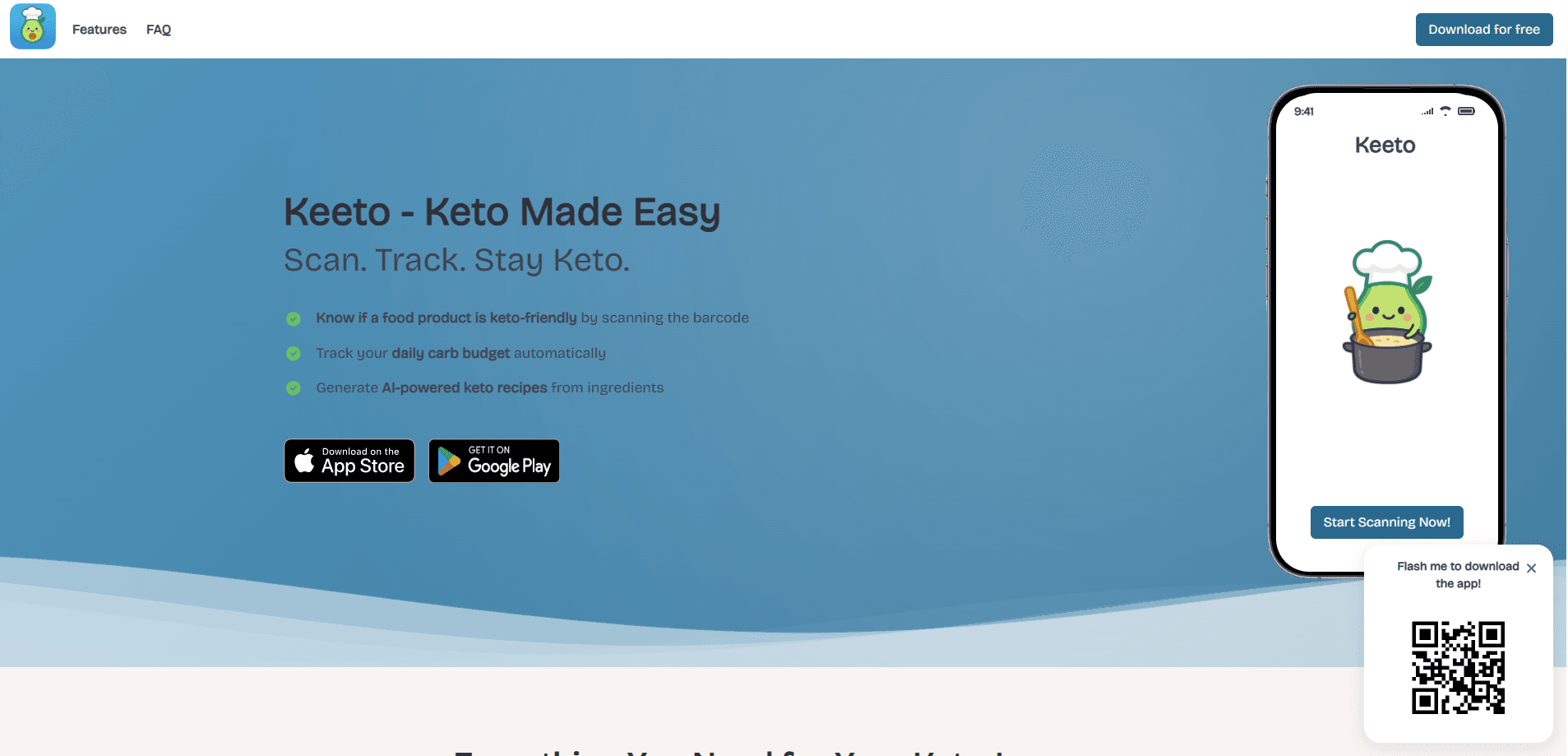
Keeto is a keto carb tracker from GSY that scans a grocery barcode, tells you whether a food fits your carb budget, tracks net carbs for the day, and generates low-carb recipes from whatever is already in your basket. It's built for anyone who wants to stay in ketosis without running the math in their head. The catch? Its value depends on how much you buy packaged and branded food. Those products are what its scanner database covers best.
About Keeto: Keto Carb Tracker
What Is Keeto
Keeto is a low carb app built around a barcode scanner, made for keto and low-carb diets. Its main job is answering one question fast: is this food keto-friendly, and how much of my daily carb allowance will it eat up? You point your phone at a barcode, and Keeto pulls the nutrition data, subtracts fiber to get net carbs, and shows what percentage of your budget that item represents.
The app assumes you don't want to think in grams all day. Instead of a spreadsheet, you get a running carb total that resets each morning, plus protein and fat alongside it. Keeto also leans on AI for a second job: taking the ingredients you already have and turning them into keto-friendly meals with macros and steps attached.
Where it gets less certain is coverage. A barcode scanner is only as good as its product database, and the official site claims over a million verified products. For whole, unpackaged foods, you'll mostly be entering things manually. That's the same trade-off every scanner-first app runs into.
Getting Started
- Install Keeto from Google Play or the App Store and create an account.
- Pick a carb budget: strict keto at 20g, moderate at 30g, or set your own daily number.
- Scan the barcode on a packaged food to see its net carbs and your remaining allowance.
- Add ingredients to the in-app basket to let the AI recipe generator build keto meals, then export a shopping list.
- Check the home screen rings or the widget for a quick "carbs left" snapshot throughout the day.
Product Information
A quick look at Keeto: Keto Carb Tracker's pricing, supported platforms, and performance.
Best for
The users, tasks, and scenarios where this tool fits best.
Users
- Keto beginners
- Meal preppers
- Low-carb athletes
Tasks
- Checking a grocery item before buying it
- Building a keto meal from what's already in your kitchen
- Keeping a daily carb tally
Scenarios
- Weekly grocery runs where you'd otherwise read every label by hand.
- Cooking dinner without a specific recipe in mind and needing something keto that fits your ingredients.
- Re-checking a favorite snack after a recipe or formula changes.
Key features
Instant Keto Verdict by Barcode
Point the scanner at a packaged food and Keeto returns a keto-friendly answer in seconds. It shows net carbs, the macro breakdown, and what percentage of your daily carb budget that item uses. So you decide before the food lands in your cart. Favorites can be saved for quick re-checks on repeat buys.
Smart Carb Tracking
The tracker updates in real time with every scan and presents carbs, protein, and fat as separate rings. You choose strict keto (20g), moderate keto (30g), or a custom daily number. Each snack then shifts what's left, and the app shows exactly how much of your budget that was. Daily resets and optional reminders keep the count honest. Skip a day and it shows.
AI Recipe Generator
Add ingredients to a virtual basket and the AI builds keto-friendly meals from them, complete with macros, prep time, and step-by-step instructions. You can generate low-carb meal plans in seconds and export a shopping list from any recipe. That's where the feature earns its keep. Planning a week of meals still takes one sitting, not seven.
Widget-Ready Carb Snapshot
A home-screen widget shows "carbs left" at a glance, so you don't have to open the app to know where you stand. Small thing. Big difference. It's the gap between checking ten times a day and checking twice.
Macro and Net Carb Breakdown
Beyond the headline carb number, Keeto separates fiber from total carbs to give you net carbs, and keeps protein and fat visible alongside. For anyone managing macros rather than just a carb ceiling, that separation matters. It's a rough guess versus a real log. That gap adds up over a month.
Pros and cons
Pros
- Barcode scanning turns a label-reading chore into a two-second check.
- Net carb math (total carbs minus fiber) is handled automatically, which is the number keto followers actually track.
- The AI recipe generator connects tracking to cooking instead of leaving you with a log and no dinner plan.
- Free tier lets you test the scanner and tracker before paying anything.
Cons
- Scanner accuracy depends on a product database, so newer or regional foods may be missing or wrong.
- Whole, unpackaged foods usually need manual entry, which slows down logging compared with packaged items.
- Recipe quality from the AI generator varies, so you'll still want to sanity-check macros on unusual ingredient combinations.
Frequently asked questions
Keeto scans food barcodes, tells you whether an item is keto-friendly, tracks your net carbs and macros for the day, and generates low-carb recipes from ingredients you already have. Scanner, tracker, recipe tool. All in one app.
Related content
Explore related tools, skills, and articles for Keeto: Keto Carb Tracker.
Keeto: Keto Carb Tracker Alternatives

Iplan AI
Iplan AI · Productivity · AI AssistantIplan AI is an AI travel planner that turns a few trip details into a full day-by-day itinerary in seconds. You answer questions about your destination, interests, budget, and travel companions, and the tool builds a plan you can edit, share, and carry with you on any device. It targets travelers who want a solid draft without spending hours in spreadsheets and browser tabs. Think of it as an itinerary generator that does the tedious part for you.

Screenhelp
Screenhelp · Productivity · AI AssistantScreenhelp is an AI screen assistant that turns a single keyboard shortcut into real-time help. You press Ctrl+Shift+Space, it captures what's on your screen, and it streams an answer into a private panel in about two seconds. Think of it as an AI screenshot helper you trigger on demand. It runs on Mac, Windows, and the web, starts free with 30 answers a month, and stays invisible during screen sharing on Zoom, Teams, and Google Meet.

Rainbow
Rainbow · AI AssistantRainbow is an AI weather forecast app built around short-term precipitation nowcasting. Its engine pushes min-by-min rain and snow predictions up to four hours ahead, blending live satellite and radar feeds into hyperlocal forecasts. The app adds live rain radar, a seven-day outlook, precipitation alerts, home-screen widgets, and a hurricane tracker, and it runs on both Android and iOS with a free tier plus paid upgrades.