

Keycon.space
Gil Finkelstein · Image
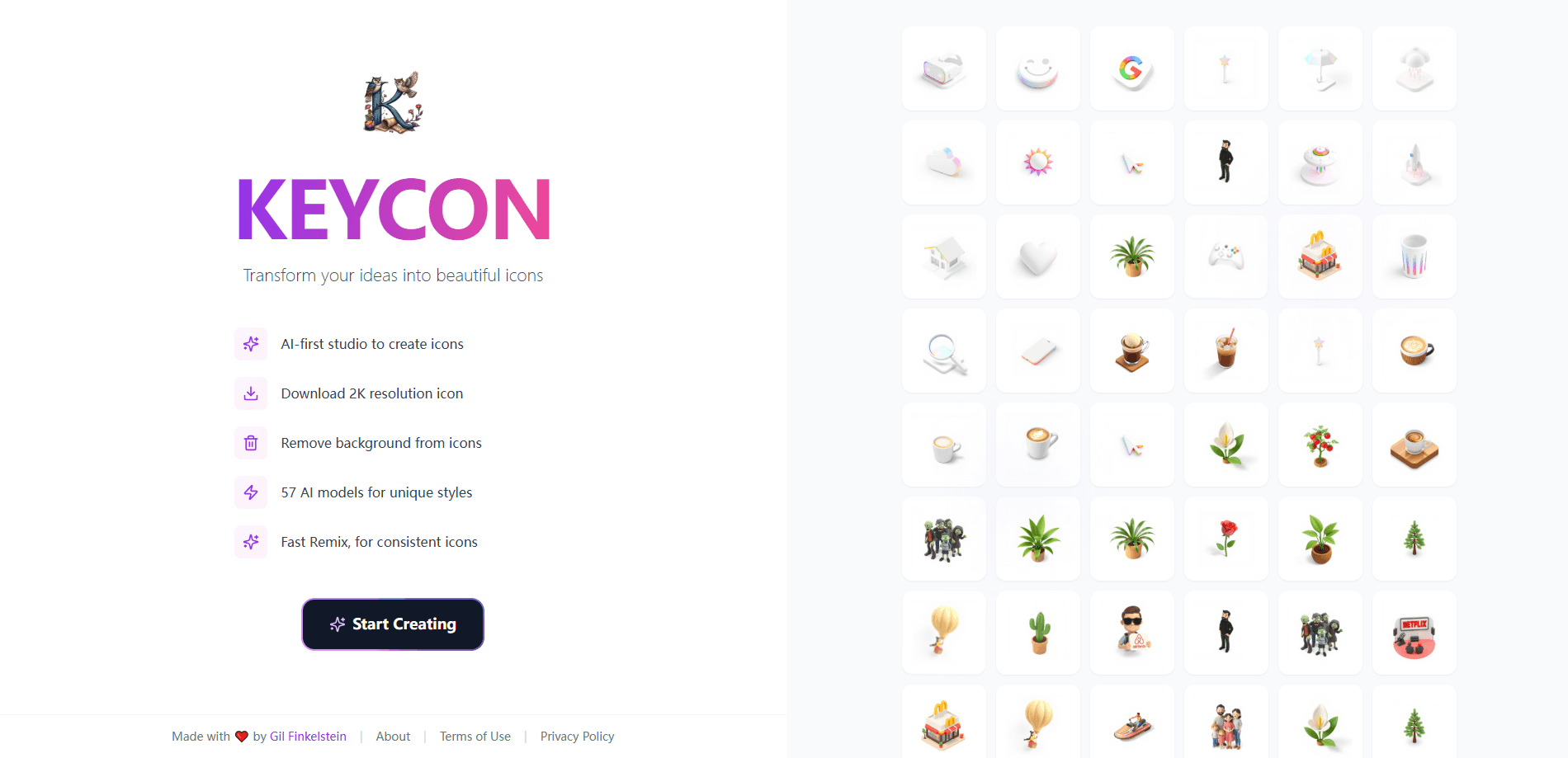
Keycon is an AI icon generator that turns short text prompts into polished, high-resolution icons using 64+ style models and a Fast Remix feature for consistent sets.
About Keycon.space
What Is Keycon
Keycon is a web-based AI icon studio built by Gil Finkelstein, and it works as a focused AI icon maker rather than a full illustration suite. You describe an icon in plain words, pick a look, and the tool returns finished artwork instead of placeholder sketches. The pitch is speed and consistency rather than full illustration control.
The service leans on more than 64 separate AI models, each tuned for one artistic style. That range covers everything from flat minimal line art to glossy 3D renders, so a single project can keep one visual voice across dozens of icons. The company also builds Fast Remix, a function that carries an existing icon's style into the next one you generate.
Two limits are worth knowing up front. Creation requires an account, so anonymous visitors only see the landing page and gallery. And because the output comes from style models rather than a layered editor, you get final images, not an editable vector file.
Getting Started
- Open keycon.space and sign in to unlock the studio.
- Type a short prompt that names the object or symbol you want.
- Choose one of the 64+ styles, then set colors and a background if you need them.
- Generate, review the variations, and download the high-resolution result.
Product Information
A quick look at Keycon.space's pricing, supported platforms, and performance.
Best for
The users, tasks, and scenarios where this tool fits best.
Users
- Product designers
- App developers
- Solo founders
- Marketers
Tasks
- Generating a coherent icon set
- Exploring style directions early
- Making one-off icons for slides or docs
- Exporting high-resolution assets
Scenarios
- Kicking off a new product brand
- Filling gaps in an existing library
- Quick mockups for client review
Key features
64+ Style Models
Keycon ships more than 64 distinct AI models, and each one targets a single artistic direction. That means the same prompt can come back as crisp line art, a soft pastel mark, or a heavy 3D render, depending on the model you pick. For a designer, this replaces the slow hunt through stock packs with a quick side-by-side comparison.
Fast Remix for Consistent Sets
The standout feature is Fast Remix, which carries the style of one icon into the next generation. You generate a base icon, then remix it to produce siblings that share the same stroke weight, corner radius, and palette. Teams building a full app or menu bar end up with a set that reads as one family rather than a pile of mismatched pieces.
Sub-Three-Second Generation
The studio advertises professional icons in under three seconds. In practice that speed matters most during exploration, where you can burn through a dozen directions in a single sitting. It also makes the tool usable inside a live design conversation, when waiting a minute per icon would break the flow.
Text-to-Icon Prompting
Everything starts from a written prompt, so you don't need drawing skill to get a usable result. Describe the subject the way you'd say it out loud, such as a shield with a checkmark or a wise owl mascot, and adjust wording until the output lands. The trade-off is precision: prompts steer style and subject, but they won't give you pixel-level control over a curve.
High-Resolution Download and Background Removal (text to icon)
Finished icons come out as high-resolution images you can download and use right away. When you need an icon to sit on a colored panel, you can strip the background instead of rebuilding it. This keeps small teams from bouncing between the generator and a separate editor for a simple cleanup job.
Built for Designers and Developers
The official material frames Keycon as production-ready for both design and engineering work. Designers get style variety; developers get clean assets sized for real interfaces. A browser-only workflow also means no install and no license juggling across a team.
Pros and cons
Pros
- 64+ style models give a wide spread of looks from one prompt.
- Fast Remix solves the consistency problem that normally makes AI icon sets look stitched together.
- Generation in seconds keeps exploration cheap and fast.
- Runs in the browser, so there's no software to install or maintain.
- The workflow suits non-designers who need a usable symbol without opening a vector tool.
Cons
- Creation requires a signed-in account, so you can't test the studio anonymously.
- Output is finished images rather than editable vectors, which means fine curve edits happen in another tool.
- Prompt-based control limits precision, so exact geometry can take several attempts.
- There's no published pricing page, so budgeting for heavier use is hard to plan.
Frequently asked questions
Keycon generates icons and similar visual assets from text. You write a short prompt, pick a style, and download the result for use in apps, sites, and presentations.
Related content
Explore related tools, skills, and articles for Keycon.space.
Keycon.space Alternatives

Google EmbeddingGemma 2
Google DeepMind · Writing · Image · CodingGoogle EmbeddingGemma 2 is a 740M-parameter open model that turns text, code, images, audio, and video frames into vectors in one 768-dimension space, running on phones and laptops.

Tractionwave
TractionWave · Image · MarketingTractionWave is an AI attention heatmap tool for static ads. Upload a PNG or JPG and it returns predicted attention, ranked hotspots, and fixes before you spend budget.

Imejis.io
Imejis.io · Image · MarketingImejis.io is an AI design studio for agents and marketing teams. Describe an image in plain words, and it writes the copy, builds the layout, reflows it to every size, then exports a finished file.