

Kilo Code
Kilo (acquired by Anaconda) · Coding
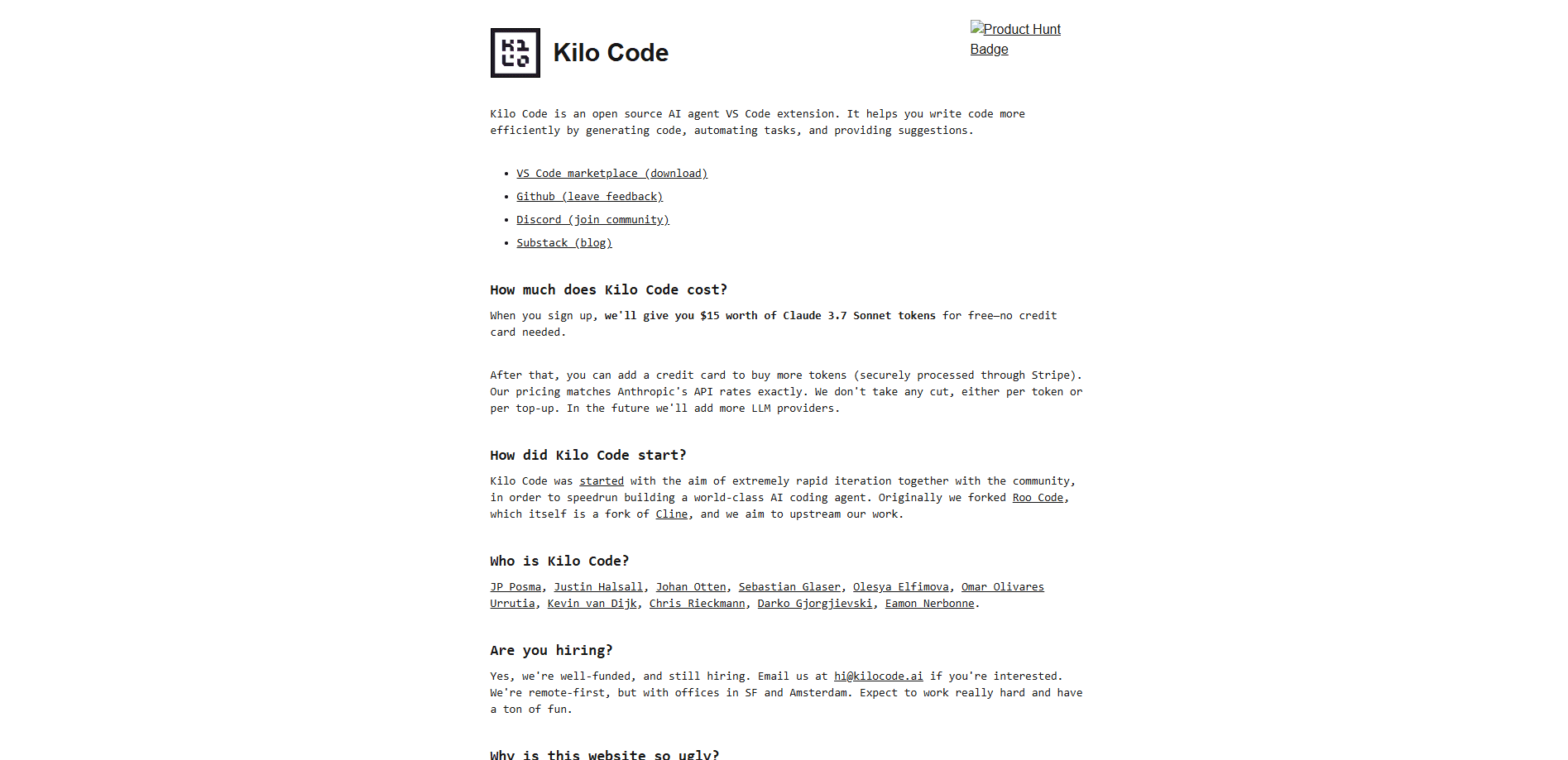
Kilo Code is an open source AI coding agent that runs in VS Code, JetBrains IDEs, your terminal, and the cloud. It reads your codebase, edits files, runs commands, and connects to 500+ models.
About Kilo Code
What Is Kilo Code
Kilo Code is a coding agent that works across every developer surface. Instead of a chat window that hands you code to paste, it reads your project, makes changes, runs commands, and reports back. You stay in your editor or terminal while it handles the routine parts of a task.
The tool grew out of two popular open source projects, Cline and Roo Code, and keeps their best ideas while adding its own switching agent modes and a cloud layer. Developers pick it for one main reason: model choice. As a model agnostic coding agent, it never locks you to a single provider, so you can route a cheap model through quick edits and a frontier model through hard problems.
Anaconda acquired Kilo Code in July 2026. The extension stays open source under the MIT license, and the team says the developer experience does not change. What is new is enterprise governance layered behind the same interface.
Getting Started
- Install the VS Code AI extension from the Marketplace, set it up as a JetBrains AI assistant, or run
npm install -g @kilocode/clifor the terminal. - Sign in with an account, or bring your own API key from Anthropic, OpenAI, Google, or another provider.
- Pick an agent mode for the task. Code writes and refactors, Plan outlines an approach first, Ask answers questions, and Debug traces errors.
- Describe what you want in plain language. Kilo proposes the file changes and commands, and you approve them before anything runs.
- Add MCP servers or cloud agents when you want to reach outside the editor, then push the change like any other commit.
Product Information
A quick look at Kilo Code's pricing, supported platforms, and performance.
Best for
The users, tasks, and scenarios where this tool fits best.
Users
- Developers who want model freedom
- Teams that need shared standards
- Solo builders on a budget
Tasks
- Refactoring across a project
- Cleaning up messy or unstructured data
- Automating repeat chores
Scenarios
- Reviewing a change before it ships
- Running a long task while you work elsewhere
- Working on a codebase you inherited
Key features
Multiple agent modes
Kilo Code ships with specialized modes you swap without changing tools. Code writes and refactors, Architect plans large features before any file changes, Ask answers questions read-only, and Debug chases errors through the stack. You can also build custom roles for security audits, documentation, or anything else your team repeats.
Broad model access
The agent connects to 500+ models across 60+ providers, including Anthropic, OpenAI, Google, Mistral, and MiniMax. You either bring your own key, run a local model through Ollama or LM Studio, or pay as you go through Kilo Gateway. Kilo says it bills at exact provider rates with no markup.
Kilo Gateway API
Kilo Gateway is an OpenAI-compatible API at a single endpoint that reaches hundreds of models. Switch models by changing one string, track per-request cost, and set model allow lists or per-user spending limits. It works with the Vercel AI SDK, the OpenAI SDK, or any compatible client.
Cloud agents and code review
Beyond the editor, Kilo runs cloud agents and code review workflows so the same tool covers local work and remote automation. Move a task to the cloud without rewriting prompts, and let review checks run on changes before they merge.
MCP and tool use
Kilo Code speaks the Model Context Protocol, so you can attach external tools and services. Curated MCP servers from the Kilo Marketplace reach databases, custom APIs, and specialized functions that the agent cannot touch on its own.
Team and enterprise controls
As a platform, Kilo adds collaboration and governance on top of the free core. Teams get usage analytics, an AI adoption score, shared modes, and centralized billing, while Enterprise adds SSO, audit logs, model and provider limits, and a shared private gateway.
Pros and cons
Pros
- Open source and free at the base, so you can start without paying.
- Connects to 500+ models, and Kilo says it charges provider rates with no markup.
- One agent covers VS Code, JetBrains, the CLI, cloud, and mobile.
- Agent modes and MCP support fit how teams already work.
- Enterprise controls were added after the Anaconda acquisition.
Cons
- Free models shift over time, so costs change when providers update pricing.
- The platform is model-agnostic, which means quality follows whichever model you pick, not the app.
- Cloud and hosted inference are billed separately, so the real total takes some tracking.
- The Teams plan costs $15 per user each month, which adds up for small crews.
Frequently asked questions
Yes. The extension is free and open source under the MIT license. You only pay for the AI model you use, whether that is a free or local model, your own API key, or credits through Kilo Gateway.
Related content
Explore related tools, skills, and articles for Kilo Code.
Kilo Code Alternatives

Udon
Udon · Coding · ProductivityUdon turns an Apple Silicon Mac into a home server you run from a browser, with container controls, file shares, and an optional AI sysadmin.

offstage
offstage cloud · Coding · Productivityoffstage gives AI coding agents and CI jobs a real Mac: a fresh macOS account on Apple silicon, driven over an API and billed by the second.

BotBus
Chengdu Tuyang Tusen Technology Co., Ltd. · Coding · ProductivityBotBus lets you control AI coding agents from your phone and watch: approve commands, start tasks and read results while the code stays on your desktop.