

Kin
Kin ApS · Leaning · AI Assistant
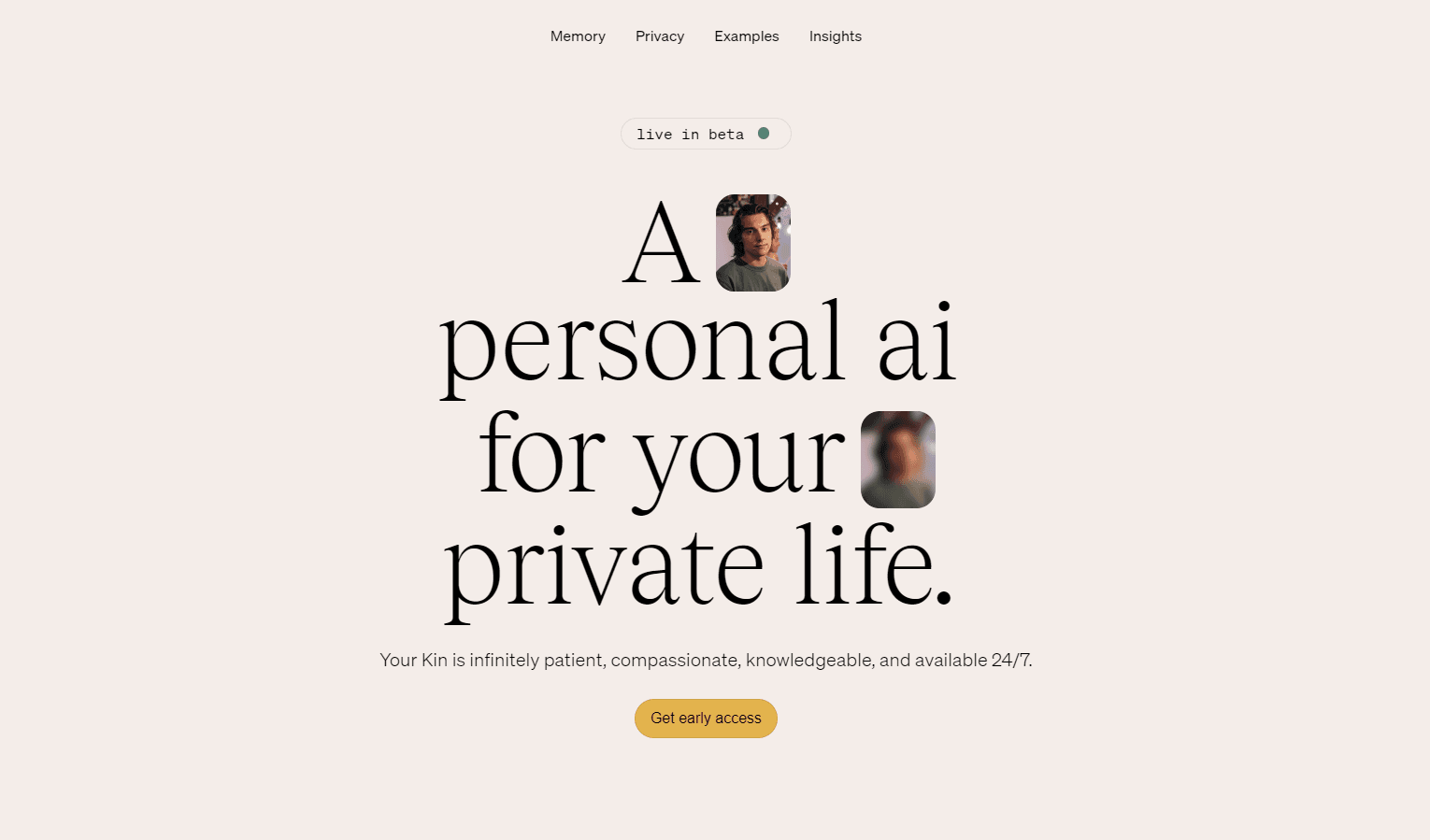
Kin is a privacy-first personal AI companion for iPhone and iPad that builds a lasting memory of your life, so its advisors can help with decisions, habits, relationships, and daily planning.
About Kin
What Is Kin
Kin is a personal AI companion built by Kin ApS, a Denmark-based studio behind the app of the same name. Where most chatbots forget you the moment you close the window, Kin is designed around memory. It keeps a private, evolving picture of your goals, habits, energy, relationships, and patterns, then uses that context to give advice that fits your actual life instead of generic frameworks. Think of it as an AI life coach app that remembers the whole picture, not just this conversation. The app is organized around a board of AI advisors rather than a single chat box. Each advisor covers a different area, including work and productivity, body and energy, relationships, values and meaning, and social confidence. They share one view of you, so you don't repeat yourself when you switch between them.
The main limits are worth knowing up front. Kin is iPhone and iPad only, so Android users can't install it today. Most of its value depends on you feeding it context over time, and the deeper features sit behind a paid subscription.
Getting Started
- Download Kin free from the App Store on an iPhone or iPad running iOS 17 or later.
- Create an account and set a biometric lock so your entries stay private on the device.
- Pick the advisors that match your life, or keep the default board of five.
- Start a Daily Session, talk or type in natural voice, and answer the prompts so Kin learns your context.
- Write a short journal entry, then check the Daily Edge briefing the next morning to see what Kin surfaced.
Product Information
A quick look at Kin's pricing, supported platforms, and performance.
Best for
The users, tasks, and scenarios where this tool fits best.
Users
- People who think out loud and want a sounding board
- Professionals juggling work and personal goals
- Anyone who wants reflection without a therapist
Tasks
- Starting the day with a plan
- Talking through a stuck decision
- Keeping a guided journal
Scenarios
- Prepping for a hard conversation with a partner, manager, or friend
- Tracking energy and recovery across a busy week
- Making sense of a career or life change
Key features
Core Advisory Board
Kin gives you five advisors instead of one chatbot: work and productivity, body and energy, relationships, values and meaning, and social confidence. You can add or swap advisors at any time, and they all draw on a single shared memory. That means switching from a work question to a personal one keeps the same context instead of starting over. If you want an AI advisor app rather than a generic chat window, this is the core of it.
Daily Edge Briefing
Each morning, Kin puts together a personal briefing from your day and your connected data, then has an advisor you choose read it to you. It pulls from your calendar, Apple Health signals, and local weather, so you start the day clear on what matters. This is the feature that turns a passive journal into something you open every morning.
Natural Voice Conversations
You can talk to Kin the way you'd talk to a trusted advisor rather than typing stiff prompts. Voice calls run in natural, human-sounding speech, and you can switch between voice and text whenever it suits you. For long reflections, speaking is often faster than writing.
Memory Graph
Kin keeps a memory graph of the people, places, and events you mention, and shows how they connect. You can see what Kin remembers and edit it, which matters because the whole app depends on that memory staying accurate. As an AI memory app, this is the clearest difference between Kin and a stateless chatbot.
Reflection Journal
The journal is a guided reflection rather than a blank page. You can talk through an entry with the right advisor, spot recurring themes, and get feedback that builds on your history. Think of it as an AI journal app that answers back. Every entry feeds the shared memory, so the more you write, the better the rest of the app performs.
Privacy by Design
Kin runs on a zero-access architecture with on-device memory and a biometric lock, and the company says your data is never used to train someone else's AI. The app also locks behind Face ID. If privacy is the reason you've avoided AI companions, this private AI companion is built for exactly that worry.
Pros and cons
Pros
- A board of five advisors sharing one memory beats a single chatbot for giving context-aware advice.
- The Daily Edge briefing and memory graph turn scattered notes into something you actually revisit.
- Strong privacy stance with on-device memory, a biometric lock, and a no-training promise.
- Voice, text, and journaling in one app means you can use whichever fits the moment.
- Free to download, so you can test the memory and advisors before paying.
Cons
- iPhone and iPad only, so Android users are left out entirely.
- The best features sit behind a subscription, and the free tier feels limited once you rely on it.
- Advice quality depends on how much context you feed it, so casual users get much less out of it.
- No public API, which rules out building your own tools on top of your Kin memory.
Frequently asked questions
You can download Kin for free and try the advisors, journal, and memory features. The deeper features and the full experience require a paid subscription through in-app purchases.
Related content
Explore related tools, skills, and articles for Kin.
Kin Alternatives

HireKey
HireKey · Voice & Language · Productivity · LeaningHireKey is an AI job search copilot built by a former tech recruiter. It checks role fit, tailors resumes, runs interview practice and tracks every application.

Lune
Retrograde Labs · Productivity · LeaningLune is a research search engine for scientific AI agents. It runs as an MCP server that lets Claude, ChatGPT and Cursor search peer-reviewed computer science papers and cite them.
Coddy
Coddy · Coding · LeaningCoddy is a gamified platform to learn to code through short interactive lessons in 20+ languages, with a browser editor, an AI tutor and free certificates.