

Kit For AI
Kit For AI · Productivity · Leaning
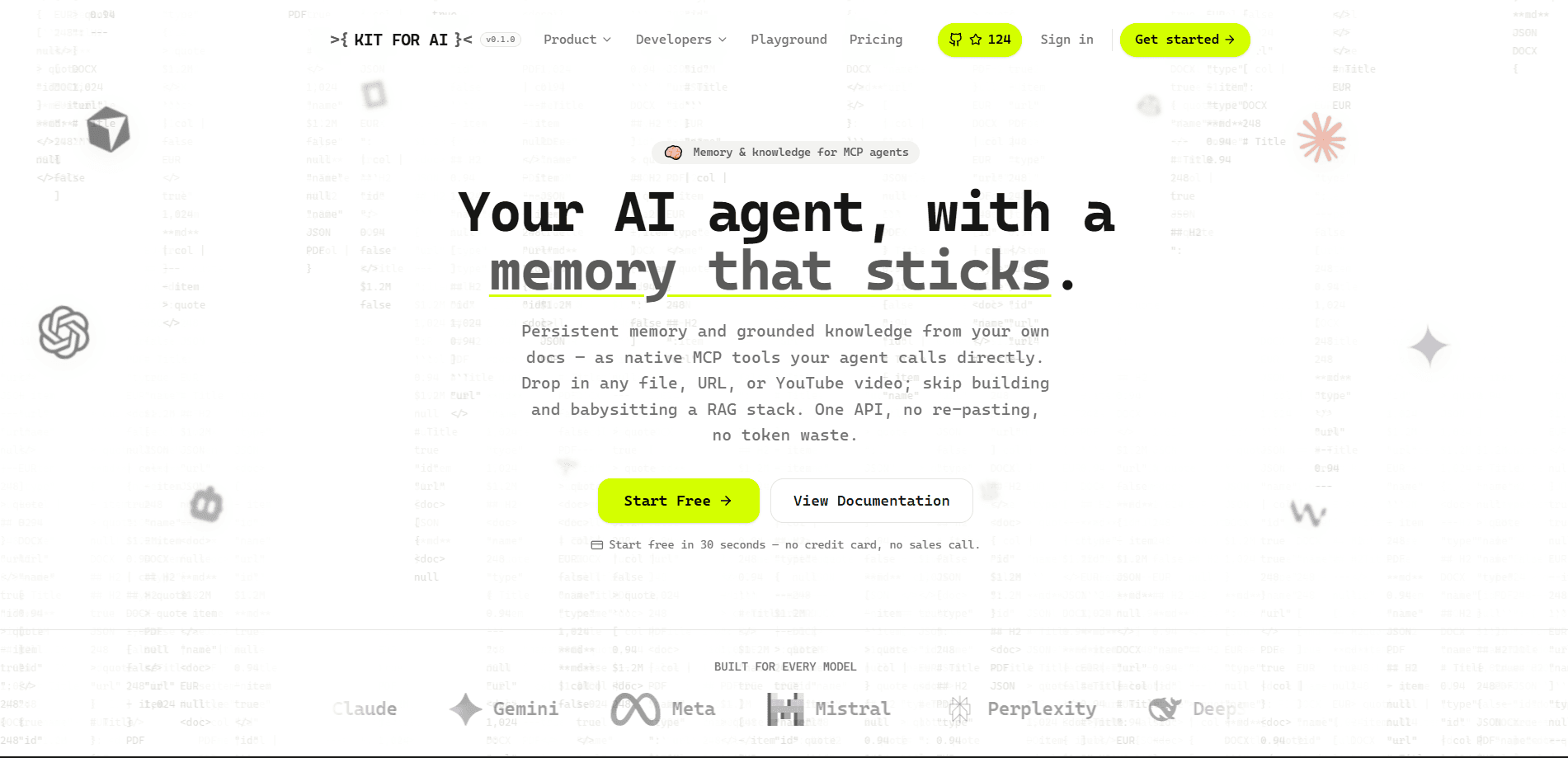
Kit For AI is an AI agent knowledge layer and memory service in one. It gives agents persistent memory for AI agents, plus grounding from your own documents, URLs, and YouTube videos. Agents call it directly through MCP-native tools or a single API. No RAG stack to build. No pipeline to babysit. It works as a RAG alternative that starts free in about 30 seconds, with no credit card required.
About Kit For AI
What Is Kit For AI
Kit For AI is a cloud service that gives an AI agent two things it normally lacks: memory that survives a session and grounded knowledge from your own files. Instead of standing up a vector database, a parser, an embedder, and a reranker, you connect one service and let the agent call it mid-conversation.
The product treats memory as something the agent manages itself. Tools like remember, recall, and search run over REST or MCP, so the agent decides when to save a preference, a decision, or a fact and when to pull it back later. A memory knowledge base gets created for you. Near-duplicates are merged, and every memory keeps its own version history.
Grounding works the same way. Drop in a file, a URL, or a YouTube link, and Kit For AI converts it into clean Markdown that's chunked, embedded, and searchable. So your agent can answer from a PDF or a product page without you writing glue code.
The main limit is scope. Kit For AI is built for developers and teams who run agents through MCP clients or the API. It isn't a chatbot you open in a browser. It assumes you already have an agent to plug into.
Getting Started
- Create a free account on the Kit For AI site and grab your API key.
- Connect the service to your agent, either as an MCP server or over the REST API.
- Add knowledge by uploading a file, pasting a URL, or linking a YouTube video.
- Let the agent call remember, recall, and search as it works, then check stored memories in the dashboard.
Product Information
A quick look at Kit For AI's pricing, supported platforms, and performance.
Best for
The users, tasks, and scenarios where this tool fits best.
Users
- Developers building MCP agents
- Small teams shipping AI assistants
- Solo builders testing agent ideas
Tasks
- Keeping user preferences across sessions
- Answering from your own documents
- Cutting context waste
Scenarios
- Support agents that remember a customer's past issues
- Research assistants working through long reports
- Coding helpers that keep project conventions
Key features
MCP-native memory tools
The core tools are remember, recall, and search, and they run over MCP or REST. Your agent calls them mid-conversation, so memory becomes an action the model takes rather than a field you inject by hand. That fits clients that already speak MCP.
Document and URL grounding
You feed in files, links, or YouTube videos and get clean Markdown back. The service chunks, embeds, and indexes that content so your agent can search it. It covers formats a model can't read on its own, like a scanned PDF, a long web page, or a video transcript that would otherwise sit unused on your drive.
Auto-created memory knowledge base
Kit For AI spins up a memory store for you instead of asking you to configure one. Near-duplicate entries get merged, and each memory keeps a version, so you can see how a stored fact changed over time. That version history is handy when an agent's behavior shifts and you want to know which stored detail caused the change.
One API, no RAG stack
The pitch is a single integration point. As a RAG alternative, it lets you skip the vector database, parser, embedder, and reranker that a typical retrieval setup demands. Fewer parts. Fewer things to debug at 2 a.m.
Free start without a sales call
Signup takes about 30 seconds and needs no credit card. That lowers the bar for trying memory features on a real project before committing to a paid plan, which is a rare thing for infrastructure tooling that usually wants a demo booked first.
Model-agnostic design
The service sits underneath whichever model does the work, so switching providers doesn't mean rebuilding your memory layer. Why does that matter? Teams swap between Claude, GPT, and open models all the time. Locking memory to one vendor makes every switch painful.
Pros and cons
Pros
- Adds persistent memory to agents without building a retrieval pipeline from scratch.
- Handles files, URLs, and YouTube videos in one place, which covers most grounding needs.
- MCP-native tools fit coding assistants and other clients that already support the protocol.
- Free tier with instant signup makes it cheap to test on a live project.
- Version history on memories helps you trace what an agent learned and when.
Cons
- Aimed at developers, so non-technical users have no way to use it on their own.
- Pricing details beyond the entry range aren't clearly published, so heavy usage may need a conversation with the team.
- It's a cloud service, which means teams with strict data rules need to check where content lives before uploading sensitive files.
Frequently asked questions
It gives AI agents persistent memory plus grounded knowledge from your own content. The agent calls memory tools and a document search over MCP or the API, so it remembers past sessions and answers from files you've added.
Related content
Explore related tools, skills, and articles for Kit For AI.
Kit For AI Alternatives

Base Code
Base44 (Wix) · Coding · ProductivityBase Code is a shared cloud development environment from Base44. Teammates describe changes to an existing GitHub codebase in chat, preview them live and send them back as pull requests.

Knocket
Knocket (Tencent RTC team) · Productivity · Business · ChatbotKnocket is a free live chat and contact page tool that lets visitors message you from your website, app, or a shareable link, with every reply handled from Telegram or one inbox.

FloorGen
Vinit Kumar (FloorGen) · Productivity · China AIFloorGen is a browser-based floor plan maker that turns a sentence or a sketch into an editable 2D plan and a 3D walkthrough. Export to PDF, DXF or video, and draw without an account.