

Klick AI Camera Assistant
Klick Photo · Image
Klick Photo is an AI camera app for iPhone that watches your framing while you shoot and nudges you toward a better composition in real time. Instead of fixing a bad photo after the fact, it gives live guidance as you line up the shot. It's built for people who want fewer wasted photos and don't have the patience to learn photography theory first. If your camera roll is full of crooked horizons and awkward crops, this one targets that exact habit directly, and it does the coaching while you're standing there with the phone in your hand.
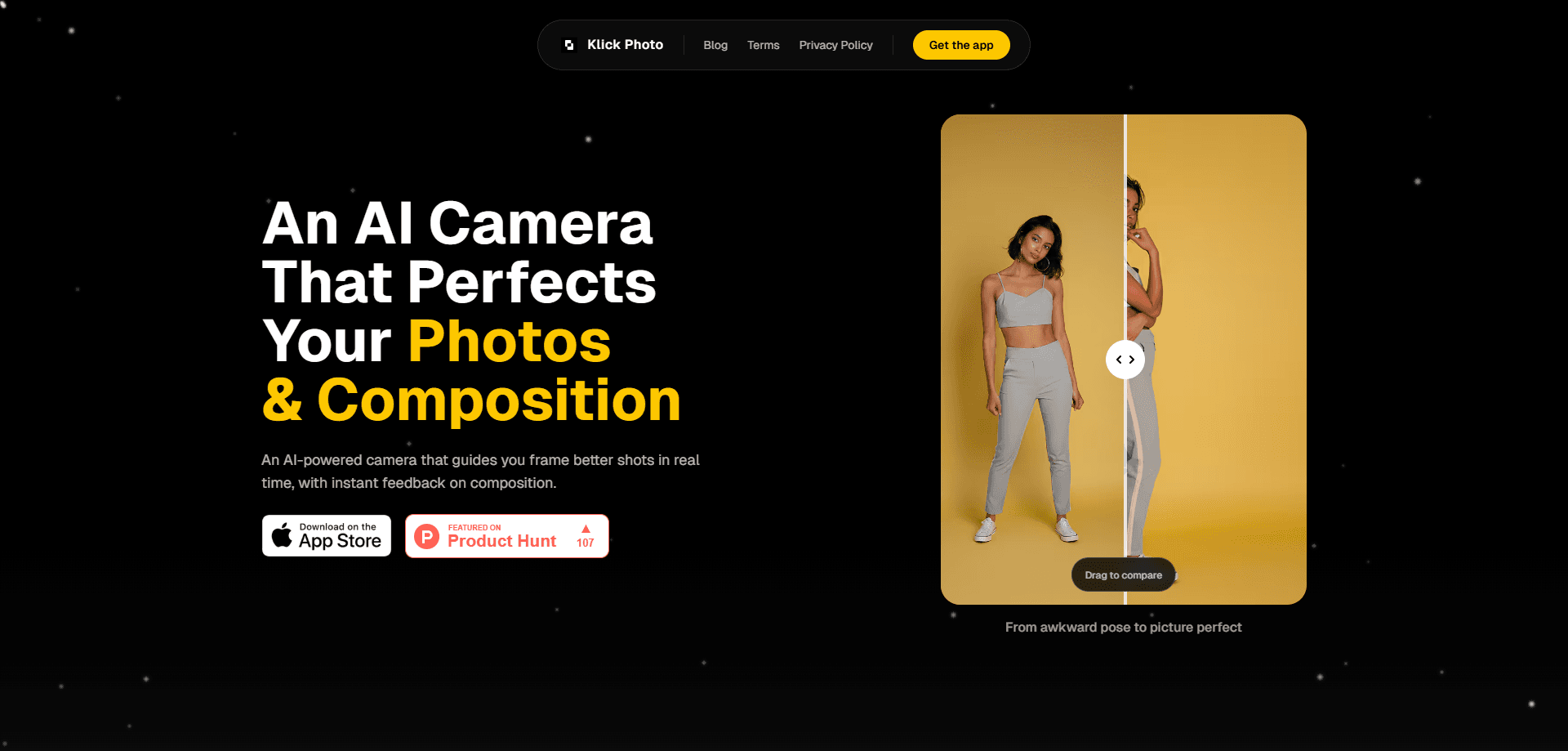
About Klick AI Camera Assistant
What Is Klick Photo
Klick Photo is an AI camera assistant that runs on iOS and focuses on one job: helping you frame a photo correctly before you press the shutter. It reads the scene through your camera, spots composition problems, and shows you a suggestion on screen. You still take the picture yourself.
The idea is that most blurry or lopsided shots aren't a hardware problem. They're a framing problem, and it usually happens because nobody told you what "good" looks like in the moment, which is exactly the gap a live camera assistant can fill. Klick Photo turns that silent skill into visible on-screen feedback. We found the tool through Product Hunt, where it was featured as a real-time AI camera that teaches composition live.
The biggest limitation is coverage. It's iOS only, so Android users are out of luck for now, and there's no desktop version. Since it works through the phone camera, the guidance is only as good as your phone's lens and lighting, which means a dim room or a scratched lens will soften the advice you get.
Getting Started
- Install Klick Photo from the App Store on your iPhone.
- Open the app and allow camera access so it can read the scene.
- Point at your subject and watch the live composition feedback appear on screen.
- Adjust your angle or position until the framing lines up with the suggestion.
- Take the shot, then review it and try the same scene again with a different framing.
Product Information
A quick look at Klick AI Camera Assistant's pricing, supported platforms, and performance.
Best for
The users, tasks, and scenarios where this tool fits best.
Users
- Beginners who own an iPhone
- Casual shooters who post to social media
- Travelers shooting fast on the move
Tasks
- Framing a portrait so the subject sits correctly in the frame
- Getting a clean composition guide check on any shot
- Straightening a scenic shot before you press the shutter
- Practicing the rule of thirds without memorizing it
- Building a habit of better framing over time
Scenarios
- A quick photo of friends at dinner where there's no time to redo it
- Shooting a market stall or street scene where the light and crowd keep moving
- A beginner learning on their own phone with no teacher around
Key features
Real-Time Composition Feedback
Klick Photo reads your camera feed and tells you when the framing is off while you're still holding the phone. Instead of checking the result later, you see the problem as it happens. Fix it before you tap the shutter. That timing is the whole point. Correcting a composition in the moment is far easier than cropping a wrecked shot afterward, and that's where a real-time composition guide earns its place.
Live Framing Tips
Beyond pointing out problems, the app suggests where to move the frame. If your subject is drifting to one corner, or the horizon sits at a strange angle, you get a nudge toward a cleaner arrangement. It's the kind of advice a friend who knows photography would shout over your shoulder. Except it's on screen, and it never gets tired of repeating itself.
AI Camera Assistant Built for iPhone
The tool is a camera app first, not an editor bolted onto your photo library. It works with the iPhone camera and layers its guidance into the shooting experience. No separate import step. No editing pass. You open it, point, and shoot. For a photography app for iPhone, that focus keeps things fast.
Works With the Photos You Already Take
Since it guides rather than rewrites, the photos you capture stay yours: full resolution, your iPhone's native output, no forced filters or AI redrawing of the scene. That matters if you care about keeping natural images and only want help with the framing decision, since a shot that's been run through a style filter is no longer really yours.
Beginner-Friendly Guidance
There's no jargon and no settings maze to wade through. The feedback is meant to be understood by someone who has never heard of the rule of thirds. Does that limit how deep you can go? A little. That low barrier is the point. It's aimed at everyday phone photographers, not enthusiasts who already own a mirrorless camera and know what they're doing.
Pros and cons
Pros
- Feedback arrives while you shoot, so you can correct the frame instead of cropping later.
- Genuinely useful for beginners who never learned composition rules.
- Free to use, based on the developer's own App Store listing.
- Keeps your photos at native quality since it guides rather than edits.
- Simple enough to use without a tutorial.
Cons
- iOS only, so Android users can't use it at all.
- It's a brand-new app with a thin public track record, so long-term support is unproven.
- The quality of the guidance depends on your iPhone's camera and available light.
- It won't replace an editor if you also want color or exposure fixes.
Frequently asked questions
It's an AI camera app that gives you real-time composition feedback and framing tips while you shoot on iPhone. You still take the photo; the app just helps you line it up better.
Related content
Explore related tools, skills, and articles for Klick AI Camera Assistant.
Klick AI Camera Assistant Alternatives

Google EmbeddingGemma 2
Google DeepMind · Writing · Image · CodingGoogle EmbeddingGemma 2 is a 740M-parameter open model that turns text, code, images, audio, and video frames into vectors in one 768-dimension space, running on phones and laptops.

Tractionwave
TractionWave · Image · MarketingTractionWave is an AI attention heatmap tool for static ads. Upload a PNG or JPG and it returns predicted attention, ranked hotspots, and fixes before you spend budget.

Imejis.io
Imejis.io · Image · MarketingImejis.io is an AI design studio for agents and marketing teams. Describe an image in plain words, and it writes the copy, builds the layout, reflows it to every size, then exports a finished file.