

Knowing® – AI-powered concept structures
Knowing · Productivity · Leaning
Knowing is an AI tree outliner that turns scattered ideas into structured concept trees you can build, extend, and share.
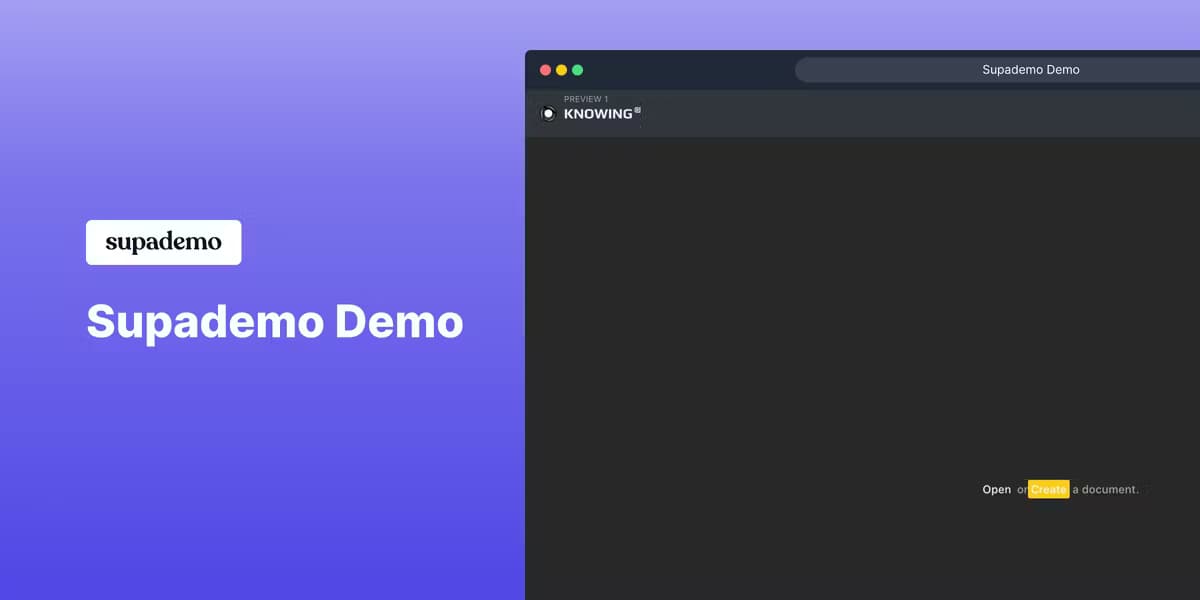
About Knowing® – AI-powered concept structures
What Is Knowing®
Knowing® is a tree outliner built for people who think in branches rather than paragraphs. As a concept structure app, it works differently from a flat note tool: instead of dumping notes into a plain document, you build a hierarchy of nodes, where each node is one idea and its children are the ideas that hang off it. The tree view is the whole point. You see the shape of an argument, a project, or a topic at a glance, then zoom into whatever branch needs work.
The AI is what sets it apart from a plain outliner. You can highlight a set of nodes and hand them to an AI command, which summarizes them, expands them, generates new content, or offers a second opinion on the structure itself. AI knowledge organization works this way: you supply the context, pick an output location, and review the changes before anything is written. Credits power those AI calls. A new account starts with 100 free credits to explore.
It runs in the browser and saves documents to the cloud, so a tree follows you across machines and can be shared with other people or published as a read-only page. The catch is that AI-heavy work costs credits. Once the free ones run out you top up to keep going. There's no native desktop or mobile app, so offline use isn't part of the deal.
Getting Started
- Open knowing.app and create a free account to get cloud storage, collaboration, and AI commands.
- Build your first structure by adding nodes to the tree, or start a tree with an AI prompt that drafts the top-level branches for you.
- Select nodes and run an AI command such as Generate Content with AI, Summarize, or Second Opinion to extend or check your structure.
- Review the proposed changes, accept the ones that fit, and let the rest go.
- Save to the cloud, then share the document, publish it as a read-only Knowing, or export when you're done.
Product Information
A quick look at Knowing® – AI-powered concept structures's pricing, supported platforms, and performance.
Best for
The users, tasks, and scenarios where this tool fits best.
Users
- Writers and researchers
- Students
- Project planners
- Teams that think together
Tasks
- Turning a rough idea into a structured concept tree
- Summarizing a messy set of notes
- Getting a second opinion on your structure
- Writing an outline for a document
Scenarios
- Planning a research paper or long report
- Learning a new subject
- Organizing meeting or brainstorm output
- Building a shared knowledge base
Key features
Tree View of Concepts
Every document is a hierarchy of nodes, so an idea and everything beneath it stay connected. As a tree view app, it lets you add child nodes and sibling nodes to grow the tree, rename or move branches as your thinking shifts, and collapse sections you don't need right now. Seeing the whole structure at once is what keeps a complex project from turning into a wall of text you have to scroll through hunting for the one line that matters.
AI Commands on Selected Nodes
The core move is selecting a set of nodes and running an AI command on them. Generate Content with AI drafts new branches, Summarize condenses what you've selected, and Second Opinion critiques the structure itself. You choose the output format and the location where results land, then review the proposed changes and accept only what fits. It's less chat-box, more structured editing.
Context-Aware Prompting
Knowing® lets you provide context to the AI rather than firing off a bare prompt. You point the model at the nodes it should read, set an output destination, and keep the working tree as the source of truth. That matters. The AI's job here is to extend your structure, not replace it with a generic answer you'd have to reorganize by hand.
Knowledge Sessions
Sessions let you send marked items off for AI processing and store the results back into a defined spot. You can send selected nodes to a session, process them, or store them without processing if you just want them set aside. It gives longer AI workflows a home inside the document. No more scattered chats.
Cloud Documents and Sharing
Documents save to the cloud, so your trees travel between devices and open for others. You can collaborate on a shared document, or publish a read-only public Knowing when you want to show a structure to an audience without handing over edit access. Account features also include cloud storage and the wider Knowledge Work tools, which you can reach from any browser once you sign in.
Import, Print, and Markup
You can import existing data into a tree and print a document when you need a paper copy. Knowing Markup is the syntax underneath. That means imported content lands as real nodes rather than flattened text, and you keep the freedom to move any branch wherever it belongs in your structure. It's the practical bridge between ideas you already have and a fresh structured tree you can shape.
Community Forums
Knowing runs a forum at forum.knowing.app where users exchange structures and insights. It's a place to see how other people shape their trees and to pick up patterns for organizing your own. Useful when you're new. So what does a well-built Knowing actually look like? The forum is where you find out, and the examples there tend to be more persuasive than any feature list.
Pros and cons
Pros
- The tree view makes the shape of a complex idea visible. Flat documents can't do that.
- AI commands work on selected nodes, so you extend your own structure instead of starting from a blank chat.
- 100 free credits let you test the AI side before spending anything.
- Cloud documents and read-only publishing make sharing a structure simple.
- Import and Knowing Markup let existing content become editable nodes.
Cons
- AI-heavy work runs on credits. Heavy users will need to top up once the free 100 are gone.
- It's a web app only, so there's no offline mode or native desktop and mobile app.
- No public API means you can't wire Knowing® into your own tools or scripts.
Frequently asked questions
It's used to build and organize ideas as a tree of connected nodes, then use AI to expand, summarize, or critique that structure. Think of it as a mind map alternative where the branches can think back.
Related content
Explore related tools, skills, and articles for Knowing® – AI-powered concept structures.
Knowing® – AI-powered concept structures Alternatives

Arc
Rethink · Productivity · AI Assistant · ChatbotArc is an AI screen assistant for Android, Mac and Windows that reads whatever is on your screen, then summarizes, reads aloud, rewrites or answers questions about it without copy and paste.

Zerg Router
ZergAI · Coding · ProductivityZergRouter is a hosted AI model router that runs DeepSeek V4.1 Flash inside Codex and connects other coding clients through one endpoint, with key budgets, quota views, and usage records.

Harness Router
Protocol Lattice · Coding · ProductivityHarness Router picks the next tool inside an AI agent harness you already run, using cached decisions, Jev routing, and optional MCTS. Execution stays with your loop.