

Kogvio
Kogvio · Productivity
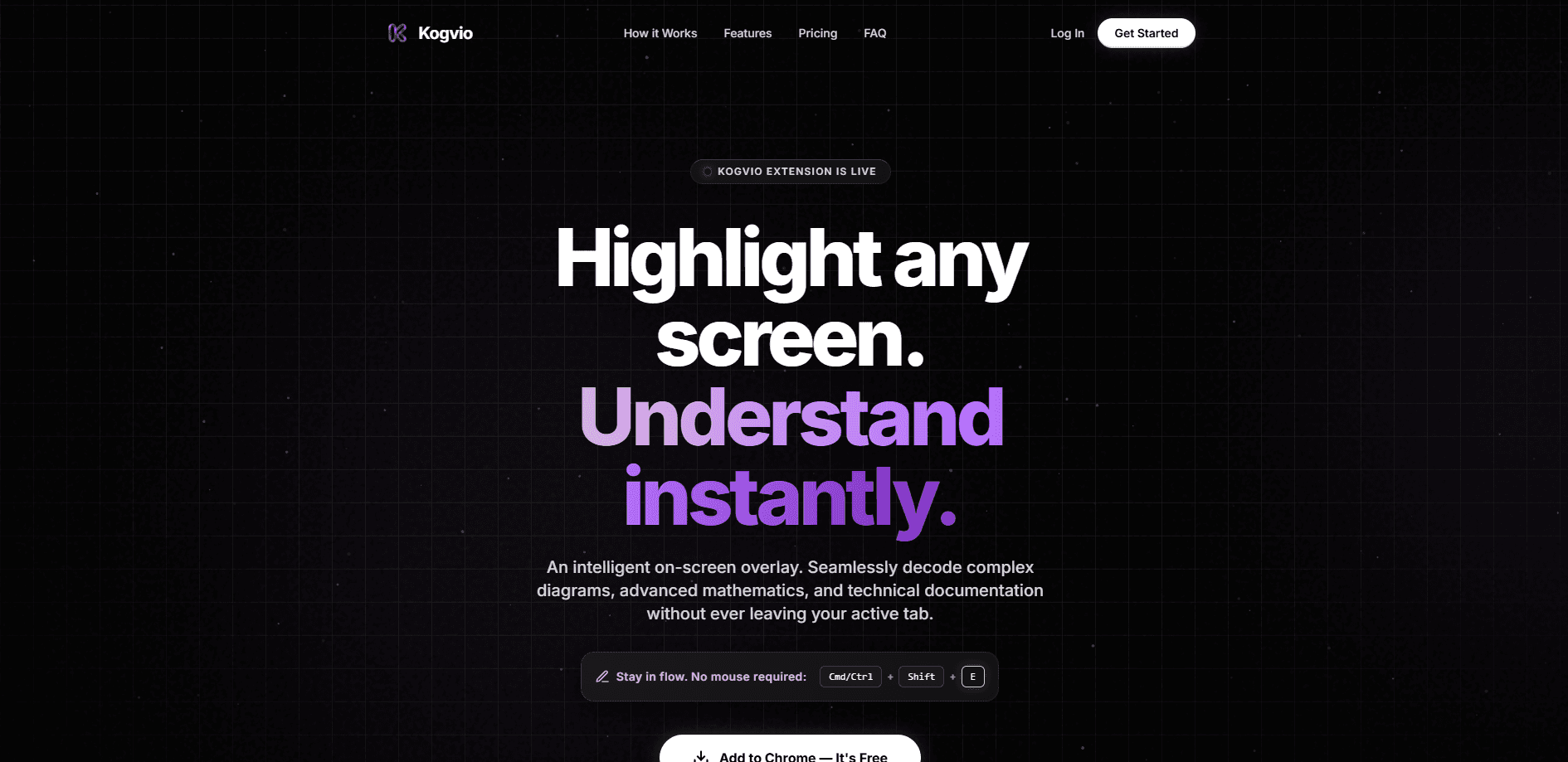
Kogvio is an AI Chrome extension that reads whatever you highlight on screen and explains it without pulling you into another tab. Point this screen understanding tool at a dense research paragraph, a diagram, a wall of LaTeX, or a photo of handwritten notes, and an overlay spells out what it means. Then ask follow-up questions in place. It runs on its own backend, so there's no API key to paste. If you study, code, or read technical docs all day, it targets the exact moment you'd normally break focus to open ChatGPT.
About Kogvio
What Is Kogvio
Kogvio is a browser overlay for understanding hard content where it lives. Instead of copying a confusing passage into a separate AI chat and losing your place, you highlight it and Kogvio explains it right there on the page. When you can explain on-screen content without ever leaving the page, you stop paying the context-switching tax that makes hard reading so slow. The tool is built for a reading loop most people already have: hit an unfamiliar term, leave the page, come back, hunt for your spot, repeat until you give up.
The main problem it solves is context loss. Every trip to another AI chat window costs you your position and your mental thread. Kogvio keeps both intact by answering inside the page you're already on, and it remembers what you just highlighted when you ask a follow-up. That's the whole point of a contextual AI chat. It makes the tool useful for research papers, technical documentation, lecture slides, and any PDF you open in the browser.
The biggest limitation is scope. Kogvio needs a Chromium browser, and it only works on what's visible on screen. It isn't a document manager. It doesn't store a searchable library of your past explanations, and it won't replace a full note-taking system, so anyone hoping to build a personal knowledge base out of it will be disappointed. Treat it as a reading aid, not a knowledge base.
Getting Started
- Open the Chrome Web Store and add Kogvio to Chrome, Brave, or Edge.
- Sign in once from the extension; Kogvio runs on its own backend, so there's no API key to configure.
- Highlight any text, diagram, formula, or handwriting on a page and press Cmd/Ctrl + Shift + E.
- Read the explanation in the overlay, then type a follow-up in the contextual chat if something's still unclear.
- Repeat on the same page without switching tabs and track your reading progress as you go.
Product Information
A quick look at Kogvio's pricing, supported platforms, and performance.
Best for
The users, tasks, and scenarios where this tool fits best.
Users
- Students working through dense textbooks, lecture slides, and problem sets, who need terms explained without leaving the page.
- Researchers and grad students reading papers full of unfamiliar notation, where constant tab-switching kills concentration.
- Developers and engineers parsing API docs, syntax-highlighted code, and architecture diagrams on the fly.
Tasks
- Explaining a highlighted paragraph, formula, or diagram in plain language, with the option to ask follow-ups in the same spot.
- Reading messy handwriting from board photos, scrawled notes, or scanned pages, and getting a clean transcription plus meaning.
- Interpreting flowcharts, pathways, and node-based diagrams that don't make sense as raw images.
Scenarios
- Deep-reading sessions where you'd otherwise end up with six AI chat tabs open and no memory of where you stopped.
- Studying for an exam at night, when you want a fast answer to a single confusing line without a full research detour.
- Reviewing a technical spec or code sample during work hours, where staying in the document matters more than a perfect answer.
Key features
Highlight-and-explain overlay
The core move is simple. Highlight anything on a page and Kogvio returns an explanation in an overlay on top of it, not in a sidebar or a new tab. The explanation stays anchored to what you selected, so you can read it right next to the original text without scrolling back and forth to remember what you were looking at. No copy-paste. No hunting for where you left off. Ready?
Reads messy handwriting
Board formulas, quickly scrawled notes, and photos of physical pages come through as text Kogvio can actually work with. A handwriting reader that copes with real scrawl is rare. This matters for students who photograph a whiteboard, or classmates who share pictures of handwritten problem sets. Where OCR usually fails on real handwriting, Kogvio is built to handle the messy version.
Renders LaTeX and code
Math and code appear formatted next to your highlight instead of as unreadable raw text. If you're reading a paper full of equations or a page of syntax-highlighted code, you get a rendered version you can parse at a glance. It's the difference between reading a formula and reading its source.
Explains diagrams, not just text
Flowcharts, pathways, and architecture diagrams get walked through node by node. Image-only diagrams usually defeat text-based AI, because there's no text to grab. Kogvio acts as a diagram explainer here: it reads the structure and narrates how the pieces connect, which is often the part that stalls a reader. That's the hard part. And it's the part most tools skip.
Contextual chat
Ask a follow-up and Kogvio remembers exactly what you were just looking at. You don't have to re-describe the passage or re-upload the diagram. The conversation stays tied to the highlighted content, so multi-step questions about one passage don't drift off topic.
No API key needed
Kogvio runs on its own backend. You log in once and start scanning, with no key to generate, paste, or pay for separately. That removes the setup friction that trips up people who aren't developers, and it keeps the pricing simple for casual users.
Works across Chromium browsers
Kogvio runs in Chrome, Brave, and Edge. It works on any webpage, PDF, or local file you open in the browser. The same highlight-and-explain flow applies everywhere you read. Web articles, course PDFs, and local documents all behave the same way.
Pros and cons
Pros
- Keeps you in the page instead of shuttling between AI chat tabs, which preserves reading context.
- Handles diagrams and handwriting, the two cases where text-based AI helpers usually fail.
- No API key or technical setup; sign in once and it works.
- Contextual chat retains what you highlighted, so follow-ups stay focused.
- Free to add, with the same core flow across Chrome, Brave, and Edge.
Cons
- Chromium-only, so Safari and Firefox users are out unless they switch browsers.
- It explains what's on screen but doesn't save a searchable history of past explanations, so notes are on you.
- Accuracy on very dense or low-quality handwriting and diagrams isn't guaranteed, so double-check anything critical.
Frequently asked questions
Yes. Kogvio is free to add to your browser, and the site lists the extension as a free download. There's no separate API key or subscription required to start explaining on-screen content.
Related content
Explore related tools, skills, and articles for Kogvio.
Kogvio Alternatives

Base Code
Base44 (Wix) · Coding · ProductivityBase Code is a shared cloud development environment from Base44. Teammates describe changes to an existing GitHub codebase in chat, preview them live and send them back as pull requests.

Knocket
Knocket (Tencent RTC team) · Productivity · Business · ChatbotKnocket is a free live chat and contact page tool that lets visitors message you from your website, app, or a shareable link, with every reply handled from Telegram or one inbox.

FloorGen
Vinit Kumar (FloorGen) · Productivity · China AIFloorGen is a browser-based floor plan maker that turns a sentence or a sketch into an editable 2D plan and a 3D walkthrough. Export to PDF, DXF or video, and draw without an account.