

kukumber:
FabFun · Leaning
Kukumber is an AI math practice app for kids aged 5 to 9. Its chat tutor, Nom, explains each lesson and adapts daily work to your child's pace.
About kukumber:
What Is Kukumber
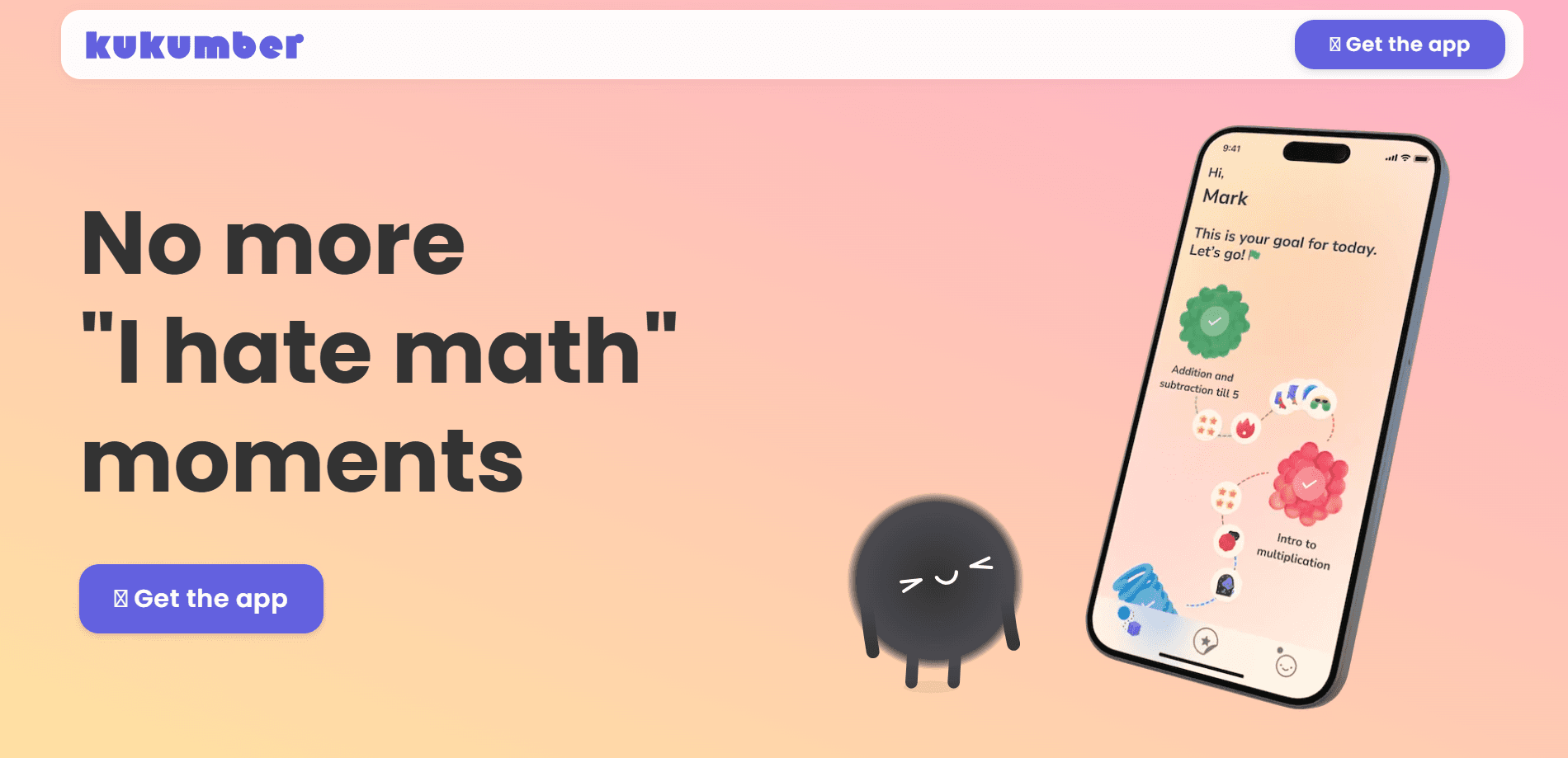
Kukumber is an iOS math tutor app built for children roughly 5 to 9 years old. A cartoon mascot named Nom walks kids through arithmetic in a chat-style format, much like a messaging app, so practice feels like a conversation instead of a worksheet. It covers the core primary school skills: counting, addition, subtraction, multiplication, and division. The official library holds more than 1,000 lessons.
The app pairs each concept with an explanation before and after the exercise. When a child slips up, Nom points out the step that went wrong rather than just marking the answer incorrect. That feedback loop is the main reason parents look at Kukumber instead of a plain daily math practice app.
The biggest limits are the platform and the language. Kukumber runs only on iPhone and iPad through the App Store, so Android users are out of luck, and there's no browser version. The free tier is real, but the full lesson path and rewards sit behind a paid subscription. There's also no public API, so you can't wire it into a school system.
Getting Started
- Download Kukumber from the App Store on an iPhone or iPad running iOS 16 or later.
- Open the app and let your child meet Nom. The first session sets a rough starting level from a few warm-up questions.
- Start the daily session. Nom introduces a concept, then gives a short set of exercises with clear explanations before and after each one.
- Finish the day's goal, roughly 20 minutes of practice, and your child unlocks short math games and stickers as rewards.
- Subscribe to Kukumber Premium if you want the full lesson library and rewards once the free trial ends.
Product Information
A quick look at kukumber:'s pricing, supported platforms, and performance.
Best for
The users, tasks, and scenarios where this tool fits best.
Users
- Parents of kids aged 5 to 9
- Families who want calm screen time
- Kids catching up on multiplication and division
Tasks
- Daily 20-minute practice
- Homework support on tricky steps
- Building number confidence at home
Scenarios
- The after-school gap before dinner
- Summer or holiday review
- Weekend tablet time with a purpose
Key features
Nom, the chat-style AI tutor
Nom is the app's mascot and AI tutor for kids, and it talks to them in a conversational chat window. It explains a concept before the exercise and again after, so a wrong answer becomes a learning moment. This is the feature that sets Kukumber apart from apps that only show right or wrong.
Personalized learning path
As an adaptive learning app, Kukumber tracks successes and mistakes as they happen and reshapes the next lesson around them. A child who keeps nailing addition moves ahead; one who stumbles on subtraction gets more of it. The goal is a pace that's never boring and never overwhelming.
Daily 20-minute session
Each day, Nom sets a fresh batch of lessons tuned to recent progress. The app frames roughly 20 minutes as the daily target, mixing familiar skills with new ones. Kids who want more can keep going past the goal.
Rewards through math games
Finishing the daily practice unlocks short math-based games and stickers. The rewards aim to motivate effort rather than hook kids with endless loops. They also double as quick drills for focus and number confidence.
1,000+ lessons across core skills
The lesson library spans counting, addition, subtraction, multiplication, and division. Content is grouped by age, from early number sense at 5 to 6 through times tables up to 12 at 7 to 9. That range covers most of early primary math.
Calm, non-addictive design
Kukumber leans on explanations and steady progress instead of streak pressure and leaderboards. The developer says it was built so parents feel good about handing over a device. The tone stays friendly and low-key throughout.
Pros and cons
Pros
- The chat tutor explains each step, so kids learn from mistakes instead of just seeing them marked wrong.
- Lessons adapt to real progress, which keeps the difficulty in a useful range.
- A clear 20-minute daily goal makes it easy for parents to cap screen time.
- Covers counting through division and times tables up to 12 in one app.
- Free tier to try before subscribing to Premium.
Cons
- iPhone and iPad only, with no Android or web version.
- The full lesson library and rewards sit behind a paid subscription.
- No public API, so it can't plug into school or tutoring systems.
- Ages 5 to 9 is the sweet spot; older kids will outgrow the content fast.
Frequently asked questions
Kukumber is a math practice app for young kids. It uses a chat-style AI tutor to explain arithmetic and sets a daily lesson path that adapts to each child's progress.
Related content
Explore related tools, skills, and articles for kukumber:.
kukumber: Alternatives

HireKey
HireKey · Voice & Language · Productivity · LeaningHireKey is an AI job search copilot built by a former tech recruiter. It checks role fit, tailors resumes, runs interview practice and tracks every application.

Lune
Retrograde Labs · Productivity · LeaningLune is a research search engine for scientific AI agents. It runs as an MCP server that lets Claude, ChatGPT and Cursor search peer-reviewed computer science papers and cite them.
Coddy
Coddy · Coding · LeaningCoddy is a gamified platform to learn to code through short interactive lessons in 20+ languages, with a browser editor, an AI tutor and free certificates.