

Layered
Drobinin · Image
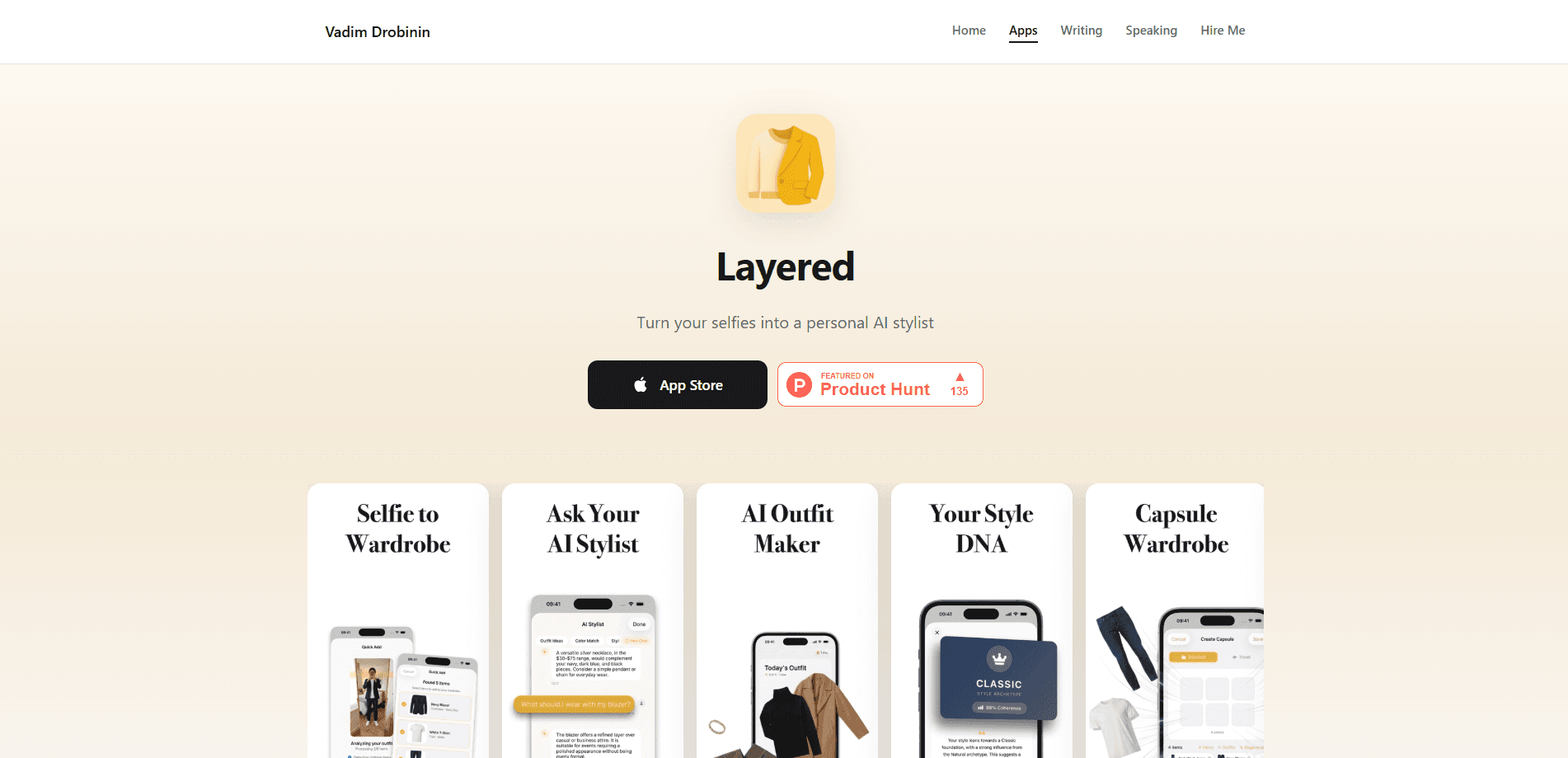
Layered is an AI wardrobe app and outfit planner that turns the selfies already sitting in your photo library into a working closet, then acts as a personal stylist. Instead of photographing every shirt and pair of jeans by hand, you let the app read your existing photos and build a virtual closet for you. From there it answers the practical question most people actually have in the morning: what do I wear today, given the weather and whatever's on my calendar. It also tracks cost per wear and can assemble a capsule wardrobe for a trip.
About Layered
What Is Layered
Layered is an AI stylist app built around one stubborn problem: most wardrobe apps want you to photograph a hundred items before they do anything useful. That setup grind is why so many of them get abandoned in a week. Layered skips it. It reads selfies from your photo library, detects the garments, and builds your closet automatically, so you can start asking for outfit suggestions the same day you install it. Think of it as an AI closet organizer that does the filing for you. Drobe and Style DNA take a similar "selfie-first" approach, but Layered leans hardest on the automatic import.
Under the hood, the processing model is split in a way worth knowing about. Background removal runs on your device. Garment detection and beautification go through Google Gemini. Your wardrobe data itself stays local, which matters if you'd rather not upload a catalog of everything you own to a random server.
The main limit is platform. Layered is an iOS app. Android users are out of luck. It's also young. Expect a leaner feature set than the big fashion apps, plus fewer reviews to lean on when you're deciding whether it's worth it.
Getting Started
- Download Layered from the App Store and open it.
- Grant access to your photo library so the app can scan your existing selfies.
- Let it detect garments and build your closet automatically, then edit or add items by hand if something's missing.
- Add details you care about, like purchase price on items you want cost-per-wear tracking for.
- Ask what to wear, or set up a capsule wardrobe for an upcoming trip.
Product Information
A quick look at Layered's pricing, supported platforms, and performance.
Best for
The users, tasks, and scenarios where this tool fits best.
Users
- People with a full closet and nothing to wear
- Anyone who hates setup
- Frequent travelers
Tasks
- Deciding what to wear each morning
- Tracking what you actually wear
- Packing for a trip
Scenarios
- A workweek where you want fresh looks without rethinking your whole rotation.
- A weekend trip where you need a small, versatile set of clothes.
- A post-shopping-season check on whether last year's splurges were worth it.
Key features
Selfie-Based Closet Import
Layered builds your wardrobe from selfies you've already taken, removing the tedious step that kills most closet apps. It detects garments, strips the background, and turns each item into a catalog entry. You can still add or edit items manually. You don't have to start that way, if it's not your thing.
Cost Per Wear Tracking
Each item tracks its purchase price alongside how often it's worn. The pieces you reach for constantly pay themselves off over time. The ones sitting untouched show up clearly in the analysis. If you've ever wondered whether that jacket was worth it, this gives you a number instead of a feeling.
Capsule Wardrobe Planning
Pick a destination, a climate, and how long you'll be away, and Layered suggests a capsule pulled from items you already own. It prioritizes pieces that combine into the most outfits. That's handy when you're packing carry-on only. No overthinking required.
On-Device Background Removal
Background removal runs locally on your device, so the cutout step doesn't depend on a round trip to a server. Garment detection and beautification go through Google Gemini. Your wardrobe data stays stored locally. That split keeps the heavier processing off your phone while limiting what leaves it.
Outfit Suggestions for Weather and Occasions
Ask the app what to wear and it factors in weather patterns and the occasion, rather than just matching colors in a vacuum. So why bother with a dedicated app instead of eyeballing the forecast? Because it already knows your closet. Pair that with the calendar you keep in your head and the morning decision gets a lot faster.
Pros and cons
Pros
- Closet setup works from existing selfies, so there's no hundred-item photo marathon to get started.
- Cost per wear turns "was this worth it" into an actual figure per item.
- Capsule planning draws from clothes you own, not a shopping feed.
- On-device background removal and local wardrobe storage limit what's sent off the device.
Cons
- iOS only, so there's no Android version if you're on that side of the fence.
- The app is young, which means fewer user reviews and a leaner feature set than established wardrobe apps.
- Selfie-based import is only as good as your photo library, so a sparse camera roll needs manual additions.
Frequently asked questions
It builds a wardrobe and virtual closet from your existing selfies, then suggests outfits based on weather and occasion and tracks how much each item costs you per wear.
Related content
Explore related tools, skills, and articles for Layered.
Layered Alternatives

Google EmbeddingGemma 2
Google DeepMind · Writing · Image · CodingGoogle EmbeddingGemma 2 is a 740M-parameter open model that turns text, code, images, audio, and video frames into vectors in one 768-dimension space, running on phones and laptops.

Tractionwave
TractionWave · Image · MarketingTractionWave is an AI attention heatmap tool for static ads. Upload a PNG or JPG and it returns predicted attention, ranked hotspots, and fixes before you spend budget.

Imejis.io
Imejis.io · Image · MarketingImejis.io is an AI design studio for agents and marketing teams. Describe an image in plain words, and it writes the copy, builds the layout, reflows it to every size, then exports a finished file.