

Layout.dev
Layout.dev (an Incorta product) · Image · Coding
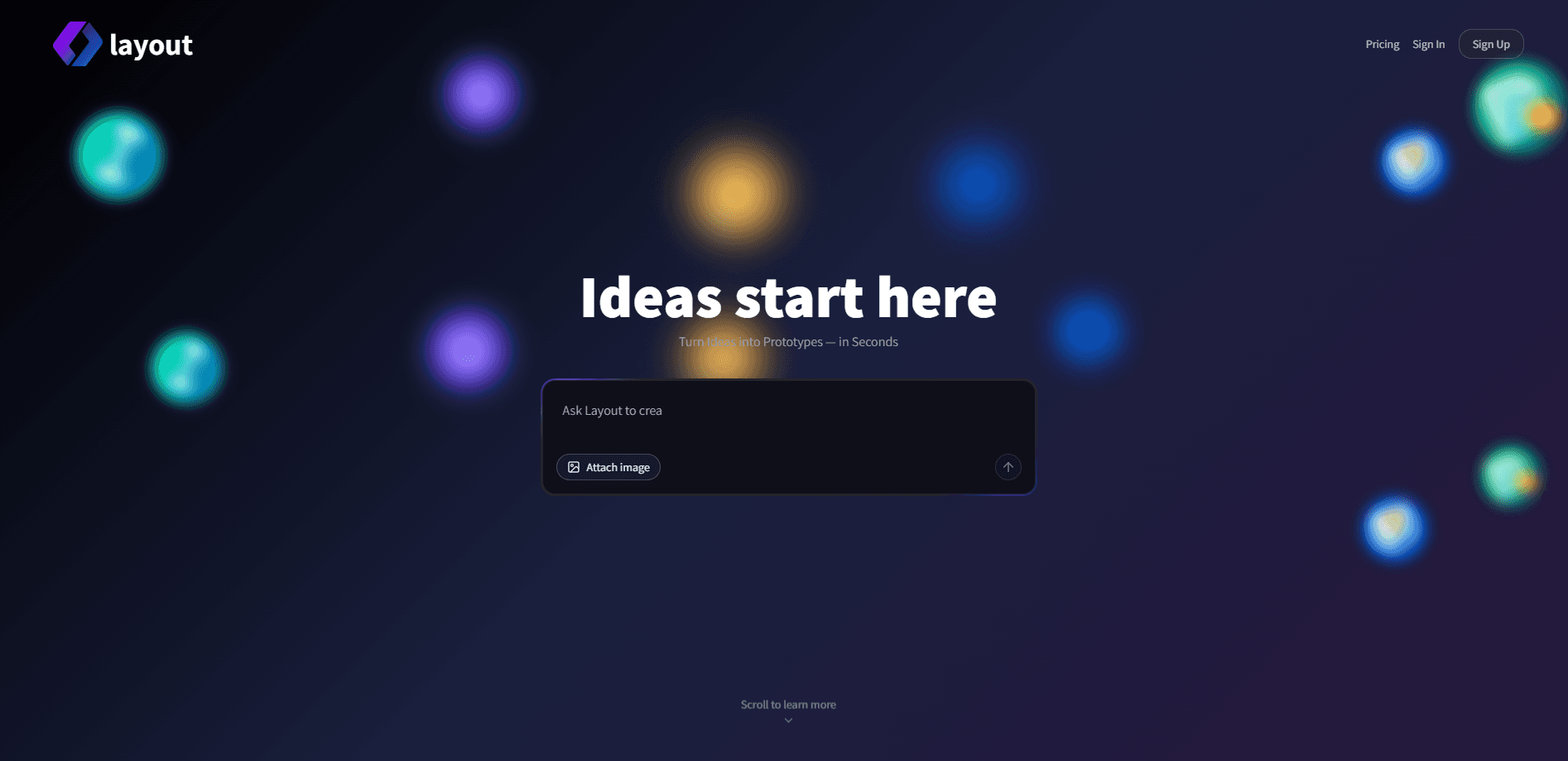
Layout.dev is an AI app builder that turns a written idea into a working full-stack web app in seconds. Describe what you want, and it builds the UI, backend and database for you.
About Layout.dev
What Is Layout.dev
Layout.dev is a no-code app builder for people who have an idea but not a development team. You describe the app in plain language, the same way you would explain it to a developer, and it generates a working web app with a front end, a backend and a database. The output is a real app you can open in a browser, not a mockup or a template you still have to wire up.
The product comes from Incorta, a company known for its data platform, and Layout is its move into AI-driven frontend building. The stated aim is to remove the coding barrier that used to stand between an idea and a live URL. The team frames it as support across the whole journey, from first concept to a running app and, later, to something you can monetize or sell.
The main limit is scope. Layout builds web apps, landing pages, dashboards and internal tools, but it is not a general-purpose coding environment for every kind of software. It also runs on a credit system, so heavy use costs more as you go. For a first version of an idea, that trade is usually worth it.
Getting Started
- Sign up on the Layout.dev site, then start a new project from the dashboard
- Describe the app you want in plain language, covering the pages and the main things it should do
- Let Layout generate the app and open it in a browser to see the result
- Edit visually or change the description until it matches what you had in mind
- Deploy it to a live URL, or download the source code on a paid plan
Product Information
A quick look at Layout.dev's pricing, supported platforms, and performance.
Best for
The users, tasks, and scenarios where this tool fits best.
Users
- Founders validating an idea
- Non-technical builders
- Developers prototyping fast
- Small teams without a frontend developer
Tasks
- Landing pages
- Admin dashboards
- SaaS first versions
- Internal tools
- Data-backed apps
Scenarios
- You have an idea at night and want a live link by morning
- A landing page has to go out this week and no developer is free
- You keep rebuilding the same kind of dashboard at work
- A founder needs something clickable for a pitch
- You want to hand a developer a real starting point
Key features
Idea to Full-Stack App From a Prompt
You describe the app in words and Layout builds it, front end, backend and database together. The result is a full-stack web app that runs, not just a set of screens. This is the core of the product: closing the gap between a written idea and something you can open in a browser.
UI, Backend and Database in One Build
Layout generates the interface and the server side in the same pass, and it stands up a database to hold the app's data. That combination is what makes the output a working app rather than a static page. For a first version, it means you are not stitching three separate tools together before anything runs.
Visual Editing After Generation
Once the app is built, you can change it without touching code. You edit the layout and content visually, or you change the description and let Layout rebuild the part you wanted different. That mix suits people who want to see the result and nudge it, not read a diff.
Clean, Exportable Code
The generated code is structured and readable rather than a black box. On a paid plan you can download the source, so the app is not locked to the platform. Developers can take the starting point Layout produces and carry on in their own environment.
Deploy and Host Live Apps
Layout can push your app to a live URL and host it, so the path from idea to a shareable link stays inside one tool. You do not need to set up separate hosting to show someone what you built, which matters most when you are testing an idea in front of real users.
Built for Web Apps and Internal Tools
The product targets websites, web apps, landing pages, dashboards and internal tools. That range covers the work most small teams start with, from a public marketing page to a private tool only the team can open.
Pros and cons
Pros
- Goes from a written idea to a running full-stack app, so you get something real to react to rather than a plan
- Generates the UI, backend and database together, which removes the usual setup before anything works
- Visual editing means you can adjust the result without writing code
- Paid plans let you download the source, so the app is not trapped in the platform
- Deploy and host are built in, which keeps idea to live link in one place
Cons
- It is built for web apps, so other kinds of software are out of scope
- Usage runs on credits, which means heavier building costs more as you go
- The Teams plan is listed as coming soon, so collaboration is not available yet
- API availability is not stated publicly, which makes deeper integration hard to plan for
Frequently asked questions
Layout.dev turns a written description of an app into a working full-stack web app. You explain what you want, and it builds the interface, the backend and the database, then lets you edit and deploy it. It is aimed at people who want to skip setup and get to a first version fast.
Related content
Explore related tools, skills, and articles for Layout.dev.
Layout.dev Alternatives

Google EmbeddingGemma 2
Google DeepMind · Writing · Image · CodingGoogle EmbeddingGemma 2 is a 740M-parameter open model that turns text, code, images, audio, and video frames into vectors in one 768-dimension space, running on phones and laptops.

Tractionwave
TractionWave · Image · MarketingTractionWave is an AI attention heatmap tool for static ads. Upload a PNG or JPG and it returns predicted attention, ranked hotspots, and fixes before you spend budget.

Imejis.io
Imejis.io · Image · MarketingImejis.io is an AI design studio for agents and marketing teams. Describe an image in plain words, and it writes the copy, builds the layout, reflows it to every size, then exports a finished file.