

Layrr
Narnia · Image · Coding
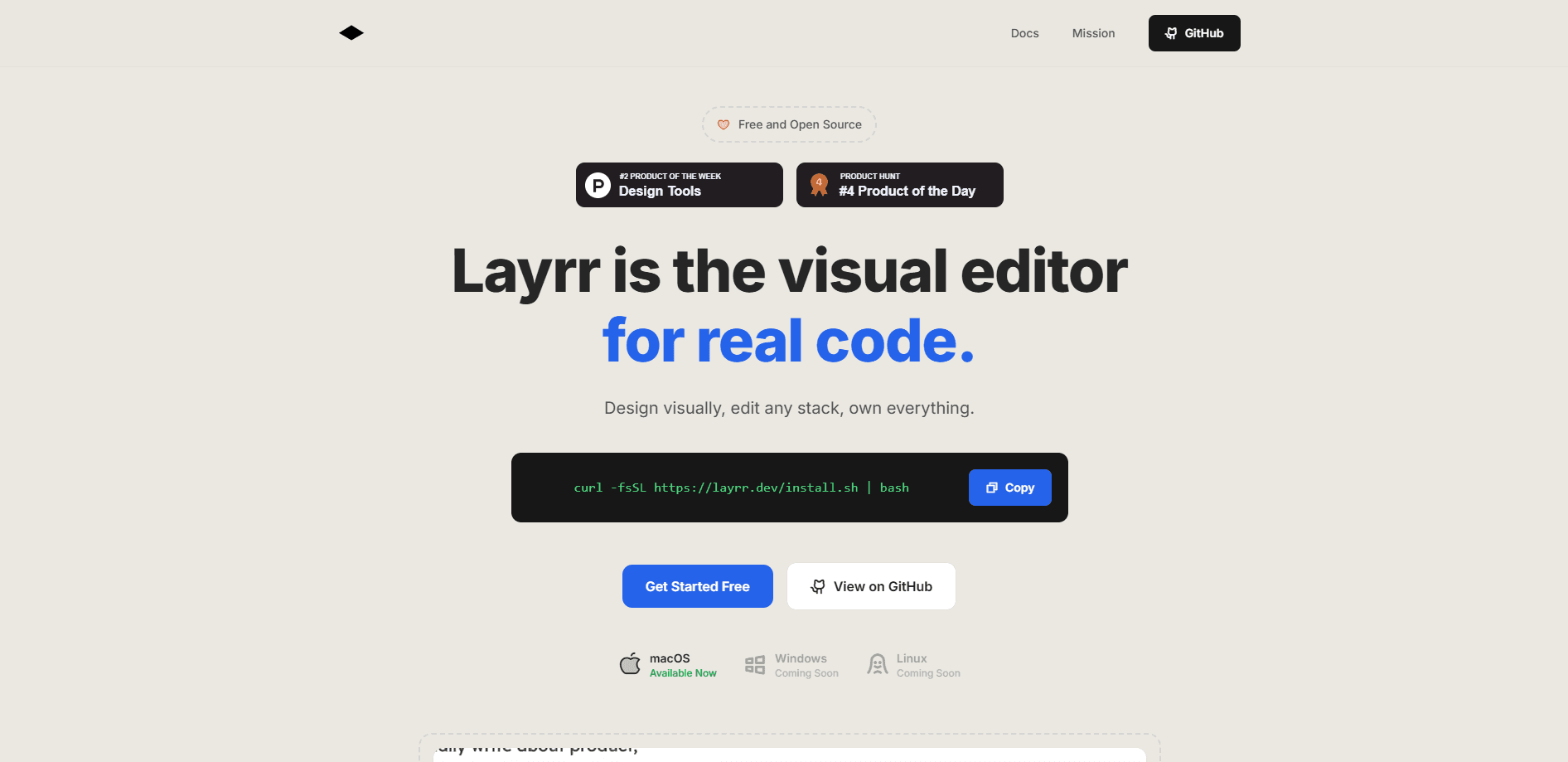
Layrr is a free, open-source CLI that turns your browser into a visual code editor for local web apps. You select an element on the running page, describe the change in plain English, and an AI coding agent updates the matching source files in your repo. It works alongside the setup you already use, wires into Claude Code, Codex CLI, or Gemini via Pi, and edits real source instead of a separate design layer.
About Layrr
What Is Layrr
Layrr is a command-line tool built by Narnia that sits between your browser and your dev server. Think of it as a browser coding agent interface: it injects a small overlay into the page you're viewing, maps any element you click back to the code that rendered it, and hands that location to a coding agent along with your instruction. The pitch is simple. The bug is visible in the browser, but the file isn't. Layrr closes that gap.
Who is it for? Developers who already run a web app locally and already trust an AI coding agent. Instead of describing a page from memory, you point at the exact button, card, or heading you mean. That removes the guesswork from the prompt.
The main limit is scope. Layrr is a visual editor for source code edits, not a full design tool or a hosting platform. It expects a local app, a working dev server, and a Git repo, and it leans on whatever agent you've configured. It also ships as a CLI, so there's no GUI app to install and no IDE lock-in. That means comfort with a terminal is part of the deal.
Getting Started
- Install the CLI globally with
npm i -g layrr, then run it from the root of a local web project. - Start your dev server as usual and let Layrr act as a proxy between the browser and that server.
- Open the app in the browser, hover over an element, and click it (or Shift+click to grab several) to select the exact context you want changed.
- Describe the tweak in plain English, covering copy, spacing, color, layout, or a whole component.
- Review the agent's edit, check the
[layrr]commit in your Git history, and revert if the result isn't what you wanted.
Product Information
A quick look at Layrr's pricing, supported platforms, and performance.
Best for
The users, tasks, and scenarios where this tool fits best.
Users
- Frontend developers
- Solo builders and indie hackers
- AI coding agent users
Tasks
- Fixing visual bugs
- Small UI tweaks
- Prototyping changes
Scenarios
- Iterating on a page during local development when you can see the problem but not the file behind it.
- Handing a precise element to an agent when a vague text prompt keeps missing the target.
- Working on an existing app where you don't want to adopt a new framework or move off your current editor.
Key features
Click-to-select element context
Layrr injects an overlay into the running page so you can hover and select the exact element you mean, or Shift+click to grab several at once. It passes the selected DOM and source context into the edit. No more describing markup from memory. The agent works from real structure instead of your paraphrase of it.
Source mapping back to real files
The tool uses framework metadata and file search to trace a clicked element back to the code that rendered it. That mapping is the core of the product. It's the difference between asking an agent to change "the header" and telling it exactly which component to touch.
Plain-English edit requests
Once an element is selected, you describe the change in normal language, covering copy, spacing, color, layout, or a component tweak. Keep it short. Layrr keeps the target source location attached to the request, so the instruction stays anchored to the right code.
Git history with revert
Successful edits are committed with a [layrr] prefix, so every change shows up in your normal Git history. You can inspect what the agent did. If an edit misses the mark, move back.
Dirty-file awareness
Before the agent runs, Layrr snapshots the repo and avoids staging files that were already modified. That keeps unrelated local changes out of the commit. It makes the tool safer to use mid-work, when you likely have other edits in flight.
Framework and agent flexibility
Layrr works across common frameworks such as React, Vue, Svelte, Next.js, and Astro, plus any plain HTML. It's proxy-based, so it meets the app where it already runs. You can pair it with Claude Code, Codex CLI, or Gemini via Pi. There's no IDE lock-in, and you can install it with a single npm command.
Pros and cons
Pros
- Free and open source under the MIT license, with the repo hosted on GitHub.
- Sends exact element and source context to the agent, which cuts down on vague or misdirected prompts.
- Works with existing apps and common frameworks, so there's no rewrite to adopt it.
- Commits every edit with a `[layrr]` prefix, making changes easy to inspect or revert.
- No IDE lock-in, and it doesn't tie you to one specific coding agent.
Cons
- It's a CLI, so no graphical app for developers who prefer a point-and-click interface.
- It needs a local app, a running dev server, and a Git repo, so it's not a fit for hosted or closed-source setups you can't run locally.
- The quality of a given edit still depends on the AI coding agent you pair it with.
- It's a young project, so feature depth and stability are still catching up to mature design tools.
Frequently asked questions
It turns your browser into a visual code editor for local web apps. You click an element, describe a change, and an AI coding agent edits the matching source files in your repo. Layrr handles the mapping between what you see and the code behind it.
Related content
Explore related tools, skills, and articles for Layrr.
Layrr Alternatives

X Ray Interpreter
X-ray Interpreter · ImageX Ray Interpreter is a web-based AI radiology tool that turns X-rays, CT scans, MRI, ultrasound, and PET images into plain-language reports. You upload a scan, get a preliminary X-ray interpretation in moments, then ask follow-up questions if something needs explaining. It works as a second opinion and a learning aid, not as a medical diagnosis.

Aieasypic
AIEasyPic · ImageAIEasyPic is an AI image generator that turns plain text prompts into finished artwork in seconds. You can also train custom models on your own photos, swap faces in existing images, and create short video clips from text, all from a browser. It suits casual creators who want quick visuals and hobbyists who want to build a personal model without touching any code.

Chargen
Chargen · ImageChargen is an AI character generator and worldbuilding toolkit built for Dungeons & Dragons and other tabletop RPGs. It turns a one-line idea into a painted character portrait, spins up NPCs, monsters, maps and encounters from the same session, and keeps every creature's details close at hand. The tabletop RPG art side runs on a credit system called Gold, while the text generators stay free for everyone.