
Lazy
Lazy · Productivity · Leaning
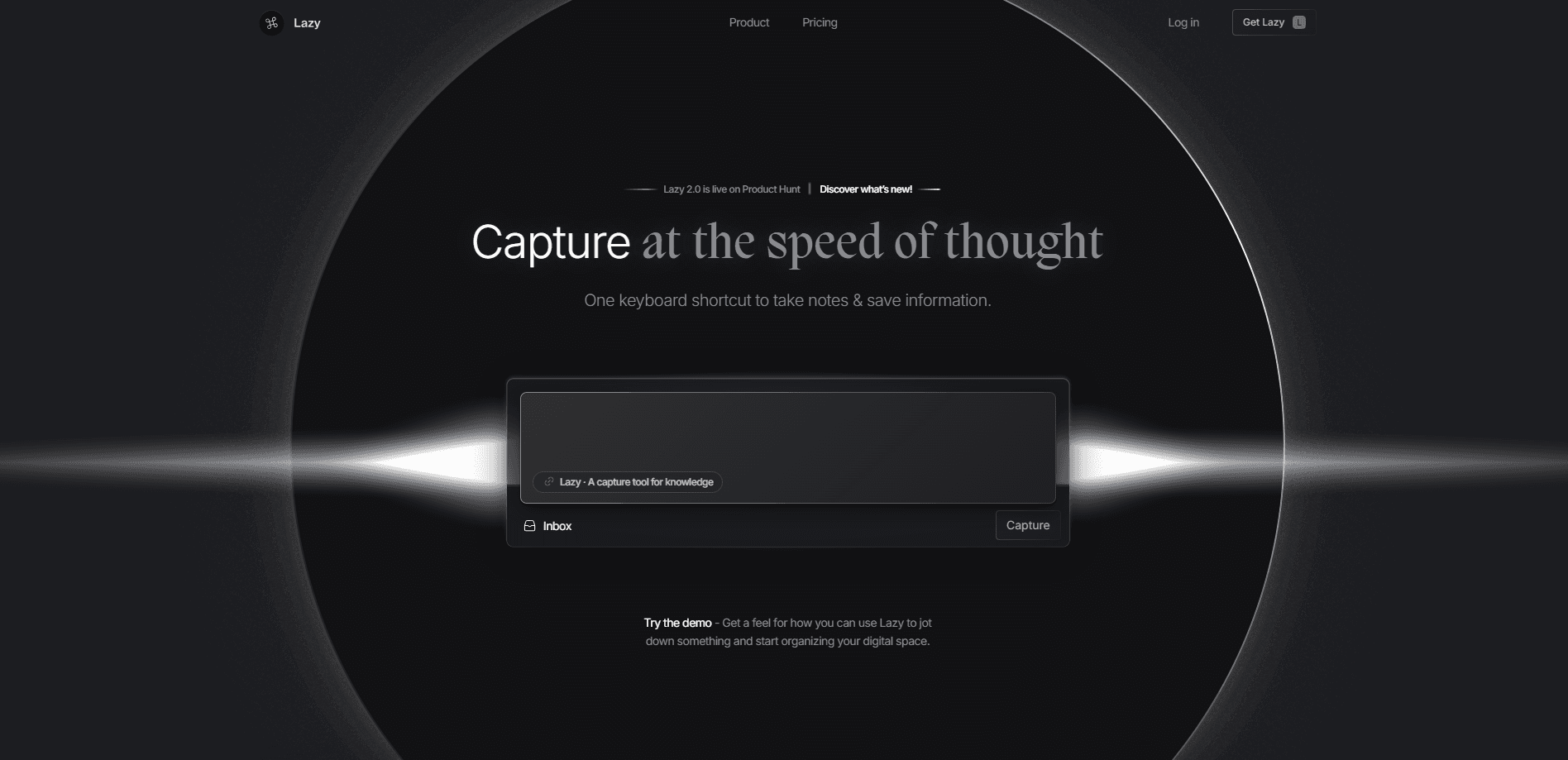
Lazy is a capture tool for knowledge that saves notes, links, tweets, and videos with one keyboard shortcut, wherever you are working. Lazy AI reads your captures and answers questions from them.
About Lazy
What Is Lazy
Lazy is built around a single frustration: the note you mean to save is never where you need it later. Instead of asking you to open a notes app and find the right place, Lazy puts capture one shortcut away on the computer you are already using. It pitches itself as the end of context switching, and the core mechanic is that simple.
Every capture lands in an inbox rather than a folder. That's the idea behind its networked note-taking: you dump first, organize later. Tweets, articles, YouTube moments, and Kindle highlights all flow into the same stream, and the Inbox becomes the place you actually process them.
Lazy AI is the paid layer on top. It reads your own captures and answers from them, so the knowledge base you build slowly becomes something you can query. The catch is that the product is young and still in limited testing for parts of its rollout, so features and pricing can shift.
Getting Started
- Sign up at lazy.so and get off the waitlist if your spot hasn't opened yet.
- Install the desktop app, then learn the one keyboard shortcut that starts a capture from anywhere.
- Jot a note, clip a tweet, or highlight a video segment; everything lands in your Inbox.
- Connect Kindle highlights and Notion if you want captures to sync out as well as in.
- Move up to Lazy AI to chat with your knowledge base and pull context-aware answers.
Product Information
A quick look at Lazy's pricing, supported platforms, and performance.
Best for
The users, tasks, and scenarios where this tool fits best.
Users
- Researchers and knowledge workers
- Writers and content planners
- Students
Tasks
- Capturing a tweet thread for later
- Pulling a transcript from a video
- Gathering reading highlights
Scenarios
- Working in another app
- Replacing a stack of tools
- Building a personal knowledge base
Key features
One-Shortcut Capture Anywhere
Lazy's headline feature is a global shortcut that starts a note from any app on your computer. You don't switch windows or open a separate tool. The point is to catch the thought at the second it arrives, which is what separates Lazy from a plain web clipper.
Universal Clipper Without an Extension
The universal clipper pulls in long tweets, articles, and other web content without a browser extension. You can clip an entire Twitter thread into one note. That removes the usual step of installing a plugin per browser and keeps capture working the same way everywhere.
Video Highlighting and Transcripts
Point Lazy at a YouTube video, highlight the part that matters, and it transcribes that segment into your note. It can summarize the video too. For anyone who watches talks or tutorials for research, this turns passive viewing into something you can search later.
Networked Note-Taking With an Inbox
Captures land in an Inbox built for processing, not filing. There's a separate task inbox as well, and you mark items done as you clear them. This email-style approach keeps you capturing fast and dealing with the pile in one focused pass.
Lazy AI and Chat With Your Knowledge Base
Lazy AI answers questions using your own captures, so the notes you saved become a source you can question. The company bills it as context-aware answers plus a chat with your knowledge base. It's the feature that turns a capture tool into a second brain you can actually talk to.
Sync With Notion and Kindle
Lazy connects to Notion so captures can flow into your existing workspace, and it syncs Kindle highlights so book notes join the same stream. That matters if you already live in Notion and don't want a new island of notes to maintain.
Pros and cons
Pros
- Capture starts from any app with one shortcut, so nothing interrupts your flow.
- The universal clipper grabs full tweet threads and web content without a browser extension.
- Video highlighting writes a transcript into your note and can summarize the clip.
- Syncing with Notion and Kindle means captures feed tools you may already use.
- Lazy AI turns your own saves into a searchable, queryable knowledge base.
Cons
- There's no free plan, so you can't test capture before paying.
- Parts of the rollout have been invite-only, which slows down getting started.
- The AI features sit on the higher tier, so chat with your knowledge base costs double the base plan.
Frequently asked questions
Lazy is a capture tool for knowledge. It saves notes, links, tweets, and video highlights with one keyboard shortcut from anywhere on your computer, then stores them in an inbox you can process later.
Related content
Explore related tools, skills, and articles for Lazy.
Lazy Alternatives

Base Code
Base44 (Wix) · Coding · ProductivityBase Code is a shared cloud development environment from Base44. Teammates describe changes to an existing GitHub codebase in chat, preview them live and send them back as pull requests.

Knocket
Knocket (Tencent RTC team) · Productivity · Business · ChatbotKnocket is a free live chat and contact page tool that lets visitors message you from your website, app, or a shareable link, with every reply handled from Telegram or one inbox.

FloorGen
Vinit Kumar (FloorGen) · Productivity · China AIFloorGen is a browser-based floor plan maker that turns a sentence or a sketch into an editable 2D plan and a 3D walkthrough. Export to PDF, DXF or video, and draw without an account.