

LeiaPix AI
Leia Inc. · Image · Video
LeiaPix AI is a free web tool from Leia Inc. that turns flat photos, illustrations, and art into 3D depth animations you can export as MP4 or GIF.
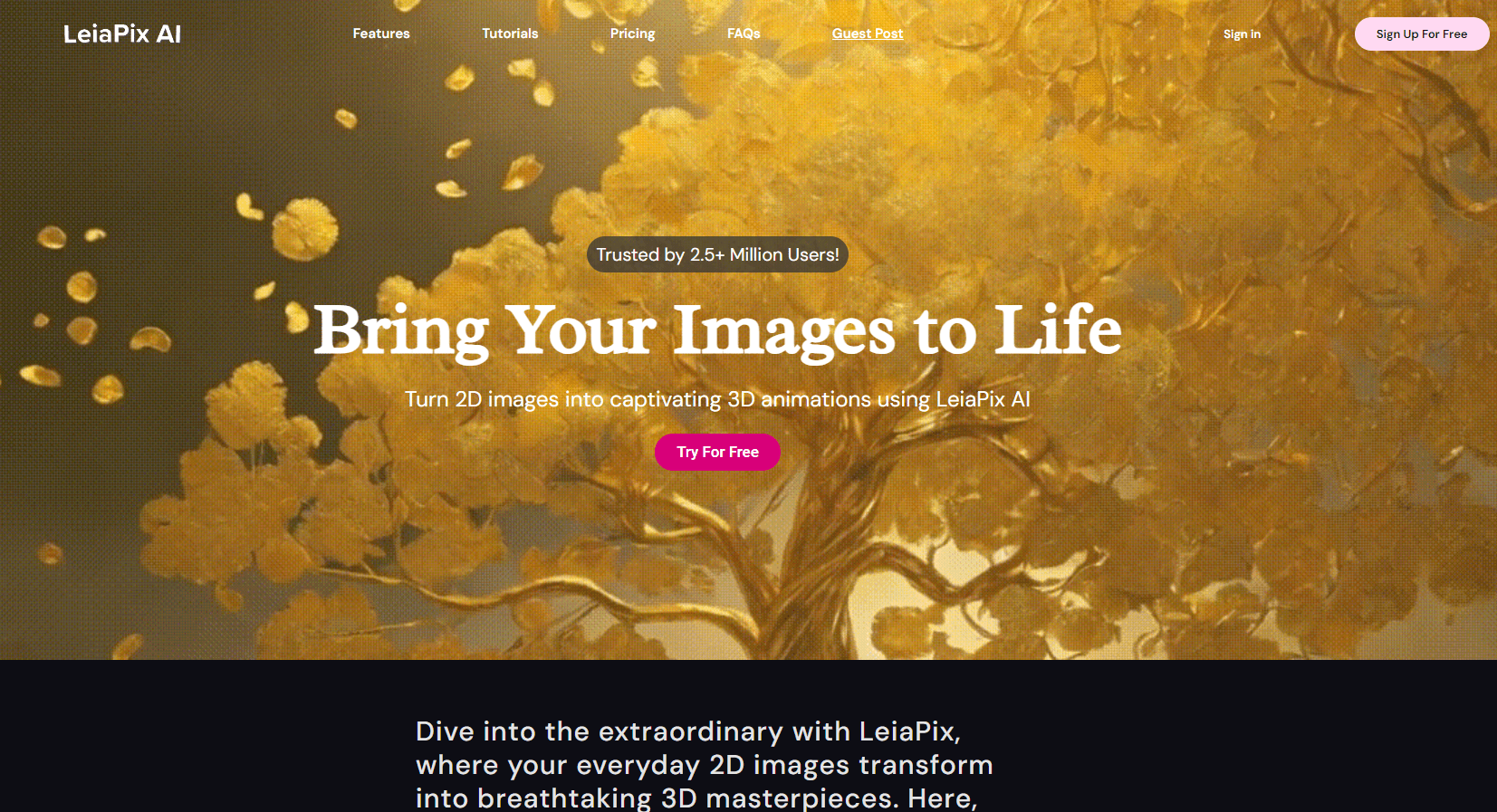
About LeiaPix AI
What Is LeiaPix AI
LeiaPix AI is the depth animation tool people most often meet under the name LeiaPix Converter. It takes a normal 2D image, works out how far away each part of the scene sits, and then moves the camera through that depth so the picture appears to breathe and shift. You upload a photo, the site builds a depth map, and you export a short clip rather than a still. Nothing in the photo is invented. The motion comes from depth the software estimates from the image itself.
The tool comes from Leia Inc., the company behind lightfield displays and the Lume Pad 2 tablet. It first shipped in late 2021, and Leia says the web app has passed a million users. The company now brands the wider product line Immersity, and its web converter lives at convert.leiapix.com alongside leiapix.com. For most people the practical takeaway is simple: the same converter is reachable from both addresses, free, in a browser, with no software to install.
That lightness is also where the limits start. LeiaPix is built to animate an image, not to rebuild the scene as a true 3D model, so edges around a subject can smear when the depth estimate guesses wrong. It works best on clearly separated subjects with visible depth, and it struggles with cluttered scenes where foreground and background blend together. It is not an editing suite, and it does not let you paint a scene from nothing.
Getting Started
- Open the converter at convert.leiapix.com and sign in with a Leia Login account, which you can create through Google.
- Upload a photo, illustration, or piece of art, or pick a sample image to test the tool first.
- Adjust the animation in the Edit panel: animation length, animation style, motion amount, and focus point.
- Open the Depth Map view to brush the depth by hand if the automatic guess needs correcting, or use the Advanced Editor for finer control.
- Export the result as MP4 or GIF, or save it in a 3D format such as side-by-side or Leia Image Format.
Product Information
A quick look at LeiaPix AI's pricing, supported platforms, and performance.
Best for
The users, tasks, and scenarios where this tool fits best.
Users
- Photographers
- Digital artists and illustrators
- Social media creators
- Marketers and small brands
Tasks
- Converting a photo to a 3D depth animation
- Adding parallax motion to AI art
- Producing an Anaglyph or side-by-side 3D image
- Building a rough depth map for a scene
Scenarios
- Waking up an old family photo for a birthday post or a memory video.
- Turning a fantasy or sci-fi illustration into a moving panel for a story or a teaser.
- Adding motion to product and lifestyle shots for a social campaign on a tight schedule.
- Creating a depth image in Leia Image Format on a Lume Pad 2 and carrying the edits across devices.
Key features
Converting 2D images to 3D depth animation
This is the core of the tool. Upload a photo or artwork and LeiaPix estimates depth across the frame, then animates the camera through that depth. The result is a 2D to 3D converter at its most direct: a short clip, usually a few seconds, where the foreground drifts against the background to build a 3D lightfield image you can view without any special display. That effect is why it spread through social feeds and AI art circles.
Depth Map editing
Automatic depth gets most frames close, but hands and fine edges often need help. The Depth Map view shows the depth as a grayscale image you can paint on. White marks parts close to the screen, black pushes them back. Brushing the map by hand lets you rescue a subject, sharpen a boundary, or rebuild a background the estimate flattened.
Animation styles and motion controls
You are not stuck with one camera move. LeiaPix lets you set animation length, choose a style such as horizontal, circular, or perspective, and dial the amount of motion up or down. A focus point control decides what holds still while the rest of the frame moves. Version 1.2 added a Ken Burns style Dolly Zoom option for a smoother push and pan.
Export in multiple 3D formats
The clip is only half the output. LeiaPix also exports 3D stills, including side-by-side and anaglyph views for stereo displays and red-and-cyan glasses, plus depth maps as PNG. It supports Leia Image Format, the native format for photos shot on the Lume Pad 2 and processed in LeiaPlayer, which keeps your depth edits intact when you reopen the file.
Free browser access with a Leia Login
The converter runs in a browser and needs no install, and Leia keeps the web version free. A Leia Login account, creatable through Google, is required and stores your work between sessions. The companion Immersity for Mobile app is also free, with the option to make free, watermarked Immersive Motions.
Pros and cons
Pros
- Free to use in a browser, with no download or setup.
- Turns a still image into a moving 3D clip from a single upload.
- Depth Map editing lets you fix the estimate by hand instead of accepting what you get.
- Handles a wide range of source images, from photos to AI art and illustrations.
- Exports MP4, GIF, and stereo formats, so the result drops into most workflows.
Cons
- Depth is estimated, so busy scenes and fine edges can smear or wobble, and the fix is manual.
- There is no trial of the paid Immersity for Web plan; the free path runs through the mobile app, where exports carry a watermark.
- Credits drive the paid web plans, so heavier use of the desktop tool costs money.
- Leia has folded the LeiaPix branding into Immersity, which can make it unclear which tool or plan you are reading about.
- The web converter needs an account and a connection, so there is no offline path.
Frequently asked questions
LeiaPix AI turns a flat 2D image into a 3D depth animation. You upload a photo or artwork, the tool estimates depth, and you export a short MP4 or GIF that moves through the scene, plus optional stereo and depth-map files.
Related content
Explore related tools, skills, and articles for LeiaPix AI.
LeiaPix AI Alternatives

Google EmbeddingGemma 2
Google DeepMind · Writing · Image · CodingGoogle EmbeddingGemma 2 is a 740M-parameter open model that turns text, code, images, audio, and video frames into vectors in one 768-dimension space, running on phones and laptops.

Tractionwave
TractionWave · Image · MarketingTractionWave is an AI attention heatmap tool for static ads. Upload a PNG or JPG and it returns predicted attention, ranked hotspots, and fixes before you spend budget.

Imejis.io
Imejis.io · Image · MarketingImejis.io is an AI design studio for agents and marketing teams. Describe an image in plain words, and it writes the copy, builds the layout, reflows it to every size, then exports a finished file.