

Lensa: photo editor & AI art
Prisma Labs · Image
Lensa is a photo editor from Prisma Labs that applies AI looks, retouching, object removal and upscaling to phone photos in a few taps.
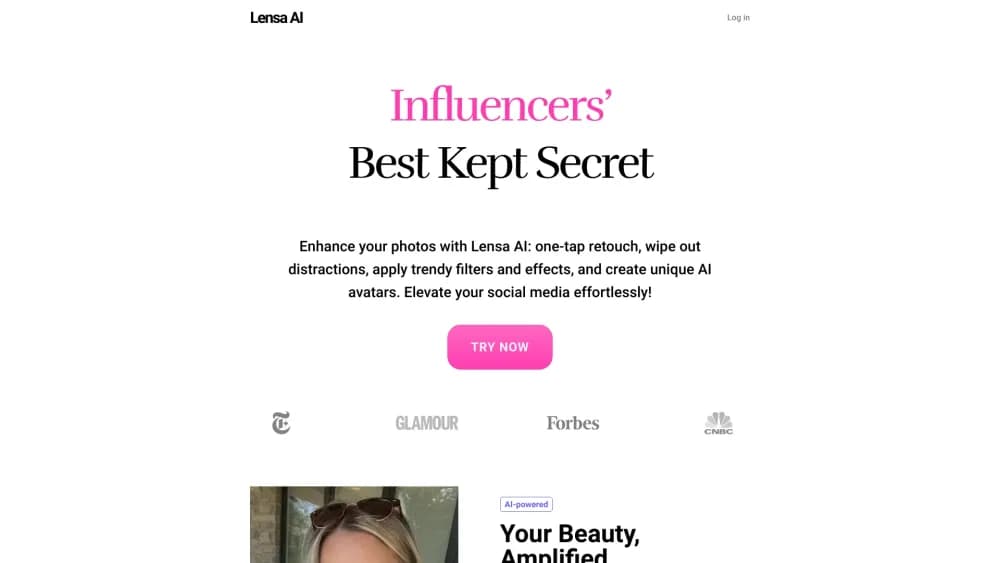
About Lensa: photo editor & AI art
What Is Lensa
Lensa is a mobile photo editor built around one idea: most people want a better photo, not a longer editing session. You open the Lensa app, pick a shot, tap a look, and export. The heavy work happens on Prisma Labs servers, so a mid-range phone gets the same output as a flagship.
The app started in 2018 as a selfie retoucher and became genuinely famous in late 2022, when its Magic Avatars feature turned a batch of selfies into painted, sci-fi and fantasy portraits. That wave pushed Lensa to the top of the App Store charts and set the direction the product still follows: AI effects that produce a finished image without asking you to learn curves, masks or layers.
The limits are worth knowing up front. Lensa is not a desktop-class editor. There are no layers, no RAW pipeline and no colour-managed export, so photographers who need precise control will feel boxed in. Most AI actions also require an upload, which means a network connection and a short wait per photo.
Getting Started
- Install Lensa from the App Store or Google Play and sign in with Apple, Google or email.
- Allow photo access, then choose a picture from your camera roll or shoot one inside the app.
- Pick a look, retouch tool or AI action. Free users see a limited set; the rest sit behind Lensa Premium or a credit pack.
- Preview the result, adjust strength if the tool offers it, and save to your camera roll or share straight to social.
Product Information
A quick look at Lensa: photo editor & AI art's pricing, supported platforms, and performance.
Best for
The users, tasks, and scenarios where this tool fits best.
Users
- Casual social posters
- Selfie and portrait shooters
- Small creators and resellers
Tasks
- Removing photobombers and clutter
- Rescuing a bad photo
- Trying a hairstyle before committing
- Making a set of images look consistent
- Producing AI headshots without a studio
Scenarios
- Prepping a post the night before
- Holiday photos with strangers in the frame
- Deciding on a haircut
- Profile pictures for work
Key features
One-Tap AI Effects
The core of the Lensa app is a shelf of looks with names like Golden Hour, Halo Flash, Disposable and G7X. Each one applies a full grade plus lighting and texture changes in a single tap, and you can dial the strength back if it goes too far. The catalogue follows whatever is trending on social, which is why the app feels current rather than dated.
Beauty Retouching That Keeps Bone Structure
Hollywood, Hair Boost and Makeup sit in a separate beauty toolkit. These tools even out skin, add light to the face and tidy hair without flattening the features that make a face recognisable. That distinction matters: older selfie editors blurred everything into a mask, and most people can spot the result instantly.
AI Eraser for Unwanted Objects
Brush over something you want gone and the AI fills the gap with matching background. It handles photobombers, signs, crowds, power lines and fairly large objects, not only small spots. Edges can smear when the removed object covers a strong pattern, so check the result at full size before posting.
AI Enhancer for Cropped and Dim Photos
The photo enhancer upscales a tight crop and rebuilds detail lost to low resolution or bad indoor lighting. It works best on photos that are soft rather than destroyed. If a shot is badly out of focus or blown out, no amount of upscaling brings the data back.
Hair Try-On
Upload a single selfie and Lensa restyles your hair into a different cut while keeping the same face. It is a practical use of the same generation stack behind the avatar packs, and it answers a question people usually resolve by risk or by asking a friend.
Magic Avatars and AI Art Packs
The feature that made Lensa a household name in 2022 still exists as a paid extra. You upload a set of selfies and get stylised portraits across several art directions, from painted to fantasy, which is why people treat it as an AI art generator as much as an editor. These run on credit packs rather than the standard subscription, because each batch costs real GPU time to render.
Pros and cons
Pros
- Fast enough to use on the way to work, with most edits finished in under two minutes.
- Effect quality holds up on ordinary phone photos, not only on studio-lit shots.
- The AI eraser handles large objects, which many mobile rivals limit to small blemishes.
- Hair try-on gives a realistic preview on your own face rather than a model's.
- A free tier and a short trial let you judge the output before committing to a subscription.
Cons
- Lensa Premium bills weekly by default, and that rate adds up faster than most people expect from an annual comparison.
- Magic Avatars and some AI actions sit outside the subscription, so heavy users pay twice.
- No layers, RAW support or colour profiles, which rules it out for anyone with a print or client workflow.
- Every AI action needs an upload and a round trip, so results stall on weak mobile data.
Frequently asked questions
Yes, with limits. Basic editing tools and a small set of looks work without paying. Premium effects, most AI actions and the avatar packs need a subscription or credits.
Related content
Explore related tools, skills, and articles for Lensa: photo editor & AI art.
Lensa: photo editor & AI art Alternatives

Google EmbeddingGemma 2
Google DeepMind · Writing · Image · CodingGoogle EmbeddingGemma 2 is a 740M-parameter open model that turns text, code, images, audio, and video frames into vectors in one 768-dimension space, running on phones and laptops.

Tractionwave
TractionWave · Image · MarketingTractionWave is an AI attention heatmap tool for static ads. Upload a PNG or JPG and it returns predicted attention, ranked hotspots, and fixes before you spend budget.

Imejis.io
Imejis.io · Image · MarketingImejis.io is an AI design studio for agents and marketing teams. Describe an image in plain words, and it writes the copy, builds the layout, reflows it to every size, then exports a finished file.