

Let's Enhance
Claid.ai · Image
Let's Enhance is a browser-based AI image upscaler and enhancer by Claid.ai. It enlarges photos, AI art, and scans up to 512 megapixels, sharpens soft edges, and fixes noise without a heavy editor.
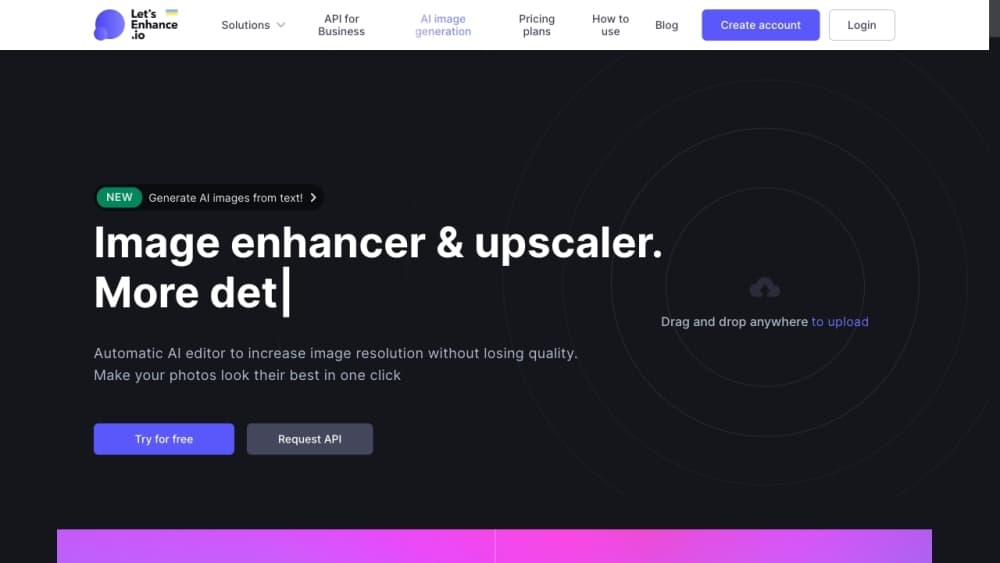
About Let's Enhance
What Is Let's Enhance
Let's Enhance is an online AI image upscaler and enhancer run by Claid.ai, the company behind the Claid.ai image API. You upload a small, blurry, or pixelated file and the tool rebuilds it at higher resolution instead of stretching what is already there. As an AI photo enhancer and AI art upscaler in one, it handles the images people actually work with: product photos, portraits, AI art, logos, and old scans.
The pitch is simple. You pick a goal, and the AI fills in cleaner edges and texture while correcting color. Claid.ai says the output should look professionally shot rather than obviously edited, and the service leans on several models tuned for different subjects instead of one blanket filter. When you upscale image online with it, you are not just resizing, you are rebuilding detail.
Two limits matter up front. The free tier caps output at 8 megapixels and adds a watermark, so real print work needs a paid plan. And high ratios take longer, since a 16x enlargement on a large original demands more server time.
Getting Started
- Open letsenhance.io and drag an image anywhere on the page, or select a file from your device.
- Pick the goal: upscale for a larger size, improve quality, or sharpen to fix blur.
- Choose a model. Prime is the default for portraits, products, and textures, while Gentle suits images with small text and Old Photo repairs damage first.
- Start the process and wait for the AI to rebuild the image.
- Download the full-resolution result, or keep going in Chat Editor.
Product Information
A quick look at Let's Enhance's pricing, supported platforms, and performance.
Best for
The users, tasks, and scenarios where this tool fits best.
Users
- Online sellers
- Photographers
- AI art creators
- Print-on-demand sellers
Tasks
- Upscaling product photos
- Enhancing AI-generated art
- Repairing old or scanned photos
- Preparing print files
Scenarios
- Running a busy online store
- Building a photo portfolio
- Rescuing a scanned family album
Key features
AI upscaling up to 512 megapixels
The upscaler rebuilds images at higher resolution rather than stretching pixels, and paid plans reach 512 megapixels. Image upscaling at this scale is aimed at large-format print and merch, so smaller jobs like web assets and standard prints sit well below the ceiling.
Multiple AI models for different images
Let's Enhance splits its work across several models instead of one filter. Prime is the default for pictures, products, and textures, Gentle protects small text and fine detail, Old Photo repairs damage before sharpening, and Digital Art targets illustrations and AI generations. Matching the model to the image is what keeps results from looking plastic.
AI art upscaling at 4K and higher
The Digital Art model is trained on illustrations and AI generations, so it sharpens resolution without flattening textures or blurring line art. That makes it a practical finishing step for Midjourney, Flux, or Imagen output that came out too small to print.
Old photo restoration
Old Photo mode tackles soft focus, compression damage, poor lighting, and aging in one pass. It sharpens edges and reduces noise, which is the difference between a throwaway scan and a usable keepsake.
Batch processing for catalogs
You can edit 20 images at once, which matters for sellers and teams pushing a full product line rather than a single file. Paired with roll-over credits on paid plans, it fits recurring catalog jobs.
Background removal and AI art generation
Paid plans add background removal and a built-in AI art generator, so you can cut out subjects or create artwork from a text prompt. Both live inside the same workspace as the upscaler.
Chat Editor and Image to Video
After enhancing, you can refine the image in Chat Editor by describing changes, or animate a still with Image to Video. These tools sit downstream of the upscaler, so a single upload can feed several fixes.
Browser access with no install
The whole tool runs in the browser across Windows, macOS, Linux, iOS, and Android. There is nothing to install, and files are auto-deleted after processing. Paid plans keep unlimited storage for months by comparison.
Pros and cons
Pros
- Upscales images up to 512 megapixels with AI reconstruction, not basic pixel stretching
- Several models, including Prime, Gentle, Old Photo, and Digital Art, match different image types
- Runs in the browser on desktop and mobile with nothing to install
- Free tier covers single-image upscaling with 10 credits to start
- Claid.ai APIs let developers automate upscaling inside their own products
Cons
- The free tier caps output at 8 megapixels and adds a watermark, so print work needs a paid plan
- Large originals and 16x enlargement take noticeably longer to finish
- Batch editing tops out at 20 images at once, which is slow for very large catalogs
- Background removal and AI art generation are reserved for paid plans
Frequently asked questions
Let's Enhance enlarges and cleans up images online. People use it to boost the resolution of photos, AI art, product shots, logos, and old scans that look soft or pixelated.
Related content
Explore related tools, skills, and articles for Let's Enhance.
Let's Enhance Alternatives

Google EmbeddingGemma 2
Google DeepMind · Writing · Image · CodingGoogle EmbeddingGemma 2 is a 740M-parameter open model that turns text, code, images, audio, and video frames into vectors in one 768-dimension space, running on phones and laptops.

Tractionwave
TractionWave · Image · MarketingTractionWave is an AI attention heatmap tool for static ads. Upload a PNG or JPG and it returns predicted attention, ranked hotspots, and fixes before you spend budget.

Imejis.io
Imejis.io · Image · MarketingImejis.io is an AI design studio for agents and marketing teams. Describe an image in plain words, and it writes the copy, builds the layout, reflows it to every size, then exports a finished file.