

LeverBot
LeverBot · Productivity · Marketing · Chatbot
LeverBot is a generative AI chatbot platform that lets businesses train no-code bots on their own documents to handle customer support around the clock.
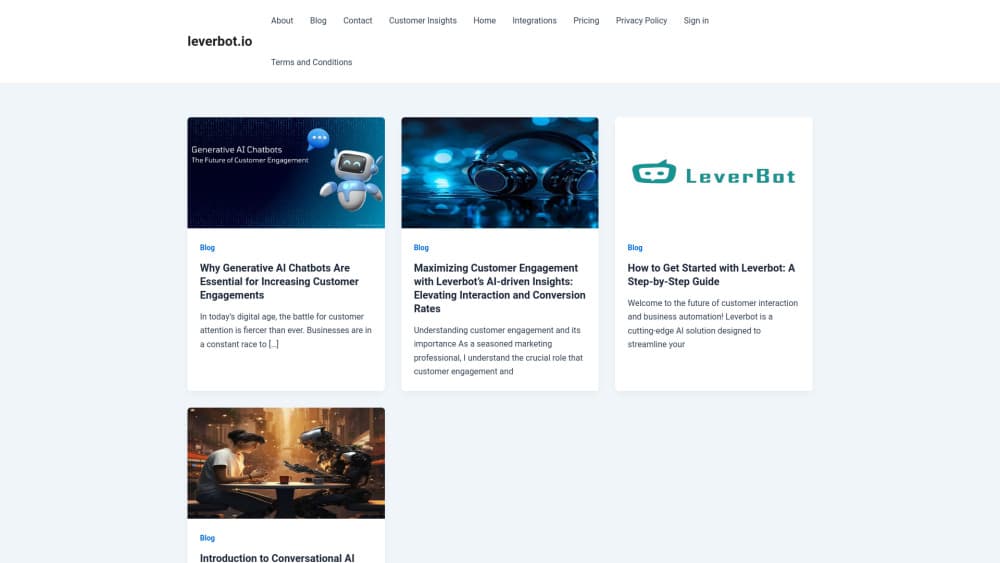
About LeverBot
What Is LeverBot
LeverBot is a generative AI chatbot platform built for customer service teams. You feed it your own content, and it answers customer questions using that material instead of generic canned replies. The pitch is straightforward: cut the volume of routine tickets your staff handles by hand.
Setup centers on documents, not code. You upload website URLs, PDFs, Word files, spreadsheets, audio, or video, and the bot draws answers from that pool of material rather than from anything you'd have to type out by hand. From there you customize the look and drop a snippet onto your site or messenger. That's it.
The main limit is scope. LeverBot is a support and engagement tool, not a software development kit for building custom applications. Plans cap chats, characters, and storage, so high-volume businesses need the Corporate tier or a custom quote. There's no free plan, which means you pay before you test it in production. Not ideal if you're still comparing options.
Getting Started
- Sign up for an account on the LeverBot site and pick a plan tier.
- Upload your source documents, such as website URLs, PDFs, or spreadsheets, to train the bot.
- Customize the chatbot's appearance so it matches your brand.
- Copy the provided code snippet and paste it into your website or messenger.
Product Information
A quick look at LeverBot's pricing, supported platforms, and performance.
Best for
The users, tasks, and scenarios where this tool fits best.
Users
- Small support teams
- Marketing and sales teams
- Agencies managing multiple clients
Tasks
- Answering FAQs
- Pre-sale product questions
- Multi-channel support
Scenarios
- Running support outside business hours
- Launching a help center
- Handling spikes in inquiries
Key features
Generative AI Answer Engine
LeverBot generates answers rather than matching keywords, and it reads your uploaded content to respond in natural language rather than pulling from a fixed list of prewritten replies, which means paraphrased questions that rule-based bots miss usually get handled correctly. That's the core difference. How well does it work? Accuracy still depends on how good your source docs are.
Train on Many File Types
You can train the bot on website URLs, PDFs, DOCX, JSON, Excel sheets, audio, and video, which means teams with scattered documentation spread across a dozen folders and formats can feed everything in without spending a week reformatting first. That flexibility is the difference between a useful bot and a shelf of unused files.
No-Code Bot Building
The builder is drag-and-drop. You don't touch code to get a bot running. You configure behavior through a visual interface and deploy with a snippet the platform hands you. Non-technical staff can manage it without a developer on call.
Custom Branding
You can style the chatbot to match your site's look. Colors, the widget, the whole thing. It matters for trust. A bot that clashes with your brand reads as a third-party add-on, not part of your support experience.
Customer Insights Reporting
The dashboard turns chat data into reports, and it connects to Google Analytics so you can track how the bot performs against the rest of your site traffic. You see which questions come up most and where the bot struggles. That feedback loop is how you decide what to add to your training data next, and it beats guessing which answers are failing.
Multi-Channel Deployment
LeverBot runs on websites, messengers, and live chat services from the same trained bot. You set it up once. Then it works across channels instead of you rebuilding it for each platform.
Pros and cons
Pros
- Trains on many file types, so existing docs go straight in without conversion
- No-code builder keeps setup within reach of non-technical teams
- Reports plus Google Analytics integration make it easy to see what customers ask
- One bot covers websites, messengers, and live chat
- Lower entry price than many enterprise chatbot platforms
Cons
- No free plan, so you pay before you can test it in production
- Chat, character, and storage caps vary by tier, and heavy users hit them fast
- The Corporate tier jumps to $399/mo, a steep step from Advanced
- API availability isn't documented, which blocks teams wanting custom integrations
Frequently asked questions
It handles customer service and engagement. You train it on your own documents, then it answers customer questions on your website, messenger, or live chat.
Related content
Explore related tools, skills, and articles for LeverBot.
LeverBot Alternatives

Base Code
Base44 (Wix) · Coding · ProductivityBase Code is a shared cloud development environment from Base44. Teammates describe changes to an existing GitHub codebase in chat, preview them live and send them back as pull requests.

Knocket
Knocket (Tencent RTC team) · Productivity · Business · ChatbotKnocket is a free live chat and contact page tool that lets visitors message you from your website, app, or a shareable link, with every reply handled from Telegram or one inbox.

FloorGen
Vinit Kumar (FloorGen) · Productivity · China AIFloorGen is a browser-based floor plan maker that turns a sentence or a sketch into an editable 2D plan and a 3D walkthrough. Export to PDF, DXF or video, and draw without an account.