

Link Shield
Link Shield · Coding
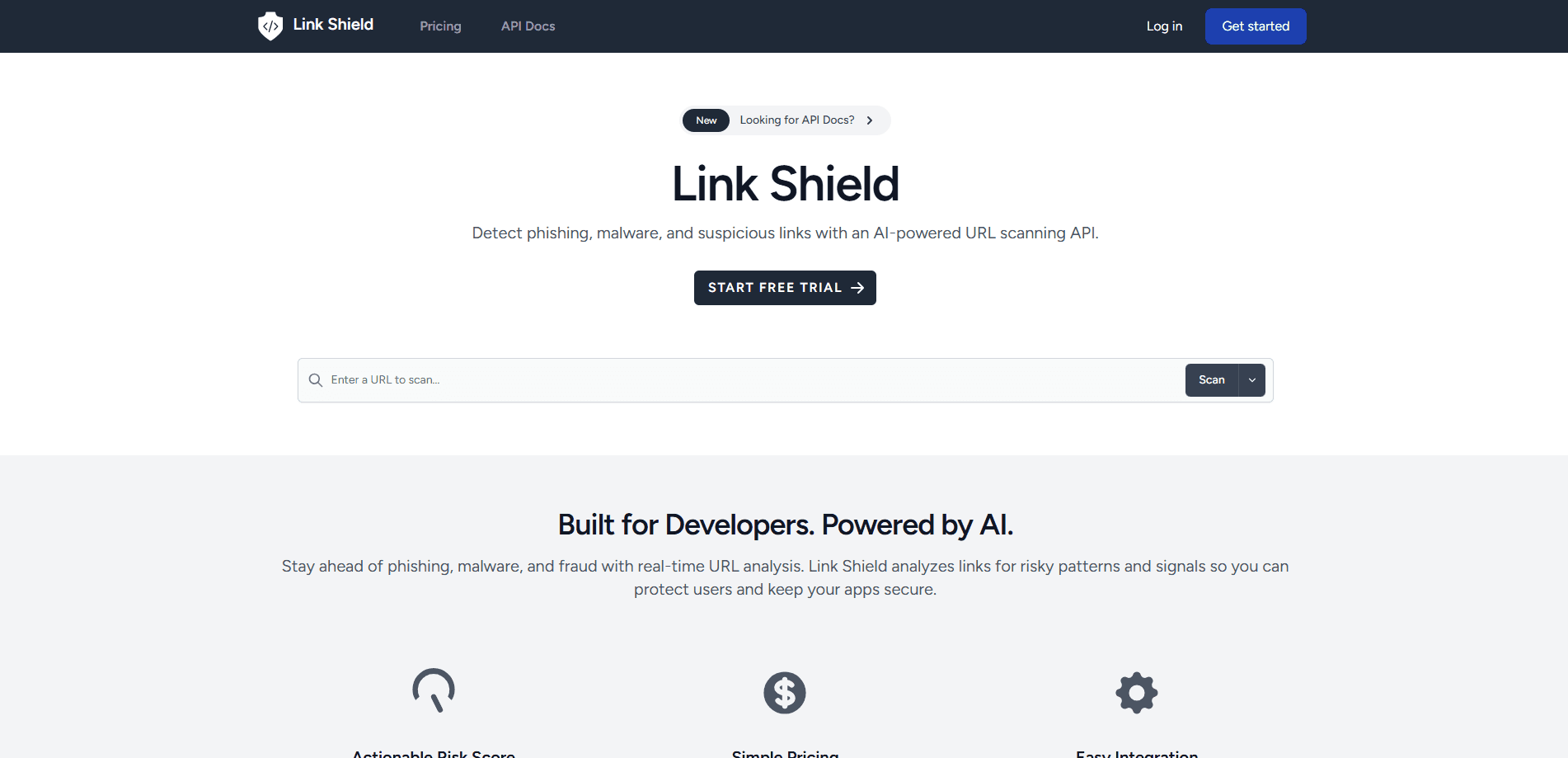
Link Shield is an AI-assisted URL scanning API that checks links for phishing, malware and scam risk and returns a 0 to 100 score with reasons so apps can block or warn in real time.
About Link Shield
What Is Link Shield
Link Shield is a URL threat detection API for teams who need to check links before a user clicks. You send a URL to one endpoint, and you get back a risk score from 0 to 100 plus plain reasons for that number. It scans for phishing, malware, scams, spam, and risky adult, dating, gambling, crypto and similar destinations. The pitch is simple: it does more than a blacklist lookup, so it can catch a link a blocklist has not seen yet.
The product targets developers who build apps where people submit or share links. A URL shortener is the clearest case, and the team behind Link Shield runs one: T.LY. That end use shapes what the API cares about. Most blacklist tools match a known bad domain, and that breaks the moment a scammer wraps the link in a shortener or a redirect chain. Link Shield follows those chains and scores the destination it finds. The service sits at linkshieldapi.com, and a redirect-aware link scanning pass is the core of what it sells.
The tradeoffs are simple. This is an API, not a finished app, so you need developers to wire it in. Pricing is usage-based and scales with scan volume, and there's no casual free tier beyond the starter trial. If you want a consumer product that checks links for you, this is not that.
Getting Started
- Create an account on the Link Shield site and generate an API token from the user dashboard
- Send a POST request to the score endpoint with the URL you want checked, and pass categories if you only care about some risks
- Read the risk score, the reason text, and the flagged categories in the response, then decide whether to allow, warn or block
- For batches, call the bulk-score endpoint with a list of URLs instead of one at a time
- Use the tag field to tie a scan to your own record, like a short link ID, so you can trace it later
Product Information
A quick look at Link Shield's pricing, supported platforms, and performance.
Best for
The users, tasks, and scenarios where this tool fits best.
Users
- App developers
- URL shortener and link tool teams
- Security and trust teams
- Marketplace and community platforms
Tasks
- Scanning a single URL
- Bulk URL scoring
- Following redirects
- Category filtering
- Risk triage
Scenarios
- A user submits a link to your platform
- A short link hides where it points
- A scam campaign uses fresh domains
- High-volume inbound links
- You want to warn instead of block
Key features
Actionable Risk Scoring
Every scan returns a score from 0 to 100 along with the reasons behind it. Low scores point to a link that looks fine, and higher scores point to stronger warning signs. The reason text tells your team why a link scored the way it did, so you can pick a threshold and act on it rather than guess. That mix of a number and an explanation is what lets you set allow, warn or block rules without a human in every case.
Redirect-Aware Detection
The API can follow redirect chains and unwrap short links before it scores. This matters because hiding the real destination behind a hop is one of the simplest tricks in link abuse. If a short link points somewhere it does not advertise, the scan surfaces the final URL so your decision is based on where the link actually lands, not the first address a user sees.
Bulk URL Scoring
You can send a batch of URLs in a single request and get a score back for each one. That removes the need to loop through the single-scan endpoint when you process a queue, and it keeps throughput up on high-volume workloads. For platforms that ingest a stream of user links, this is the difference between scoring one at a time and scoring a whole page at once.
Category Coverage
A single endpoint covers phishing, malware, scams, spam, and adult, dating, gambling, crypto and similar destinations. You can scan all of them or pass a list to narrow the check to the risks you actually police. Those unwanted content types share one endpoint, so teams with different needs, from a family app to a crypto exchange, can use one integration and set their own bar.
Simple REST Integration
The API is a plain REST service with a POST endpoint and a Bearer token for auth, and the docs cover the request and response for each call. There's no SDK to adopt and no agent to install. That low setup cost is aimed at teams who want to add link checking in an afternoon and move on, with the option to pass a tag so scans tie back to your own records.
Pros and cons
Pros
- Returns a score plus written reasons, so you can set thresholds and explain a block to a user
- Redirect-aware scanning catches links that hide their real destination behind a shortener
- Bulk scoring handles high volumes without looping through the single endpoint
- One endpoint covers eight risk categories, from phishing to gambling and crypto
- Plain REST API with token auth, so there's nothing to install and almost nothing to learn
Cons
- It's an API only, so you need developers to integrate it and build your own user-facing flow
- No permanent free tier, and the paid plans start at $10 monthly, which rules out a zero-cost trial path beyond the starter window
- Scan volume caps are strict per plan, and going past them means upgrading to the next tier
- The public material leans on one reference customer, so independent benchmarks are thin
Frequently asked questions
A scan looks past a plain blocklist match. It evaluates the URL itself, checks for suspicious patterns, follows redirect behavior when a link tries to hide where it points, and returns a risk score with reasons. You get a number from 0 to 100 plus text that explains why the link looks safe, questionable or high risk. In practice it works as a malware URL scanner and a phishing filter at once, so one call covers both threats.
Related content
Explore related tools, skills, and articles for Link Shield.
Link Shield Alternatives

Udon
Udon · Coding · ProductivityUdon turns an Apple Silicon Mac into a home server you run from a browser, with container controls, file shares, and an optional AI sysadmin.

offstage
offstage cloud · Coding · Productivityoffstage gives AI coding agents and CI jobs a real Mac: a fresh macOS account on Apple silicon, driven over an API and billed by the second.

BotBus
Chengdu Tuyang Tusen Technology Co., Ltd. · Coding · ProductivityBotBus lets you control AI coding agents from your phone and watch: approve commands, start tasks and read results while the code stays on your desktop.