

LinkSquares
LinkSquares · Productivity · AI Assistant
LinkSquares is an AI contract lifecycle management platform that stores, drafts, and analyzes agreements for legal, procurement, finance, and sales teams.
About LinkSquares
What Is LinkSquares
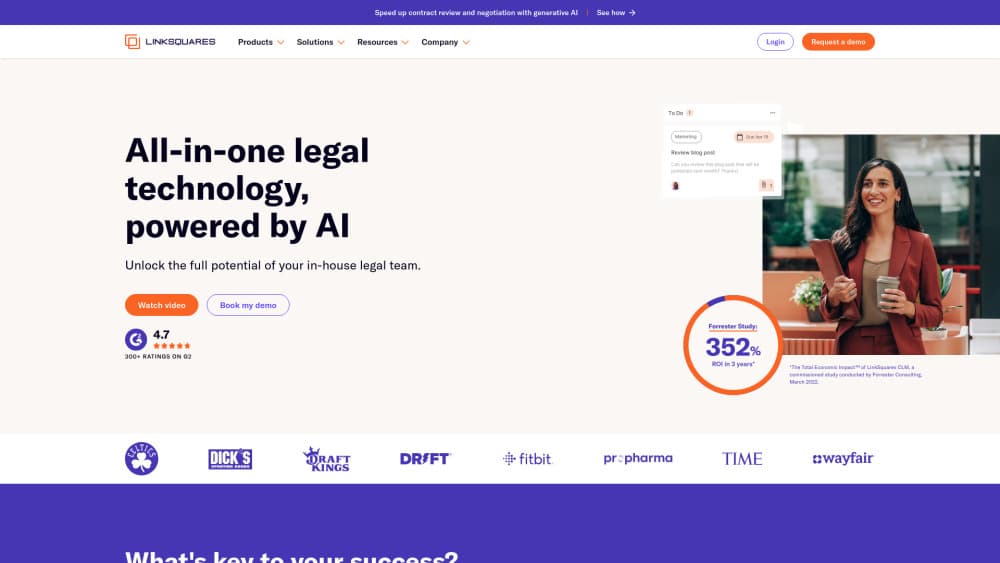
LinkSquares is CLM software built for in-house legal teams. It keeps every signed agreement in one searchable contract repository, then layers AI on top so you can ask a question about a clause and get an answer with the source document attached. Drafting, redlining, approvals, signatures, and post-signature tracking all sit inside the same system.
The problem it targets is scattered paperwork. Most companies store contracts in shared drives, email threads, and a few people's heads. That works until someone needs to know which vendor contracts auto-renew next quarter, or whether a liability cap was ever negotiated down. LinkSquares pulls that information out of the documents and makes it queryable.
The tradeoff is scope and price. This is enterprise software sold on a custom quote, with implementation and onboarding attached. There's no self-serve signup and no free version, so a solo founder or a five-person startup won't get much from it. It also assumes your team works in Microsoft Word and, increasingly, Salesforce, since those are the surfaces the AI plugs into.
Getting Started
- Book a demo on the LinkSquares site. The sales team scopes your contract volume, user count, and the modules you need before quoting a price.
- Work through implementation. Your existing agreements get migrated into the repository, and the team configures extraction fields for the data points you care about, such as renewal dates, payment terms, and liability caps.
- Connect the tools your team already uses. The Microsoft Word add-in handles drafting and redlining in place, and the Salesforce integration pushes approved agreements and workflows into the CRM.
- Invite legal, procurement, finance, and sales users, then set permissions by team so people see the agreements they're responsible for.
- Start with one workflow, usually intake or renewals, and expand once the data in the repository is clean.
Product Information
A quick look at LinkSquares's pricing, supported platforms, and performance.
Best for
The users, tasks, and scenarios where this tool fits best.
Users
- In-house legal teams at mid-size and large companies
- Procurement teams managing vendor agreements
- Finance and sales operations
Tasks
- Finding what a contract actually says
- Drafting a first version of an NDA or amendment
- Redlining a vendor's paper
- Tracking renewals and obligations
Scenarios
- An audit or diligence request lands with a short deadline
- A sales team keeps routing redlines through legal email
- A vendor contract is up for renewal
Key features
AI Legal Assistant and Drafting Agent
The AI legal assistant runs on LinkAI, the company's own model layer built for contract work. It drafts agreements, amendments, negotiation summaries, and internal updates, and it's designed to follow your standard positions rather than produce generic text. Everything it generates stays inside the platform, so a first draft lands next to the matter it belongs to.
AI Redlining in Microsoft Word
Legal teams don't want to learn a new editor. The Word add-in puts drafting, redlining, and research inside Microsoft Word, and changes sync back to the platform. Counsel can review a counterparty's markup in the tool they already know, and the redline history stays attached to the agreement instead of living in someone's inbox.
Searchable Contract Repository
Every executed agreement goes into a central, indexed repository. Search works on the text inside documents, not just file names, so you can find a specific indemnity clause across hundreds of contracts. Answers come back with the source cited, which matters when the output is going into a negotiation or a board deck.
Contract Analytics and Extraction
LinkSquares pulls structured data out of unstructured documents: parties, effective dates, renewal terms, payment terms, liability caps, and termination rights. That data powers dashboards and reports, and it's the foundation for contract analytics that show exposure by vendor, by business unit, or by expiration window.
Obligation and Renewal Tracking
Post-signature is where most CLM software gets thin. LinkSquares keeps obligations, notice windows, and renewal dates visible after the deal closes, then surfaces them before deadlines hit. For procurement and finance teams, that's the difference between renegotiating on your terms and accepting an automatic extension.
Legal Request Intake and Workflow
Requests from sales, procurement, and the rest of the business come in through a structured intake instead of side chats. Teams can see what's queued, who owns it, and where it sits in the process. Approval workflows keep routine agreements moving without a lawyer manually routing each one.
Pros and cons
Pros
- The contract repository and search are the strongest part. Answers with citations beat a folder full of PDFs when you need to verify a clause.
- Drafting and redlining happen inside Microsoft Word, so lawyers don't have to change how they work.
- Post-signature tracking covers obligations and renewals, not just storage, which is where a lot of CLM tools stop.
- Salesforce integration puts approved agreements and workflows where sales already works.
- SOC 2 compliance and a stated policy of not training third-party models on customer contract data address the objection legal teams raise first.
Cons
- Pricing is quote-only with no public tiers, so you can't estimate cost without a sales conversation. Budgeting takes longer than with self-serve CLM software.
- There's no free plan or trial, which makes it hard to test the AI output against your own contracts before committing.
- Implementation is a project, not a switch you flip. Smaller teams without someone to own data migration will feel that load.
- The value depends on clean extracted data. If your legacy contracts are scanned images or inconsistent templates, expect cleanup work before search results are reliable.
Frequently asked questions
It manages contracts from drafting through renewal. Teams store agreements in a central repository, draft and redline in Microsoft Word, route approvals, and track obligations and renewal dates after signature.
Related content
Explore related tools, skills, and articles for LinkSquares.
LinkSquares Alternatives

Base Code
Base44 (Wix) · Coding · ProductivityBase Code is a shared cloud development environment from Base44. Teammates describe changes to an existing GitHub codebase in chat, preview them live and send them back as pull requests.

Knocket
Knocket (Tencent RTC team) · Productivity · Business · ChatbotKnocket is a free live chat and contact page tool that lets visitors message you from your website, app, or a shareable link, with every reply handled from Telegram or one inbox.

FloorGen
Vinit Kumar (FloorGen) · Productivity · China AIFloorGen is a browser-based floor plan maker that turns a sentence or a sketch into an editable 2D plan and a 3D walkthrough. Export to PDF, DXF or video, and draw without an account.