
Lisnr: AI Note Taker
Aleh Kasaryn · Productivity
Lisnr is an AI note taker for iPhone and iPad that turns recordings, PDFs, and articles into transcripts, summaries, and searchable notes you can question in chat.
About Lisnr: AI Note Taker
What Is Lisnr
Lisnr is an AI note-taking app for iPhone, iPad, and Mac that converts audio, documents, and text into organized notes. It records or accepts a recording, transcribes it, writes a summary, and lets you ask follow-up questions about the material. The developer is Aleh Kasaryn, and the app sits in the Education and Productivity categories on the App Store.
The idea is to cut the manual work out of taking notes. You feed it a lecture, a meeting, a PDF, or an article link, and it produces a clean transcript plus a short brief of the key points. From there you can search everything or open a chat and ask what a section meant or what action items came out of a call, which is the part most transcription apps leave out.
The main limits are platform and scope. Lisnr is iOS-first, so there's no Android or web version, and its output lives inside the app rather than syncing into Notion or Google Docs. Free use is capped, with full access tied to a weekly or monthly subscription.
Getting Started
- Download Lisnr from the App Store on an iPhone or iPad running iOS 16.0 or later.
- Create an account and, if you want the full feature set, start the free trial for a Premium plan.
- Add your material: record audio in the app, import a recording, upload a PDF, or paste an article link.
- Let Lisnr transcribe and summarize the content, then edit the note if you want it tighter.
- Search your notes or open the AI chat to ask questions, pull quotes, or generate a fresh summary.
Product Information
A quick look at Lisnr: AI Note Taker's pricing, supported platforms, and performance.
Best for
The users, tasks, and scenarios where this tool fits best.
Users
- Students
- Professionals
- Lifelong learners
Tasks
- Transcribing a lecture or meeting
- Summarizing a PDF or article
- Asking questions about your notes
Scenarios
- Back-to-back meetings
- Exam revision
- Research reading
Key features
Audio Transcription
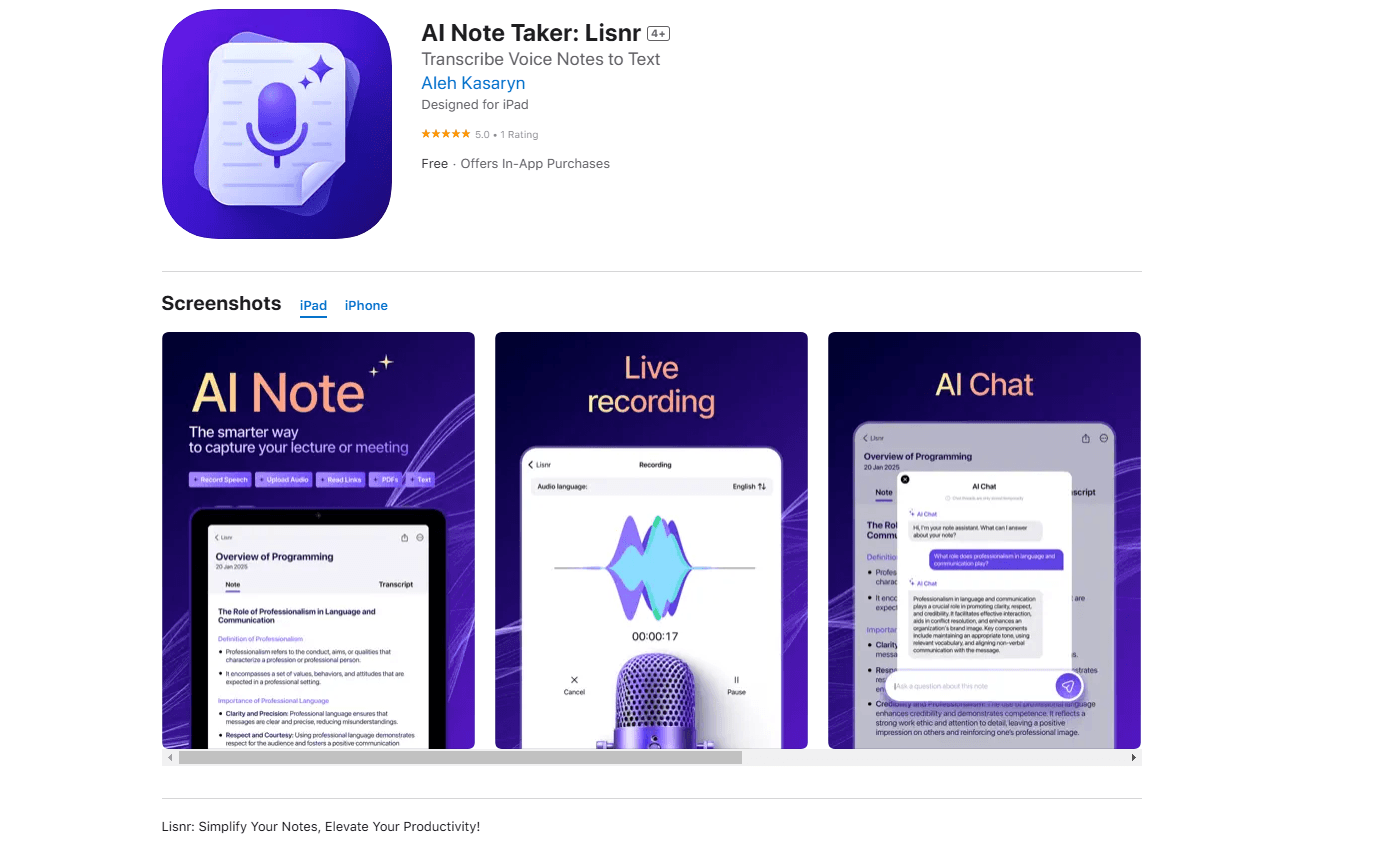
Lisnr records audio in the app or accepts an imported recording and turns it into text you can search. It handles multiple languages and is built to stay readable even in fast conversations, so a talk with several speakers still comes out as usable notes.
AI Summaries
The app works as an AI summarizer for a transcript, a PDF, or a document, condensing it into a short summary that highlights the main points. That's the feature that saves the most time, since you can skim a summary before an exam or a meeting instead of replaying a full recording.
AI Chat With Your Notes
You can ask Lisnr questions about your own material and get answers, clarifications, or a new summary shaped to the question. This is what separates it from a plain transcriber, because you can dig into a specific part of a lecture or report instead of rereading it all.
Multiple Input Types
Lisnr isn't limited to audio. You can upload text files, add PDFs, or paste a link to an article, and it processes each one into a note with a summary and insights. One app covers lectures, papers, reports, and web reading in the same place.
Searchable Notes
Every note is stored and searchable, so you can find a detail across a term of lectures or a stack of reports without opening each one. Saving recorded audio even when an error occurs was added in version 1.12, which cuts the risk of losing a session.
Multi-Language Support
Lisnr supports several languages for transcription, and recent updates added and fixed localizations. That makes it workable for bilingual study or for material recorded in a language other than English.
Pros and cons
Pros
- Combines transcription, summarization, and chat in one app, so you don't juggle three tools.
- Accepts audio, PDFs, text files, and article links, covering most note sources.
- The AI chat answers questions about your own material, which plain transcriber apps don't do.
- Free to download with a trial on Premium, so you can test it before paying.
- Records run on iPhone, iPad, and Mac with a 4.3 rating, so it's used and reviewed by real people.
Cons
- iOS, iPadOS, and macOS only, so Android and web users are left out.
- Premium starts at $8.99 a week, which adds up over a year compared with a one-time or cheaper tool.
- Free use is capped, so the summary and chat features push you toward a subscription.
- Notes stay in the app with no native sync to Notion or Google Docs, so exports take extra steps.
Frequently asked questions
Lisnr is an AI note taker for iPhone and iPad. It records or accepts audio, transcribes it, writes a summary, and lets you ask questions about the material in chat. It also handles PDFs, text files, and article links.
Related content
Explore related tools, skills, and articles for Lisnr: AI Note Taker.
Lisnr: AI Note Taker Alternatives

Base Code
Base44 (Wix) · Coding · ProductivityBase Code is a shared cloud development environment from Base44. Teammates describe changes to an existing GitHub codebase in chat, preview them live and send them back as pull requests.

Knocket
Knocket (Tencent RTC team) · Productivity · Business · ChatbotKnocket is a free live chat and contact page tool that lets visitors message you from your website, app, or a shareable link, with every reply handled from Telegram or one inbox.

FloorGen
Vinit Kumar (FloorGen) · Productivity · China AIFloorGen is a browser-based floor plan maker that turns a sentence or a sketch into an editable 2D plan and a 3D walkthrough. Export to PDF, DXF or video, and draw without an account.