

LivePortrait AI
Kuaishou Technology · Image · Chatbot
LivePortrait AI turns one photo into a moving portrait video driven by a face clip or preset motion. Open-sourced by Kuaishou, it handles people, pets, and artwork with separate eye and lip control.
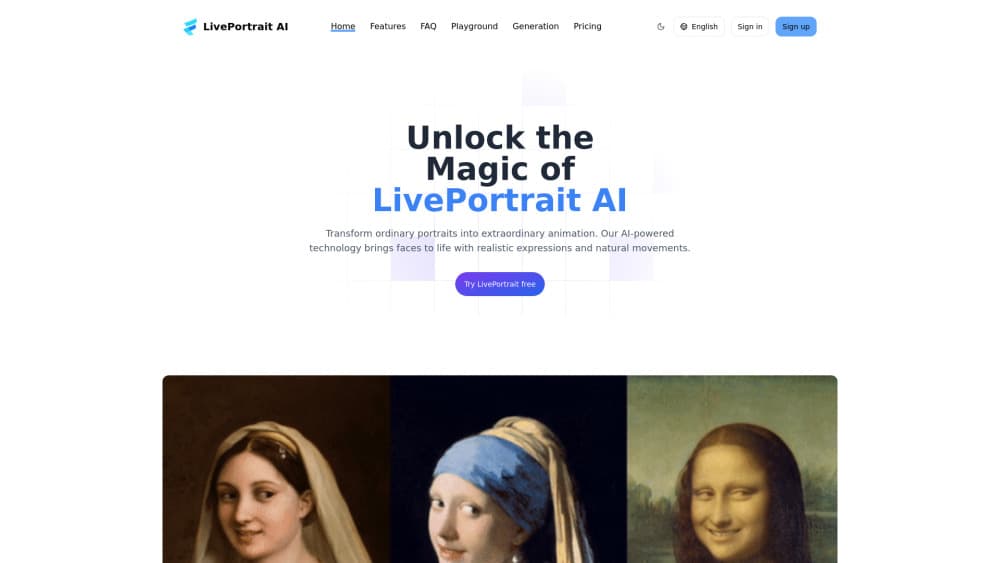
About LivePortrait AI
What Is LivePortrait AI
LivePortrait AI is a portrait animation tool built on LivePortrait, the framework Kuaishou's Kling team released as open source in July 2024. You give it a still image and a source of movement. It gives back a video where the face in that image blinks, smiles, tilts its head, and mouths words along with the reference clip.
The reason people pick it over general AI video generators comes down to control. Instead of typing a prompt and hoping the face holds together, you decide how far the eyes open, how wide the mouth goes, and which way the head turns. That makes it useful for a spoken video of a grandparent's photo, a singing anime character, or a mascot that reacts on cue.
Two limits matter before you start. It only moves faces, so anything below the shoulders stays still. And it needs a reasonably clear, front-facing face, because a blurry profile shot or a heavy shadow kills the result.
Getting Started
- Pick a route: the hosted web playground at liveportrait.app has a free tier, while the GitHub repo lets you run everything locally on your own hardware.
- Upload a portrait photo with a clear, well-lit face. PNG, JPEG, and WEBP all work.
- Choose your motion source, either a preset template or your own driving clip. Own clips should focus on the head, start on a neutral expression, and keep shoulder movement low.
- Press generate, review the output side by side with the source, then download the video.
Product Information
A quick look at LivePortrait AI's pricing, supported platforms, and performance.
Best for
The users, tasks, and scenarios where this tool fits best.
Users
- Family historians
- Anime and fan-art creators
- Social media editors
- Developers building on open weights
Tasks
- Photo to video conversion
- Pet clips
- Portrait video editing
- Fine expression tweaks
Scenarios
- Museum or classroom material
- Memorial videos
- Character prototyping
- Local, private work
Key features
Driving Video and Preset Motion
You can animate a photo with your own clip or with a stored motion template. Templates are the safer choice when you don't have usable footage, and they also keep the source person out of the workflow entirely, which matters for privacy.
Eye and Lip Retargeting
Two small control modules let you set how open the eyes and mouth are, independent of the driving clip. This is the part that separates a believable talking portrait video from one that looks pasted on, because gaze and lip shape carry most of the expression.
Portrait Stitching
When several faces appear in one frame, a stitching module blends the animated regions so the seams don't show. Group photos and multi-character scenes come out smooth instead of showing hard edges between people.
Stylized and Animal Support
The model generalizes past real faces. Oil paintings, sculptures, 3D renders, anime characters, and pets all animate, thanks to training on roughly 69 million frames that mixed real video with stylized stills.
Image Driven Mode
You don't always need a video clip. A single reference image can supply the expression, which is handy for matching a specific smile or eyebrow shape without hunting for footage.
Local Install and Web Playground
Two ways to run it. The web version needs no setup and has a free tier with paid plans from $7.90 to $34.90 per month. The local version is free, works offline, and gives you the full parameter set, but it expects a CUDA GPU and some comfort with Python environments.
Pros and cons
Pros
- Open source with public weights, so there's no per-render fee if you run it locally.
- Fast on modern hardware, with the project reporting about 12.8ms per frame on an RTX 4090.
- Handles stylized faces and pets, not just realistic human portraits.
- Fine controls for eyes and lips that prompt-based AI video generator tools don't offer.
- Small model size, so it fits on modest consumer GPUs rather than needing a data center card.
Cons
- Face only. Body, hands, and background stay frozen, which rules out full-scene animation.
- Local setup is the real barrier: Python, conda, FFmpeg, and a multi-gigabyte checkpoint download before you see anything.
- Heavy profile angles, occlusions, and low light degrade output badly, and there's no built-in retry logic to fix it.
- The hosted free tier is labeled unstable by the provider itself, so paid credits are the realistic path for steady work.
Frequently asked questions
Yes, in two senses. The open-source version on GitHub costs nothing and runs on your own machine, and the hosted site has a free playground tier. Paid plans start at $7.90 per month billed annually if you want credits and longer history.
Related content
Explore related tools, skills, and articles for LivePortrait AI.
LivePortrait AI Alternatives

Google EmbeddingGemma 2
Google DeepMind · Writing · Image · CodingGoogle EmbeddingGemma 2 is a 740M-parameter open model that turns text, code, images, audio, and video frames into vectors in one 768-dimension space, running on phones and laptops.

Tractionwave
TractionWave · Image · MarketingTractionWave is an AI attention heatmap tool for static ads. Upload a PNG or JPG and it returns predicted attention, ranked hotspots, and fixes before you spend budget.

Imejis.io
Imejis.io · Image · MarketingImejis.io is an AI design studio for agents and marketing teams. Describe an image in plain words, and it writes the copy, builds the layout, reflows it to every size, then exports a finished file.