

Llama Life
Llama Life · Productivity · AI Assistant
Llama Life is a to-do list and task timer that walks you through one task at a time, with a per-task countdown built for timeboxing and calm focus.
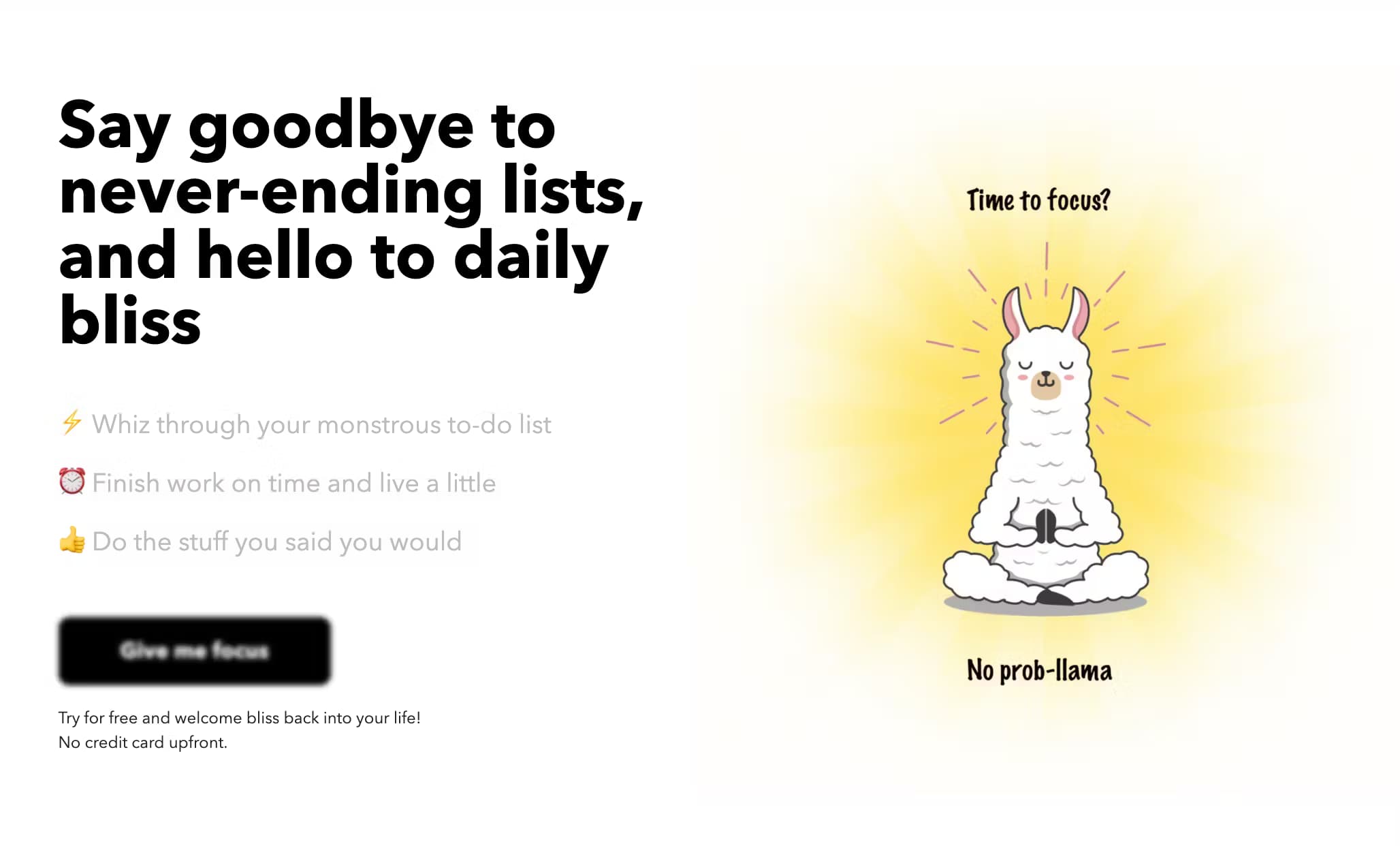
About Llama Life
What Is Llama Life
Llama Life is a productivity app that mixes two things people usually buy separately: a to-do list and a task timer. Its pitch is single tasking. Instead of staring at a long list, you work through one item at a time while a countdown shows how long is left on it. When the timer runs out, the app nudges you to move on.
The product is made for people who lose track of time or feel stuck at the start of a list, a group that includes many adults with ADHD. Timeboxing and single tasking are the core methods it leans on, and the app frames itself as a calm alternative to busier planners. Its stated mission is calm, focused productivity.
The trade-offs matter too. Llama Life is a small, independently built product, so it leans on a narrow feature set rather than a deep suite, and the most useful extras sit behind the paid Extra Focus plan after a seven-day trial. Integrations (Todoist and Notion) are one-way imports, so tasks flow in but never back out.
Getting Started
- Sign in at llamalife.co or open the iOS or Android app. A seven-day free trial covers the paid features with no commitment.
- Add tasks with a time estimate, or paste a whole list and let the app split it into separate items. Press the A key on desktop as a shortcut.
- Load a Preset List if you want a ready-made routine, or let the app break a big task into smaller steps with suggested times.
- Start the timer, work the top task, and use the Not Now list to park anything you're not doing yet.
Product Information
A quick look at Llama Life's pricing, supported platforms, and performance.
Best for
The users, tasks, and scenarios where this tool fits best.
Users
- Adults with ADHD
- People who freeze at a long list
- Students and solo workers
- Anyone rebuilding a daily routine
Tasks
- Timeboxing a task
- Breaking down a big task
- Running a grounded routine
- Reviewing the day
Scenarios
- Starting work when motivation is low
- Getting through errands and chores
- Running a meeting or workshop
- Winding down after work
Key features
One task at a time
The app shows a single current task with a countdown, and the rest wait below or in a Not Now list. That focus is the point: you stop scanning a long list and start working the item in front of you, which is what makes it useful for time blindness.
Task timer with visual pie countdown
Each task can have a time estimate, and a pie timer drains as you work. You can switch to the visual pie timer in settings, add or subtract five minutes mid-task, and turn on a chime or alarm when time is up. Overtime tracking shows when a task runs past its estimate.
Break it down
When a task feels too big, a breakdown tool splits it into smaller steps and suggests a rough time for each one. You can push those subtasks into the main list and work them as separate timer slots instead of facing one giant item.
Preset Lists and routines
Preset Lists are saved task sets you load in one click. The app ships templates for common routines and methods, including a morning routine, a wind-down for the end of the work day, Pomodoro, Eat the Frog and Easy Wins, plus meeting agendas and event checklists.
Todoist and Notion imports
You can connect Todoist or Notion and pull tasks into Llama Life. Keep lists in another tool and load them for a focus session here. Both integrations are one-way: the app reads tasks in but does not write changes back.
Random task picker
If you can't decide where to start, the app picks a task for you. It's a small feature aimed at the specific moment when a list feels overwhelming and starting is the hard part.
Report and Not Now list
A report shows what you completed and how long each task took, and it can display tasks parked in the Not Now list. You can delete single items or clear the whole Not Now list from there.
Themes, soundscapes and mobile apps
You can recolor the list, pick a theme, and add background soundscapes with volume controls. Dark mode toggles on, off or auto. The iOS and Android apps carry the same flow on the move, and the Chrome extension plus a desktop shortcut keep it a click away.
Pros and cons
Pros
- Single-task focus and a per-task countdown reframe a to-do list as a set of timed blocks, which suits timeboxing and ADHD-friendly routines.
- Preset Lists turn a routine into a one-click load, so recurring days don't need rebuilding from scratch.
- Break it down lowers the cost of starting on tasks that feel too big to begin.
- Todoist and Notion imports fit it into an existing setup without forcing a switch.
- Themes, soundscapes and timer options make long focus sessions less monotonous.
Cons
- No free tier. After the seven-day trial, the useful extras need the paid Extra Focus plan.
- Todoist and Notion integrations are one-way, so tasks sync in but changes never flow back.
- It's built around solo focus, so teams that need shared boards or assignments won't find much.
- API availability isn't documented, which limits custom automation and external reporting.
Frequently asked questions
Llama Life is a to-do list and task timer for calm, single-task focus. You work one thing at a time with a countdown running, park distractions in a Not Now list, and review the day in a report. It's popular with adults with ADHD for timeboxing and time management.
Related content
Explore related tools, skills, and articles for Llama Life.
Llama Life Alternatives

Base Code
Base44 (Wix) · Coding · ProductivityBase Code is a shared cloud development environment from Base44. Teammates describe changes to an existing GitHub codebase in chat, preview them live and send them back as pull requests.

Knocket
Knocket (Tencent RTC team) · Productivity · Business · ChatbotKnocket is a free live chat and contact page tool that lets visitors message you from your website, app, or a shareable link, with every reply handled from Telegram or one inbox.

FloorGen
Vinit Kumar (FloorGen) · Productivity · China AIFloorGen is a browser-based floor plan maker that turns a sentence or a sketch into an editable 2D plan and a 3D walkthrough. Export to PDF, DXF or video, and draw without an account.