

LockedIn AI: Interview Prep
LockedIn AI · Productivity · Business
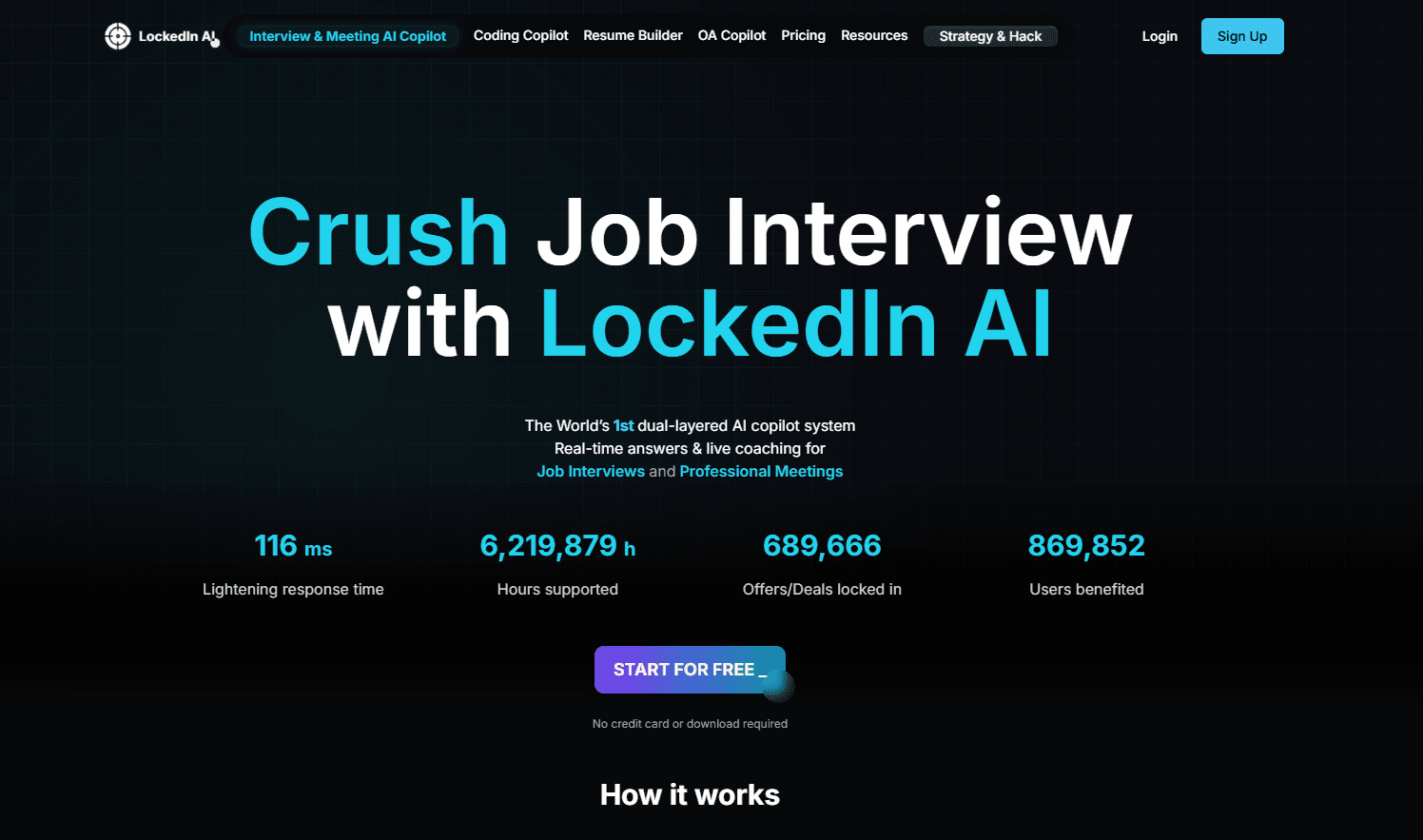
LockedIn AI is a real-time AI interview assistant that gives job seekers live answers and coaching during interviews and meetings.
About LockedIn AI: Interview Prep
What Is LockedIn AI
LockedIn AI is an AI interview assistant built for people who freeze up under pressure. It listens to a live interview or meeting, reads the questions as they come, and puts suggested answers on your screen within seconds. Think of it as an interview copilot sitting beside you, not an AI interview prep course you finish the night before. Ever wanted real-time interview help that shows up during the call instead of after it?
The tool runs across Zoom, Google Meet, Microsoft Teams, and anything else that pipes audio through your browser, which means you can use it in a real interview without asking the interviewer to change anything on their end. It also covers technical ground: a code editor integration pushes problems to the assistant without leaving VS Code.
New users get free access. The basic version costs nothing for everyone, while premium plans open up more advanced answering, longer sessions, and heavier monthly usage for candidates who are running several interviews in the same week. Credits, the units that meter heavier AI usage, never expire, so a pack you buy this month still works months later.
The honest limit is this: it helps you sound prepared, not think on your feet instantly. Lean on it as a safety net. Your own preparation still does most of the work.
Getting Started
- Create a free account at app.lockedinai.com with your email and a password.
- Pick your interview format, such as system design, software engineering, or project management, so the assistant matches the questions you'll face.
- Open your meeting on Zoom, Google Meet, or Microsoft Teams and let the tool capture the system audio.
- For coding rounds, link the VS Code integration and send the problem to the copilot with one shortcut.
- Read the suggested answers on the overlay, then speak them in your own words.
Product Information
A quick look at LockedIn AI: Interview Prep's pricing, supported platforms, and performance.
Best for
The users, tasks, and scenarios where this tool fits best.
Users
- Job seekers in technical interviews
- Non-native English speakers
- Career switchers
Tasks
- Answering behavioral questions live
- Getting unstuck on coding problems
- Reviewing past interviews
Scenarios
- A first-round screening call where you want a confidence boost on standard questions, basically a meeting copilot for a nervous ten minutes.
- A final-round panel interview that mixes behavioral and technical prompts in one session.
- A sales or project management meeting where you need quick talking points rather than deep technical help.
Key features
Real-Time Answer Generation
LockedIn AI listens to the interview and drafts an answer while the question is still hanging in the air. You see a suggested response on an overlay in a couple of seconds, so there's no awkward pause while you search your memory. This is the core of the product, and for many users it's the whole reason they sign up. No waiting for a replay afterward.
Works With Zoom, Google Meet, and Microsoft Teams
The assistant captures system audio rather than plugging into one specific platform, so it theoretically works with any meeting app that plays sound through your browser. In practice, Zoom, Google Meet, and Microsoft Teams are the formats you'll use most. That's a real convenience. You don't have to install a plugin the interviewer can see.
Code Editor Integration
For coding interviews, a VS Code extension sends the current problem straight to the copilot with a keyboard shortcut. You select code. You hit the shortcut. You get help without leaving your editor. If you've ever fumbled between a browser tab and an IDE mid-interview, you know why this matters, and it saves real seconds when your hands are shaking.
Scenario Coverage
The tool adapts to different interview types, including software engineering rounds, system design discussions, project management interviews, and sales calls. You pick the format. The assistant then tailors the depth of its answers, so it won't try to give you a system architecture breakdown during a behavioral question.
Interview Practice Mode
Before the real thing, you can use this interview practice tool to rehearse and treat it like a mock interviewer. This is where the tool earns its keep for nervous candidates, because you get to hear your answers out loud without the stakes of a live call, and you can repeat a round as many times as you like until the words stop coming out shaky. Practice rounds also let you test your mic and audio setup in advance.
Credits That Never Expire
Heavier usage runs on credits rather than a hard monthly cap, and the credits you buy don't disappear when the month ends. That flexibility suits people who interview in bursts, with quiet weeks between active job searches. You aren't paying for time you don't use. Simple as that.
Pros and cons
Pros
- Real-time assistance works during actual interviews rather than only in practice rounds, so the suggestions land at the exact moment a question is asked and you aren't left trying to recall a memorized script.
- Platform-agnostic audio capture means no interviewer-visible setup on Zoom, Google Meet, or Teams.
- Free tier exists, so you can test whether the format suits you before paying.
- Credits don't expire, which fits intermittent job searches better than a strict subscription.
- VS Code integration keeps coding help inside the editor instead of forcing tab-switching.
Cons
- Reading suggested answers mid-conversation is distracting, and you can lose your train of thought trying to follow the overlay. It's a real risk.
- Audio capture depends on a modern browser, so an outdated setup can leave you with no assistance at all.
- The free tier is limited on heavy usage, so serious interview runs will push you toward paid credits.
Frequently asked questions
Yes. New users get free access to the basic version, which covers core interview assistance. Premium plans add advanced features and longer or heavier usage, priced per month or through credit packs.
Related content
Explore related tools, skills, and articles for LockedIn AI: Interview Prep.
LockedIn AI: Interview Prep Alternatives

Base Code
Base44 (Wix) · Coding · ProductivityBase Code is a shared cloud development environment from Base44. Teammates describe changes to an existing GitHub codebase in chat, preview them live and send them back as pull requests.

Knocket
Knocket (Tencent RTC team) · Productivity · Business · ChatbotKnocket is a free live chat and contact page tool that lets visitors message you from your website, app, or a shareable link, with every reply handled from Telegram or one inbox.

FloorGen
Vinit Kumar (FloorGen) · Productivity · China AIFloorGen is a browser-based floor plan maker that turns a sentence or a sketch into an editable 2D plan and a 3D walkthrough. Export to PDF, DXF or video, and draw without an account.