

LogoliveryAI
Logolivery, Inc. · Image · Chatbot
LogoliveryAI turned short text prompts into SVG logo concepts through a Discord chatbot. Logolivery, Inc. has been liquidated, so the service is closed and the site now shows a shutdown notice.
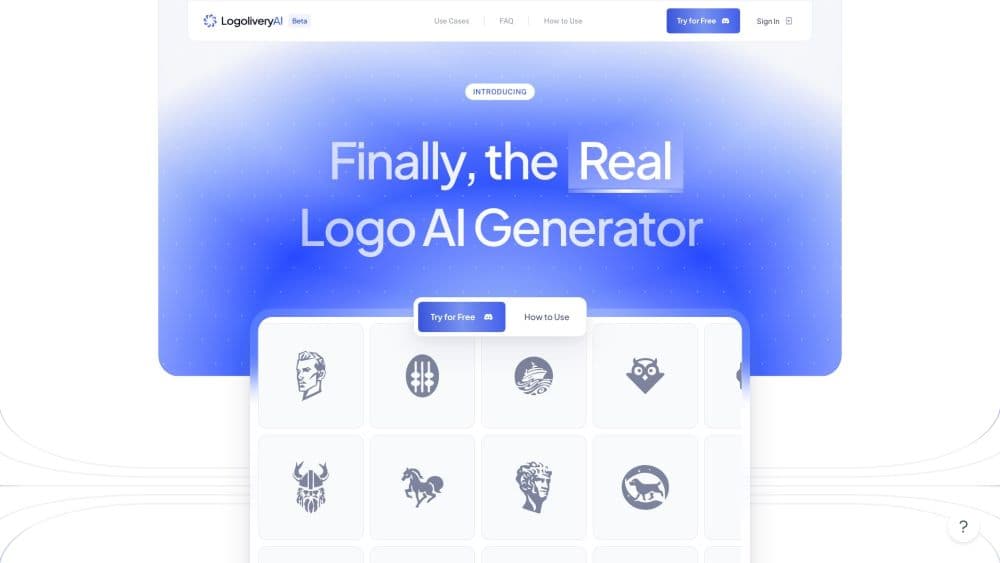
About LogoliveryAI
What Is LogoliveryAI
LogoliveryAI was a free logo maker and AI logo generator that produced logotypes as pure SVG vector files. A user typed a description of the brand, an object, or a set of letters into a chat bot, and the system returned four logo concepts per request. Unlike tools that exported flat PNG images, the output stayed editable, so the same file worked on a business card and on a billboard without losing sharpness.
The main draw was access to vector files without a design subscription. Ten generations came free at launch, which meant forty concepts to choose from before paying anything. After that, users bought credits or paid for design help from the team behind the tool. The company stated that logos made with it could be used commercially.
The tool is gone. Visitors to logolivery.ai now see a notice saying that Logolivery, Inc. has been officially liquidated. Tool directories list the service as shut down in December 2024, and the Discord bot stopped producing logos. That makes LogoliveryAI a reference point rather than a live option: useful for understanding what a prompt-driven vector logo tool offered, not as software you can sign up for.
Getting Started
- Join the LogoliveryAI Discord server and open one of the AI rooms.
- Type the /generate command with a description of the logo, for example an object plus style words and letters.
- Set the optional parameters for complexity, symmetry, shape corners, color and aesthetics.
- Wait about a minute for the bot to post four variations.
- Pick one of the four versions and download the SVG file before the link expires, roughly fifteen minutes after generation.
Product Information
A quick look at LogoliveryAI's pricing, supported platforms, and performance.
Best for
The users, tasks, and scenarios where this tool fits best.
Users
- Founders testing a brand name early
- Local business owners on a tight budget
- Designers looking for a starting point
Tasks
- Creating a first logo draft for a side project
- Producing letter marks and monograms
- Matching a brand color early
Scenarios
- Running a weekend brand sprint
- Teaching how AI design tools behave
- Replacing it after a shutdown
Key features
SVG Output Instead of Image Files
Every logo came back as vector data in an SVG file, so edges stayed clean at any size. The practical effect is that one download covered print, web and app icons without a separate high resolution export. The source file also opened in Illustrator, Figma or Inkscape for edits.
Discord Chat Interface
There was no dashboard to learn. Users picked an AI room on the Discord server, typed the /generate command and got the result as a bot message in the channel. That kept the whole flow inside a chat window, which suited people who already spent the day there.
Four Concepts Per Request
Each generation returned four numbered variants. Instead of one take it or leave it design, users compared four treatments of the same idea. With ten free generations, the total reached forty options before any payment.
Parameter Controls
The first parameter set covered complexity, symmetry, corner sharpness, a friendly or strict mood, and tech or antiqua styling. The second version added direction, basic shape, negative space and color. Those controls let a user nudge the output without writing a longer prompt.
Letters and Color Input
Prompts accepted letters, so a brand could generate a mark built around its initials. In the newer AI rooms, color could be set by RGB, HEX or name, and leaving the field empty produced a black and white version. Both options pointed at the same goal: fewer rounds of regeneration.
Commercial Use and Rights
The company said logotypes made with the tool came with rights for commercial use logos, at no extra fee. For a small business that needed a mark on packaging or a storefront, that removed a licensing question that often blocks free assets.
Pros and cons
Pros
- Vector SVG files came out of every generation, so logos scaled without blurring.
- Ten free generations meant forty concepts at no cost, enough to judge whether the output style fit.
- The Discord flow needed no account setup on a website and no design software.
- Commercial use was allowed at the free stage, which most free logo tools restrict.
- Four variants per request made comparison quick instead of one design at a time.
Cons
- The service is closed. Logolivery, Inc. has been liquidated and the site shows a shutdown notice, so none of the features can be used now.
- Control stopped at fixed parameters. Fine typography, spacing and shape edits had to be done in vector software after export.
- Prompt quality drove the result. Vague descriptions produced generic marks that borrow from existing design patterns.
- Download links expired in around fifteen minutes, so a slow review meant regenerating the same idea.
Frequently asked questions
No. The logolivery.ai homepage now carries a notice that Logolivery, Inc. has been officially liquidated, and tool directories record the service as shut down in late 2024. The Discord bot no longer generates logos, so existing workflows have to move elsewhere.
Related content
Explore related tools, skills, and articles for LogoliveryAI.
LogoliveryAI Alternatives

Google EmbeddingGemma 2
Google DeepMind · Writing · Image · CodingGoogle EmbeddingGemma 2 is a 740M-parameter open model that turns text, code, images, audio, and video frames into vectors in one 768-dimension space, running on phones and laptops.

Tractionwave
TractionWave · Image · MarketingTractionWave is an AI attention heatmap tool for static ads. Upload a PNG or JPG and it returns predicted attention, ranked hotspots, and fixes before you spend budget.

Imejis.io
Imejis.io · Image · MarketingImejis.io is an AI design studio for agents and marketing teams. Describe an image in plain words, and it writes the copy, builds the layout, reflows it to every size, then exports a finished file.