
Logomaster.ai
Logomaster.ai · Image
Logomaster.ai is an AI logo maker that turns a business name, industry, and style picks into ready-to-use logo designs in about five minutes, with no design skills needed.
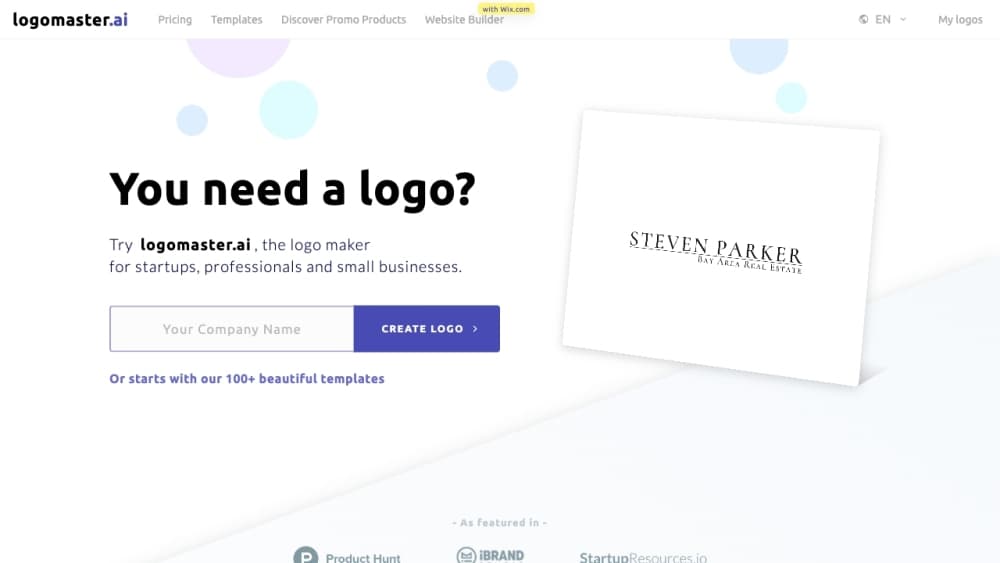
About Logomaster.ai
What Is Logomaster.ai
Logomaster.ai is an online logo maker built for founders, freelancers, and small teams that need a brand mark fast. You answer a few questions about your business, and the AI generates logo concepts you can edit and download.
The tool targets people who'd otherwise hire a designer or wrestle with professional design software. According to the company, a finished logo takes about five minutes, and the service claims to cost roughly ten times less than a freelance designer for a comparable result.
The main catch is the paywall at download. You design and refine for free, but you pay before you can export usable files. You also can't trademark-check through the tool itself, so legal clearance is on you.
Getting Started
- Pick your industry and the visual style you want.
- Enter your company name and any tagline.
- Review the AI-generated logo proposals.
- Choose a favorite and customize colors, fonts, and layout.
- Download your logo in high-resolution files.
Product Information
A quick look at Logomaster.ai's pricing, supported platforms, and performance.
Best for
The users, tasks, and scenarios where this tool fits best.
Users
- Founders and solo entrepreneurs
- Freelancers and consultants
- Small business owners
Tasks
- Launching a brand from scratch
- Refreshing an outdated logo
- Producing print and web assets
Scenarios
- Getting a logo ready the same day you register a business
- Testing a side project before committing money
- Budget-limited rebrands for a small team
Key features
AI Logo Generation
You describe your business and style preferences, and this online logo generator returns multiple concepts at once. Each proposal is editable, so you can steer the design toward something that fits your brand rather than settling for the first result.
Built-In Logo Editor
The editor handles the practical tweaks most small brands need: colors, fonts, layout, and icon choice. Changes are unlimited, and you can re-download an updated logo later, which matters when your brand evolves after the first version.
High-Resolution and Vector Files
Downloads cover web and print use. According to Logomaster.ai, files run up to about 4096px and include resizable vector formats, so one purchase covers everything from a social avatar to a large poster. Even as a free logo maker to try, you design first and pay only when you export.
Transparent and Print-Ready Exports
The package includes transparent PNG for websites and social profiles plus vector files for business cards, banners, and posters. A single asset set drops into most marketing channels without extra conversion work.
Color and Logo Variations
The download includes extra variations such as a dark logo, a white logo, and a colored background version. Those alternates save you from manually rebuilding the same mark for light and dark layouts.
Royalty-Free Commercial License
A purchased logo gets a custom logo design with a royalty-free license for commercial and non-commercial use. The license covers the design as a whole, not the individual elements inside it, so trademark clearance still calls for your own check.
Pros and cons
Pros
- Fast path from idea to finished logo, with a documented five-step flow that needs no design background.
- Unlimited free editing before purchase, so you can compare many concepts without spending money.
- Download package packs vector, transparent, and high-resolution files in one purchase.
- Built-in color variations cover light and dark layouts without extra design work.
- One-time file fee can undercut a freelance designer for a simple brand mark.
Cons
- You pay before you can download anything usable, so the "free" plan only covers designing.
- The tool can't clear trademarks, so you still need your own legal check before using a logo commercially.
- The license covers the whole logo rather than its individual elements, which limits how you can reuse parts.
- AI-generated concepts can feel generic, and a distinct brand mark may still need a human designer.
Frequently asked questions
Logomaster.ai is an AI-powered online logo maker. You enter your business details and style preferences, and it generates editable logo designs you can download as ready-to-use files.
Related content
Explore related tools, skills, and articles for Logomaster.ai.
Logomaster.ai Alternatives

Google EmbeddingGemma 2
Google DeepMind · Writing · Image · CodingGoogle EmbeddingGemma 2 is a 740M-parameter open model that turns text, code, images, audio, and video frames into vectors in one 768-dimension space, running on phones and laptops.

Tractionwave
TractionWave · Image · MarketingTractionWave is an AI attention heatmap tool for static ads. Upload a PNG or JPG and it returns predicted attention, ranked hotspots, and fixes before you spend budget.

Imejis.io
Imejis.io · Image · MarketingImejis.io is an AI design studio for agents and marketing teams. Describe an image in plain words, and it writes the copy, builds the layout, reflows it to every size, then exports a finished file.