

LookCrafted
LookCrafted · Image
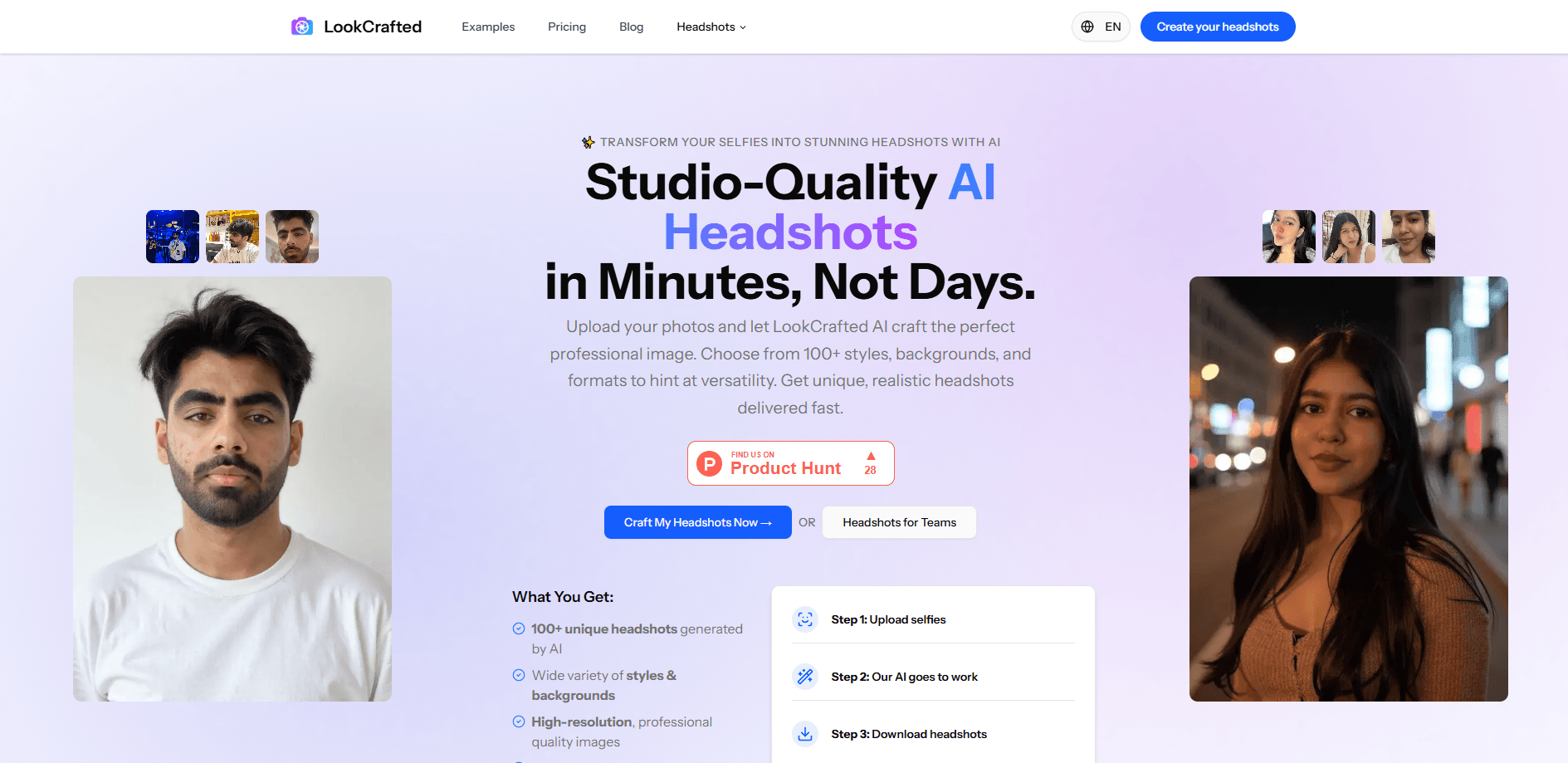
LookCrafted is an AI headshot generator that turns 8-15 selfies into 50-200 studio-quality professional headshots for LinkedIn, resumes and websites.
About LookCrafted
What Is LookCrafted
LookCrafted is a web-based AI headshot generator that builds professional AI business portraits from photos you already have. You upload a batch of selfies, pick attire and background options, and the service returns a gallery of headshots made to look like you sat for a studio shoot.
The appeal is straightforward. A real headshot session runs into hundreds of dollars and books days out. LookCrafted aims to get you a comparable result in a browser for a fraction of that, in minutes to under an hour depending on your plan. It's built for people who need an updated professional photo without the studio price: job seekers, freelancers, remote teams and anyone refreshing a LinkedIn profile.
The tradeoffs matter too. AI generation is variable, so not every image in your batch will be usable, and the service needs a decent spread of source photos to work well. It's also browser-only, with no mobile app, and results are best-effort rather than guaranteed, which is why a satisfaction guarantee backs the purchase.
LookCrafted is developed by an independent team and its codebase is open on GitHub.
Getting Started
- Create an account at lookcrafted.com and choose a plan: Starter, Basic or Premium.
- Upload 8-15 clear selfies that vary in angle, expression, background and lighting, and skip sunglasses, hats and heavy makeup.
- Select the attire and background styles you want from the options your plan unlocks.
- Wait for the AI to generate your headshots, then download the ones you like best.
- Use the included editing credits on your top picks if you need small touch-ups.
Product Information
A quick look at LookCrafted's pricing, supported platforms, and performance.
Best for
The users, tasks, and scenarios where this tool fits best.
Users
- Job seekers
- Remote and hybrid teams
- Freelancers and consultants
Tasks
- Updating a LinkedIn photo
- Building a resume or CV portrait
- Creating several looks at once
Scenarios
- A job interview next week
- A company rebrand or team page update
- Testing what a professional photo could look like
Key features
Studio-Quality Headshots From Selfies
The core service is what most people come for: a selfie to headshot pipeline that turns ordinary phone photos into professional-looking portraits. You upload 8-15 selfies, and the AI analyzes your features to produce a batch of headshots styled to look like a real studio session. It works as a general AI photo generator too, since the same input can yield different looks and lighting. The results are meant to hold up on LinkedIn, a resume or a company page.
100+ Styles and Backgrounds
Each plan unlocks a set of attire and background choices, from plain neutral backdrops to more styled settings. The Premium tier opens every option, so you can test several looks and pick the one that fits your industry. Variety is the point: the same face in different settings covers different search needs.
High-Resolution Downloads
Headshots come back at high resolution, and the Premium plan adds enhanced image resolution for sharper output. That matters if the photo will be printed, cropped tightly for a profile circle, or enlarged on a team page.
Editing Credits
Basic and Premium plans include editing credits (10 and 20 respectively) that you can spend on touch-ups after generation. It's a small buffer for fixing a stray detail rather than starting a whole new run.
Fast Turnaround
Generation is fast by design. Premium typically finishes in around 15 minutes, Basic in about 30, and Starter in roughly 45, with an email when your gallery is ready. That's hours or days faster than a studio booking.
Privacy and Photo Deletion
Uploaded photos are used only to build your headshots and are deleted from the servers after 7 days automatically. You can also delete them yourself at any time from your account, which matters when the photos are personal.
Pros and cons
Pros
- Turns a handful of selfies into a large batch of professional headshots for less than a studio session.
- Multiple attire and background styles let you match different industries and contexts in one run.
- Fast generation, with Premium results in around 15 minutes and an email notification.
- High-resolution output, with enhanced resolution on the Premium plan.
- Uploaded photos are auto-deleted after 7 days, and you can remove them yourself sooner.
Cons
- AI variability means not every image in the batch will be usable; most people get a solid subset rather than all of them.
- There's no free plan, so you pay before you can judge the results.
- It runs in a browser only, with no mobile app for uploading or managing shots on the go.
- Better results depend on bringing a varied set of clear source photos, which not everyone has on hand.
Frequently asked questions
Upload 8 or more clear selfies that differ in facial expression, background, lighting and angle. Avoid sunglasses, hats and heavy makeup. The more variety you give it, the better your headshots turn out.
Related content
Explore related tools, skills, and articles for LookCrafted.
LookCrafted Alternatives

Google EmbeddingGemma 2
Google DeepMind · Writing · Image · CodingGoogle EmbeddingGemma 2 is a 740M-parameter open model that turns text, code, images, audio, and video frames into vectors in one 768-dimension space, running on phones and laptops.

Tractionwave
TractionWave · Image · MarketingTractionWave is an AI attention heatmap tool for static ads. Upload a PNG or JPG and it returns predicted attention, ranked hotspots, and fixes before you spend budget.

Imejis.io
Imejis.io · Image · MarketingImejis.io is an AI design studio for agents and marketing teams. Describe an image in plain words, and it writes the copy, builds the layout, reflows it to every size, then exports a finished file.