

Loot
Killbridge Ventures Pte Ltd · Image
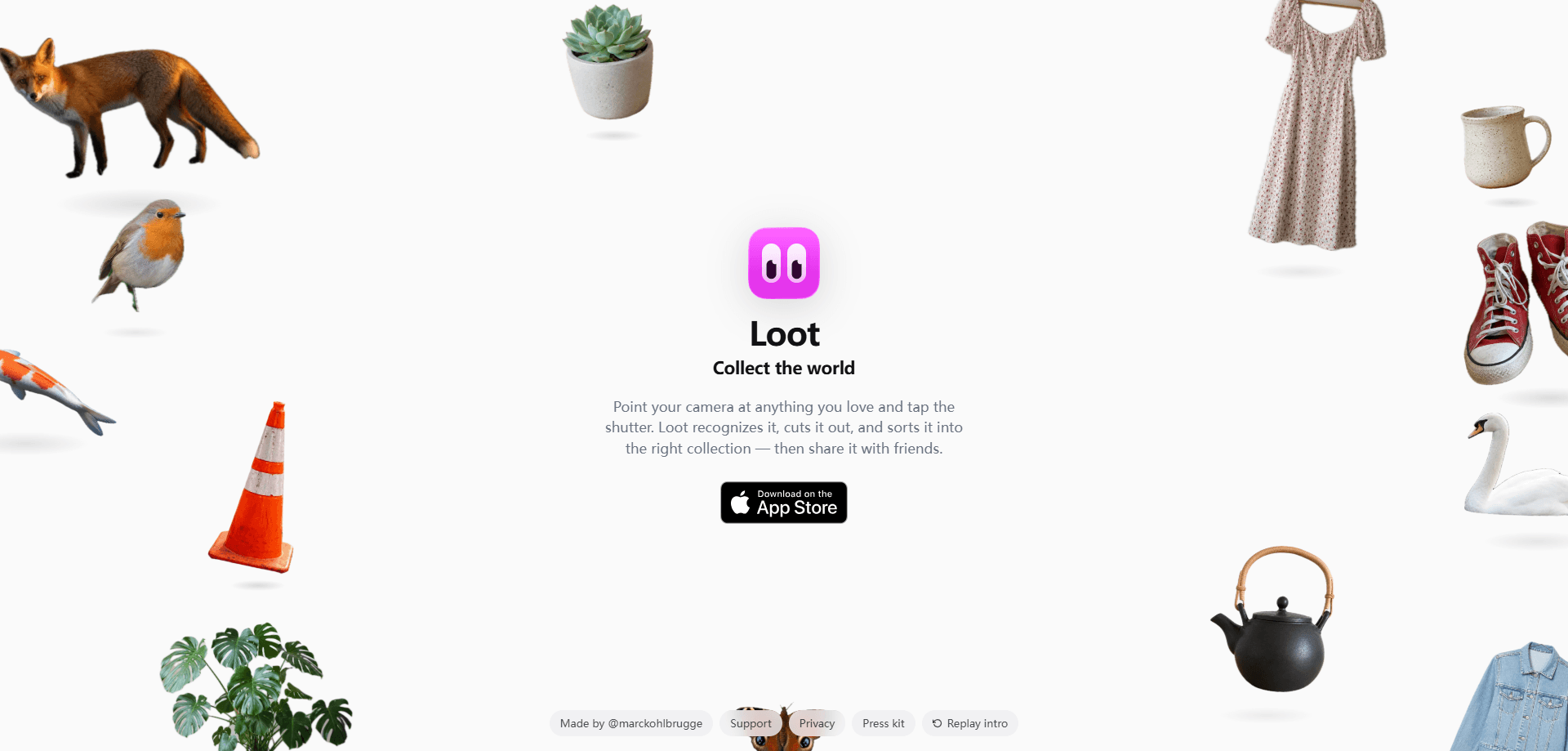
Loot is an iOS app that turns your camera into a collector's tool. Point it at a jacket, a record, a pair of sneakers, or anything else you like and tap the shutter; the app recognizes the object, cuts it out from the background, and drops it into a collection. Think of it as an AI photo collection app first and a photo editor second. It's built for people who catalog things they own or love, from sneakerheads to plant keepers, and everything stays on your phone unless you choose to share it.
About Loot
What Is Loot
Loot is a mobile app published by Killbridge Ventures Pte Ltd, a small studio whose founder builds indie apps. The idea is simple: the things you care about in real life usually live as messy camera roll photos or don't get recorded at all. Loot fixes that. It treats each snap as an item to file, not just an image to keep.
The core move is automatic cutout. You photograph an object, the app lifts it out of the background, labels it with a short name and category, and sorts it into the right collection. From there you can organize, tag, and share. Why bother? Because a camera roll full of unlabeled shots is close to useless when you want to find something specific. According to the publisher, the photo, the cutout, your collections, and the tags all stay in local storage on your iPhone and aren't synced to their servers, so nothing you collect is readable by the company.
The main limits are worth knowing up front. Loot is iOS only. No Android version, no web app. Recognition relies on an analysis endpoint that needs a connection; when it's unreachable, the app falls back to on-device processing, which means your phone has to do the work and results can be a little less precise. So what happens without Wi-Fi? You can still snap and file items, just with less reliable labels. There's also no public API, so you can't plug Loot into other tools or automate your own workflows around it.
Getting Started
- Download Loot from the App Store and open it for the first time.
- Grant camera access, and location access too if you want each item stamped with where you snapped it.
- Point the camera at an object, tap the shutter, and let the app recognize it and cut it out.
- Review the suggested name and category, then confirm or adjust the collection it lands in.
- Share a collection with friends, or keep building your own library over time.
Product Information
A quick look at Loot's pricing, supported platforms, and performance.
Best for
The users, tasks, and scenarios where this tool fits best.
Users
- Sneaker and streetwear collectors
- Plant owners
- Anyone who hoards small treasures
Tasks
- Cutting objects out of photos
- Naming and categorizing items
- Building shareable collections
Scenarios
- Documenting a growing collection
- Inventorying before a move or sale
- Sharing a wishlist or haul
Key features
Automatic Object Cutout
The headline feature is background removal that runs the moment you take a photo. Loot lifts the subject out of the frame and presents it as a clean item, so your collections look consistent instead of being a pile of uneven snapshots. No editing required. Background removal is handled on your device using Apple's Vision framework, which keeps that step local.
Recognition and Labeling
When you snap something, Loot sends the image to an analysis endpoint that returns a short text label, a category, and a handful of attributes. That means a photo of a brown leather jacket comes back tagged as clothing, not as an unnamed file. Handy. The publisher states the image itself isn't stored; the bytes are held in memory only for the few seconds needed to run inference.
Local Collections and Tags
Collections, tags, and the attributes Loot infers about your items are stored locally in Apple's SwiftData on your iPhone. You can group items your own way, add tags, and browse everything offline. That makes Loot a decent iOS photo organizer for the things you want to track. Since nothing is synced to the company's servers, the catalog is yours and stays on the device.
Location Stamping
If you grant the Location permission, Loot captures a one-shot GPS coordinate at the moment of capture and stores it on the item. That's handy for remembering where you picked something up. It never leaves your phone, according to the publisher.
On-Device Fallback
If the analysis endpoint can't be reached, Loot falls back to an on-device analyzer built on Apple's Vision framework, and on iOS 26 and later it can lean on the Foundation Models framework. In that mode nothing leaves your device at all. It's a sensible safety net for spotty connections. The catch is accuracy. Results may not always match the online path.
Collection Sharing
Once items are grouped, you can share a collection with friends rather than sending one photo at a time. This is the part that turns Loot into a collection sharing app, not just a private notebook. Show off a sneaker wall, or swap plant IDs with someone who collects the same thing. Either way, it's built for sharing, not just storing.
Pros and cons
Pros
- Cutout happens automatically, so you skip the tedious manual step of masking backgrounds in a separate app.
- Everything you collect stays on your iPhone; the publisher says photos, cutouts, and tags aren't synced to its servers.
- Works offline through the on-device fallback, so a weak connection doesn't stop you from cataloging.
- Collections and tags make a big pile of items browsable instead of a flat camera roll.
Cons
- No Android version and no web app, so anyone without an iPhone is locked out entirely.
- No public API means you can't connect Loot to other tools or build automated workflows around your collection.
- Recognition quality depends on the analysis endpoint; catching a bad connection pushes you onto the on-device path, which can be less accurate.
Frequently asked questions
You photograph real-world objects with your iPhone, and Loot recognizes each one, cuts it out from the background, and files it into a collection. It's built for cataloging things you own or care about, such as sneakers, plants, records, or figurines.
Related content
Explore related tools, skills, and articles for Loot.
Loot Alternatives

Google EmbeddingGemma 2
Google DeepMind · Writing · Image · CodingGoogle EmbeddingGemma 2 is a 740M-parameter open model that turns text, code, images, audio, and video frames into vectors in one 768-dimension space, running on phones and laptops.

Tractionwave
TractionWave · Image · MarketingTractionWave is an AI attention heatmap tool for static ads. Upload a PNG or JPG and it returns predicted attention, ranked hotspots, and fixes before you spend budget.

Imejis.io
Imejis.io · Image · MarketingImejis.io is an AI design studio for agents and marketing teams. Describe an image in plain words, and it writes the copy, builds the layout, reflows it to every size, then exports a finished file.