

Lora
PeekabooLabs · Coding · Other
Lora is an on-device language model from PeekabooLabs that runs a 2.4B-parameter model locally on iOS and Android, and ships through a Flutter SDK for developers.
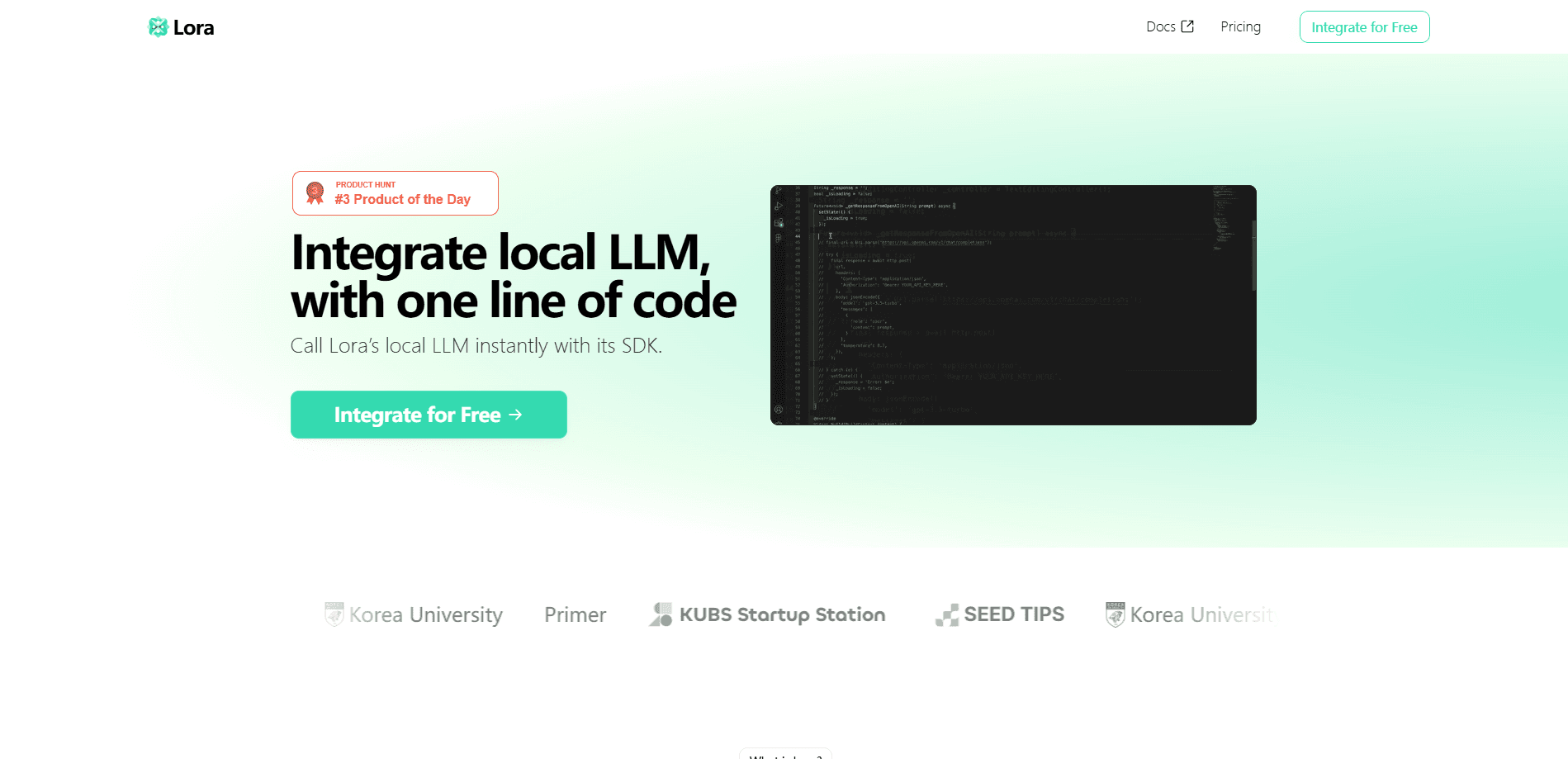
About Lora
What Is Lora
Lora is a language model that runs on the phone itself. PeekabooLabs built it for mobile, not for a server rack, and the whole thing weighs about 1.5GB with 2.4 billion parameters. You don't send a prompt to a data center and wait for a reply. Lora AI sits on the device and answers there.
That design choice drives everything else. Because nothing leaves the phone, Lora keeps working in airplane mode and on spotty networks. It also keeps whatever a user types on the device, which matters for anyone handling private notes, health details, or work documents. The vendor puts its output quality in the same range as GPT-4o-mini. That claim is Peekaboo Labs' own comparison, not an independent benchmark.
Lora isn't a consumer app you download from a store. It's a component for developers. The company publishes a Flutter package called lora_sdk, and you drop it into an iOS or Android app to add chat or text generation. You need a license key from the Peekaboo Labs dashboard to run it, and each key carries its own usage limits. The company also builds Carve, a service that adapts AI models for on-device use, so this local LLM for mobile fits into a wider push toward putting models on phones rather than behind an API. For teams that want an offline AI assistant baked into their own app, that positioning is the appeal.
The main catch is scope. A 2.4B model won't match a frontier model on hard reasoning, long research tasks, or anything that needs a huge knowledge base. It's aimed at fast, focused jobs that a phone can do well. If your app needs deep analysis, Lora works best alongside a cloud model, not instead of one.
Getting Started
- Create an account on the Lora website and open the dashboard to find your license key.
- Add the lora_sdk Flutter package to your app and confirm the platform requirements, which are iOS 13 or later and Android SDK 23 or higher.
- Initialize the SDK with your license key and an LLM provider, then let the model download to the device.
- Run the warmup step so the model is ready before the first request.
- Call the generate function for a single reply, or the streaming version to show text as it appears.
- Ship the app and monitor state changes through the SDK's status object.
Product Information
A quick look at Lora's pricing, supported platforms, and performance.
Best for
The users, tasks, and scenarios where this tool fits best.
Users
- Mobile app developers
- Privacy-focused product teams
- Developers shipping to spotty networks
Tasks
- Offline chat and assistants
- On-device text generation
- Prototyping local AI features
Scenarios
- Field and travel apps
- Health or finance helpers
- Cost-sensitive apps
Key features
A 2.4B model that runs on the phone
The core of Lora is a 2.4 billion parameter language model sized to fit a phone rather than a data center. It takes up about 1.5GB, so it lands within reach of mid-range handsets, not just flagships. PeekabooLabs tuned it for real-time inference on mobile hardware, which is what makes an on-device assistant feel usable instead of sluggish.
Offline inference with no cloud round trip
Because the model lives on the device, it keeps answering when there's no connection. That covers airplane mode, bad reception in a basement, and travel to places with no data. The practical result is an assistant that doesn't fail the moment the network drops, and a setup where a user's text never has to leave the phone to get a response.
Flutter SDK for iOS and Android
The company ships a Flutter package, lora_sdk, that wraps the model behind a small set of calls. You initialize it with a license key, download the model, warm it up, and then generate text. The SDK counts as a mobile inference SDK for on-device AI for iOS and Android, so a team building with Flutter writes the integration once instead of twice.
Streaming and single-shot generation
Lora offers two ways to get output. You can request a full answer in one call, or use the streaming method to print text chunk by chunk as the model produces it. Streaming matters for chat interfaces, where users expect to see words appear right away rather than wait for the whole reply.
Built-in state and progress tracking
The SDK exposes a state object that reports what the model is doing, from not initialized through downloading and warming up to ready. It also surfaces download and warmup progress, plus an error state. Developers can wire this into a UI to show a progress bar on first launch instead of leaving users staring at a blank screen.
License-key access with usage limits
Lora runs on a license key tied to your account. You grab it from the dashboard after signing up, and each key comes with usage limits set by the vendor. That model keeps the pricing in Peekaboo Labs' hands, so it's worth confirming terms on the website before you build Lora into a shipping product.
Pros and cons
Pros
- Runs offline, so chat and text tools keep working with no connection or weak signal.
- Keeps user input on the device, which suits apps handling private or sensitive content.
- The 1.5GB footprint and 2.4B size fit mid-range phones, not just top-end hardware.
- One Flutter package covers both iOS and Android, which cuts integration work for teams already on Flutter.
- Streaming output and progress tracking make a decent chat UI straightforward to build.
Cons
- Quality tops out around GPT-4o-mini by the vendor's own account, so heavy reasoning is a poor fit.
- No free plan and no public price list, so you have to contact Peekaboo Labs to learn what it costs.
- It's a developer SDK, not a ready-made app, so non-coders can't just install and use it.
- The parent site now redirects to Scoopie, which makes the product's current status and support path harder to pin down.
Frequently asked questions
Lora is an on-device language model from PeekabooLabs for iOS and Android. It packs a 2.4B-parameter model, about 1.5GB, that runs locally on the phone instead of in the cloud.
Related content
Explore related tools, skills, and articles for Lora.
Lora Alternatives

Udon
Udon · Coding · ProductivityUdon turns an Apple Silicon Mac into a home server you run from a browser, with container controls, file shares, and an optional AI sysadmin.

offstage
offstage cloud · Coding · Productivityoffstage gives AI coding agents and CI jobs a real Mac: a fresh macOS account on Apple silicon, driven over an API and billed by the second.

BotBus
Chengdu Tuyang Tusen Technology Co., Ltd. · Coding · ProductivityBotBus lets you control AI coding agents from your phone and watch: approve commands, start tasks and read results while the code stays on your desktop.