

Lottielab (Magic Animator - now live)
Lottielab · Image
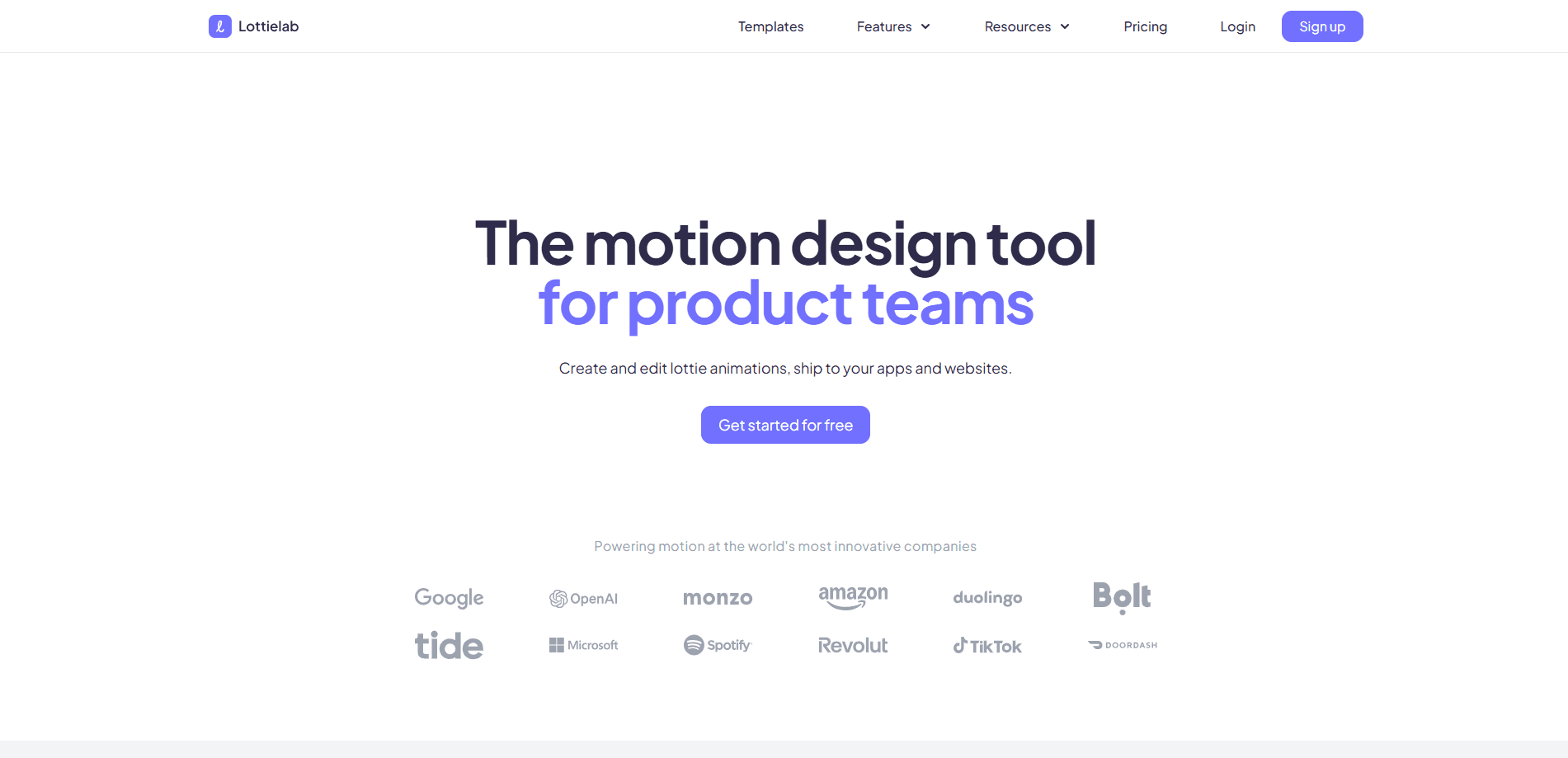
Lottielab is a browser-based motion design tool for creating and editing Lottie animations, then shipping them to iOS, Android and the web.
About Lottielab (Magic Animator - now live)
What Is Lottielab
Lottielab is a web app for building and editing Lottie animations, the lightweight vector format that designers hand off to product teams. It targets the gap between heavyweight motion software and the small JSON files apps actually load. You import assets from design tools or start from a blank canvas, animate them, and export files that run natively on iOS, Android and the web. The company says more than 500,000 designers use it, from freelancers to large enterprises.
The pitch rests on speed and handoff. Lottie files stay small and scale without blurring, so they work for button states, loaders, empty screens and onboarding art without the weight of video. Lottielab handles that format end to end: you edit the animation in the browser and get a file developers can drop straight into a project. The main limits are scope, since it is not a general video editor, and the ceiling on complexity, because Lottie cannot express everything a full compositing tool can.
Pricing has two tiers. There is a free plan and a paid Pro plan sold per editor.
Getting Started
- Sign up and open a project in the browser, no install needed
- Import assets from your design tool or draw from scratch on the canvas
- Animate layers with keyframes and easing, then preview the motion in place
- Export to Lottie, or as HD and 4K video, and share the file with your team or developers
Product Information
A quick look at Lottielab (Magic Animator - now live)'s pricing, supported platforms, and performance.
Best for
The users, tasks, and scenarios where this tool fits best.
Users
- Product designers
- Motion and interaction designers
- Design teams and freelancers
- Frontend developers
Tasks
- Interface micro-interactions
- Onboarding and empty states
- Asset import and cleanup
- Export for multiple platforms
- Video output
Scenarios
- A design team needs consistent motion
- Shipping to product
- Prototyping a UI
- Freelance client work
- Localization and variants
Key features
Browser-based editor
Lottielab runs in the browser, so there is nothing to install and projects open on any machine you sign in from. You create animations on a canvas with keyframes, then preview them in place. For teams that move between devices, the setup removes the usual install and license friction.
Import from design tools
You can pull assets in from your favourite design tools or start from scratch, and the tool turns static artwork into layers you can animate. That import path is the practical reason designers pick it over drawing everything inside motion software. It keeps the design file as the source and the animation as the layer on top.
Motion editing and easing
The editor covers keyframes, easing and the timing controls that decide whether motion feels smooth or stiff. You adjust curves and preview the result without rendering a video. That keeps iteration fast, and the company frames the tool as easy to learn while it still carries the features a working motion designer needs.
Export to Lottie, video and more
Projects export to Lottie for product use, and Pro adds HD and 4K video output from the same file. Lottie files stay small and stay sharp at any size, which is the reason the format spread across mobile and web. One project can serve an app animation and a marketing clip.
Team library and review tools
Pro includes a team library and shared files, plus comments and mentions so a team can review motion the way it reviews design. Unlimited collaborators can view without each one needing a paid seat. That suits handoff to developers and stakeholders, and permission control keeps editing rights where they belong.
Hosting and file optimization
Pro adds file size optimization and fast Lottie hosting with a CDN, so finished animations load quickly from a managed endpoint instead of your own server. Optimization trims the JSON before it ships. For teams with many assets, that mix cuts both page weight and the infrastructure work of serving animation files.
Pros and cons
Pros
- Runs fully in the browser, so there is no install and projects open anywhere you sign in
- Built around the Lottie format, which means smaller files and sharp scaling across iOS, Android and the web
- Free plan lets you learn the tool and ship basic animations before paying
- Pro bundles the team library, comments, hosting and file optimization into one plan, so the handoff step is covered too
- Video export on Pro means one project can serve product and marketing
Cons
- Lottie cannot express every effect, so heavy compositing and complex 3D still need a full motion tool
- Pro is priced per editor billed annually, which adds up for a larger editing team
- No public API is listed, so automation and pipeline integration depend on what the team offers directly
- Feature depth sits below desktop motion software, which matters if you need advanced effects
Frequently asked questions
Lottielab is a browser-based motion design tool for creating and editing Lottie animations. You can import assets or start fresh, animate them, and edit Lottie files straight in the browser before you export. Those files run on iOS, Android and the web, and the tool is built around the Lottie format rather than general video editing.
Related content
Explore related tools, skills, and articles for Lottielab (Magic Animator - now live).
Lottielab (Magic Animator - now live) Alternatives

Google EmbeddingGemma 2
Google DeepMind · Writing · Image · CodingGoogle EmbeddingGemma 2 is a 740M-parameter open model that turns text, code, images, audio, and video frames into vectors in one 768-dimension space, running on phones and laptops.

Tractionwave
TractionWave · Image · MarketingTractionWave is an AI attention heatmap tool for static ads. Upload a PNG or JPG and it returns predicted attention, ranked hotspots, and fixes before you spend budget.

Imejis.io
Imejis.io · Image · MarketingImejis.io is an AI design studio for agents and marketing teams. Describe an image in plain words, and it writes the copy, builds the layout, reflows it to every size, then exports a finished file.