

Luminar: Photo Editor&Enhancer
Skylum · Image
Luminar is an AI photo editor and enhancer for iPhone, iPad and Vision Pro from Skylum. It swaps skies, retouches portraits and edits RAW files with a tap.
About Luminar: Photo Editor&Enhancer
What Is Luminar: Photo Editor & Enhancer
Luminar is a mobile photo editor built by Skylum, the company behind the desktop Luminar Neo. The app packs the same AI editing ideas into a touch-first interface designed for iPhone, iPad and Apple Vision Pro. You open a photo, tap a control and the AI handles the heavy lifting.
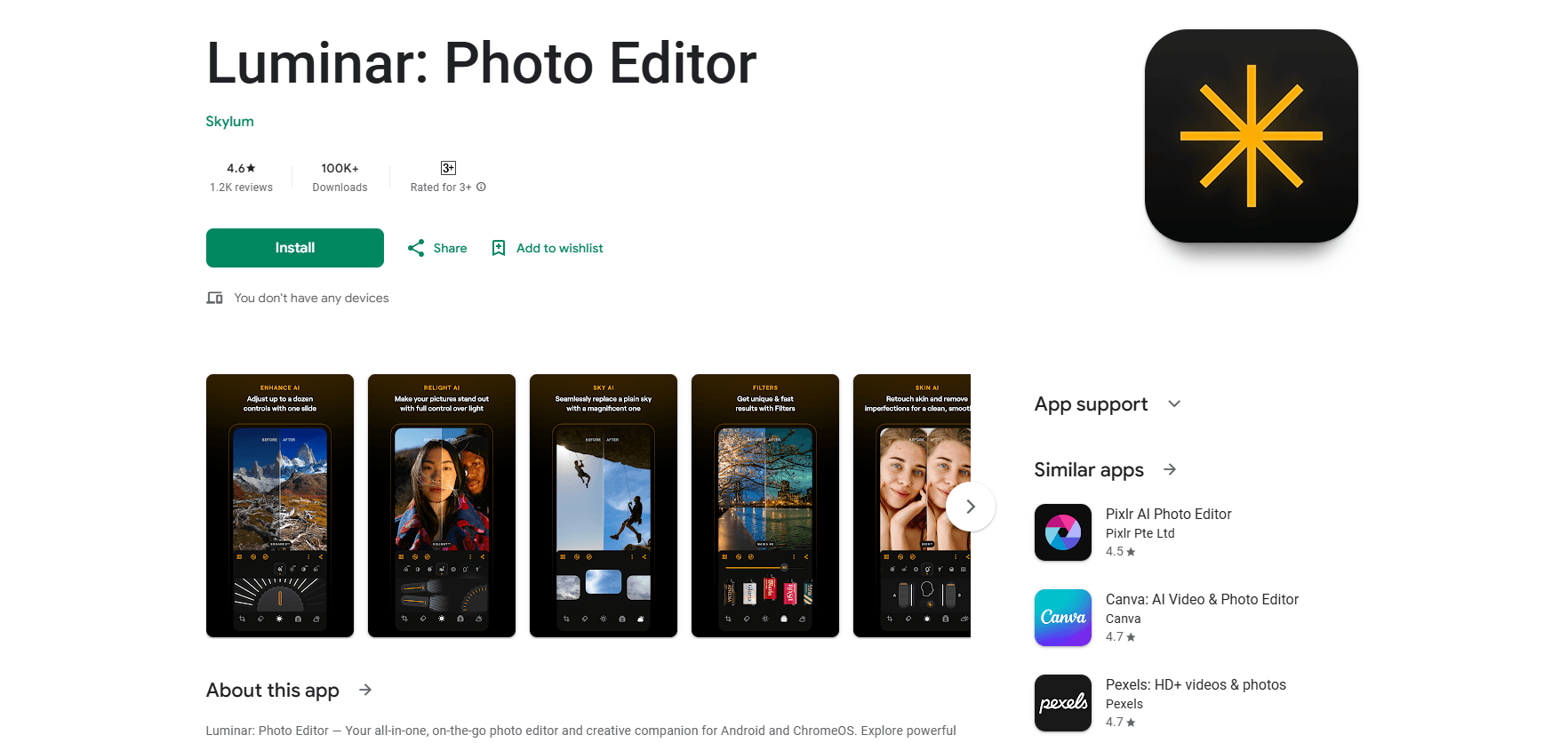
Three things drive most of its value. SkyAI replaces a dull sky with a dramatic one in seconds. EnhanceAI lifts color, tone and clarity from a single slider. FaceAI and SkinAI clean up portraits without a manual mask. Those tools cover the edits most people do by hand in other apps.
The main limits are platform and commitment. Luminar runs only on Apple devices with iOS or iPadOS 17 and up, so Android and Windows users are out. A few tools, like Erase, Sky AI and Relight AI, don't work on older iPads such as the 6th generation. The app is also subscription-first, with a free download that unlocks features only after you pay.
Getting Started
- Download Luminar free from the App Store and open it on your iPhone or iPad.
- Import a photo from your library or shoot a new one inside the app.
- Pick a tool from the editing rail, then adjust its slider until the AI result looks right.
- Save your edit and export it, choosing JPEG, HEIF or RAW depending on the format you need.
Product Information
A quick look at Luminar: Photo Editor&Enhancer's pricing, supported platforms, and performance.
Best for
The users, tasks, and scenarios where this tool fits best.
Users
- Casual photographers
- Portrait shooters
- Travel and scenery fans
Tasks
- Replacing a boring sky
- Retouching a headshot
- Editing a RAW file on the go
- Building a color mood
Scenarios
- Editing on a commute
- Prepping social posts
- Sketching on the iPad
Key features
SkyAI
SkyAI powers sky replacement: it detects the sky in a photo and lets you drop in a new one, from a clear sunset to a full starfield. It blends the new sky with the existing light so edges and reflections stay believable. For scenery shots with washed-out skies, this is often the fastest fix in the app.
EnhanceAI
EnhanceAI is the photo enhancer at the core of the app. It improves color, tone and clarity across a whole image from one slider. Tap and the app reads the scene, then applies an adjustment you can refine by hand. It is aimed at people who want a better-looking photo without touching individual settings.
FaceAI and SkinAI
FaceAI brightens faces and refines proportions, while SkinAI clears blemishes, spots and shine. Together they handle most portrait cleanup automatically, which saves the time a manual heal brush would take. The results lean toward natural rather than heavily retouched.
StructureAI and Light Depth
StructureAI pulls out hidden detail and texture with depth-aware contrast, so buildings and foliage look sharper. Light Depth adds depth-aware lighting that gives flat images a sense of dimension. Both target the dull, low-contrast look common in phone photos.
RAW Editing and Curves
Luminar works as a RAW photo editing tool: it opens RAW files so you can edit the original sensor data, not a compressed copy. Curves give precise control over color and tone for anyone who wants to go past the one-slider tools. Erase, Details, Crop and black and white round out the manual side of the editor.
Filters and Presets
A library of filters and presets applies ready-made looks across scenery, portrait and street shots. You can save your own presets and reuse them, which keeps a set of photos consistent. It is the quickest route to a finished look when you don't want to build one from scratch.
Pros and cons
Pros
- The AI tools are genuinely one-tap, so beginners see a better photo without learning a workflow.
- SkyAI and the portrait retouching tools cover the edits most phone photographers want.
- RAW support and Curves give room to grow once the auto tools stop being enough.
- Apple Pencil support on iPad makes precise retouching easier than finger tapping.
Cons
- It runs only on Apple devices, so Android and Windows users can't use it at all.
- Some tools, including Erase and Sky AI, don't work on older iPads like the 6th generation.
- The app is subscription-first, and lifetime licenses from older Luminar versions don't carry over.
- Recent reviews mention export quality and file size limits that can surprise people exporting large images.
Frequently asked questions
It's a mobile photo editor that uses AI to handle common edits. You can replace skies, improve color and tone, retouch portraits and edit RAW files, all from a touch interface on iPhone and iPad.
Related content
Explore related tools, skills, and articles for Luminar: Photo Editor&Enhancer.
Luminar: Photo Editor&Enhancer Alternatives

Google EmbeddingGemma 2
Google DeepMind · Writing · Image · CodingGoogle EmbeddingGemma 2 is a 740M-parameter open model that turns text, code, images, audio, and video frames into vectors in one 768-dimension space, running on phones and laptops.

Tractionwave
TractionWave · Image · MarketingTractionWave is an AI attention heatmap tool for static ads. Upload a PNG or JPG and it returns predicted attention, ranked hotspots, and fixes before you spend budget.

Imejis.io
Imejis.io · Image · MarketingImejis.io is an AI design studio for agents and marketing teams. Describe an image in plain words, and it writes the copy, builds the layout, reflows it to every size, then exports a finished file.