

Lutify
Lutify · Image
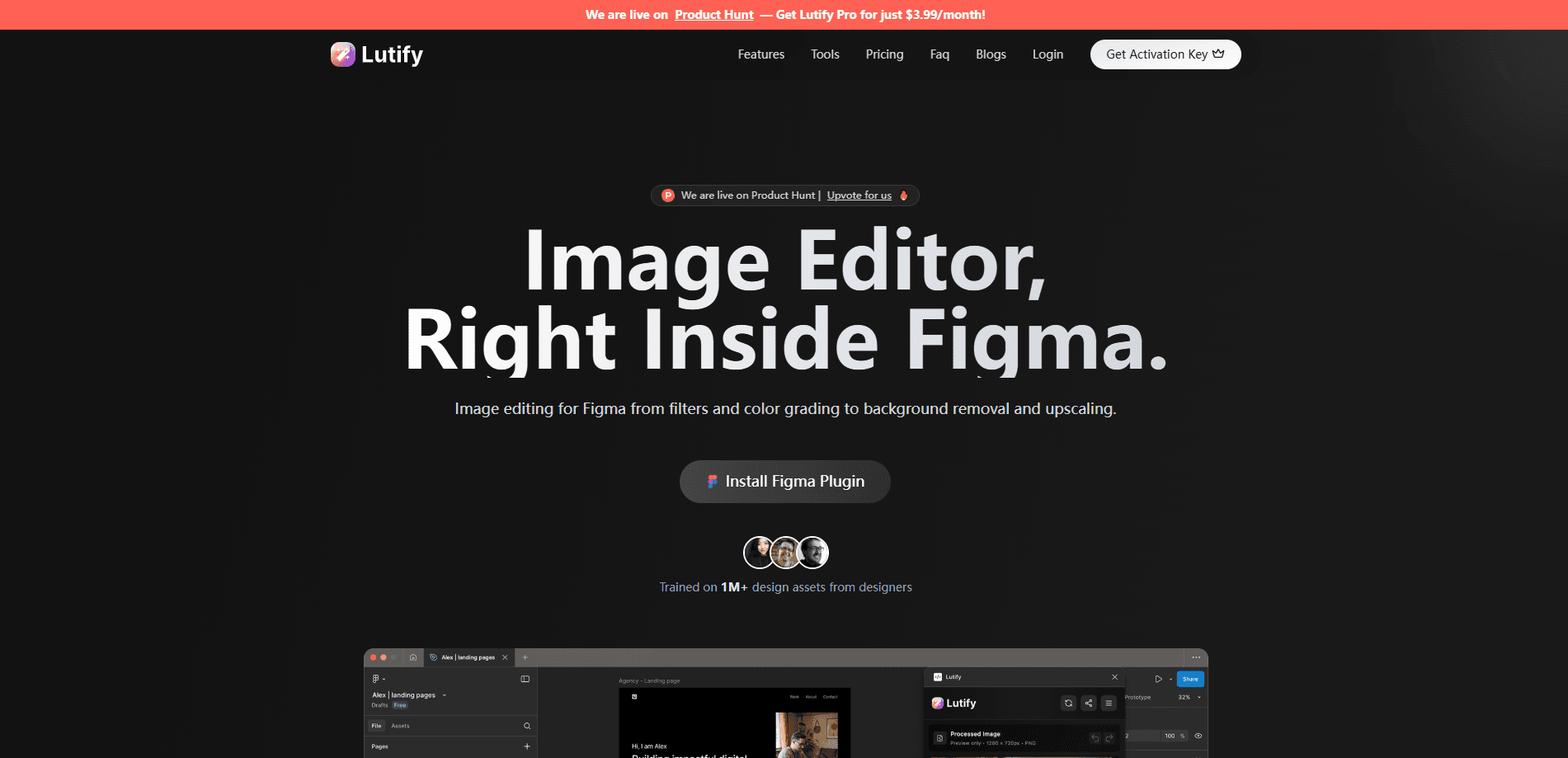
Lutify is an AI image editor and color grading plugin for Figma that cleans up photos with manual sliders, one-click auto adjustments, background removal, and upscaling.
About Lutify
What Is Lutify
Lutify is a Figma plugin that handles image editing without leaving the canvas. Designers import a photo, run adjustments, and export the result as a layer, so there's no round trip to Photoshop or a separate browser tab.
The plugin leans on two things. One is a manual editing panel with sliders for brightness, contrast, saturation, and hue plus crop, rotate, and flip tools. The other is a set of AI features that take over the tedious parts: background removal, image upscaling, and a smart auto-adjust that reads the photo and picks values on its own.
Its limits are worth knowing up front. The plugin only runs inside Figma, so it's not useful for video, batch photo libraries, or print workflows outside that app. The AI tools and the advanced editing set sit behind the Pro plan, and the free tier caps the upscale at a lower resolution.
Getting Started
- Install Lutify from the Figma Community and open it from the Plugins menu inside any file.
- Select the image layer you want to edit, then load it into the plugin.
- Move the sliders or hit Auto Adjust to let the plugin correct exposure, contrast, and color.
- Run the AI Background Remover or AI Image Upscale if you need a cutout or a sharper image.
- Apply a preset or import your own .LUT or .CUBE file, then place the finished layer back on the canvas.
Product Information
A quick look at Lutify's pricing, supported platforms, and performance.
Best for
The users, tasks, and scenarios where this tool fits best.
Users
- UI and product designers
- Social media and marketing designers
- Figma-first teams
Tasks
- Removing backgrounds
- Upscaling low-resolution assets
- Color grading with presets
Scenarios
- Assembling a product page mockup
- Polishing a landing page hero
- Testing several looks for one image
Key features
Manual adjustment sliders
As a Figma plugin for designers, Lutify puts its controls in one panel next to the layer being edited. The core editing panel gives live sliders for brightness, contrast, saturation, and hue, with a preview that updates as you drag. It also covers blur and sharpness, plus crop, rotate, and flip for framing. For quick touch-ups, the panel is the fastest part of the plugin because nothing leaves the canvas.
One-click Auto Adjust
Auto Adjust analyzes the selected image and applies what it thinks the photo needs, balancing exposure, contrast, and saturation on its own. It's aimed at designers who want a passable result in seconds rather than a manual grade. The subtlety of the correction improves on the Pro plan, which uses the fuller version of the tool.
AI Background Remover
This feature detects the subject in a photo and strips the background in one step, leaving a layer that's ready to sit on a new backdrop. Since it runs inside Figma, the cutout drops straight onto the frame instead of being exported and re-imported. It's marked as a Pro capability on the pricing page.
AI image upscaling
The upscaler raises the resolution and sharpness of a small or soft image using AI rather than plain interpolation. The free tier handles a lower output resolution, while Pro reaches HD and 4K. That matters when a client sends a tiny logo or a compressed screenshot that has to look clean at full size.
Preset gallery and .LUT import
Lutify ships with more than 50 color grading presets spanning warm, cool, bright, black and white, and vintage looks. Designers can save their own presets for consistent branding, or import external .LUT and .CUBE files to match a specific camera or studio grade. The gallery turns a one-off look into something the team can reuse.
Advanced image editing
Pro adds a step beyond sliders and filters: changing the mood or palette of a shot, swapping out people, objects, or backgrounds, and building new backgrounds from scratch. It's the feature that moves the plugin from touch-ups toward creative editing, and it's where the AI work gets heavier.
Pros and cons
Pros
- Stays inside Figma, so image edits happen next to the design that uses them and no files get exported to another app.
- Manual sliders are fast and cover the common fixes: exposure, contrast, saturation, hue, blur, and sharpness.
- Background removal and upscaling remove two jobs that usually force a trip to an external editor.
- The preset library and .LUT import keep color consistent across a project and support custom brand looks.
- Entry price is low at $3.99 per month, with a free tier for trying the core tools.
Cons
- Only works inside Figma, so it's useless for video, large photo libraries, or non-design workflows.
- The most useful AI tools, background removal and full-resolution upscaling, need the Pro plan.
- Results depend on the source image: a very low-resolution or badly compressed file won't turn into a clean asset no matter the upscale.
- There's no public API, so it can't be wired into an automated design or asset pipeline.
Frequently asked questions
Lutify is an AI image editor and color grading plugin for Figma. It combines manual adjustment sliders, one-click auto adjustments, AI background removal, AI upscaling, and a library of color presets in a single panel.
Related content
Explore related tools, skills, and articles for Lutify.
Lutify Alternatives

Google EmbeddingGemma 2
Google DeepMind · Writing · Image · CodingGoogle EmbeddingGemma 2 is a 740M-parameter open model that turns text, code, images, audio, and video frames into vectors in one 768-dimension space, running on phones and laptops.

Tractionwave
TractionWave · Image · MarketingTractionWave is an AI attention heatmap tool for static ads. Upload a PNG or JPG and it returns predicted attention, ranked hotspots, and fixes before you spend budget.

Imejis.io
Imejis.io · Image · MarketingImejis.io is an AI design studio for agents and marketing teams. Describe an image in plain words, and it writes the copy, builds the layout, reflows it to every size, then exports a finished file.